Single-Sided vs Dual-Sided Card Printer: Which Is Right
Table of Contents []
- Single-Sided vs Dual-Sided Card Printer: Which One Does Your Organization Actually Need?
- Understanding What Each Printer Type Actually Does
- Matching Printer Type to Your Card Program Volume
- Card Types That Demand Dual-Sided Printing
- Supplies, Consumables, and the True Cost of Ownership
- Common Buyer Questions Answered Directly
- Why Plastic Card ID Is the Right Partner for This Decision
- Make the Right Choice With Plastic Card ID
Single-Sided vs Dual-Sided Card Printer: Which One Does Your Organization Actually Need?
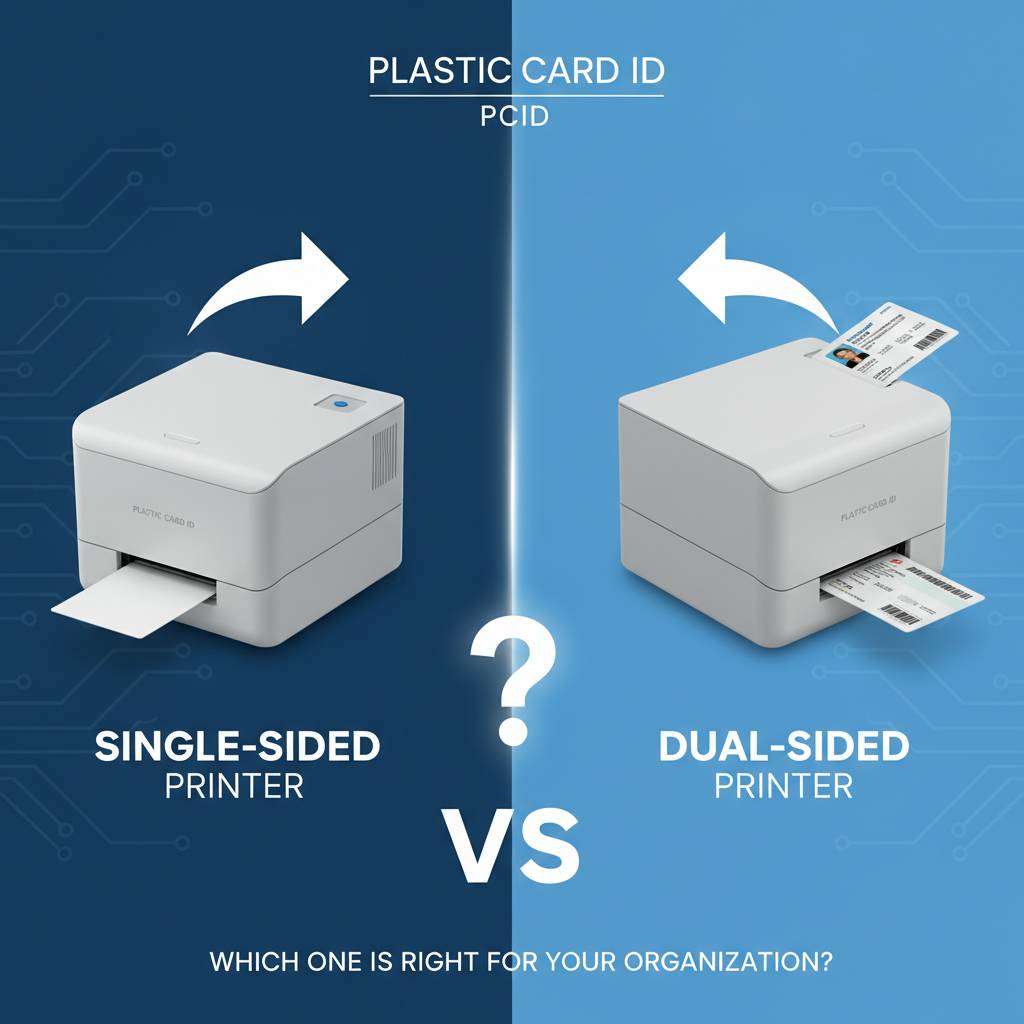 Here's a question that trips up more buyers than you'd expect: do you actually need to print on both sides of a card? It sounds straightforward, but the answer shapes your budget, your workflow, and the long-term value of every card your organization produces. Plastic Card ID has helped over 100,000 businesses across the United States navigate exactly this decision, and the nuances are worth understanding before you spend a dollar.
The choice between a single-sided and dual-sided card printer isn't just a feature checkbox. It determines print speed, ribbon consumption, hardware cost, and whether your finished cards carry the professional polish your brand demands. Whether you're issuing employee ID badges, membership cards, hotel key cards, or student credentials, getting this right from the start saves real money and real frustration.
| Feature | Single-Sided Printer | Dual-Sided Printer |
|---|---|---|
| Print Surface | Front face only | Front and back |
| Cards Per Hour | Higher throughput | Slightly reduced per flip |
| Ribbon Cost Per Card | Lower | Higher (dual ribbon usage) |
| Hardware Price | Lower initial cost | Higher initial cost |
| Best For | Simple ID, loyalty, event | Full-featured ID, access control |
| Upgrade Path | Some models upgradeable | Built-in dual module |
Understanding What Each Printer Type Actually Does
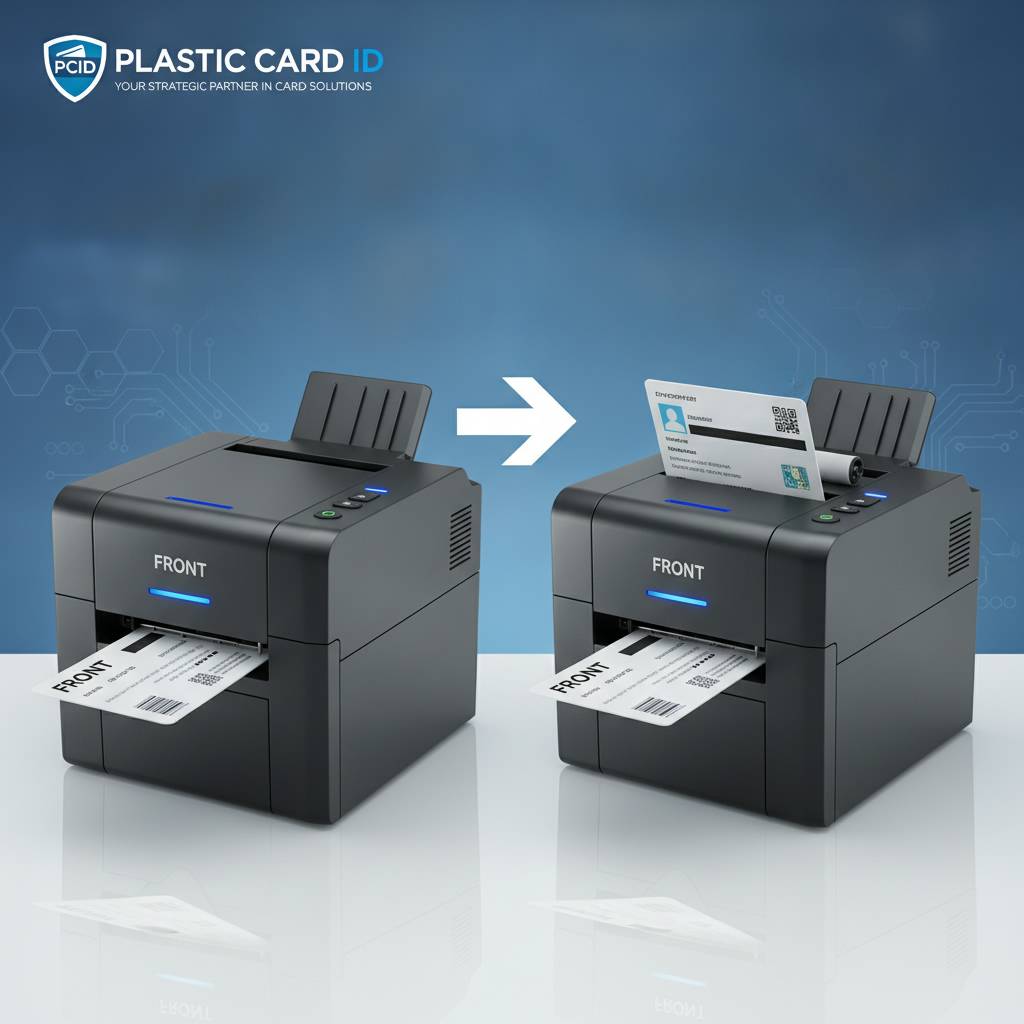 A single-sided card printer, as the name implies, applies your design, photo, text, and encoding data to one face of a PVC card. The card passes through the print head in a single motion, picks up the dye-sublimation transfer, and exits ready to use. Simple, fast, cost-effective for programs where the reverse side of the card carries pre-printed static information or remains blank by design.
A dual-sided printer, sometimes called a duplex printer, flips the card internally after the first side prints and then processes the reverse face through the same or a dedicated second print station. This internal flip mechanism is the core mechanical difference - and it adds complexity, cost, and a modest reduction in cards-per-hour throughput. For many organizations, that tradeoff is absolutely worth it.
How Single-Sided Printing Works in Practice
The card loads from the input hopper, travels across the print head, receives the dye sublimation image transfer, and exits. Most single-sided printers using a YMCKO ribbon produce full-color cards at rates of 100-200 cards per hour depending on the model. The overlay panel in a YMCKO ribbon also applies a protective coating to the printed surface in the same pass.
What many buyers don't immediately realize is that single-sided printing still allows for magnetic stripe encoding, smart chip contact encoding, and holographic lamination on the front face. Single-sided does not mean feature-limited - it simply means the print engine addresses one surface of the card. Encoding hardware operates independently of which sides receive printed imagery.
How Dual-Sided Printing Works in Practice
After the front face prints, a retraction roller pulls the card back and a flipper mechanism rotates it 180 degrees. The card then travels across the print head again, printing the reverse side. Some higher-end systems use two dedicated print heads - one per face - eliminating the flip entirely and increasing throughput significantly. The Evolis Primacy2 duplex, for example, handles both faces in near-simultaneous fashion.
Dual-sided printing doubles your design real estate. The back of an ID card is prime space: emergency contact fields, terms and conditions, barcode data, magnetic stripe panels, chip contacts, facility codes, or simply a polished secondary graphic. Organizations that fully utilize both sides produce cards that look and function like professionally manufactured credentials from a commercial print house.
Ribbon Consumption: The Ongoing Cost Factor
This is where buyers sometimes experience sticker shock after the initial purchase. With a dual-sided printer, each card consumes ribbon panels for both faces. If you're using full-color YMCKO ribbons on both sides, you're effectively using double the ribbon per card compared to a single-sided program. Over thousands of cards annually, that cost difference accumulates fast.
However, many dual-sided programs use a clever workaround: full color on the front, monochrome black on the back. A black monochrome ribbon costs a fraction of a full YMCKO ribbon per card, making this hybrid approach extremely cost-effective. CPE can help you configure a dual-sided setup that balances print quality with operational cost efficiency. Call 800.835.7919 for a detailed cost-per-card breakdown tailored to your program.
Matching Printer Type to Your Card Program Volume
Volume is the first hard variable. How many cards does your organization print per year - or per month during peak periods? A school district issuing student IDs once per academic year has dramatically different requirements than a hospital system continuously printing employee badges for new hires and contractors. Getting your volume estimate right before buying prevents costly mismatches.
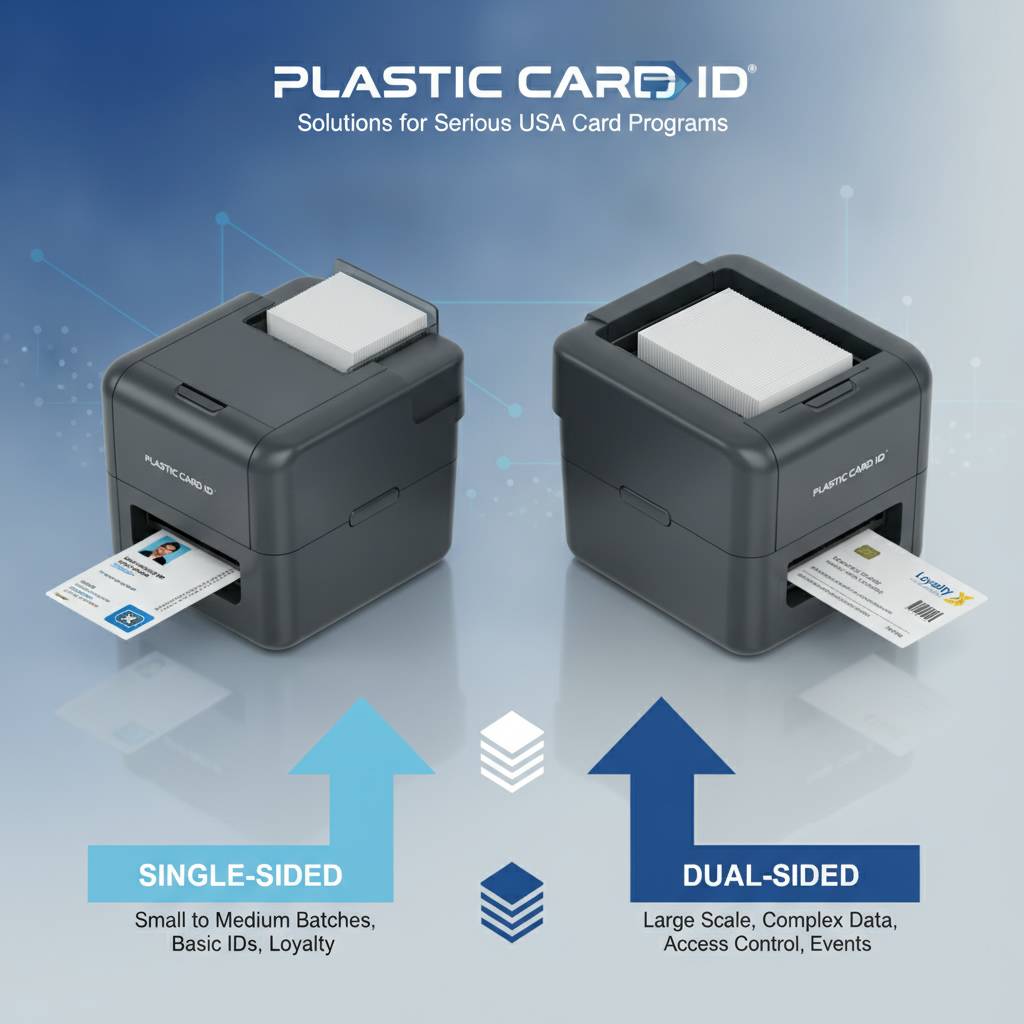
Low-volume programs often underestimate their actual needs. That "fewer than 500 cards per year" estimate sometimes balloons when you account for replacements, visitors, temporary contractors, and event credentials. Build in a realistic buffer when calculating your expected volume, and choose a printer tier that won't redline its duty cycle on a busy week.
Entry-Level Programs: Under 1,000 Cards Per Year
The Evolis Badgy200 sits squarely in this space. It's a compact, single-sided desktop printer designed for organizations with light, intermittent printing needs. Small businesses, nonprofits, community organizations, and boutique membership programs find it perfectly capable. Its accessible price point makes single-sided card printing available to programs that couldn't justify larger hardware investments.
For this volume tier, dual-sided capability is rarely necessary and the added hardware cost doesn't make financial sense. A clean, professional single-sided card printed in-house still beats a cheap outsourced alternative every time - in appearance, personalization, and turnaround speed. Focus your budget on good card stock and quality ribbons rather than duplex hardware you won't fully utilize.
Mid-Range Programs: 1,000 to 6,000 Cards Per Month
This is where the single-sided versus dual-sided decision gets genuinely interesting. The Evolis Zenius handles this range capably as a single-sided unit, while the Evolis Primacy2 steps up as a premium option available in both single and dual-sided configurations. At this volume tier, the dual-sided capability pays for itself relatively quickly if your card design demands rear-side printing.
Employee ID programs at mid-sized companies often land in this tier. A corporate headquarters issuing badges to employees across multiple departments, requiring a photo, name, and department designation on the front with an access control magnetic stripe and policy language on the back - that's a textbook dual-sided use case. The Primacy2 duplex was built for exactly this kind of professional credential production.
High-Volume Programs and Industrial Needs
Above 6,000 cards per month, or for organizations running continuous badge issuance operations, the calculus shifts entirely. The Evolis Agilia delivers edge-to-edge printing with premium output quality for demanding, high-throughput programs. Fargo and Zebra printers provide robust options particularly suited to security-focused ID programs requiring advanced encoding and durability. The Matica Event Printer covers the specific niche of high-speed on-site credential production at conferences, trade shows, and large events.
At this scale, dual-sided capability is almost always standard - not optional. Industrial card issuance programs rarely accept the limitation of a single printable face, because the operational and branding requirements at that level demand full utilization of every card surface. Input hoppers, lamination modules, and encoding upgrades become standard line items rather than optional add-ons.
Card Types That Demand Dual-Sided Printing
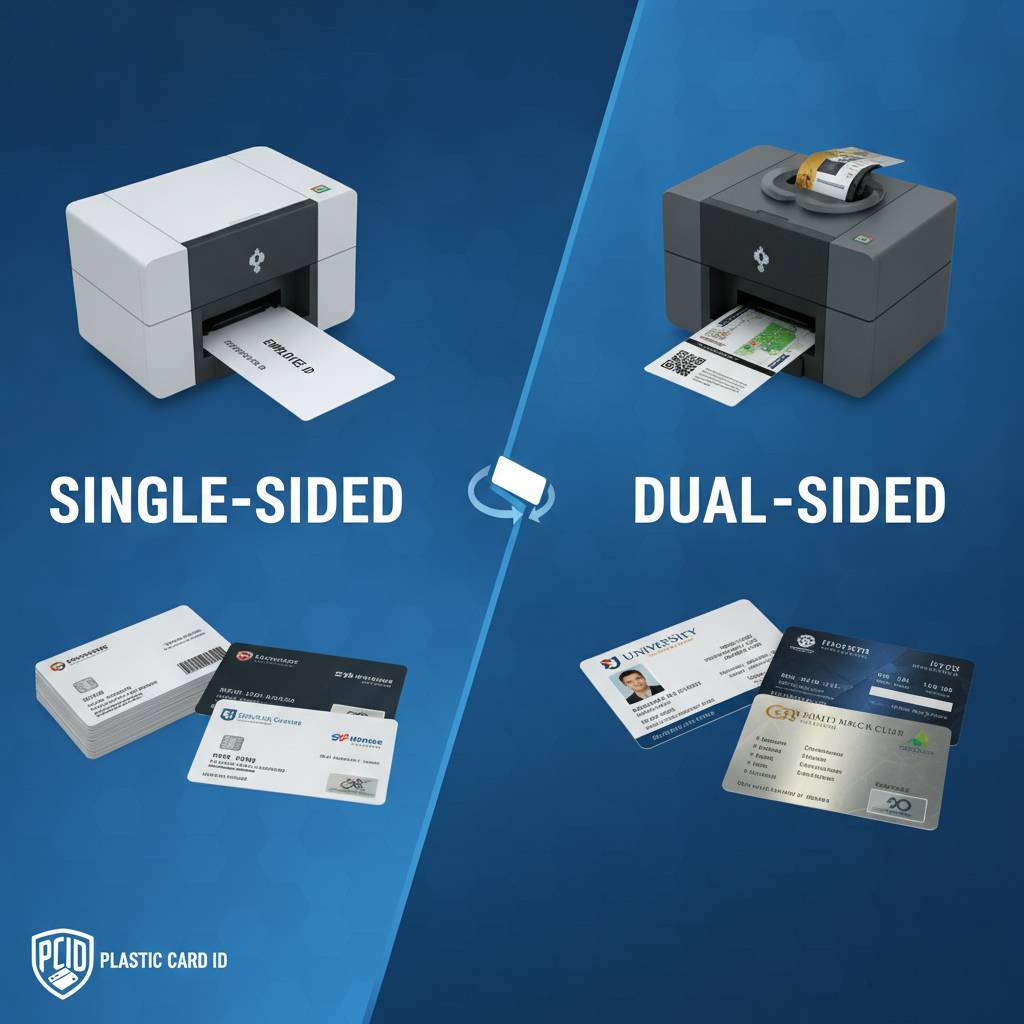 Not all card programs are created equal. Some card types genuinely require dual-sided printing to function properly - not just aesthetically, but operationally. Understanding which categories fall into this group helps you recognize early whether the duplex investment is a necessity rather than a luxury.
Think about the physical information density of a modern employee ID card. Name, photo, title, department, employee number, company logo, color-coded security tier. That's already a dense front face. Now add magnetic stripe data, facility codes, emergency contact, barcode, terms of use, and a secondary brand element. The back of the card isn't decorative - it's functional real estate your program cannot afford to waste.
Employee ID and Access Control Cards
These represent the clearest dual-sided use case. Access control cards issued to employees in regulated industries - healthcare, finance, government, education - frequently carry mandatory information fields that physically cannot all fit on a single face without sacrificing readability. Cramming too much onto a single face produces cluttered, unprofessional credentials that undermine the security and authority the card is supposed to project.
Magnetic stripe encoding and smart chip contacts typically occupy the back face of a card. A dual-sided printer allows you to print personalized information adjacent to or around these functional elements, creating a cohesive finished product rather than a front-printed card with a blank encoded back. The result is a credential that looks fully intentional and professionally produced at every inspection point.
Membership and Loyalty Cards
Membership cards for gyms, clubs, libraries, professional associations, and retail loyalty programs often use the card back for barcodes, account numbers, terms, or usage instructions. A single-sided printer printing only the branded front face leaves the reverse either blank or dependent on pre-printed generic stock - which limits your flexibility and personalization options considerably.
With a dual-sided printer, every membership card can carry personalized account data on the back, variable barcodes tied to individual members, and program-specific terms. This level of per-card personalization is only achievable with in-house dual-sided printing capability. It's one of the strongest arguments for the duplex investment even in lower-volume membership programs.
Student IDs and Institutional Credentials
Schools and universities issuing student IDs face a specific challenge: the cards must serve multiple functions simultaneously. Library access, cafeteria debit, building entry, event attendance, and student identification all bundled into one credential. The front face carries the student's photo, name, and school branding. The back carries the magnetic stripe, barcode, student number, and institutional fine print.
Single-sided printing simply cannot serve this use case fully. Educational institutions consistently represent one of the strongest buyer segments for dual-sided card printers precisely because the credential complexity demands it. A student ID that fails to print critical functional data on both faces is an incomplete credential - and incomplete credentials create operational headaches at every card-reader touchpoint on campus.
Supplies, Consumables, and the True Cost of Ownership
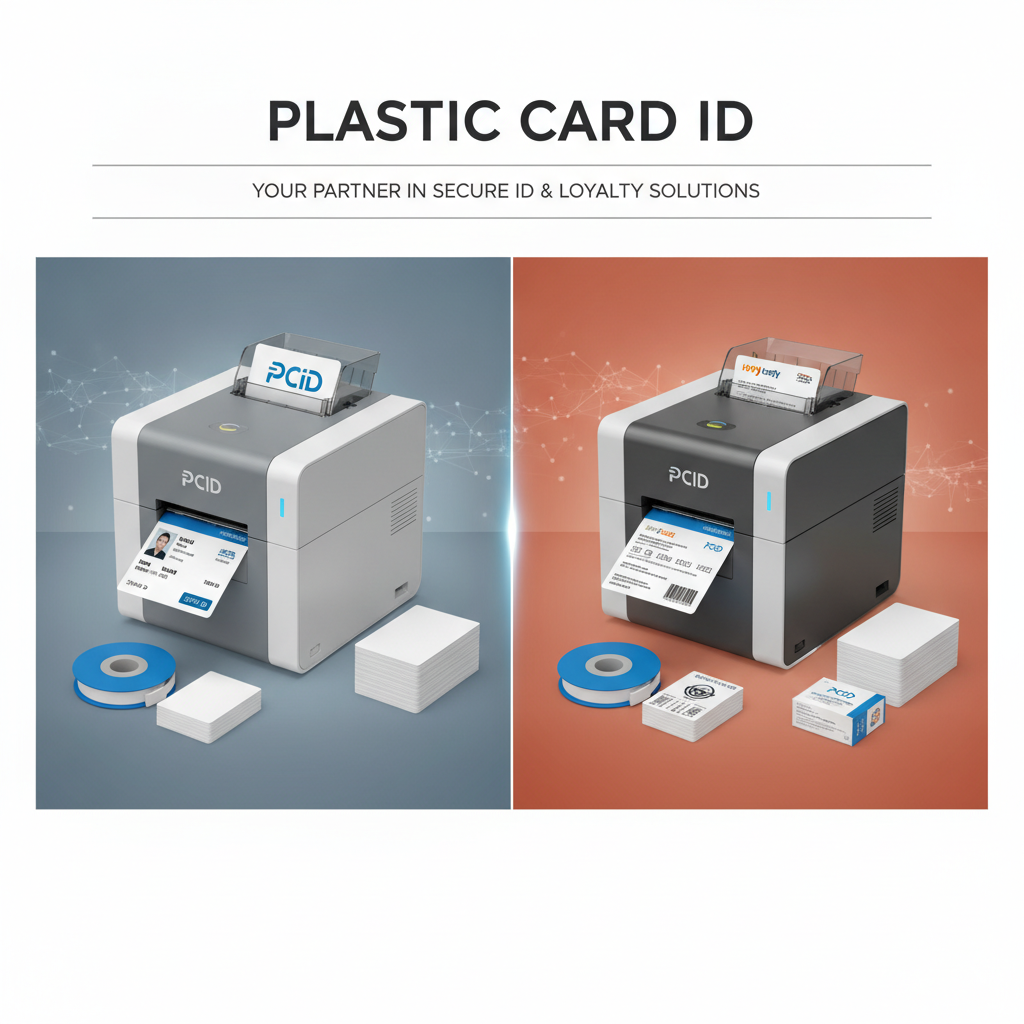 Hardware is only the beginning. The ongoing cost of operating a card printer program - ribbons, cleaning kits, card stock, lamination film, and encoding supplies - represents the larger long-term investment. CPE stocks everything needed to keep both single-sided and dual-sided card programs running smoothly, including specialty ribbons not always available from general office suppliers.
Ribbon selection alone can feel overwhelming to new buyers. YMCKO for full-color output. KO for color cards with overlay protection. Monochrome black, red, blue, gold, and silver for single-color printing. Half-panel ribbons for face-only color with black reverse-side text. Understanding how ribbon types interact with single-sided versus dual-sided programs is fundamental to budgeting accurately.
Ribbon Types for Each Printer Configuration
For single-sided programs, a standard YMCKO ribbon covers the vast majority of use cases - Yellow, Magenta, Cyan, Black resin, and Overlay in a single cartridge. Each card consumes one panel set from the ribbon roll. For dual-sided programs printing full color on both faces, you need either a YMCKOK ribbon (adding a rear-side black resin panel) or separate front and back ribbon cassettes depending on the printer model.
The hybrid dual-sided approach - YMCKO front, K-only back - is the cost-efficiency sweet spot for most mid-range programs. Color branding and photo on the front, crisp black-text functional data on the back, with consumable costs kept reasonable. This configuration works beautifully on the Evolis Primacy2 duplex and similar mid-tier models.
Cleaning and Maintenance Supplies
Dual-sided printers have more internal mechanical components than their single-sided counterparts - specifically the flip mechanism and any secondary print path. This means cleaning routines are slightly more involved and slightly more critical. Debris on internal rollers in a duplex printer can cause double-side misalignment, a defect that's immediately visible and difficult to manually correct.
Cleaning kits from Plastic Card ID are engineered for the specific printer models in the lineup. Using generic cleaning supplies on precision card printers risks damaging print heads, contaminating rollers, or voiding manufacturer warranties. Regular, model-specific cleaning is the single most cost-effective maintenance practice any card program can adopt, dramatically extending print head life and maintaining consistent output quality over thousands of card cycles.
Lamination Modules and Encoding Upgrades
Lamination modules add a protective overlay film to finished cards, increasing durability and adding a tamper-evident security layer. They're available for both single-sided and dual-sided programs. Encoding upgrades - magnetic stripe encoders, contact smart chip encoders, and contactless RFID modules - operate independently of whether the printer is duplex or simplex.
Buyers should note that adding a lamination module to a dual-sided printer adds both cost and physical footprint. These expanded systems require more desk or counter space and a slightly higher per-card consumable cost for lamination film. The security and durability payoff is substantial for credentials that see heavy daily use, particularly in access control and high-traffic institutional environments where card wear is a genuine operational concern.
Common Buyer Questions Answered Directly
Years of supplying card printers to businesses across every industry generates a consistent pattern of questions. The single-sided versus dual-sided comparison generates more of them than almost any other product decision. Here are the most frequently encountered questions, answered without sales spin.
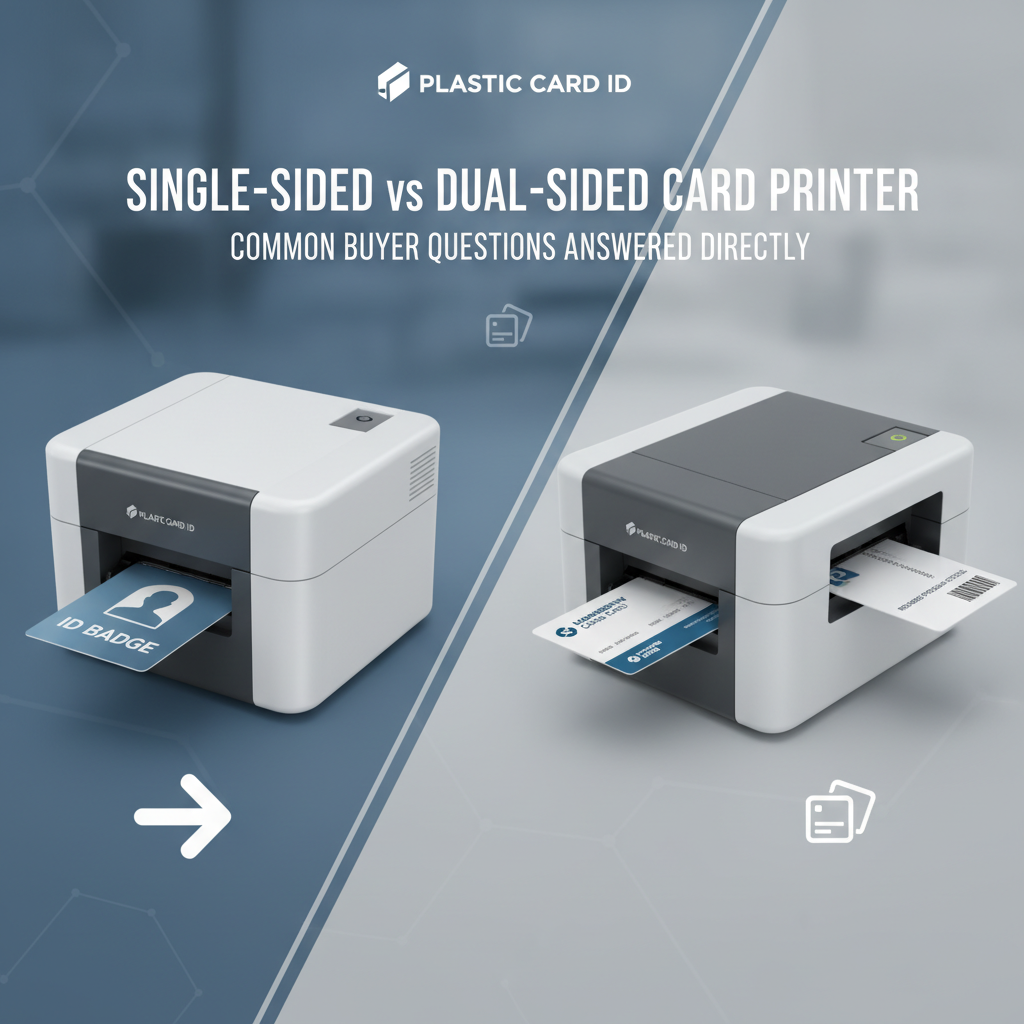
Can I Upgrade a Single-Sided Printer to Dual-Sided Later?
Some models support a factory upgrade to dual-sided capability - the Evolis Primacy2, for instance, is available in single-sided form with an upgrade path to duplex. Other models are fixed at the time of manufacture and cannot be converted. If there's any realistic chance your program will need duplex capability within two to three years, buying the upgradeable version upfront is almost always smarter than replacing the hardware entirely.
The upgrade cost is consistently less than purchasing a new unit, and the learning curve on familiar hardware is zero. Confirm upgrade availability for any specific model with CPE before purchasing - this is a detail that matters significantly at budget renewal time when program requirements have grown beyond the original specification.
Does Dual-Sided Printing Slow Down Production?
In most single-print-head duplex systems, yes - modestly. The flip mechanism adds time per card, typically reducing throughput by 20-40% compared to single-sided mode on the same hardware. For most programs printing dozens to a few hundred cards per session, this reduction is entirely imperceptible in practical terms. A 20% throughput reduction on a 150-card-per-hour printer still produces well over 100 finished cards per hour.
High-throughput systems using dual print heads rather than a single-head flip mechanism largely eliminate this penalty. If your program requires maximum cards-per-hour output at dual-sided quality - event credentials for a 5,000-person conference, for example - the Matica Event Printer and upper-tier Evolis Agilia represent the appropriate hardware tier. Volume requirements should drive hardware selection, not the other way around.
What If My Card Design Only Occasionally Needs a Printed Back?
This is a nuanced scenario. If 80% of your card runs are single-sided and 20% require a printed back - guest passes, temporary credentials, event badges - you have a few options. A dual-sided printer can operate in single-sided mode for standard runs, preserving throughput and ribbon economy, then switch to duplex mode when needed. The flexibility of a duplex printer operating in simplex mode costs you nothing operationally.
Alternatively, a single-sided printer with pre-printed card stock carrying static back-face content can serve mixed-use programs efficiently. Pre-printed PVC card blanks with a generic reverse design can be fed through a single-sided printer for personalized front-face printing. This approach works well when the back content is truly static - the same legal text, logo, or barcode on every card regardless of the individual cardholder.
Why Plastic Card ID Is the Right Partner for This Decision
 Choosing between a single-sided and dual-sided printer is, ultimately, a business decision - not just a hardware specification. It affects budget, workflow, card program capability, and the professional impression your credentials make on everyone who holds them. Getting expert guidance from a supplier who has navigated this decision with over 100,000 organizations is an advantage you should use.
Twenty-five years of specialization in plastic card printers and related hardware means CPE carries genuine product knowledge that a general office equipment distributor simply cannot match. The curated lineup of Evolis, Fargo, Zebra, and Matica printers reflects deliberate selection - each model chosen because it serves a defined segment of buyer need exceptionally well, not because it fills a catalog page.
A Lineup Built for Every Production Scale
From the Evolis Badgy200 for the small organization printing under 1,000 cards per year, to the Evolis Agilia for premium edge-to-edge output at scale, to the Matica Event Printer for high-speed on-site credential production - there is a precisely right printer in this lineup for every card program configuration. Both single-sided and dual-sided options exist at every relevant price and performance tier.
Fargo and Zebra printers round out the security-focused segment, offering robust encoding options and compliance-grade credential production for government, healthcare, and financial institution ID programs. The right printer isn't the most expensive one or the one with the most features - it's the one that matches your actual volume, card complexity, and budget with no significant over- or under-specification.
Full Program Support Beyond the Hardware
Printer ribbons, cleaning kits, lamination modules, encoding upgrades, input hoppers, card carriers, and sleeves - everything needed to keep a card program operational is available from Plastic Card ID. Sourcing consumables from the same supplier who understands your printer model eliminates compatibility guesswork and ensures every component in your card program is engineered to work together.
Call 800.835.7919 to speak with a card printer specialist who can map your specific program requirements to the right hardware and consumable configuration. Whether you're launching a new card program or upgrading an existing one, the conversation typically takes less time than buyers expect and delivers more clarity than they anticipated.
In-House Printing: The Control Advantage
Every organization that moves card production in-house gains something vendors can't sell them: complete control over timing, content, personalization, and encoding. No waiting on external print vendors. No minimum order quantities. No lead times between the moment an employee starts and the moment they hold their credential. Print one card or print five hundred - on demand, exactly when needed.
The combination of in-house printing control with dual-sided capability specifically means every card your organization produces can carry the maximum possible information, functionality, and professional quality without compromise or external dependency. That's a meaningful operational advantage that compounds in value over every year the program runs.
Ready to find the right card printer for your program? Talk to a specialist today.
Make the Right Choice With Plastic Card ID
 The single-sided versus dual-sided decision is clearer than it might initially appear once you honestly assess your card program's requirements: the information you need to print, the volume you'll produce, the functionality your cards must carry, and the budget available for hardware and consumables. Plastic Card ID makes that assessment straightforward with expert guidance, a purpose-built product lineup, and 25 years of experience serving every type of organization that prints plastic credentials.
Don't leave this decision to guesswork or generic product descriptions. Call Plastic Card ID at 800.835.7919 and get a clear, honest recommendation from specialists who print professional cards every day for businesses just like yours. The right printer is out there. Let's make sure you're running it.
Card Printer DPI Resolution Guide: What You Need to Know
Previous Page