Card Printer Lamination Module Explained: Benefits Options
Table of Contents []
- What a Lamination Module Actually Does for Your Card Printer - Plastic Card ID
- The Core Mechanics: How a Lamination Module Works
- Why Card Lamination Dramatically Extends Card Life
- Lamination Module Options Across the PCID Printer Lineup
- Lamination Supplies: Ribbons, Films, and Maintenance
- Frequently Asked Questions About Card Printer Lamination Modules
- Buyer's Guide: Choosing the Right Lamination Setup for Your Organization
What a Lamination Module Actually Does for Your Card Printer - Plastic Card ID
 Most people shopping for a card printer focus on print resolution, ribbon type, and throughput speed. Lamination? It gets a footnote. That's a mistake. The lamination module might be the single most powerful upgrade you can add to a professional card printing setup - and yet it remains one of the least understood components in the entire workflow. This page exists to fix that.
Whether you're running a school ID program, managing hotel key card production, or issuing employee credentials for a secure facility, understanding how lamination modules work - and why they matter - will directly affect the quality, durability, and longevity of every card you print. Let's get into the specifics.
| Printer Model | Lamination Module Available | Overlay Type | Best Use Case |
|---|---|---|---|
| Evolis Primacy2 | Yes | Film patch / varnish overlay | Employee IDs, membership cards |
| Evolis Agilia | Yes | Film patch / holographic | High-security credentials, premium output |
| Fargo HDP Series | Yes | Topcoat / film laminate | Government ID, access control |
| Zebra ZC Series | Select models | Varnish topcoat | Corporate badges, loyalty cards |
| Evolis Badgy200 | No | N/A | Low-volume, basic badge programs |
The Core Mechanics: How a Lamination Module Works
 A lamination module is a hardware attachment - sometimes built directly into a printer, sometimes added as a modular unit - that applies a protective layer over the surface of a freshly printed card. This happens inline, meaning the card moves from the print station directly into the lamination station without any manual handling. The result is a finished, protected card that exits the printer ready for immediate use.
The process sounds simple. In practice, it involves precise heat and pressure applied to a laminate film or patch that bonds to the card surface at a molecular level. Temperature calibration matters enormously here - too hot and the card warps, too cool and adhesion fails. Professional-grade modules from Evolis, Fargo, and Zebra handle this calibration automatically.
Film Patch Lamination vs. Varnish Overlay
There are two primary lamination approaches you'll encounter: film patch lamination and varnish overlay. Film patches are discrete sections of protective film applied to specific areas of the card - often the full face, sometimes just the photo or signature zone. Varnish overlays, by contrast, coat the entire card surface with a thin, continuous protective layer. Film patches generally offer superior physical protection, while varnish overlays are faster and more cost-efficient for high-volume runs.
Your choice between these two methods should be driven by the card's intended lifespan and handling conditions. Cards that will be swiped through readers, exposed to weather, or handled dozens of times daily benefit significantly from film patch lamination. Administrative credentials used infrequently in climate-controlled offices can often get by with a quality varnish coat.
Holographic and Security Overlaminates
Step up from standard protective film and you enter the world of holographic overlaminates - the same technology used in government-issued documents and financial cards. These films contain optically variable designs that are nearly impossible to replicate without the original film source. Holographic overlaminates transform a standard PVC card into a security credential that actively resists counterfeiting and tampering.
Evolis, particularly through the Agilia platform, supports holographic overlaminate options that give organizations issuing high-stakes credentials - think facility access, student IDs at universities, or event credentials for restricted areas - a meaningful security advantage. The visual deterrent alone reduces fraud attempts. Combined with encoding, it creates a multi-layered identity verification system.
Inline vs. Offline Lamination Units
Inline lamination means the module is physically connected to the printer and processes cards automatically as part of a single print-and-finish cycle. Offline units are standalone machines that laminate cards after printing. For most organizations, CPE recommends inline solutions - they eliminate manual steps, reduce handling errors, and keep throughput consistent without requiring a dedicated lamination operator.
Offline lamination has its place in very high-volume scenarios where a single laminator serves multiple printers simultaneously. But for the typical enterprise, school, or membership organization printing a few hundred to a few thousand cards monthly, inline integration is cleaner, faster, and operationally simpler.
Why Card Lamination Dramatically Extends Card Life
An unlaminated PVC card printed with a standard YMCKO ribbon is vulnerable from the moment it exits the printer. Oils from fingerprints, UV light from sunlight exposure, abrasion from wallets and badge holders - all of these degrade print quality over time. Colors fade. Edges scratch. Photos lose clarity. Without protection, a card that looks sharp on day one may look worn and unprofessional within six months.
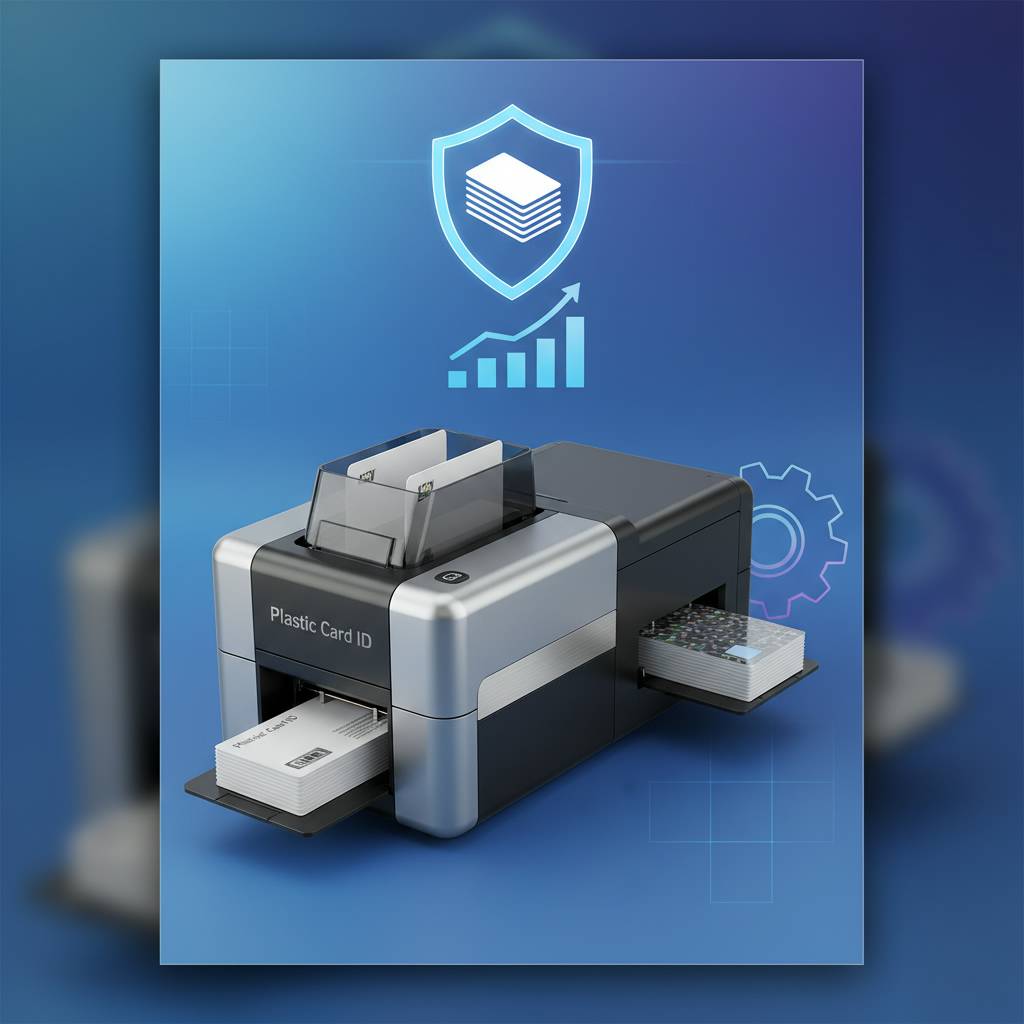
Laminated cards can last three to five times longer than unlaminated equivalents under the same conditions. For organizations that reissue cards annually or less frequently - universities, corporate HR departments, membership clubs - this durability translates directly into cost savings and less administrative overhead.
Physical Durability Under Real-World Conditions
Think about what a daily-use ID badge actually endures. It gets clipped to a lanyard, tossed into a bag, swiped through a reader multiple times per day, occasionally dropped on pavement, and sat on. Standard card stock without lamination can show wear within weeks under these conditions. A film-laminated card absorbs that punishment without compromising the printed image beneath.
The laminate layer also provides a measure of structural rigidity. Cards that flex repeatedly - especially around reader swipe zones - can develop hairline fractures in the card substrate. Lamination distributes mechanical stress more evenly across the card surface, reducing the likelihood of cracking or delamination at the edges.
UV and Chemical Resistance
Outdoor-facing credentials - event wristbands, parking permits, contractor badges used at construction sites - face UV degradation that indoor cards never encounter. Standard dye-sublimation prints are particularly susceptible; UV rays break down the dye molecules and cause noticeable fading within weeks of outdoor exposure. UV-resistant laminate films block the wavelengths responsible for this fading, preserving print vibrancy for the full intended lifespan of the card.
Chemical resistance matters too. Cards used in food service environments, laboratories, or healthcare settings may come into contact with cleaning agents, hand sanitizers, or other solvents that attack unprotected print layers. Lamination creates a chemically inert barrier that keeps the underlying print intact regardless of surface contact.
When You Don't Need Lamination
Not every application requires lamination, and CPE wants to be straightforward about that. Short-term event credentials that will be discarded after a single day? A clean YMCKO print without lamination is perfectly adequate and more cost-efficient. Temporary visitor badges used once and shredded? Same answer. Lamination is an investment that pays off when card longevity and professional presentation genuinely matter.
Entry-level printers like the Evolis Badgy200 don't support lamination modules, and that's intentional. They're designed for organizations printing fewer than 1,000 cards per year where operational simplicity and low upfront cost are the priorities. Understand your volume and use case before deciding whether lamination is a requirement or a luxury.
Lamination Module Options Across the PCID Printer Lineup
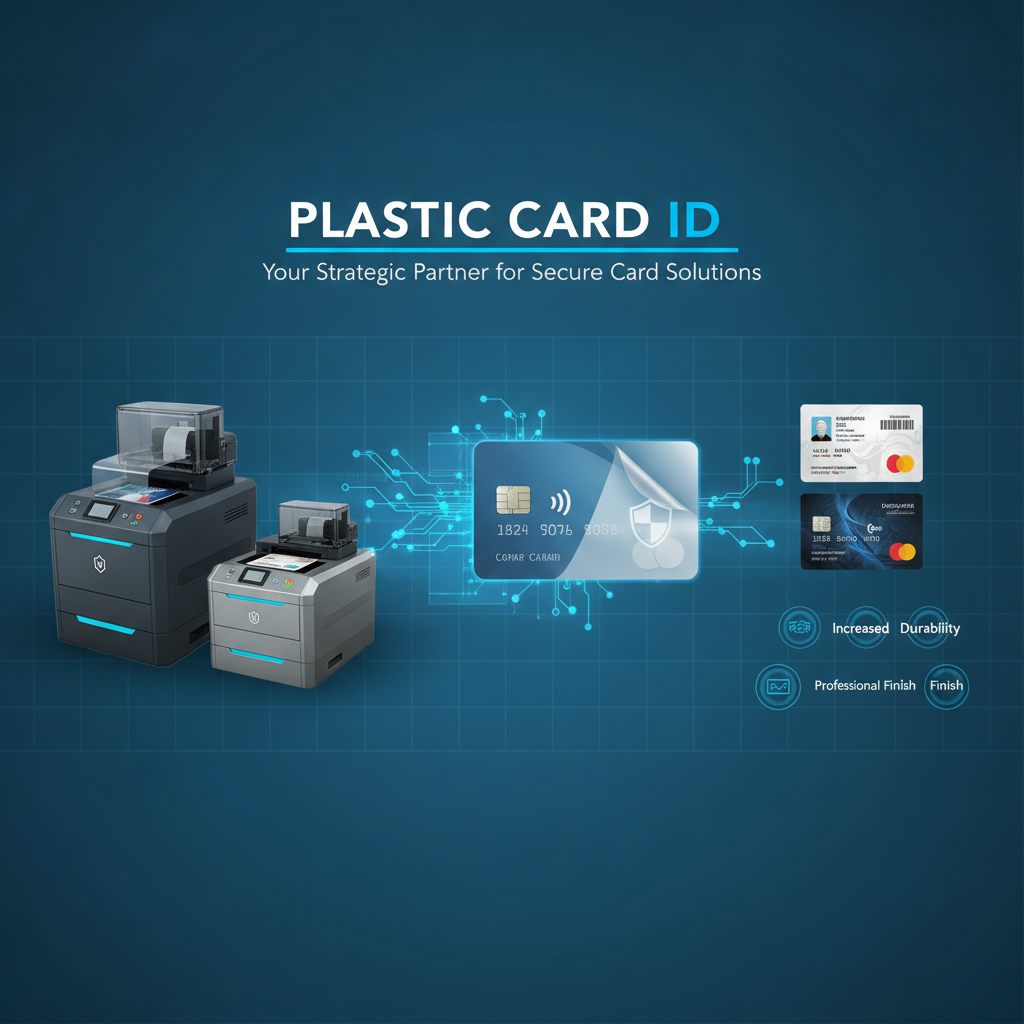 Not all printers support lamination modules, and among those that do, the implementation varies significantly. Understanding what's available across the Evolis, Fargo, Zebra, and Matica lines will help you spec a complete card printing system rather than discovering limitations after purchase.
The Evolis Primacy2 is arguably the most versatile mid-range option for organizations that want lamination capability without stepping up to a full industrial system. Its modular architecture allows the lamination unit to be added at purchase or retrofitted later - a practical advantage for organizations whose needs evolve over time.
Evolis Agilia: Premium Lamination at Scale
The Agilia represents Evolis's flagship output quality, and its lamination capabilities match that positioning. Supporting both standard film patches and holographic overlaminates, the Agilia is built for organizations that refuse to compromise on credential quality. Edge-to-edge printing paired with high-grade lamination produces cards that genuinely rival centralized card issuance facilities in visual impact and durability.
Volume-wise, the Agilia handles mid-to-high throughput comfortably, making it suitable for universities managing thousands of student IDs per semester, hospitals issuing staff credentials across multiple facilities, or corporate campuses with frequent employee onboarding. The lamination module integrates seamlessly into the Agilia's inline workflow without creating a throughput bottleneck.
Fargo and Zebra: Security-Centric Lamination
Fargo's HDP (High Definition Printing) series has long been a favorite for government and security-focused ID programs. The HDP process prints onto a clear film that is then transferred to the card surface - and lamination in this context adds yet another protective and security layer on top of that already-robust substrate. The combination of HDP printing and film lamination produces cards that are exceptionally difficult to tamper with or clone.
Zebra's ZC series offers varnish topcoat options on select models, providing a cost-effective way to add basic protection to corporate badge programs without the full investment of a film lamination module. For organizations prioritizing economy and reasonable durability over maximum security, Zebra's approach hits a practical middle ground.
Matching Lamination to Your Card Program Needs
To reach the team at Plastic Card ID and discuss which lamination-capable printer best fits your specific program, call 800.835.7919. The right configuration depends on your monthly volume, security requirements, budget, and how long your cards need to last in the field. A quick conversation with an experienced advisor can save significant time and money.
Don't guess on a configuration this important. Whether you need holographic security overlaminates for a university credential program or simple film patches for a corporate membership card, the printer and module combination needs to match your real-world workflow - not just your best-case assumptions.
Lamination Supplies: Ribbons, Films, and Maintenance
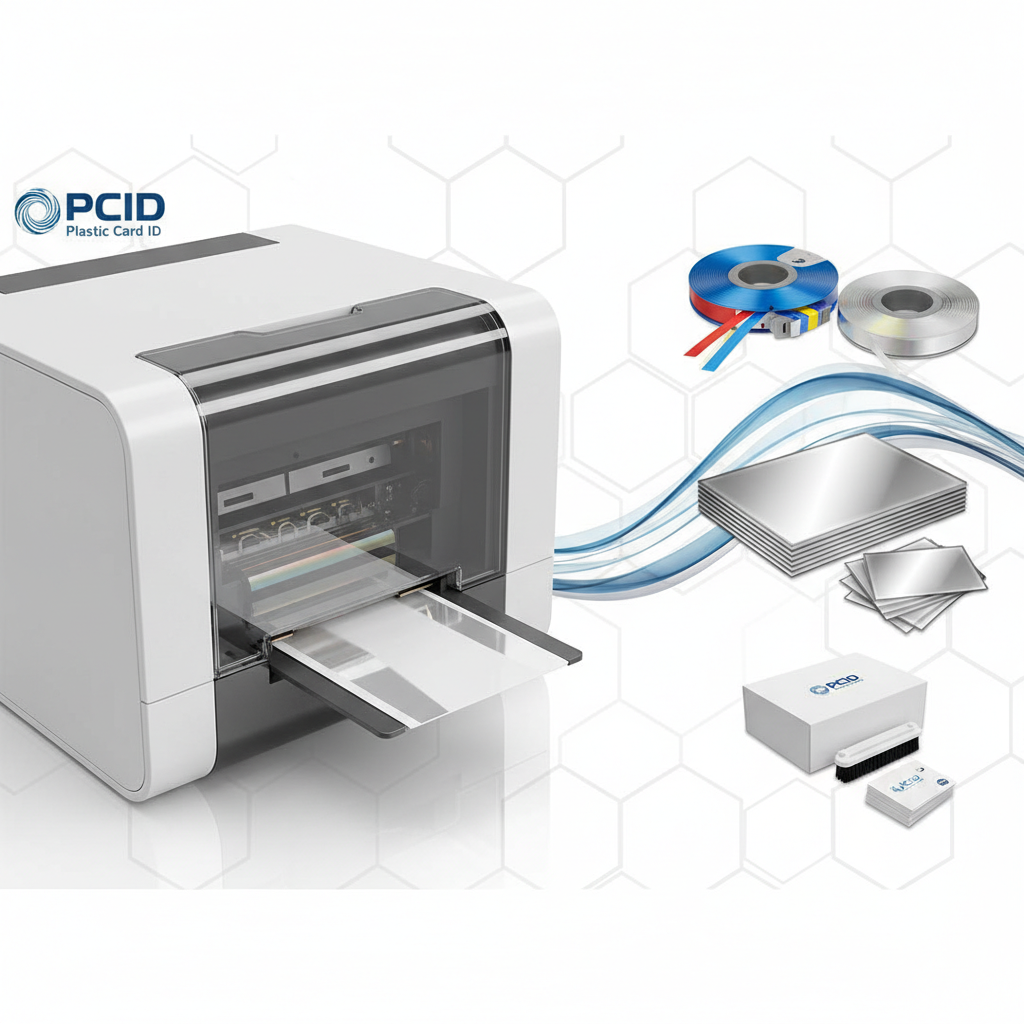 The lamination module is only as good as the supplies running through it. Films degrade if stored improperly, and low-quality laminate stock can cause adhesion failures, bubbling, or uneven coverage that ruins otherwise perfect cards. Using manufacturer-certified supplies is not optional when you're running a professional card program - it's the difference between consistent output and constant troubleshooting.
Plastic Card ID supplies the full range of lamination consumables alongside printers, ensuring that customers can source everything from a single, knowledgeable vendor rather than hunting across multiple suppliers for compatible materials.
Types of Laminate Films Available
- Standard clear film patches - Full-face coverage for maximum physical protection on daily-use credentials
- Holographic security overlaminates - Optically variable designs that add anti-counterfeiting value to high-security IDs
- Scratch-resistant matte films - Reduce glare and fingerprint visibility on cards handled frequently in professional environments
- UV-resistant clear films - Preserve print vibrancy on credentials with outdoor or high-light exposure
- Partial-area patch films - Applied to specific card zones (photo, signature) rather than full-face coverage
Cleaning Kits and Module Maintenance
Lamination modules have moving parts and heated rollers that accumulate dust, card debris, and adhesive residue over time. Neglecting routine cleaning leads to streaks, uneven lamination, and eventually roller damage that requires professional service. A proper cleaning cycle takes under ten minutes and can add years to a module's operational life.
Cleaning kits specific to lamination modules - distinct from standard print head cleaning kits - include specialized swabs and cleaning cards designed to address the heated roller environment without leaving residue. CPE keeps these in stock alongside printer ribbons and laminate films so customers aren't caught short mid-run.
Storage and Handling of Laminate Stock
Laminate film rolls and patches should be stored in climate-controlled environments away from direct light and humidity. Exposure to temperature swings causes film to warp or develop tension irregularities that translate to poor adhesion during application. Proper storage conditions preserve film quality and prevent costly reprints caused by lamination failures that were entirely avoidable.
When loading new film into a module, follow manufacturer guidelines precisely. Over-tensioning the film roll during installation is a common cause of edge lifting and partial coverage. Take the extra two minutes to verify proper seating before running a production batch.
Frequently Asked Questions About Card Printer Lamination Modules
The questions below represent the most common points of confusion that organizations encounter when evaluating lamination for their card programs. Clear answers here can meaningfully accelerate a purchasing decision.
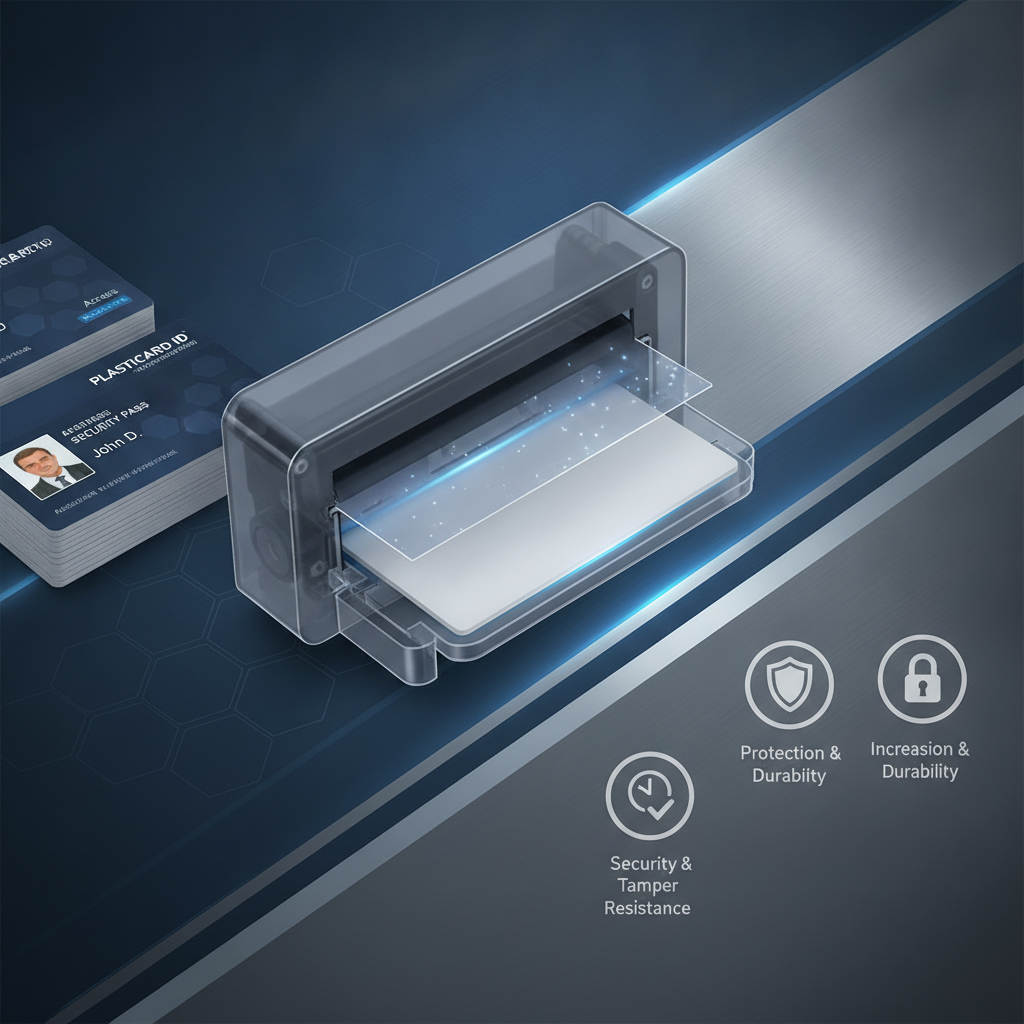
Does lamination slow down card printing?
Yes, modestly. Adding a lamination pass to each card increases the total cycle time per card. The exact throughput reduction depends on the printer model and lamination type - film patches take longer than varnish overlays due to the additional mechanical steps involved. On a printer like the Evolis Primacy2, laminated output runs at roughly half the cards-per-hour rate of non-laminated output. For most organizations, this trade-off is entirely acceptable given the durability gains.
High-throughput operations where volume is truly time-sensitive should evaluate the Evolis Agilia or Fargo HDP series, which are engineered for faster lamination cycles without sacrificing quality. The throughput penalty exists but is minimized in these higher-spec systems.
Can I add a lamination module to my existing printer?
It depends entirely on the printer model. Modular printers like the Evolis Primacy2 and Agilia are specifically designed for retrofit upgrades - the lamination module connects to the printer via a documented interface and the printer firmware recognizes the addition automatically. Legacy printers or entry-level models generally don't support this kind of expansion.
If you're purchasing a new printer and anticipate wanting lamination capability in the future, spec for a modular platform from the start. Retrofitting a compatible module later is significantly cheaper than replacing an entire printer because the original model didn't support lamination. Future-proofing your printer selection is a legitimate procurement strategy that pays dividends over a multi-year hardware lifecycle.
What's the cost difference between laminated and non-laminated card production?
Lamination film adds real cost per card - estimates range from a few cents for varnish overlays to $0.15-$0.50 or more per card for quality film patches, depending on the film type and purchase volume. Holographic security films carry a premium. When calculating total cost of ownership, however, factor in the reduced card replacement frequency that lamination enables.
An organization replacing unlaminated badges every six months versus laminated badges every two years may find that lamination pays for itself purely in reissuance savings, independent of any productivity benefit from fewer card replacement cycles. The math favors lamination in most programs where cards are expected to last more than a year.
Buyer's Guide: Choosing the Right Lamination Setup for Your Organization
 Selecting a lamination-capable card printer involves more variables than most buyers initially expect. The decision isn't just about the module itself - it's about the whole system: printer platform, film type, software integration, supply chain, and ongoing maintenance. Getting this right the first time matters.
Start with your volume and lifespan requirements, not with the hardware specifications. How many cards do you print per month? How long does each card need to remain in presentable condition? Are security features like holographic overlaminates a requirement, or is basic physical protection sufficient? Answering these questions first will narrow your options dramatically.
Key Factors to Evaluate Before Purchasing
- Monthly print volume - Low-volume programs (under 500 cards/month) can often meet needs with Primacy2-class systems; higher volumes warrant Agilia or Fargo HDP consideration
- Security requirements - Access control credentials, government IDs, and university cards benefit from holographic overlaminates; basic corporate badges typically don't require this level
- Card lifespan expectations - Cards lasting 1-2 years in daily use should be film laminated; short-term credentials lasting days or weeks may not need lamination at all
- Budget per card - Total lamination cost includes film, module amortization, and maintenance; run a realistic cost-per-card calculation before committing
- Encoding requirements - If cards require magnetic stripe or smart chip encoding, confirm the printer and lamination module combination supports inline encoding without workflow interruption
Working with Plastic Card ID to Configure the Right System
With over 25 years in the industry and more than 100,000 customers served across the United States, CPE has configured card programs for virtually every use case imaginable. That depth of experience translates into practical advice that goes beyond what any product specification sheet can offer. When you describe your card program requirements, the team can recommend not just a printer, but a complete system including ribbons, lamination films, cleaning supplies, and encoding modules.
The difference between buying the right system and buying the wrong system often comes down to a single conversation had before the purchase order is placed. Don't skip that conversation. It costs nothing and routinely saves organizations from expensive mistakes.
Getting Started: Next Steps
If you're ready to evaluate lamination-capable printers for your card program, the most efficient next step is a direct conversation with the Plastic Card ID team. Bring your volume numbers, your security requirements, and any questions this page raised - the answers will be specific, practical, and immediately actionable.
Card programs that look professional and last long don't happen by accident. They happen because the right equipment was selected, configured, and maintained by people who know what they're doing. That's what 25 years of focused experience in this specific market actually looks like in practice.
Ready to build a card program that produces laminated, durable, professional credentials at the quality level your organization deserves? Call Plastic Card ID today at 800.835.7919 and speak with an expert who can help you configure the right printer, lamination module, and supplies for your exact needs.
Card Printer Maintenance Tips for Longer Print Life
Previous Page