Card Printer Ribbons Types YMCKO Explained: Full Guide
Table of Contents []
- Card Printer Ribbons Types YMCKO Explained - Plastic Card ID
- What Is a Card Printer Ribbon and How Does It Work?
- YMCKO Ribbons: The Industry Standard Explained
- YMCKOK Ribbons: Dual-Sided Full-Color Printing
- Monochrome Ribbons: Speed, Volume, and Efficiency
- Specialty Ribbons and Advanced Encoding Options
- Choosing the Right Ribbon for Your Card Program
Card Printer Ribbons Types YMCKO Explained - Plastic Card ID
 Walk into any organization that prints its own ID badges, membership cards, or access credentials, and somewhere nearby you'll find a ribbon cartridge doing the quiet, essential work of making those cards look professional. Most people never think twice about it - until they order the wrong type and end up with faded colors, missing data, or cards that scratch too easily. Understanding card printer ribbon types is not a niche technical exercise. It's genuinely practical knowledge that saves money, prevents wasted print runs, and keeps your card program running without headaches.
At Plastic Card ID, ribbon selection is one of the most common topics customers bring up - and rightfully so. With over 25 years supplying plastic card printers and accessories to more than 100,000 businesses across the United States, CPE has seen every combination of printer, ribbon, and application imaginable. The guidance here reflects that real-world experience. Whether you're setting up a new ID program or optimizing an existing one, this breakdown will help you choose exactly the right ribbon for the job.
| Ribbon Type | Best For | Typical Yield | Color Output |
|---|---|---|---|
| YMCKO | Full-color ID cards, one side | 200-500 cards | Full color black overlay |
| YMCKOK | Full-color dual-sided cards | 200-500 cards | Full color dual black overlay |
| KO (Monochrome Overlay) | Single-color print with protection | 500-1,000 cards | Single color overlay |
| K (Monochrome) | High-volume, single-color, barcode | 1,000-1,500 cards | Single color only |
| Specialty (Silver, Gold, etc.) | Premium or event credentials | Varies by type | Metallic or custom tones |
What Is a Card Printer Ribbon and How Does It Work?
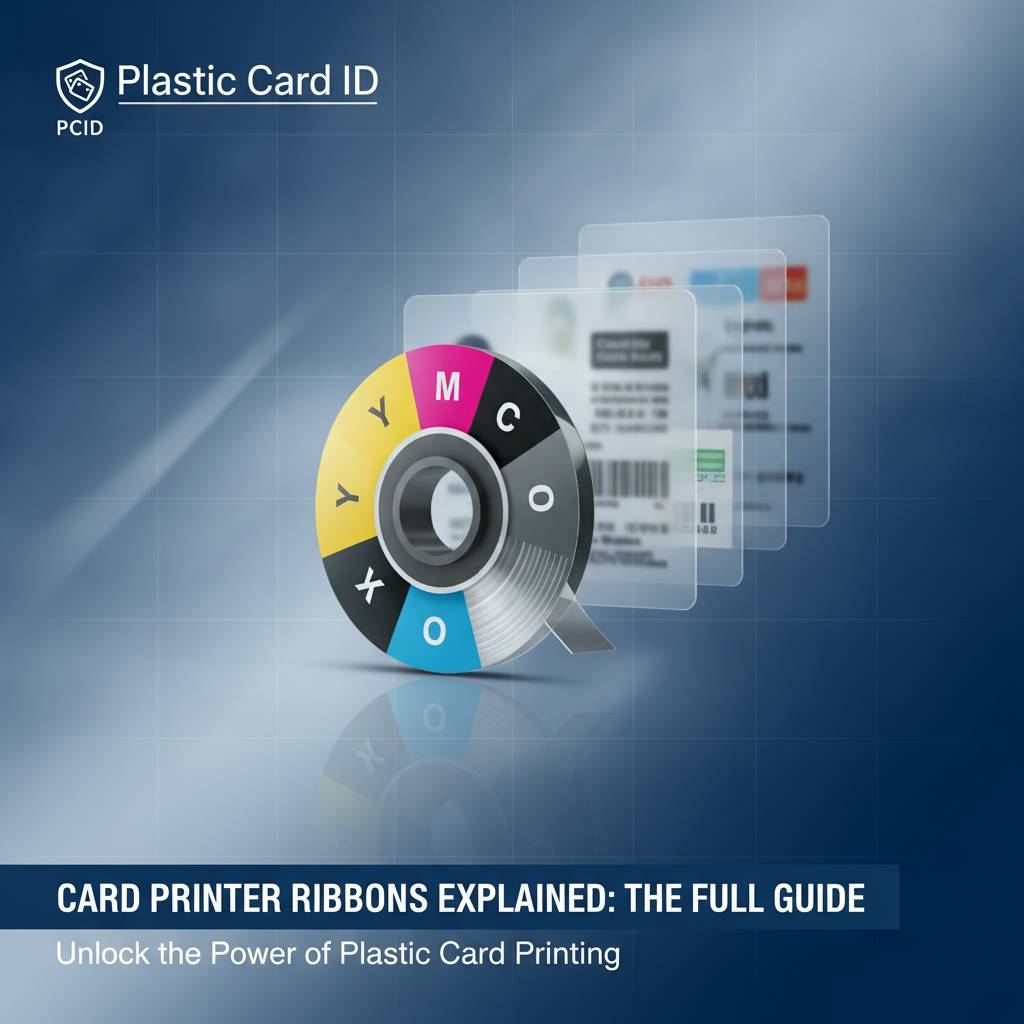 Unlike the ink cartridges in a standard office printer, card printer ribbons use a dye sublimation or thermal transfer process to apply color and protective coatings directly onto the surface of a PVC card. The ribbon itself is a long, thin film divided into repeating panels - each panel containing a specific color dye or coating material. As the card passes through the printer's printhead, heat is applied at precise levels, transferring the dye from each panel onto the card in sequence.
The result is a continuous-tone image with smooth gradients and photographic quality that inkjet or laser printing simply cannot replicate on a hard plastic surface. That's what makes dye sublimation the gold standard for professional card printing. The ribbon panels are consumed one print at a time, which is why ribbon yield is measured in cards per roll rather than pages per cartridge.
The Role of Each Ribbon Panel
Every ribbon panel has a specific job. Color panels (Yellow, Magenta, Cyan) mix together to create the full-color image you see on the card. The resin black panel (K) handles sharp text, barcodes, and fine details - elements that look blurry or washed out when printed with color dyes alone. The overlay panel (O) applies a clear protective coating over the entire printed surface, adding durability and resistance to scratching, fading, and handling wear.
Understanding these individual roles clarifies why ribbon selection matters so much. A ribbon missing the overlay panel leaves cards vulnerable. A ribbon without the resin black panel produces text that looks soft rather than crisp. Each panel serves a distinct, non-negotiable function in producing a finished, professional card.
Dye Sublimation vs. Thermal Transfer Ribbons
Most full-color card printers use dye sublimation ribbons, where heat causes dye to vaporize and diffuse into the card surface for a smooth, blended result. Thermal transfer ribbons, by contrast, physically melt a resin or wax layer onto the card - this is typically used for monochrome printing where sharp, defined marks (like barcodes or text) are the priority rather than photographic gradients.
Knowing which technology your printer uses is the first step to selecting the right ribbon. Brands like Evolis, Fargo, Zebra, and Matica - all carried by CPE - each specify compatible ribbon types for their respective printer models. Using an incompatible ribbon isn't just inefficient; it can damage the printhead and void warranties.
Printer Compatibility and Why It Matters
Card printer ribbons are not universal. Each printer manufacturer designs ribbons specifically for their hardware, and in many cases, specific models within the same brand require different ribbon formats. An Evolis Primacy2 ribbon is engineered differently from an Evolis Badgy200 ribbon, even though both are Evolis products printing the same type of card.
When ordering through Plastic Card ID, customers can reach our team at 800.835.7919 to confirm compatibility before purchasing. This single step prevents one of the most common and avoidable mistakes in card program management: receiving a ribbon that simply won't work with the printer on hand.
YMCKO Ribbons: The Industry Standard Explained
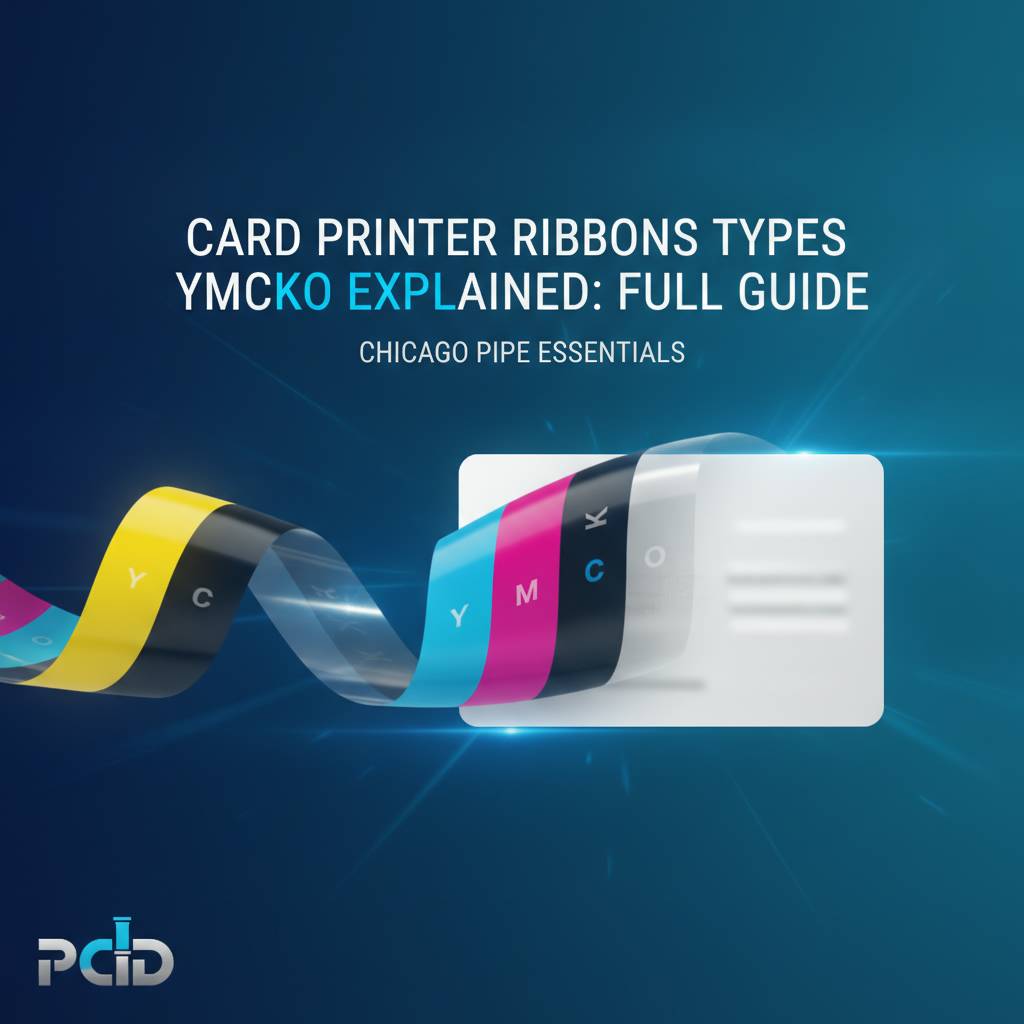
If there's one ribbon type that defines professional card printing, it's the YMCKO ribbon. The name is an acronym describing its panel sequence: Yellow (Y), Magenta (M), Cyan (C), resin Black (K), and Overlay (O). Together, these five panels deliver full-color photo-quality printing with crisp text and a durable protective finish - all in a single pass through the printer. For most organizations printing employee IDs, student cards, membership cards, or event badges, YMCKO is the default choice.
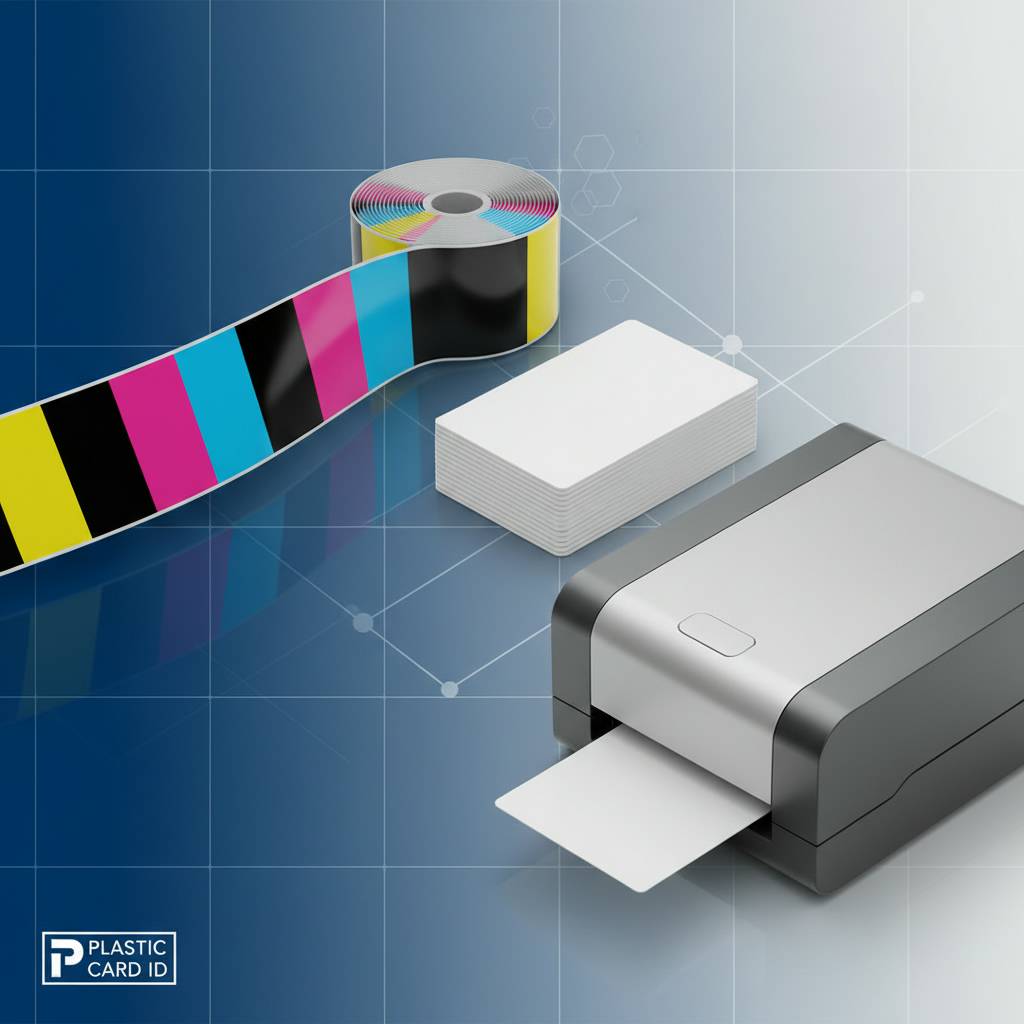
The YMCKO ribbon's versatility is genuinely impressive. Because the YMC panels blend at the dye level, the resulting color depth rivals professional photography. Skin tones look natural, logos reproduce accurately, and gradient backgrounds don't show banding. Add to that the resin K panel for razor-sharp text and barcodes, and the O panel sealing everything in, and you have a ribbon capable of producing cards that look and feel polished and permanent.
Breaking Down the YMCKO Panel Sequence
Yellow, Magenta, and Cyan are the three subtractive primary colors. When the printer lays these down in precise, overlapping layers, they combine to produce virtually any color in the visible spectrum. The printhead controls how much dye from each panel is transferred, and this variation in temperature creates the tonal gradations that make full-color card printing so effective.
Following the color panels, the resin K panel adds text, fine lines, and barcode elements that need to be sharp rather than gradient-blended. Then the O panel - a clear, heat-activated laminate film - is applied over the entire printed surface. This overlay protects the dye layers from UV degradation, scratching, and the natural wear that comes from daily handling of a card that lives in a wallet or on a lanyard.
When to Choose YMCKO Over Other Ribbon Types
YMCKO is the right choice whenever your card design includes full-color photos, multi-color logos, or any element requiring color fidelity. Employee ID cards with headshots are the classic use case. Loyalty cards with branded photography, membership cards with colorful tier indicators, and event badges with full-color artwork all call for YMCKO. If the card needs to look like it was professionally designed and printed, this is the ribbon that delivers that result.
Where YMCKO may not be the optimal choice is in high-volume programs where cards contain only text and a barcode - no photos, no color gradients. In those scenarios, a monochrome ribbon is significantly more cost-effective per card. Matching the ribbon to the actual design requirements is how smart organizations control supply costs without sacrificing card quality.
YMCKO Yield and Cost Considerations
A standard YMCKO ribbon roll typically yields between 200 and 500 cards depending on the printer model and card design complexity. Cards with large areas of solid color or full-bleed photography consume more dye per card than designs with more white space. Most mid-range printers like the Evolis Zenius or Primacy2 use 200-card YMCKO rolls, while higher-output models may accommodate 500-card rolls for fewer ribbon changes.
Cost per card with YMCKO ribbons typically runs higher than monochrome alternatives - but for applications where professional appearance directly reflects on your organization, it's an investment that pays for itself. CPE stocks YMCKO ribbons for all major printer brands in the lineup, ensuring you can maintain a consistent supply without sourcing from multiple vendors.
YMCKOK Ribbons: Dual-Sided Full-Color Printing
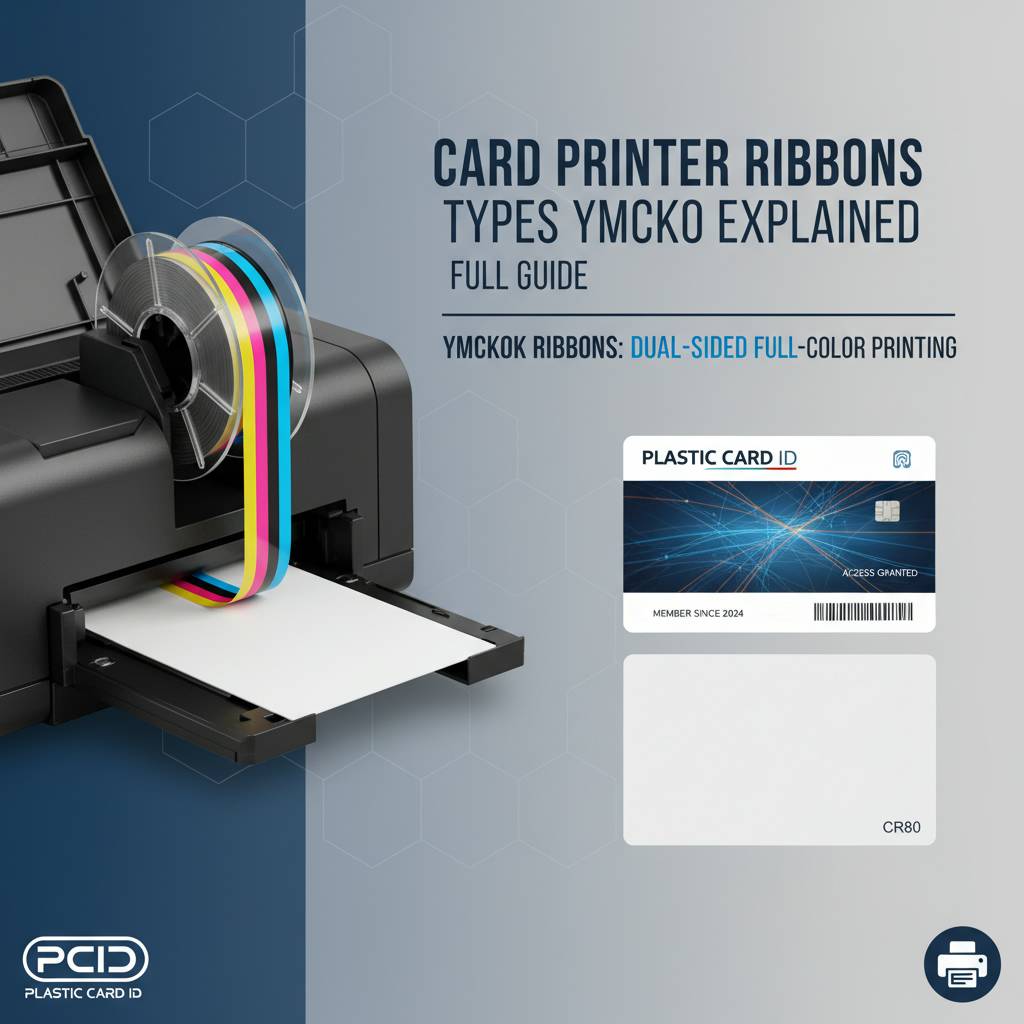 The YMCKOK ribbon adds a second resin black panel (hence the extra K) to enable high-quality text and barcode printing on the reverse side of the card within the same ribbon pass. This configuration is used with dual-sided card printers - models that flip the card internally and print on both faces before the card exits the printer. For organizations that need full-color on the front and printed data or a barcode on the back, YMCKOK eliminates the need for a separate monochrome ribbon or a second print pass.
The practical advantage here is efficiency. Rather than running each card through twice or maintaining two separate ribbon stocks, a YMCKOK-equipped dual-sided printer handles everything in one automated sequence. This is particularly valuable for access control cards that carry a color photo and employee information on the front with magnetic stripe encoding and barcode on the reverse.
Dual-Sided Printing Applications
Many serious ID programs print on both sides of the card. The front carries the photo, name, title, and organization branding. The back holds the magnetic stripe data, barcode, card number, terms of use, or emergency contact information. YMCKOK ribbons make this dual-purpose design economically viable without doubling ribbon consumption or complicating the print workflow.
Printers like the Evolis Primacy2 with a dual-sided module support YMCKOK printing natively. When configured correctly, the printer software manages panel sequencing automatically - front side uses YMCKO panels, back side uses the final K panel. The operator simply loads cards and lets the printer handle the rest.
Choosing Between YMCKO and YMCKOK
The decision is simple: if you have a single-sided printer or your card design only requires printing on one face, YMCKO is your ribbon. If you have a dual-sided printer and need printed content on the back, YMCKOK is the correct choice. Using YMCKO in a dual-sided printer and attempting to print the back side separately is inefficient and inconsistent - the YMCKOK ribbon exists specifically to solve that problem cleanly.
Contact the team at Plastic Card ID at 800.835.7919 if you're evaluating whether a single-sided or dual-sided setup better matches your program requirements. Understanding the ribbon implications of that decision is part of making the right hardware choice from the start.
Monochrome Ribbons: Speed, Volume, and Efficiency
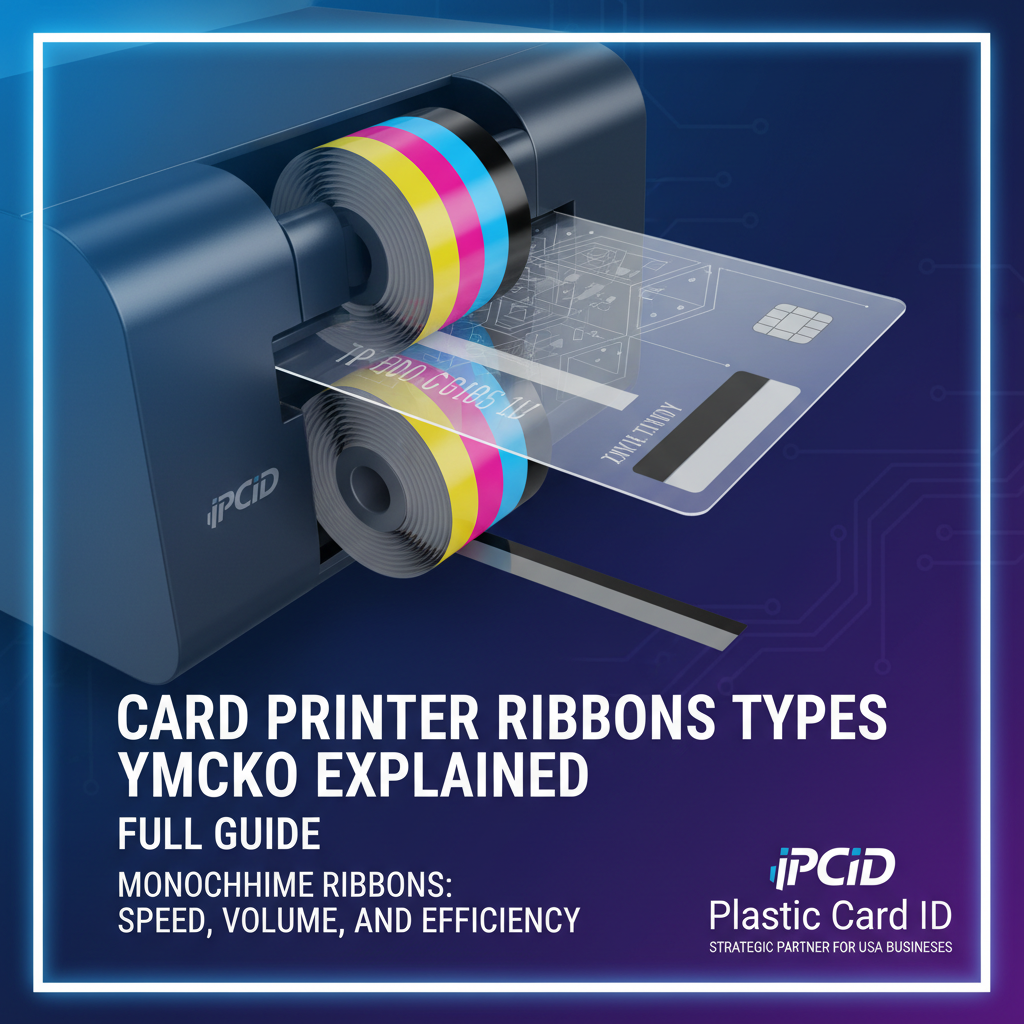 Not every card program needs full color. Libraries printing patron cards, warehouses issuing staff access badges with text and barcode, healthcare facilities producing visitor passes - these programs often prioritize speed, volume, and cost per card over photographic color output. Monochrome ribbons deliver exactly that: high-yield, high-speed printing at a fraction of the per-card cost of YMCKO ribbons.
A monochrome ribbon contains a single panel type repeated across the entire roll. The most common is black (K), but monochrome ribbons are also available in blue, red, green, white, silver, and gold. Each roll yields significantly more cards than a comparable YMCKO roll - often 1,000 to 1,500 cards or more per roll - making them the economical backbone of high-volume, design-simple card programs.
Black Monochrome (K) Ribbons
Black monochrome ribbons are the workhorse of high-volume card printing. They're ideal for any application where the card design consists of text, barcodes, and simple graphics without color gradients. The resin black thermal transfer process produces extremely sharp edges on barcodes and QR codes - sharper, in fact, than the dye sublimation color panels in a YMCKO ribbon, because resin transfers create defined edges rather than diffused dye boundaries.
For organizations printing thousands of cards per month where speed and cost-per-unit are the driving priorities, black monochrome ribbons offer a compelling economics case. A high-throughput printer like the Evolis Agilia running black monochrome can move through a card batch in a fraction of the time a full-color YMCKO run would require.
Colored Monochrome Ribbons
Blue, red, and other colored monochrome ribbons serve niche but genuinely useful purposes. A university might print student ID cards with blue text and barcodes on a white PVC card to align with school branding. A security program might use red monochrome printing to mark temporary visitor badges as visually distinct from permanent employee cards. The principle is the same as black monochrome - single-panel, high-yield - just in a different color.
Metallic options like silver and gold monochrome ribbons are also available for premium badge production where a distinctive, high-value appearance is part of the program's design intent. Event credentials, VIP passes, and special-tier membership cards are common applications. CPE carries a selection of specialty monochrome ribbons to support these use cases.
KO Ribbons: Monochrome with Overlay Protection
- Best for: Single-color printing where card durability is a priority
- Panel structure: Black (or color) resin panel followed by a clear overlay panel
- Typical applications: Access control badges, library cards, loyalty cards, staff IDs
- Yield advantage: Higher than YMCKO, lower than pure monochrome K
- Durability benefit: Overlay significantly extends card life compared to uncoated monochrome prints
The KO ribbon fills an important gap between the purely functional K ribbon and the full-color YMCKO. For programs that need clean, sharp single-color output but also want cards that hold up to daily use over months or years, the overlay panel makes a meaningful difference. Cards without an overlay show wear much faster - the printed surface scratches, fades, and degrades in ways that a clear laminate layer prevents.
Selecting a KO ribbon instead of a pure K ribbon adds a modest cost per card but substantially extends the service life of each credential. For long-term programs like employee access cards or annual membership cards, the overlay investment pays back in fewer card replacements and reprints.
Specialty Ribbons and Advanced Encoding Options
Beyond the standard YMCKO and monochrome categories, the card printing world includes ribbons and modules designed for specific security, functionality, or aesthetic requirements. These aren't everyday items for most organizations, but for the programs that need them, they're indispensable. Understanding what's available ensures you're not leaving capability on the table when designing a card program from the ground up.
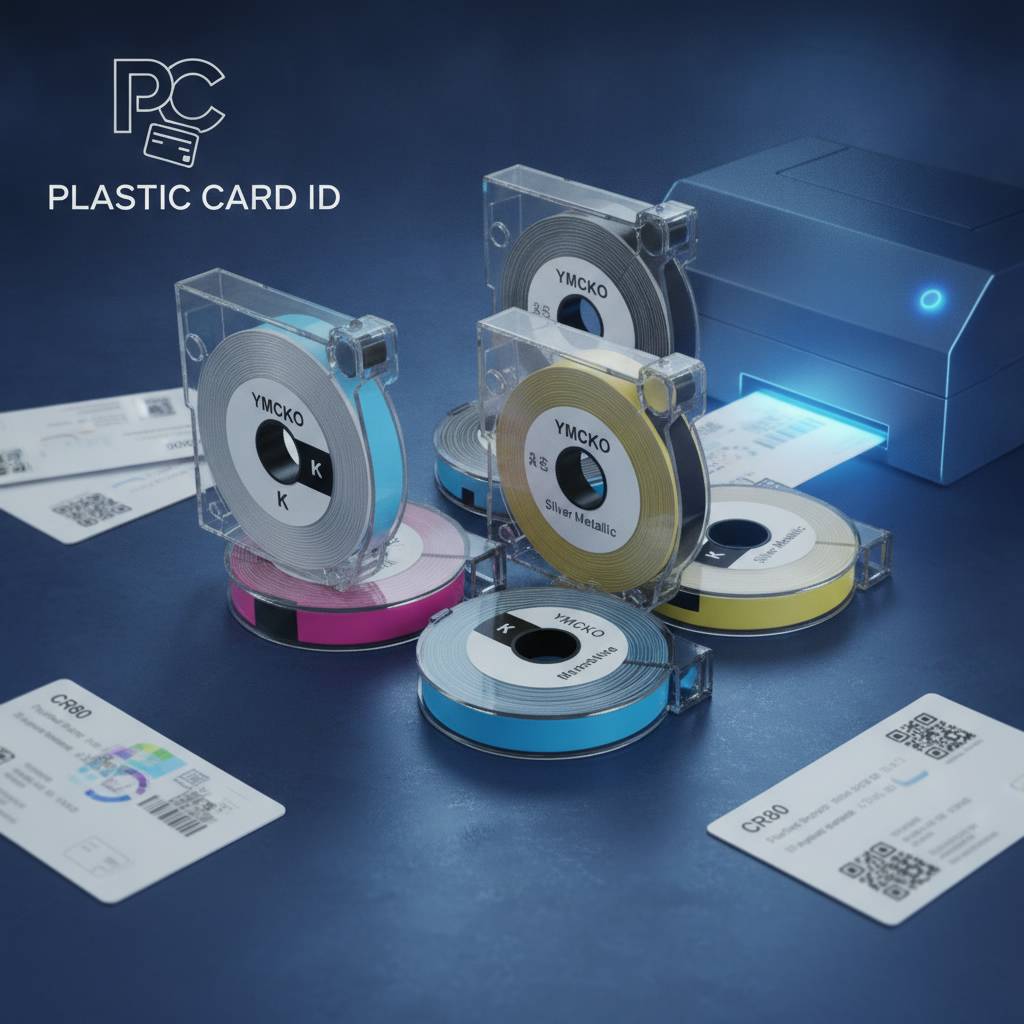
Plastic Card ID supplies not just ribbons but the full ecosystem of supplies needed to support advanced card programs - including encoding upgrades for magnetic stripe and smart chip, lamination modules, cleaning kits, and more. A ribbon is one component in a system, and CPE stocks every component of that system.
Lamination Modules and Overlay Films
Some high-security card programs go beyond the standard O panel overlay built into YMCKO ribbons. External lamination modules apply a thicker, more durable protective film to the finished card surface - significantly increasing resistance to tampering, alteration, and physical wear. Government-issued credentials, law enforcement IDs, and high-value loyalty cards often use lamination as an additional layer of both security and durability.
Laminate films can also incorporate holographic elements, UV-reactive patterns, or microtext features that make fraudulent duplication extremely difficult. The Evolis Agilia, for example, supports advanced lamination modules that apply security overlaminates as part of the same automated print sequence that produces the card image. This level of integration is what separates professional card printing from basic badge production.
Magnetic Stripe and Smart Chip Encoding Ribbons
Encoding a magnetic stripe or smart chip isn't a ribbon function - it's performed by a separate encoding module within the printer. But it's worth addressing here because ribbon selection and encoding capabilities are often evaluated together when designing a card program. Magnetic stripe encoding embeds data directly into the card's magnetic layer, enabling it to function as a hotel key card, access control credential, or loyalty card swipe.
Smart chip encoding (contact and contactless) allows the card to store and process data more securely and with greater capacity than a magnetic stripe. These encoding options are available as factory-installed or upgrade modules on compatible Evolis, Fargo, and Zebra printers carried by CPE. The ribbon itself remains a YMCKO or appropriate type; the encoding happens in parallel during the print process.
Cleaning Kits: The Often-Overlooked Supply
- Regular printhead cleaning prevents color banding and streaking in finished cards
- Roller cleaning removes dust and debris that cause card feeding errors
- Cleaning cards and swabs are designed for specific printer models - compatibility matters
- Most manufacturers recommend a cleaning cycle every ribbon change or every 500 cards
- Consistent cleaning extends printhead life, which directly reduces hardware maintenance costs
Cleaning kits aren't glamorous, but neglecting them is one of the most common causes of premature printhead failure. A printhead replacement can cost $150-$400 or more depending on the printer model - a cost that a regular cleaning regimen prevents almost entirely. Plastic Card ID includes cleaning kits in its supply catalog for all major printer brands and recommends establishing a cleaning schedule from day one of any new card program.
Choosing the Right Ribbon for Your Card Program
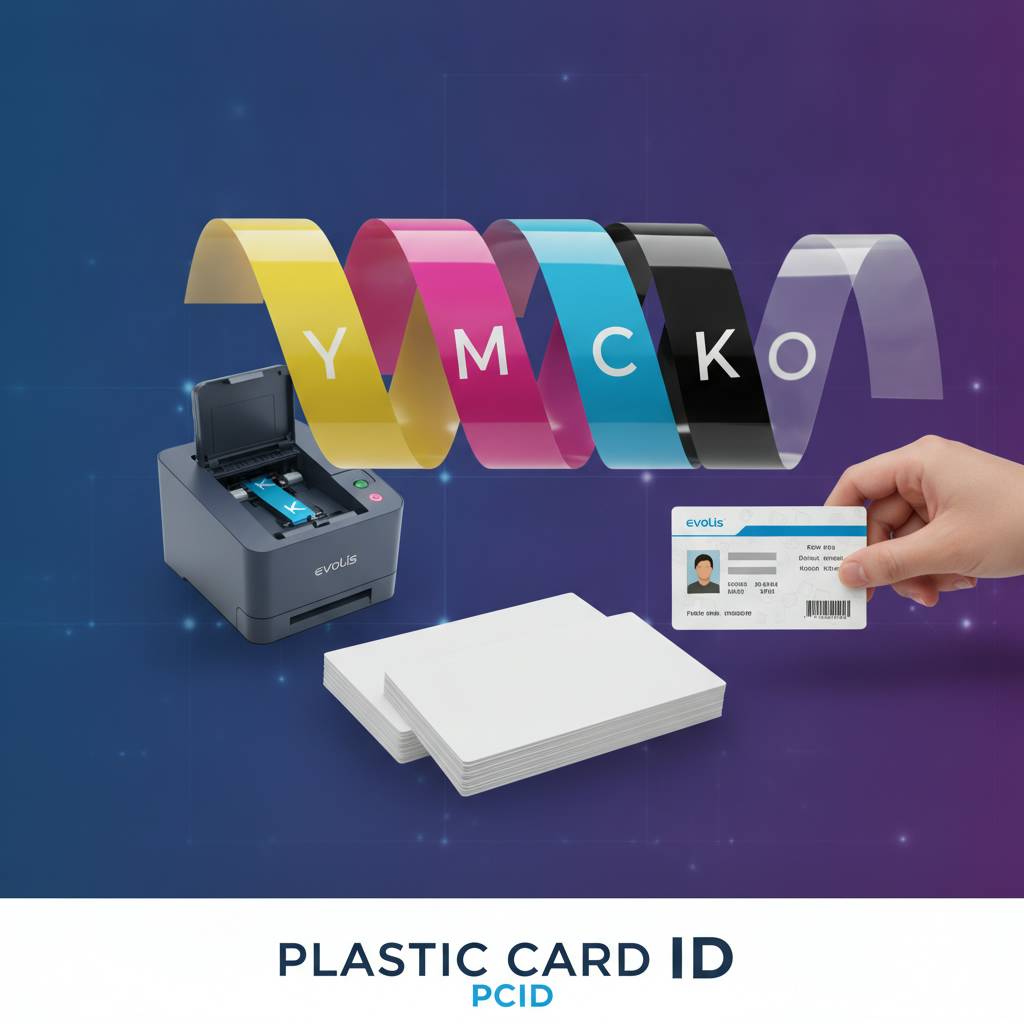 Matching the ribbon to the program isn't complicated once you understand the options, but it does require thinking through a few key questions: What does the card look like? How many cards are you printing per month? Does the card need to encode data? How long does each card need to last in active use? The answers to these questions point directly to the right ribbon type - and often to the right printer as well.
Entry-level setups like the Evolis Badgy200 printing fewer than 1,000 cards per year for small clubs or community organizations almost always need YMCKO ribbons for membership or ID cards with photos. Mid-range programs running the Evolis Zenius or Primacy2 at 1,000 to 6,000 cards per month may need a mix - YMCKO for full-color employee IDs and black monochrome for visitor passes or temporary credentials. A thoughtful ribbon strategy prevents both overspending on supplies and underdelivering on card quality.
Buyer Tips: Avoiding Common Ribbon Mistakes
- Always verify ribbon compatibility with your specific printer model before ordering
- Don't stockpile more ribbon than you'll use within 6-12 months; ribbons have a shelf life
- Match ribbon type to the card design - full-color designs need YMCKO; text-only designs can use monochrome
- For dual-sided programs, confirm your printer supports dual-sided printing before ordering YMCKOK
- Buy OEM or certified compatible ribbons to protect printhead warranty coverage
- Factor in cleaning kit consumption when calculating total supply costs per 1,000 cards
These aren't hypothetical pitfalls - they're the exact scenarios CPE customer service handles regularly. A few minutes of upfront planning eliminates the most common and costly ribbon mistakes. If you're unsure about any aspect of your ribbon selection, the team at Plastic Card ID is equipped to walk through your specific setup and recommend the right products.
Calculating Your Annual Ribbon Budget
Estimating your ribbon spend for the year is straightforward. Divide your annual card volume by the yield per ribbon roll, then multiply by the cost per roll. For example, an organization printing 2,400 cards per year using 200-card YMCKO rolls at $40-$65 per roll will need approximately 12 rolls per year, for a total ribbon cost of $480-$780. A monochrome program printing the same volume using 1,000-card rolls at $25-$40 per roll needs only about 3 rolls, totaling $75-$120.
The difference between ribbon types can represent hundreds of dollars annually - which is why understanding your options is worth the time this page took to read. Factor in cleaning kits (typically $15-$30 per kit, used every 500 cards) and you have a reasonably accurate picture of your total consumables budget for the year.
Working with Plastic Card ID on Ongoing Supply Needs
One of the real advantages of sourcing from CPE rather than a general marketplace is the continuity of supply and the availability of expert guidance. With 25 years in the industry and over 100,000 customers served, Plastic Card ID understands card printing at a level that generic retailers simply don't. That knowledge translates into accurate ribbon recommendations, compatibility verification, and consistent product availability across all the major brands in the lineup.
Whether you're setting up a new printer and need to build out your initial supply kit, or you're running an established program and looking to optimize your ribbon selection and costs, the conversation starts with a phone call or an order through Plastic Card ID. Consistent, professional card output begins with the right ribbon - and knowing the difference between YMCKO, YMCKOK, monochrome, and specialty ribbons is the foundation of that decision.
Ready to find the right ribbon for your card printer? Call Plastic Card ID today at 800.835.7919 and let our team match you with exactly the supplies your program needs - no guesswork, no wrong orders, just professional results every time.
Single-Sided vs Dual-Sided Card Printer: Key Differences
Previous Page