Magnetic Stripe Card Printer: Encode Print Secure Cards
Table of Contents []
- Why Plastic Card ID Is the Go-To Source for Magnetic Stripe Card Printers
- Understanding Magnetic Stripe Encoding in Card Printers
- Choosing the Right Magnetic Stripe Card Printer for Your Volume
- Essential Supplies for a Magnetic Stripe Card Printing Program
- Applications: Where Magnetic Stripe Card Printers Deliver Real Value
- Buyer's Guide: What to Ask Before You Purchase a Magnetic Stripe Card Printer
- Trust Plastic Card ID for Your Magnetic Stripe Card Printer Needs
Why Plastic Card ID Is the Go-To Source for Magnetic Stripe Card Printers
 There's a moment every operations manager eventually faces: a stack of blank plastic cards, a frustrated front desk team, and a vendor quote that makes no sense for what should be a straightforward printing job. That's exactly the kind of problem Plastic Card ID was built to solve. With more than 25 years serving businesses across the United States and a customer base that has grown past 100,000 organizations, CPE brings deep product knowledge and a curated hardware lineup to every conversation about magnetic stripe card printing.
A magnetic stripe card printer isn't just a peripheral - it's the backbone of an ID or access control program. Whether you're encoding employee badges with swipe-readable credentials, issuing loyalty cards that sync with a point-of-sale system, or printing hotel key cards on-site, the encoding capability built into the right printer makes all the difference. Getting that encoding right, reliably and repeatably, is where hardware selection becomes critical.
This page covers everything you need to know: how magnetic stripe encoding works inside a card printer, which models suit which production volumes, what supplies you'll need to keep the program running, and how to avoid the costly mistakes buyers make when shopping this category for the first time.
| Printer Model | Brand | Volume Range | Mag Stripe Encoding | Dual-Sided |
|---|---|---|---|---|
| Badgy200 | Evolis | Up to 1,000/year | Optional Upgrade | No |
| Zenius | Evolis | 1,000-6,000/month | Yes | No |
| Primacy2 | Evolis | 1,000-6,000/month | Yes | Yes |
| Agilia | Evolis | High Volume | Yes | Yes |
| Fargo Series | Fargo | Mid-High Volume | Yes | Yes |
| Zebra Series | Zebra | Mid-High Volume | Yes | Yes |
Understanding Magnetic Stripe Encoding in Card Printers
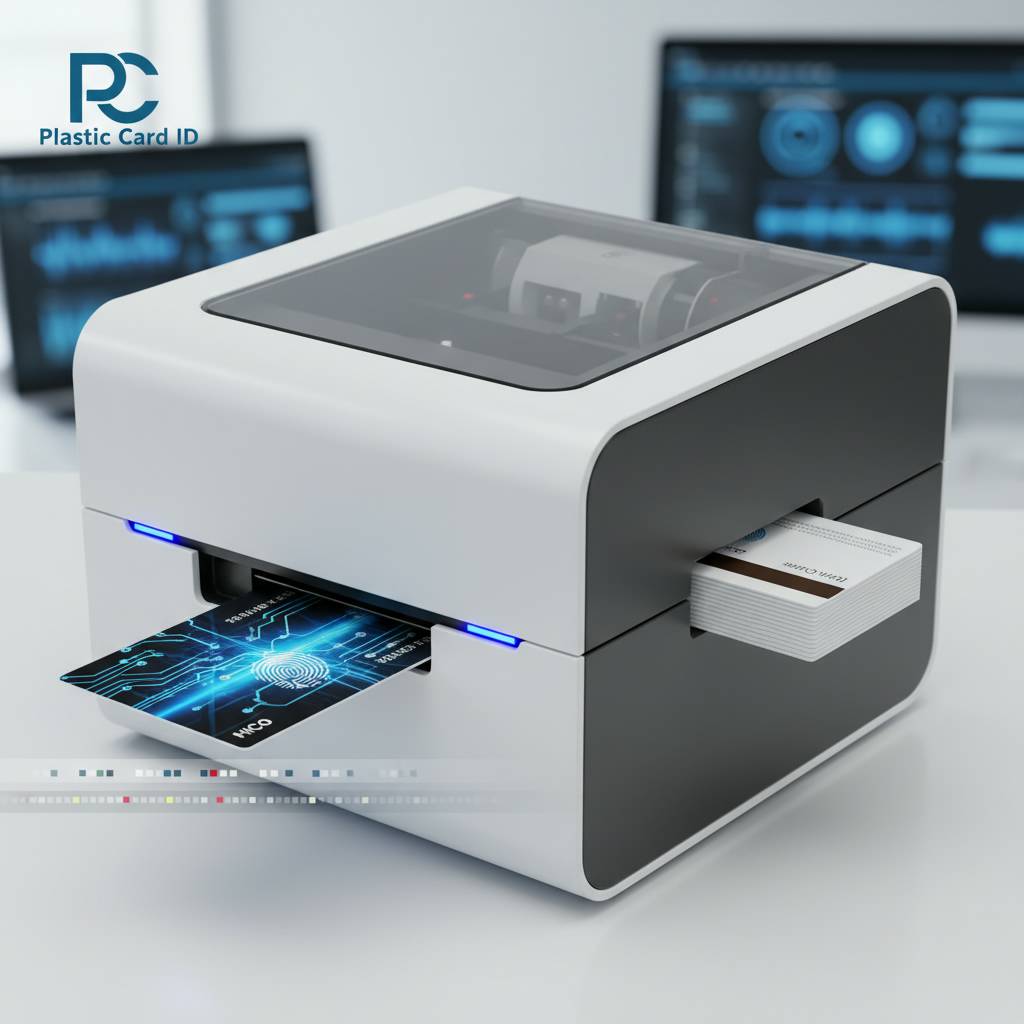 Magnetic stripe encoding is one of those technologies that looks deceptively simple from the outside. Swipe a card, the reader grabs the data - done. But inside the printer producing that card, there's a precision process happening: a write head magnetizes particles along one, two, or three tracks on the card's stripe, embedding data that a compatible reader can retrieve in milliseconds. The quality of that write process directly determines whether your cards work reliably in the field.
Printers with integrated encoding modules handle this step inline, so the card is printed and encoded in a single pass through the machine. That's a significant operational advantage over workflows that require separate encoding stations. For organizations running high-stakes access control or loyalty programs, inline encoding eliminates a manual step and a potential point of error.
ISO Standards and Track Configurations
Magnetic stripes on standard CR80 plastic cards follow ISO 7811 standards, which define three data tracks. Track 1 holds alphanumeric data at 210 bits per inch, Track 2 is numeric at 75 bpi and is the most commonly used for financial and access applications, and Track 3 is numeric at 210 bpi for read-write applications. Knowing which tracks your system reads determines the encoder spec you need in your printer.
Most commercial card printers sold by CPE support encoding to all three tracks, though the specific configuration depends on the model and how the unit was ordered. High- and low-coercivity encoding options are also relevant: HiCo stripes (2,750 Oersted) are more durable and resistant to accidental erasure, making them standard for access cards and loyalty programs, while LoCo (300 Oersted) suits applications like hotel room keys where the card is used briefly and frequently re-encoded.
Inline Encoding vs. Separate Encoding Stations
Some organizations discover midway through a printer purchase that they're about to buy a print-only unit and then budget separately for an encoding station. That's a workflow headache and a floor-space problem. Printers with built-in magnetic stripe encoding modules handle both tasks in one footprint, which matters in tight office environments or high-traffic badge offices.
For larger organizations with dedicated card issuance stations, separate encoding hardware can make sense - but for the vast majority of businesses that Plastic Card ID serves, the integrated approach is the right call. Fewer devices mean fewer failure points, simpler driver setups, and a cleaner support path when something needs troubleshooting.
HiCo vs. LoCo: Choosing the Right Coercivity
This is one of the most commonly misunderstood specs in the magnetic stripe card category. Coercivity refers to how strongly magnetized the stripe is, which affects both how resistant it is to accidental erasure and what kind of write head the printer uses to encode it. Many printers ship with a switchable HiCo/LoCo encoder, letting you configure the output in software rather than requiring a different machine for each application.
Hotel and hospitality operations often default to LoCo because their key card systems are designed around it. Corporate access control and loyalty programs typically use HiCo for longevity. Ask CPE which configuration is pre-set on any unit before purchase - it's a detail that can save a frustrating round of return shipping if the cards don't encode correctly out of the box.
Choosing the Right Magnetic Stripe Card Printer for Your Volume
Volume is the single most important variable in printer selection, and it's also the variable buyers most frequently miscalculate. Underestimating growth leads to a machine that's constantly running at capacity, shortening its lifespan and slowing operations. Overestimating leads to spending $3,000 on a printer that sits idle most of the week. The sweet spot is a unit rated comfortably above your current volume with headroom to grow.
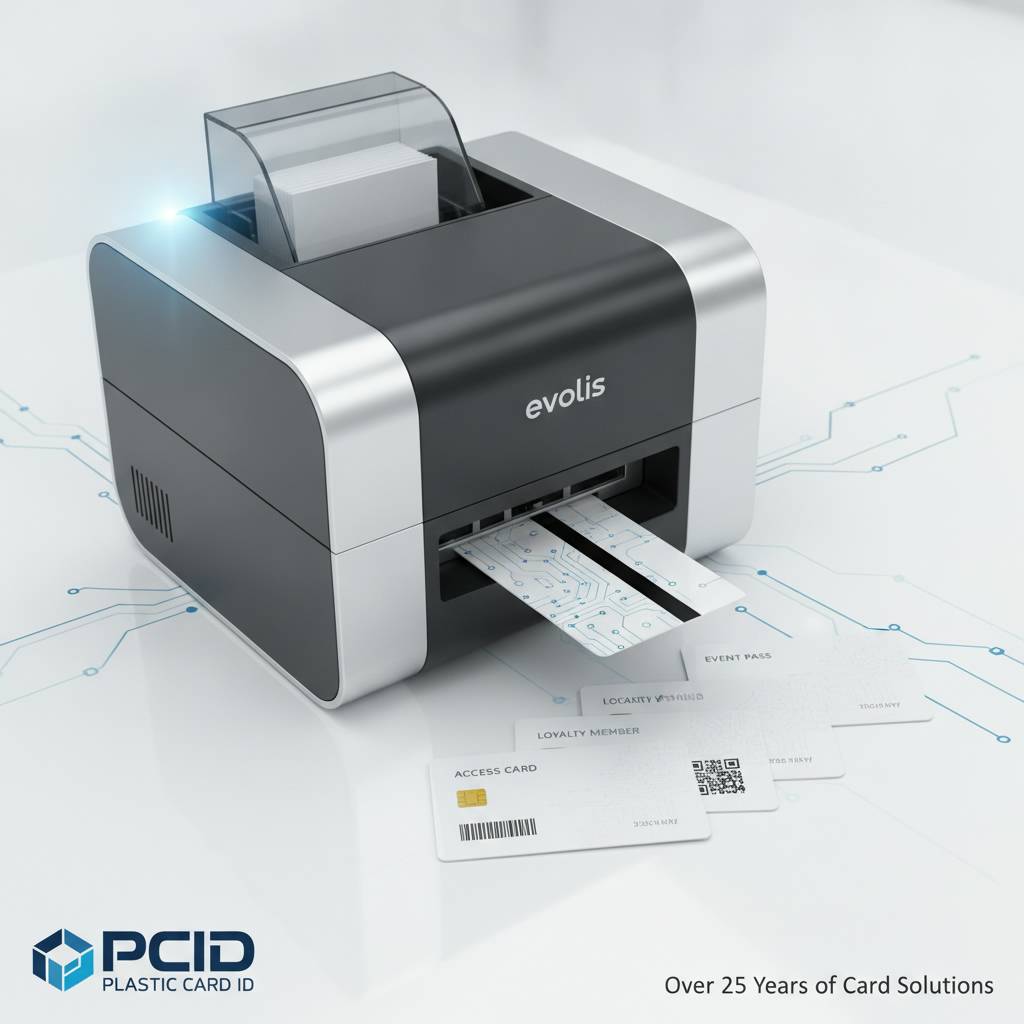
The right printer for 200 cards a year is completely different from the right printer for 2,000 cards a month. That's not a subtle distinction - it's the difference between an entry-level desktop unit and a mid-range workhorse with a 100-card input hopper and dual-sided printing capability. Plastic Card ID stocks both ends of that spectrum and everything between.
Entry-Level: Evolis Badgy200 for Low-Volume Needs
Small businesses, nonprofits, community organizations, and school clubs often find themselves printing fewer than 1,000 cards per year - sometimes far fewer. The Evolis Badgy200 was designed precisely for this scenario. It's compact, straightforward to set up, and produces professional-quality color cards without requiring a dedicated IT team to manage it. For organizations that print in batches rather than continuously, it's a genuinely capable machine at an accessible price point.
Where the Badgy200 gets interesting for magnetic stripe applications is in the optional encoding upgrade. Not every entry-level buyer needs encoding on day one, but having the ability to add it later - rather than replacing the entire machine - is a meaningful cost advantage. If your loyalty program or membership card system eventually moves to swipe-card readers, the Badgy200 can grow with you rather than become obsolete.
Mid-Range Workhorses: Evolis Zenius and Primacy2
The Zenius and Primacy2 represent the category where most serious card programs live. Organizations printing 1,000 to 6,000 cards per month - think regional hotel chains, mid-sized corporations, university departments, or fitness club chains - need a machine that can run consistently without babysitting. Both models support magnetic stripe encoding natively, and the Primacy2 adds dual-sided printing for organizations that need data or design on the back of the card.
The Primacy2 in particular is worth highlighting for access control programs that use the card back for instructional text or secondary barcodes alongside the magnetic stripe. Dual-sided printing combined with inline magnetic stripe encoding in a single pass is a genuine workflow upgrade for busy badge offices. Contact Plastic Card ID at 800.835.7919 to get specific configuration options for either model.
High-Volume and Premium: Evolis Agilia, Fargo, and Zebra
When volume climbs above 6,000 cards per month, or when the output quality demands are non-negotiable - think edge-to-edge printing for branded loyalty cards or high-resolution photo ID for government-adjacent programs - the premium tier earns its price. The Evolis Agilia delivers the kind of print quality that makes cards look like they came from a commercial print house, not an office printer. For organizations where the card itself is part of the brand experience, that matters enormously.
Fargo and Zebra printers bring a different set of strengths: they're deeply embedded in security-focused ID programs, with robust encoding options, lamination modules, and a track record in regulated environments like healthcare, corporate campuses, and education. Both brands are well-supported in the U.S. market with driver compatibility across major card issuance software platforms. CPE carries select configurations from each brand to match specific production demands.
Essential Supplies for a Magnetic Stripe Card Printing Program
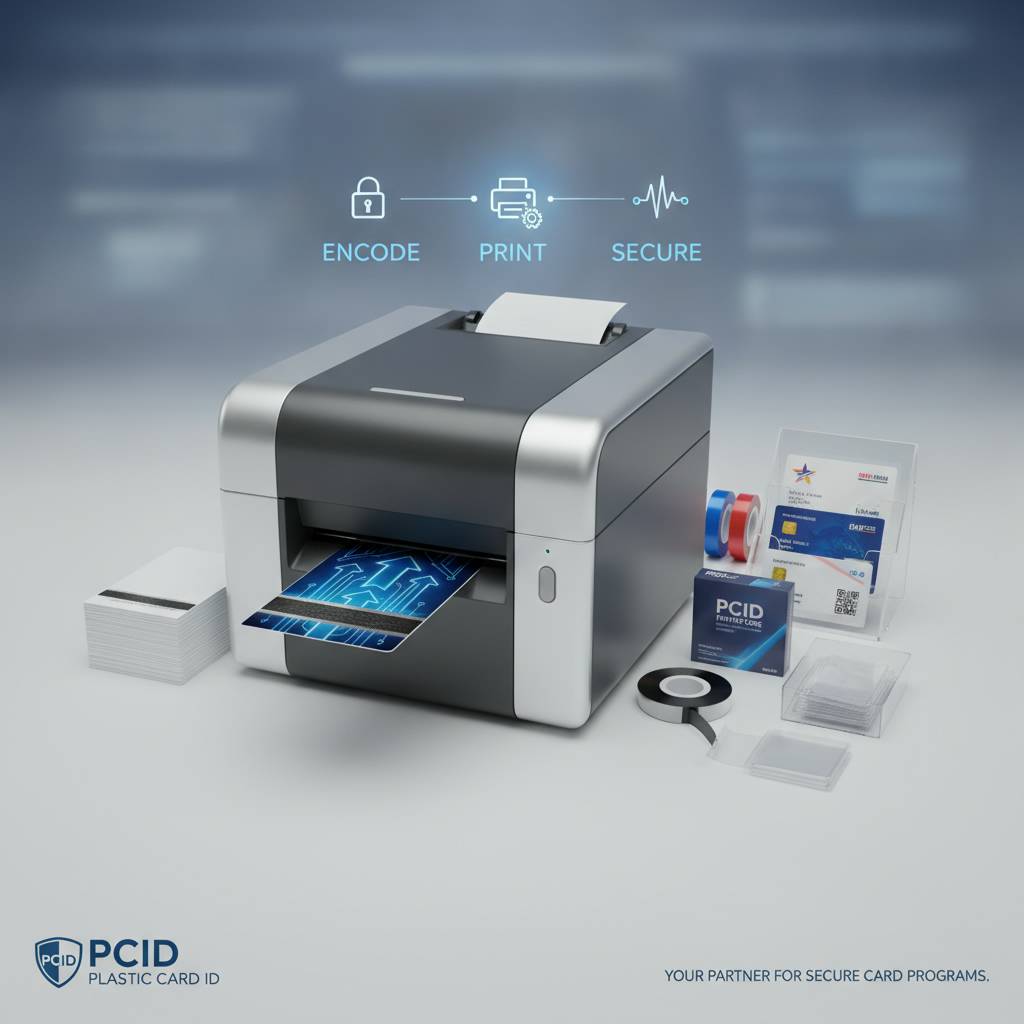 A printer without the right consumables is just an expensive paperweight. One of the most common oversights among first-time buyers is budgeting only for the hardware, then discovering that ribbons, cleaning kits, and blank cards represent a significant ongoing operating cost. Understanding the total cost of ownership upfront prevents budget surprises six months into the program.
Plastic Card ID supplies everything an in-house card printing program needs to stay running - not just the printers themselves. That includes the full range of consumables and accessories, matched to the specific models in their lineup.
Printer Ribbons: YMCKO, Monochrome, and Specialty
The ribbon is the most frequently replaced consumable in any card printing program. YMCKO ribbons - yellow, magenta, cyan, black, and overlay panels - are the standard choice for full-color card printing with a protective topcoat that adds durability to the finished card surface. Monochrome ribbons (black, blue, red, or other single colors) are significantly more economical for applications where color printing isn't needed, like basic text-only access cards.
Specialty ribbons including security overlay panels, UV-reactive coatings, and holographic overlaminates are also available for programs that require visual authentication features. Matching the ribbon spec precisely to the printer model is critical - using off-brand or mismatched ribbons can produce poor print quality, jam the mechanism, and in some cases void the printer warranty. CPE ships manufacturer-matched ribbons for every model they carry.
Cleaning Kits and Maintenance Supplies
Card printers are precision machines with print heads and rollers that accumulate dust, card debris, and ribbon residue over time. A neglected printer produces cards with streaks, missed areas, and encoding errors. Most manufacturers specify a cleaning cycle every 1,000 cards or every time a new ribbon is installed - following that schedule directly correlates with print head longevity and consistent encoding reliability.
Cleaning kits typically include pre-saturated cleaning cards that run through the card path to clean rollers, along with cleaning swabs for the print head and sensor areas. A $30 cleaning kit can prevent a $300 service call - it's the kind of maintenance math that makes itself obvious after the first printer failure. Plastic Card ID includes cleaning supply recommendations with every printer order.
Blank Magnetic Stripe Cards and Card Accessories
The blank card itself matters more than many buyers expect. Standard CR80 PVC cards need to be specified correctly for the printer being used - thickness (typically 30 mil), surface finish (glossy is standard for dye-sublimation printing), and magnetic stripe specification (HiCo or LoCo, as discussed above). Ordering the wrong card stock leads to feeding problems, poor adhesion of the dye-sublimation image, and encoding failures.
Card carriers, sleeves, and lanyards round out the physical card program. An access card or employee ID badge that's printed beautifully but scratched within a week because it's loose in a pocket or desk drawer undermines the investment. Card sleeves and badge holders protect the magnetic stripe and card surface, extending the functional life of each card and reducing how frequently cards need to be reprinted and re-encoded.
Applications: Where Magnetic Stripe Card Printers Deliver Real Value
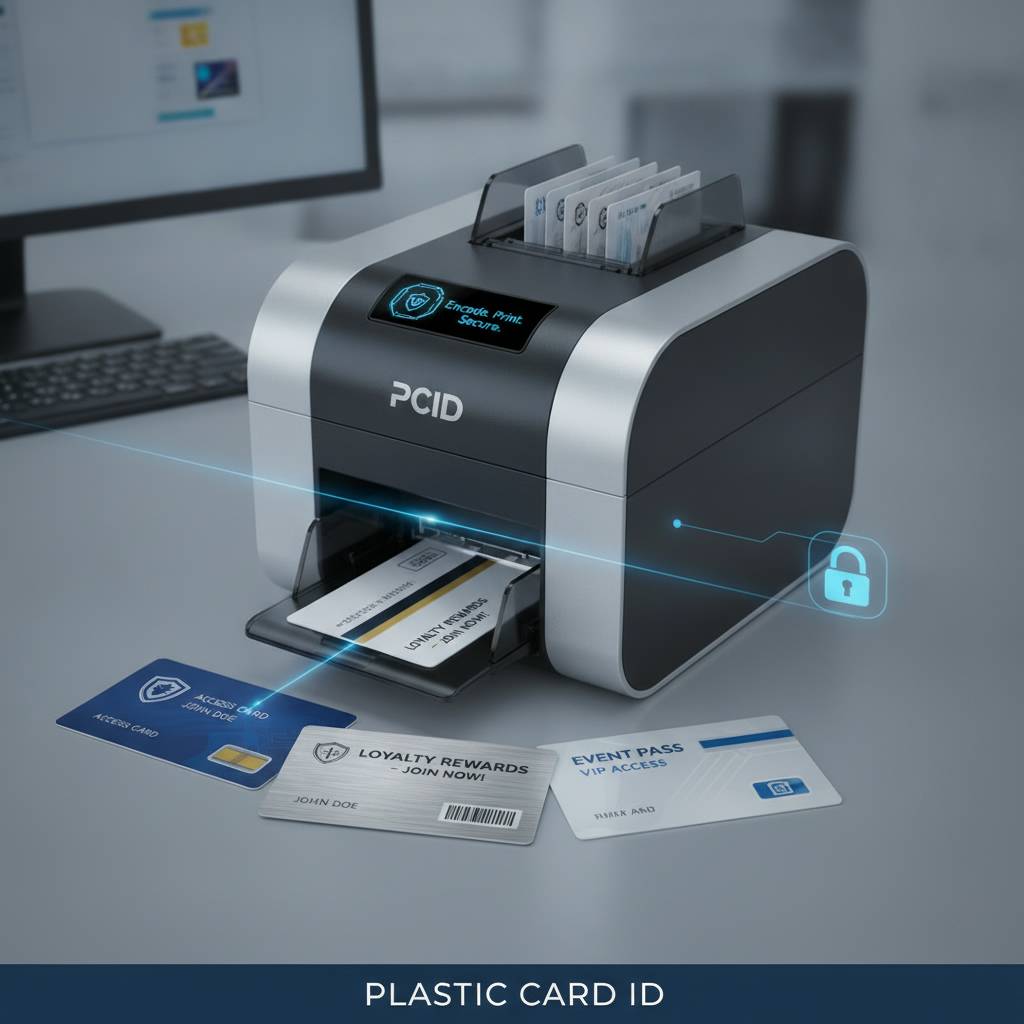 The range of use cases for in-house magnetic stripe card printing is broader than most buyers initially realize. It's not just employee ID - it's loyalty programs, access control, student credentials, event badging, hotel keys, and more. Any program that issues physical cards with swipe-readable data is a candidate for an in-house printing setup.
The common thread across all of these applications is the operational advantage of printing on demand: no minimum order quantities, no lead time from an outside vendor, no dependency on a third party's production schedule. When an employee joins the company on a Monday, their card is ready Monday morning - not two weeks later when the batch order arrives.
Employee ID and Access Control Cards
Corporate and institutional access control is one of the strongest use cases for in-house magnetic stripe card printing. The ability to encode a new card, set the access permissions in the control system, and hand it to the employee in the same day is a genuine operational efficiency that organizations moving away from outsourced card printing consistently describe as transformative.
For HR and facilities teams managing hundreds or thousands of employees across multiple sites, the printer quickly pays for itself in reduced vendor costs and faster onboarding timelines. Access control cards printed and encoded in-house give security administrators immediate control over credential issuance and revocation - a significant advantage in environments with high employee turnover or strict security protocols.
Loyalty Cards and Membership Programs
Retailers, fitness centers, libraries, and hospitality businesses running loyalty or membership programs have traditionally relied on outside print vendors for their card stock. That works at launch, but it creates friction every time a design changes, a new tier is added, or the program needs to scale quickly. In-house magnetic stripe card printing changes that dynamic entirely.
Printing loyalty cards on demand means personalization is practical - each card can carry the member's name, ID number, and encoded data without the complexity of a large batch job. Programs that want to issue a card to a new member at the point of enrollment, rather than mailing it days later, find in-house printing to be a direct driver of member conversion and satisfaction.
Student IDs, Hotel Keys, and Event Credentials
- Student ID programs at schools and universities benefit from the ability to print and encode cards during enrollment periods without waiting on external vendors - a critical advantage when thousands of new students arrive within days of each other.
- Hotel key cards encoded with LoCo magnetic stripes can be printed and re-encoded at the property level, giving hospitality teams control over card inventory and reducing dependence on pre-printed stock from suppliers.
- Event credentials printed on-site with the Matica Event Printer enable high-speed badge issuance at conferences, trade shows, and festivals - each badge personalized with attendee data and encoded for access levels in real time.
- Healthcare and clinic ID programs use magnetic stripe cards to link patient records to swipe-accessible systems at check-in, reducing data entry time and improving intake workflow.
- Corporate visitor management programs issue day-pass cards with time-limited access permissions encoded on the stripe - a use case where printing on demand is essentially a requirement.
Buyer's Guide: What to Ask Before You Purchase a Magnetic Stripe Card Printer
Purchasing a card printer for magnetic stripe encoding is more nuanced than most buyers expect, and the mistakes made at the selection stage are often expensive to reverse. The questions below are the ones CPE recommends every buyer answer before placing an order - not because the answers are complicated, but because skipping them leads to mismatched hardware.

A well-matched printer purchased once is almost always more economical than two purchases because the first one didn't fit the workflow. Take the time to get these variables right upfront.
Key Questions Every Buyer Should Answer
- How many cards do you currently print per month, and what is your realistic growth projection for the next two years?
- Do you need single-sided or dual-sided printing? Will the card back carry any printed content, or only the front?
- What coercivity does your existing card reader infrastructure require - HiCo or LoCo?
- Which tracks does your access control, loyalty, or POS system read - Track 1, Track 2, Track 3, or a combination?
- Do you also need smart chip (contact or contactless) encoding, or is magnetic stripe the only credential technology in use?
- What card issuance software are you using or planning to use, and is it compatible with the printer models you're considering?
- Do you need a lamination module for added card durability and security overlaminates?
Total Cost of Ownership Considerations
The purchase price of a magnetic stripe card printer is only one piece of the financial picture. Ribbons, cleaning supplies, blank card stock, and occasional print head replacements are the ongoing costs that define the true economics of an in-house program. For most mid-range printers, the cost per card including consumables runs somewhere in the range of $0.25-$0.75 per card depending on card type, ribbon choice, and volume - considerably less than outsourced card printing at comparable quality levels.
Factor in the value of speed and control - the ability to issue a card the same day it's needed, update card designs without minimum order quantities, and handle replacements immediately - and the in-house model becomes compelling even for organizations that previously assumed outsourcing was simpler. When the total cost of ownership is calculated honestly, in-house magnetic stripe card printing wins on both economics and operational flexibility.
When to Call Plastic Card ID Directly
Some purchases are straightforward enough to complete online. Others benefit from a conversation - particularly when the encoding requirements are specific, the volume is large, or the application involves integration with existing software or access control infrastructure. Experienced guidance from a supplier that has helped 100,000 businesses set up card programs is genuinely valuable at the hardware selection stage.
Reach the team at Plastic Card ID directly at 800.835.7919 when you need help matching a printer to a specific use case, comparing models side by side, or understanding which encoding configuration ships standard versus as an option on a given unit.
Trust Plastic Card ID for Your Magnetic Stripe Card Printer Needs
 More than 25 years in the plastic card printer business means Plastic Card ID has seen every kind of card program - from a small gym issuing 50 membership cards a year to a regional hospital network printing thousands of patient ID cards monthly. That depth of experience translates directly into better buying guidance, more relevant product recommendations, and fewer costly missteps for customers.
The lineup of Evolis, Fargo, Zebra, and Matica printers CPE carries represents a deliberate curation of the market's most capable and reliable hardware - not a warehouse full of every SKU available, but a focused selection of professional-grade tools matched to real business use cases. Add to that the complete consumables supply chain - ribbons, cleaning kits, blank magnetic stripe cards, card sleeves, and encoding accessories - and Plastic Card ID functions as a single source for everything a card program needs to run.
Ready to find the right magnetic stripe card printer for your organization? Call Plastic Card ID today at 800.835.7919. Whether you're starting a new card program from scratch or upgrading hardware that's no longer keeping pace with your volume, the team is ready to help you get the right equipment, the right supplies, and the right configuration - the first time.
Matica Event Card Printer for Fast On-Site Badging
Previous Page