How to Choose a Plastic Card Printer: Expert Tips
Table of Contents []
- What Nobody Tells You About Choosing a Plastic Card Printer - Until Now
- Understanding Print Volume - The Most Overlooked Specification
- Single-Sided vs. Dual-Sided Printing - More Than Just a Flip
- Encoding Options - Magnetic Stripe, Smart Chip, and What You Actually Need
- Fargo, Zebra, and Matica - The Other Brands Worth Knowing
- Supplies, Maintenance, and the True Cost of Card Printing
- Buyer's Checklist - How to Choose a Plastic Card Printer Confidently
- Ready to Make Your Decision? Plastic Card ID Is Ready to Help
What Nobody Tells You About Choosing a Plastic Card Printer - Until Now
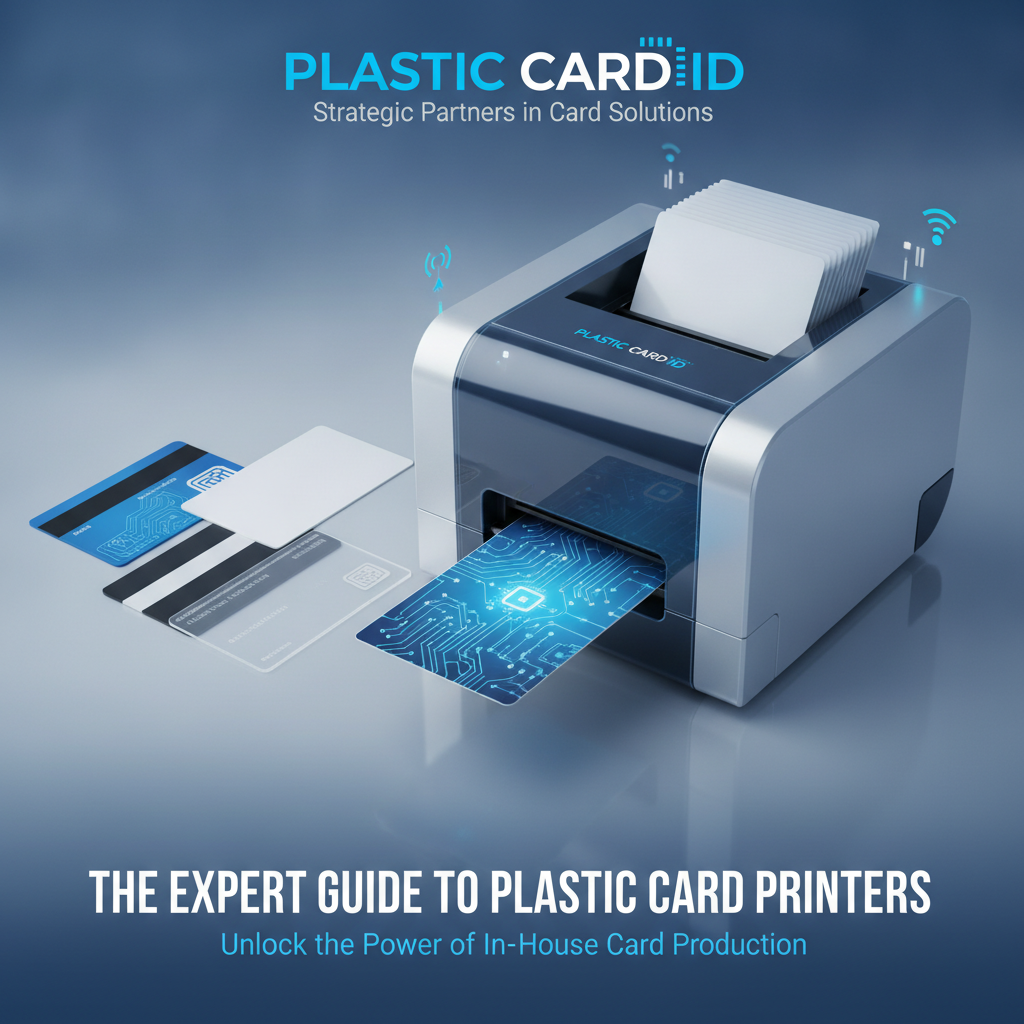 Walk into any conversation about card printing equipment and you'll quickly realize: the question isn't simply "which printer is best." It's which printer is best for exactly what you're trying to accomplish. Volume, card type, encoding needs, budget - all of it matters, and getting even one variable wrong means buying hardware that either underwhelms or dramatically overspends your operation.
Plastic Card ID has been helping businesses across the United States navigate this exact decision for over 25 years, serving more than 100,000 customers along the way. That depth of experience shows in ways that matter - not just in the brands they carry, but in their ability to match the right equipment to the right use case, every time.
This guide walks you through everything you need to know about how to choose a plastic card printer - from understanding print volume to evaluating encoding upgrades, ribbon types, and the brands that professionals actually trust.
Why the Wrong Printer Costs You More Than the Right One
Underspecifying is expensive. A printer rated for 500 cards per year that's being pushed through 3,000 cards per month will fail prematurely - and the replacement cost far exceeds the difference you "saved" at purchase. Overspecifying wastes capital. The sweet spot exists, and it's specific to your operation.
Understanding your true card volume, encoding requirements, and card types before shopping isn't just helpful - it's essential. Organizations that skip this step frequently return to the buying process within 18 months. Those that take it seriously tend to run their equipment for five or more years without issue.
The Five Variables That Actually Drive Your Decision
Most buyers fixate on price. Experienced buyers focus on five variables: annual print volume, single- vs. dual-sided printing, encoding requirements (magnetic stripe, smart chip, or both), ribbon type compatibility, and connectivity. Get these right, and the price practically selects itself.
Each of these variables narrows the field considerably. A hotel printing key cards doesn't need the same hardware as a university printing student IDs with embedded smart chips. Clarity on your five variables transforms a confusing market into a short, manageable list.
How Plastic Card ID Simplifies the Selection Process
Rather than presenting customers with an overwhelming catalog, Plastic Card ID carries a curated lineup from four industry-leading brands: Evolis, Fargo, Zebra, and Matica. Each brand occupies a distinct position in the market, and together they cover every realistic business use case from low-volume desktop printing to full-scale industrial output.
This curation matters. It means the team at Plastic Card ID has deep product knowledge across every unit they sell - not a passing familiarity with hundreds of obscure models, but genuine expertise in printers they've placed with tens of thousands of real businesses.
Understanding Print Volume - The Most Overlooked Specification
| Volume Category | Cards Per Year | Recommended Tier | Example Use Cases |
|---|---|---|---|
| Entry-Level | Under 1,000 | Desktop / Low-Volume | Small clubs, boutique hotels, nonprofits |
| Mid-Range | 1,000 - 72,000 | Professional Workhorses | Corporate ID programs, universities, healthcare |
| High-Volume | 72,000 | Industrial / Premium | Large enterprises, government, events |
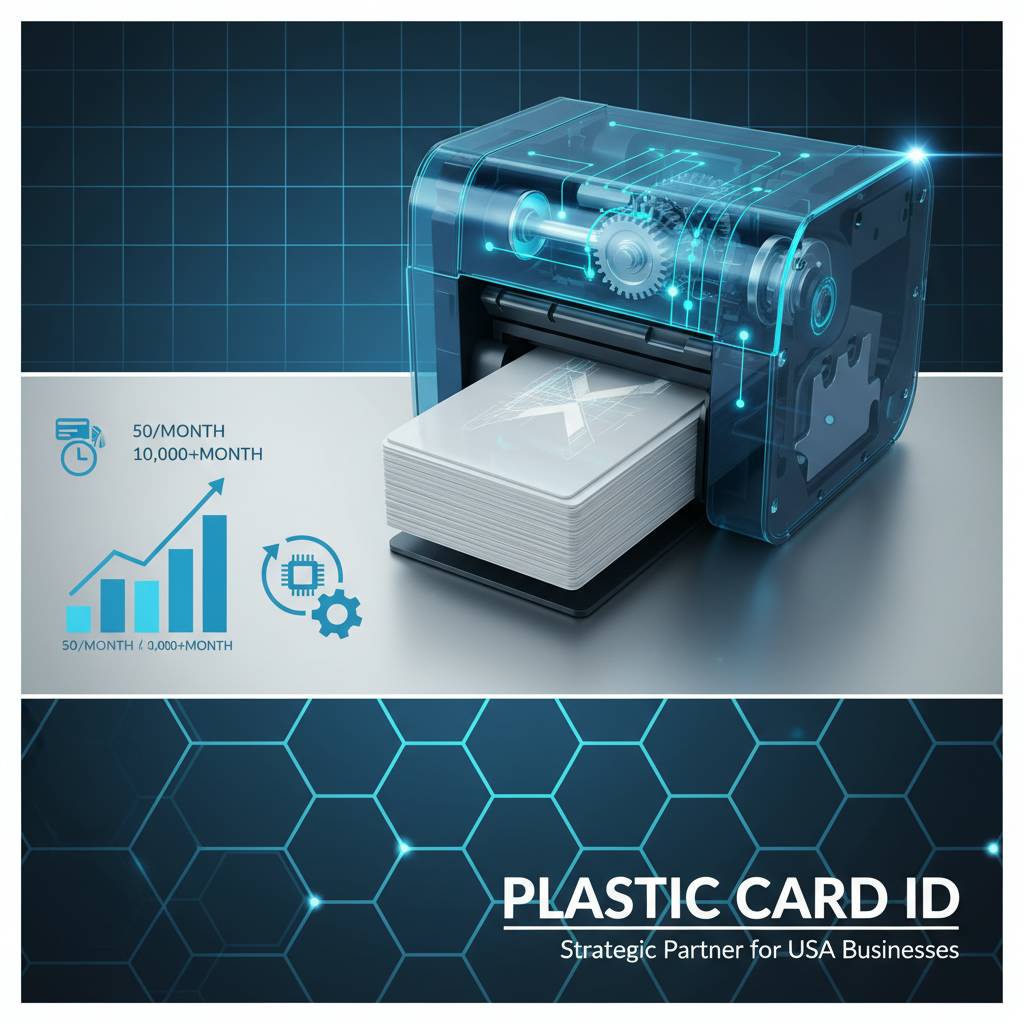
Print volume is the single most underestimated specification in the card printer buying process. Buyers often estimate low - they think about their busiest enrollment periods or new-hire onboarding cycles and forget about day-to-day replacements, access card updates, and event credential printing that accumulates across a year.
Calculating your realistic annual volume takes five minutes and saves thousands of dollars. Count new cards issued monthly, multiply by twelve, then add 15-20% for reprints, replacements, and unplanned needs. That number is your floor, not your ceiling - and your printer should handle it comfortably at around 70-80% of its rated capacity.
Entry-Level: The Evolis Badgy200 and When It Makes Sense
The Evolis Badgy200 is purpose-built for organizations printing fewer than 1,000 cards per year. It's compact, capable, and straightforward - ideal for small businesses, community organizations, or departments that need professional-looking ID cards without dedicating serious floor space or budget to the process.
Where it falls short is equally important to understand. Push the Badgy200 past its rated volume consistently and you'll see faster wear on the print head - an expensive component to replace. It's a precision tool for light-duty use, and it excels in that role. Forcing entry-level hardware into mid-volume work is one of the most common and costly mistakes buyers make.
Mid-Range Powerhouses: Evolis Zenius and Primacy2
The Evolis Zenius and Primacy2 occupy the sweet spot for most professional card printing programs. Designed for 1,000 to 6,000 cards per month, these printers handle dual-sided printing and magnetic stripe encoding - two features that disqualify entry-level equipment for a significant portion of real-world use cases.
The Primacy2, in particular, is a favorite among corporate ID programs and educational institutions. Its ribbon system is efficient, its card handling is reliable, and its upgrade path - including lamination modules and smart chip encoding - means it grows with your program rather than being replaced by it. CPE customers running employee badge programs often land here and stay for years.
Premium Output: The Evolis Agilia for Edge-to-Edge Excellence
When card quality is the primary driver - think executive credentials, premium membership cards, or high-visibility access badges - the Evolis Agilia delivers results that mid-range equipment simply cannot match. Its edge-to-edge printing capability means no white borders, no compromises, and a finished card that genuinely looks as polished as it functions.
This is not the printer for every organization. It's the printer for organizations where the card itself is part of the brand experience - where a poorly printed badge reflects on the company just as a poorly designed one would. For those use cases, the Agilia is worth every dollar.
Single-Sided vs. Dual-Sided Printing - More Than Just a Flip
 The question of single vs. dual-sided printing sounds simple until you start thinking through what actually goes on the back of a card. Employee ID programs frequently place emergency contact information, department codes, or barcodes on the reverse. Membership cards often carry terms, QR codes, or tier-level details. Access control cards may encode instructions or branding.
Dual-sided printing - also called duplex printing - requires either a printer with a built-in flipper module or a separate flip station. Knowing whether you need duplex capability before you purchase eliminates one of the most common post-purchase regrets in this product category.
When Single-Sided Printing Is Perfectly Sufficient
Hotel key cards, event badges, simple visitor passes, and basic loyalty cards frequently require only one-sided printing. If your card design lives entirely on the front face and your volume is modest, a single-sided printer at a lower price point is the rational choice. Paying for duplex capability you'll never use doesn't make your program better.
The key is honesty about your current design and whether it's likely to change. If there's even a moderate chance your organization adds a back-of-card element within the printer's useful life, the upgrade cost of selecting duplex upfront is almost always less than retrofitting or replacing later.
Duplex Printing and the Programs That Demand It
Corporate ID programs, university student cards, healthcare facility badges, and government-issued credentials almost universally require two-sided printing. Beyond aesthetics, many compliance requirements in regulated industries specify what information must appear on credentials - and one side often isn't enough.
Dual-sided printers from the Evolis and Fargo lineups handle this seamlessly, with integrated flipper mechanisms that don't slow throughput significantly. For CPE customers in healthcare or higher education especially, duplex capability isn't optional - it's foundational.
Ribbon Selection Changes When You Print Both Sides
Ribbon selection for dual-sided printers involves an additional layer of consideration. The front panel typically uses a full YMCKO ribbon for color output, while the back panel often uses a separate monochrome (K) ribbon for text and barcodes. Understanding this split affects both your supply budget and your reorder planning.
YMCKO ribbons (yellow, magenta, cyan, black overlay) are the standard for full-color front panels. Monochrome ribbons cover black-text back panels at a fraction of the cost per card. Specialty ribbons exist for silver, gold, and security applications. Matching your ribbon type to your actual print requirements is one of the fastest ways to reduce your cost per card without sacrificing output quality.
Encoding Options - Magnetic Stripe, Smart Chip, and What You Actually Need
Card encoding is where plastic card printing intersects with your broader security and access control infrastructure - and where the stakes of a wrong decision go beyond print quality into operational functionality. A card that looks perfect but can't be read by your access control reader is worse than useless.
Encoding falls into two primary categories: magnetic stripe and smart chip (contact or contactless). Many modern programs require one or both. Understanding which standard your existing or planned reader infrastructure uses determines which encoding upgrade - if any - belongs on your printer.
Magnetic Stripe Encoding - Still Widely Used and Highly Reliable
Magnetic stripe encoding remains the dominant standard for hotel key cards, basic access control systems, loyalty programs, and time-and-attendance applications. It's mature technology - inexpensive to implement, reliable under normal use conditions, and supported by the vast majority of card reader systems in the field today.
Printers equipped with magnetic stripe encoders write data to the stripe during the print cycle, eliminating the need for a separate encoding station. The Evolis Zenius and Primacy2 both support magnetic stripe encoding as an upgrade, keeping the workflow consolidated and efficient. For programs that don't require chip-level security, magnetic stripe encoding is the practical, proven choice.
Smart Chip Encoding for Higher-Security Applications
Smart chip encoding - both contact chip (like those on employee smart cards) and contactless (RFID/NFC) - provides significantly higher data capacity and security than magnetic stripe. It's the standard for government-compliant ID programs, high-security facility access, and any application where card cloning or credential fraud is a meaningful risk.
Encoding modules for smart chip are available on mid-range and premium printers from the Evolis and Fargo lineup. These modules integrate into the print cycle just as magnetic stripe encoders do, maintaining a single-pass workflow even for complex, multi-feature cards. Contact Plastic Card ID at 800.835.7919 to confirm which encoding combinations are available for specific models before purchasing.
Combining Encoding Types on a Single Card
Many professional card programs require both magnetic stripe and smart chip on the same card - a loyalty card that also functions as an access credential, or a student ID that handles both building entry and library access. This is entirely achievable with the right hardware configuration.
Dual-encoding configurations require careful specification at the time of purchase - retrofitting these modules after the fact is possible on some models but not all. Planning your encoding requirements upfront, ideally before selecting a printer model, avoids expensive upgrade paths or premature equipment replacement.
Fargo, Zebra, and Matica - The Other Brands Worth Knowing
 Evolis gets considerable attention for good reason, but the full Plastic Card ID lineup includes Fargo, Zebra, and Matica - each with distinct strengths that make them the right choice for specific scenarios. Understanding what differentiates these brands adds genuine depth to your buying decision.
Security-focused ID programs, in particular, often land on Fargo or Zebra hardware rather than Evolis. Both brands have deep roots in government, law enforcement, and enterprise security applications - environments where card authentication, fraud resistance, and long-term credential integrity are non-negotiable requirements.
Fargo Printers for Security-Intensive ID Programs
Fargo printers are a benchmark in security ID printing. Their HID-based technology heritage means they're designed from the ground up for programs where card integrity matters as much as card appearance. Lamination overlays, holographic security features, and advanced encoding options are native to the Fargo ecosystem rather than afterthoughts.
For organizations issuing access control credentials to sensitive facilities, visitor management programs in secure environments, or any card program governed by compliance standards, Fargo's commitment to card security sets it apart from general-purpose alternatives. The investment is higher - but so is the protection it provides.
Zebra Printers for Rugged Reliability
Zebra has built its reputation on durability and throughput. Their card printers are engineered for environments where the equipment runs hard, often, and with minimal downtime tolerance. Enterprise-scale ID programs, large retail loyalty card operations, and any setting where the printer is a production asset rather than an occasional tool tend to favor Zebra hardware.
The build quality is evident from the first handling. Zebra card printers feel different from lighter desktop models - because they are different. When uptime matters and volume is high, Zebra's engineering delivers the reliability that expensive card programs require.
The Matica Event Printer for High-Speed On-Site Badging
The Matica Event Printer solves a problem that standard card printers aren't designed to address: rapid, high-volume badge production at live events. Conferences, trade shows, large-scale corporate gatherings, and sporting events require credentials printed quickly, on-site, often in waves tied to registration surges.
Matica's approach to event printing prioritizes throughput over the full feature set of a permanent installation printer. The result is a purpose-built machine that handles exactly what events demand - fast, reliable, high-quality badge output when and where you need it. For event managers who've dealt with credential bottlenecks, this printer represents a genuine operational upgrade.
Supplies, Maintenance, and the True Cost of Card Printing
 The purchase price of a card printer is only one component of its total cost of ownership. Ribbons, cleaning kits, lamination film, and replacement consumables represent ongoing expenses that vary significantly between printer models and print volumes. Building your supply budget before finalizing your printer selection is essential for accurate program cost modeling.
Organizations that neglect supply planning often discover mid-program that their cost-per-card is substantially higher than anticipated - or that the supplies they need aren't readily available. Sourcing from a full-line supplier like CPE eliminates both problems by keeping ribbons, cleaning supplies, and accessories available alongside the printers themselves.
Ribbons - Types, Yields, and Cost Management
Ribbon selection directly impacts both output quality and cost per card. YMCKO ribbons produce vibrant full-color cards and are the default for most photo ID and membership card applications. Monochrome ribbons - available in black, blue, red, gold, silver, and white - produce single-color output at dramatically lower cost per card and are ideal for text-heavy backs of dual-sided cards or simple access credentials.
- YMCKO (full color overlay): Best for photo IDs, membership cards, loyalty cards - full-color front panels
- KO (black overlay): Cost-effective for monochrome output with protective overlay
- K (monochrome black): Lowest cost-per-card option for text and barcode-only cards
- Specialty (silver, gold, white): Used for security features, premium aesthetics, or printing on dark card stock
- YMCKOK (dual-sided color): Optimized ribbon configuration for high-efficiency duplex printing
Matching ribbon type to your actual print requirements - rather than defaulting to full-color for everything - is one of the most effective levers for reducing ongoing supply costs without compromising the cards where quality matters most.
Cleaning Kits and Preventive Maintenance
Card printer longevity depends heavily on consistent preventive maintenance. Dust, card debris, and ribbon residue accumulate inside the printer over time, degrading print quality and eventually damaging the print head - a component that can cost $200-$500 or more to replace on professional-grade equipment.
Cleaning kits - typically consisting of cleaning cards and cleaning swabs - are inexpensive and take minutes to use. Most printer manufacturers recommend a cleaning cycle every 500-1,000 cards. Organizations that maintain disciplined cleaning schedules consistently report longer print head life and more consistent output quality than those that clean reactively after problems appear.
Lamination Modules - When Extra Durability Matters
Lamination modules apply a protective film overlay to printed cards, dramatically extending their lifespan and enabling additional security features like holographic overlays. They're particularly valuable for cards that see heavy daily use - employee badges that are scanned multiple times per day, student IDs carried in wallets, or access cards used in outdoor environments.
Lamination is available as an integrated module on several Evolis and Fargo models. Adding lamination increases both the upfront equipment cost and the per-card supply cost, but for programs where card durability is paramount, the extended card life makes lamination a straightforward return-on-investment calculation.
Buyer's Checklist - How to Choose a Plastic Card Printer Confidently
Pulling everything together into a actionable buying process is the final step before reaching out to a supplier. Buyers who arrive with clear answers to the following questions consistently make faster, more confident decisions - and experience fewer post-purchase regrets than those who approach the market without a framework.

This checklist represents the distilled guidance from Plastic Card ID's experience placing card printers with over 100,000 businesses across the United States. It's not exhaustive, but it addresses the variables that matter most in the overwhelming majority of buying decisions.
Pre-Purchase Questions Every Buyer Should Answer
- How many cards do you realistically print per month - and what does that number look like at peak volume?
- Do your cards need information on both sides, or is single-sided printing sufficient?
- Do your cards need magnetic stripe encoding, smart chip encoding, or both?
- What card types will you be printing - photo IDs, access cards, loyalty cards, event badges?
- Is card security a primary concern, or is professional appearance the main driver?
- What is your total budget, including supplies for the first 12 months of operation?
- Do you have existing reader infrastructure that imposes encoding standards?
Answering these questions before contacting a supplier transforms the conversation from exploratory to productive. You'll spend less time on questions and more time on solutions - which means faster implementation and faster value from your investment.
Red Flags to Watch for When Shopping Card Printers
Not all card printer suppliers offer the same level of expertise or transparency. Watch for suppliers who recommend the most expensive option without asking about your volume, those who can't explain the difference between YMCKO and KO ribbons, or those who don't ask about your encoding requirements before making a recommendation.
Equally, be wary of pricing that seems dramatically low on the hardware but suspiciously quiet on supply costs. The true cost of card printing lives in your ribbons and consumables over time, not just the printer's purchase price. A supplier who helps you model that full cost picture is one worth trusting.
Why Working With a Specialized Supplier Beats General Retail
General office equipment retailers carry card printers as a catalog line item - not as a specialty. The difference in expertise is palpable when a buying decision involves multiple variables like the ones described throughout this guide. A specialized supplier who has placed tens of thousands of printers across hundreds of use cases brings pattern recognition and practical experience that a general retailer simply cannot match.
CPE customers consistently note that the consultation process - matching their specific requirements to the right hardware - is where the real value is delivered. Anyone can sell you a printer. A specialist can sell you the right printer.
Ready to Make Your Decision? Plastic Card ID Is Ready to Help
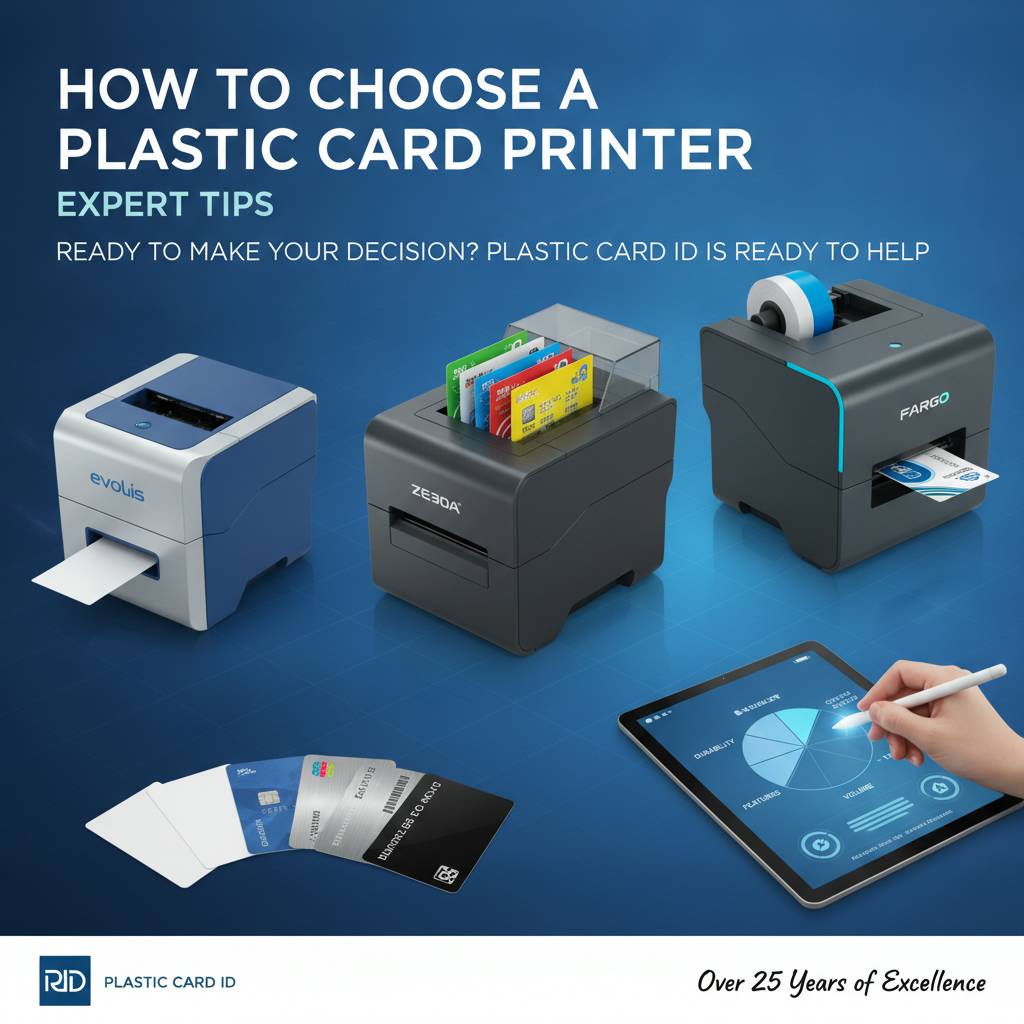 Choosing the right plastic card printer doesn't have to be complicated - but it does require attention to the variables that matter. Volume, encoding, ribbon type, duplex capability, brand positioning - each of these narrows the field until the right answer becomes clear. That's exactly the process Plastic Card ID walks customers through, every day, with the kind of expertise that comes from over a quarter century in this business.
Whether you're printing employee badges for a team of twenty, student IDs for a university of thousands, or event credentials for an annual conference, the right equipment exists in the lineup that Plastic Card ID carries. The question is simply identifying which one fits your specific situation - and that's a conversation worth having before you purchase, not after.
Connect with Plastic Card ID today at 800.835.7919 to speak with a card printer specialist who will match the right hardware to your exact program requirements - no guesswork, no overselling, just the right printer for the job.
Direct-to-Card vs Retransfer Printing: Key Differences
Previous Page