How to Maintain a Plastic Card Printer: Essential Tips
Table of Contents []
- Your Card Printer Is an Investment - Here Is How to Protect It
- Understanding the Components That Need Cleaning
- How Often Should You Clean Your Card Printer?
- Choosing the Right Cleaning Supplies
- Troubleshooting Common Maintenance-Related Problems
- Building a Long-Term Maintenance Schedule
- Partner With Plastic Card ID for Every Aspect of Your Card Printing Program
Your Card Printer Is an Investment - Here Is How to Protect It
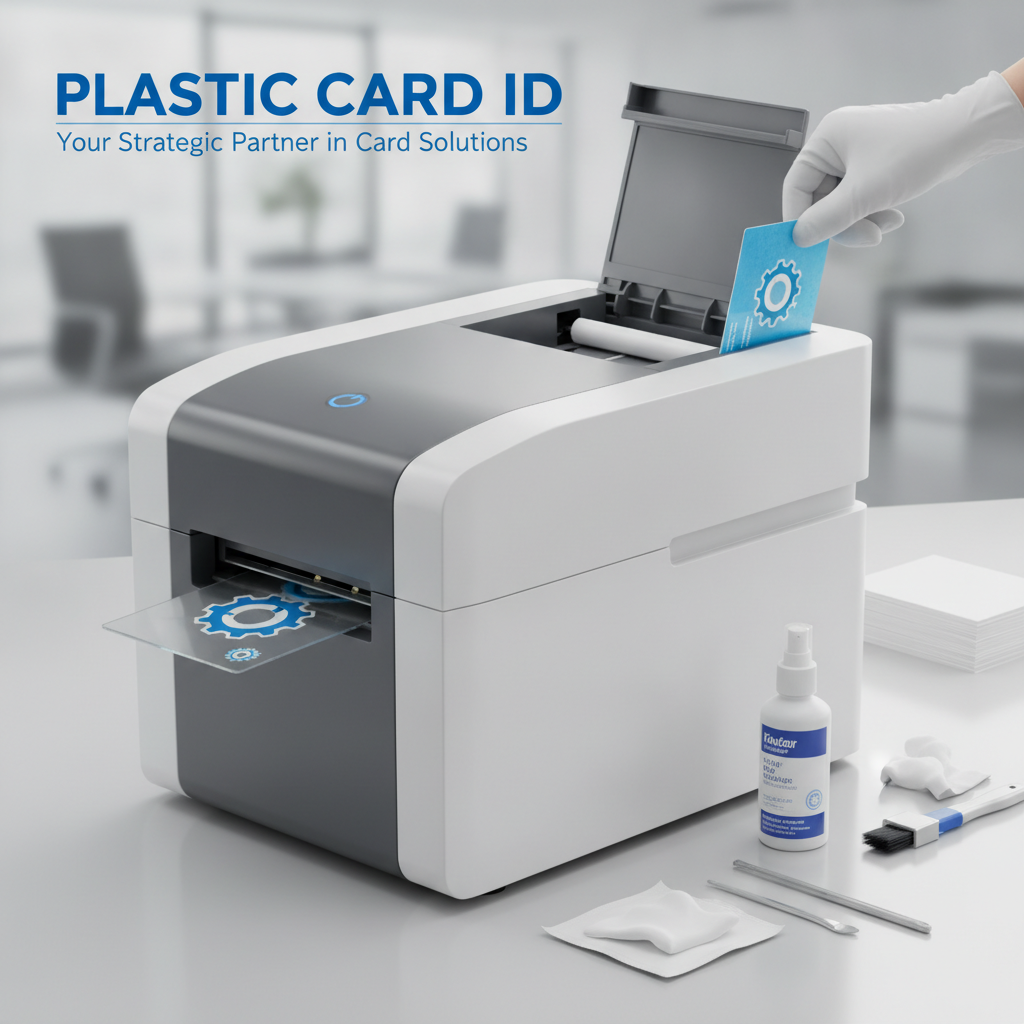 Most businesses don't think about printer maintenance until something goes wrong. A faded card comes out. A ribbon jams. The encoder misreads. Suddenly, a device that's been quietly printing hundreds of ID badges, membership cards, or access credentials grinds to a halt - and the scramble begins. Preventive maintenance isn't just good practice; it's the difference between a card printer that lasts a decade and one that fails in two.
At Plastic Card ID, we've spent more than 25 years helping organizations across the United States keep their card printing programs running smoothly. With over 100,000 customers served and a curated lineup spanning Evolis, Fargo, Zebra, and Matica printers, we've seen every maintenance mistake in the book - and we've helped businesses avoid every single one of them. This guide covers everything you need to know about how to maintain a plastic card printer the right way.
Why Maintenance Gets Skipped (And Why That's a Mistake)
It's easy to understand why card printer maintenance falls through the cracks. The printer sits on a desk, does its job, and nobody thinks about it until there's a problem. But card printers are precision devices - they rely on clean print heads, debris-free card paths, and well-lubricated mechanical components to deliver the sharp, professional output your organization depends on.
Neglected printers accumulate dust, card residue, and ribbon particles over time. These contaminants scratch print heads, cause uneven ink transfer, and jam card feeding mechanisms. The result? Wasted ribbons, reprinted cards, and eventually, a repair bill that dwarfs the cost of a simple cleaning kit. Skipping maintenance is never a savings - it's a deferred expense with interest.
What Regular Maintenance Actually Involves
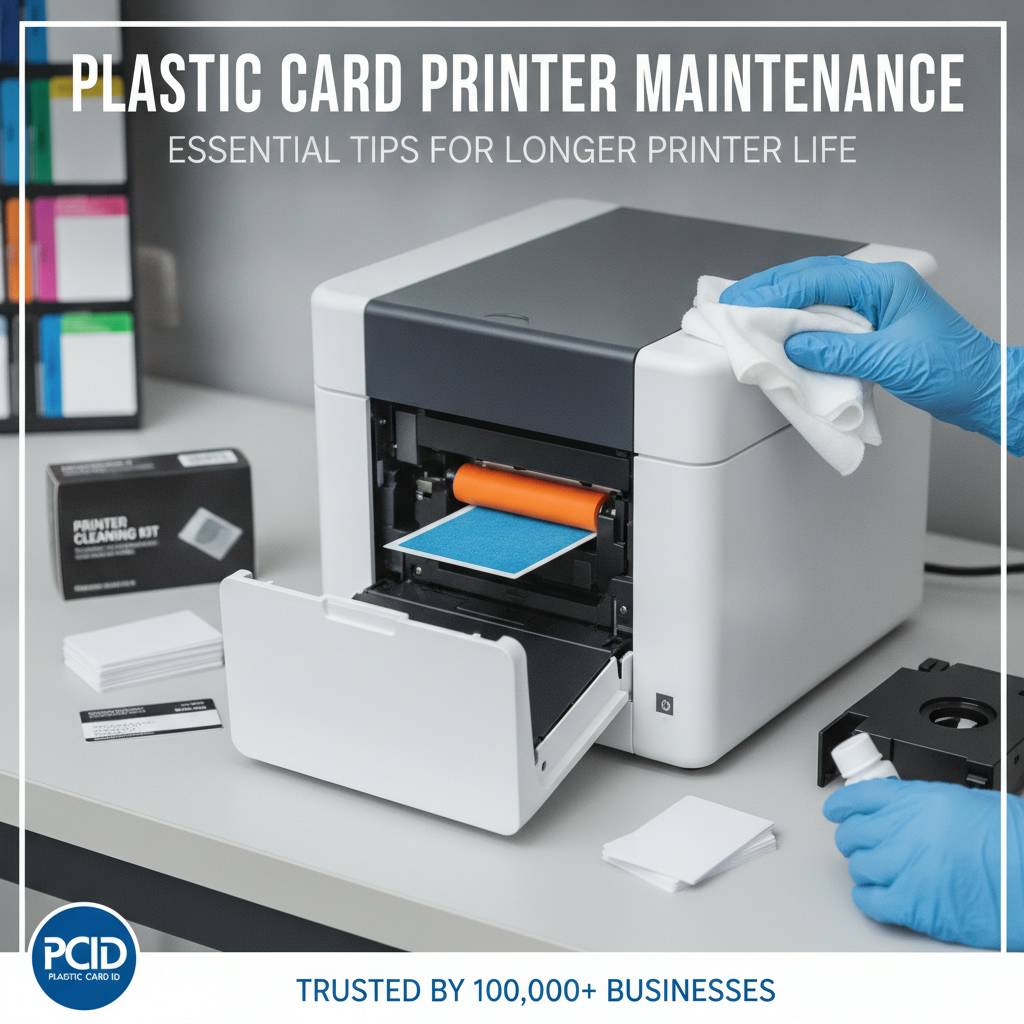
Maintaining a plastic card printer doesn't require technical expertise or specialized tools. Most manufacturers - Evolis, Fargo, Zebra, and Matica included - have engineered their cleaning systems to be user-friendly. A typical cleaning routine takes less than five minutes and uses pre-saturated cleaning cards and swabs that are specifically designed for each printer model.
The core maintenance tasks include cleaning the print head, cleaning the card transport rollers, clearing the card input and output path, and occasionally cleaning the lamination module if your printer is equipped with one. Each of these steps targets a specific failure point. Together, they keep your printer performing like new - or close to it - for years of consistent use.
How Plastic Card ID Supports Your Maintenance Program
We don't just sell printers - we supply everything needed to keep them running. CPE carries a full range of cleaning kits, ribbons, and accessories matched to specific printer models so you're never guessing whether a cleaning card will work with your machine. Call us at 800.835.7919 and we'll help you build a maintenance schedule that fits your print volume and environment.
Whether you're running an Evolis Badgy200 for occasional badge printing or a high-throughput Matica Event Printer for rapid on-site credential production, the right maintenance supplies make all the difference. We stock what you need and we know exactly which products match which printers.
Understanding the Components That Need Cleaning
 Before you can maintain a card printer effectively, you need to understand what's inside it. The print head is the single most critical component in any card printer - it transfers dye or resin from the ribbon onto the card surface using a row of precisely controlled heating elements. Even microscopic contamination on the print head causes visible print defects: streaks, voids, or color inconsistencies that make cards look unprofessional.
Beyond the print head, card transport rollers do the mechanical work of feeding cards through the printer path. These rubber rollers pick up oils from card surfaces and accumulate particulate debris over time. As they become contaminated, their grip weakens - leading to card jams, misfeeds, and inconsistent card positioning that throws off print alignment. Knowing which components to clean, and how often, is the foundation of any solid maintenance routine.
The Print Head: Handle With Care
Print heads are the most expensive component to replace in a card printer, often costing $150-$400 depending on the model. They're also the most vulnerable to damage from improper cleaning. Never use abrasive materials, dry cloths, or alcohol-based solutions not specifically formulated for card printer use - these can destroy the heating elements within a single cleaning session.
Use only manufacturer-approved isopropyl alcohol cleaning pens or pre-saturated swabs. Apply gentle pressure and clean in a single direction rather than scrubbing back and forth. For most Evolis and Fargo models, the print head is accessible via the top cover - a cleaning pen or swab can be applied with the ribbon removed. Let the head dry completely before closing the printer and resuming operation.
Transport Rollers and the Card Path
Card transport rollers should be cleaned every time you change your printer ribbon - typically every 100-200 cards depending on the ribbon type. Cleaning cards that are pre-saturated with isopropyl alcohol are the standard method. Simply load the cleaning card into the input hopper and run the printer's built-in cleaning cycle, which most modern Evolis, Zebra, and Fargo printers support directly from the control panel or software interface.
A clean card path means consistent card feeding, accurate magnetic stripe positioning, and sharper overall print results. If your cards are coming out skewed or you're experiencing more frequent jams than usual, contaminated rollers are often the culprit. A single cleaning cycle frequently resolves these issues immediately - no technician required.
Lamination Modules and Encoding Stations
If your printer is equipped with a lamination module - available as an upgrade on models like the Evolis Primacy2 and certain Fargo configurations - the lamination rollers and heating elements need periodic cleaning as well. Laminate film leaves residue on rollers over time, which can cause bubbling, peeling, or uneven laminate application. Use the cleaning tools specified for your particular lamination module - these differ from standard card path cleaning supplies.
Encoding stations for magnetic stripe and smart chip cards are generally sealed and don't require hands-on cleaning, but the card guides and contact surfaces near these stations should remain free of debris. If you're encoding cards and experiencing read errors, a pass-through of the card path with a cleaning card often resolves the issue before any deeper investigation is needed.
How Often Should You Clean Your Card Printer?
| Print Volume | Recommended Cleaning Frequency | Typical Printer Models |
|---|---|---|
| Under 500 cards/year | Every ribbon change or quarterly | Evolis Badgy200 |
| 500-2,000 cards/month | Every ribbon change (monthly) | Evolis Zenius, Evolis Primacy2 |
| 2,000-6,000 cards/month | Every ribbon change (bi-weekly) | Fargo HDP5000, Zebra ZC300 |
| High-volume / event | Daily or per session | Matica Event Printer, Evolis Agilia |
Choosing the Right Cleaning Supplies
Not all cleaning supplies are interchangeable. Using the wrong cleaning card in the wrong printer can leave residue, introduce moisture, or even damage internal sensors. Every major manufacturer - Evolis, Fargo, Zebra, Matica - specifies approved cleaning materials, and for good reason. These materials are engineered to dissolve card residue and ribbon particulates without harming the delicate components they contact.
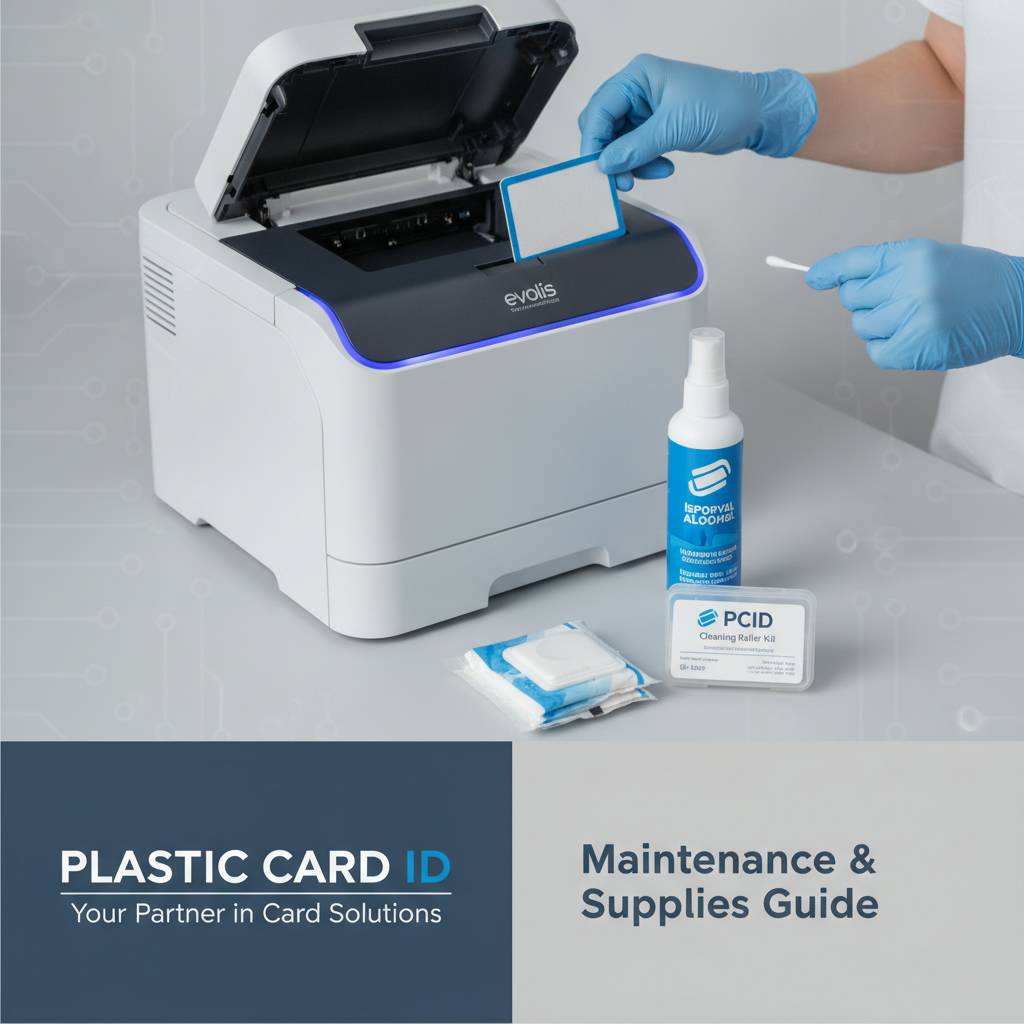
Plastic Card ID stocks cleaning kits matched to specific printer families. When you order cleaning supplies through us, you're not guessing - you're getting exactly what your printer needs, recommended by people who have supported these machines for over 25 years.
Cleaning Cards, Swabs, and Pens - What Each Does
Cleaning cards look like standard PVC cards but are saturated with isopropyl alcohol. They run through the card path, contacting the transport rollers and internal guides, dissolving and lifting contamination as they travel. Most modern card printers have a dedicated cleaning cycle that automates this process - you load the cleaning card and press a button.
Cleaning swabs and pens target the print head directly. Swabs allow you to apply isopropyl solution to specific areas with controlled pressure. Cleaning pens work similarly but with a felt tip that distributes the cleaning solution evenly. Both tools are inexpensive insurance against print head failure - a $3 cleaning swab used correctly can extend the life of a $300 print head significantly.
Ribbon Quality and Its Role in Printer Health
Here's something many users overlook: the quality of your printer ribbon has a direct impact on how quickly your printer gets dirty. Low-grade or off-brand ribbons shed more dye particles and leave more residue in the card path than manufacturer-approved ribbons. Using genuine Evolis, Fargo, or Zebra ribbons isn't just about print quality - it's about keeping the printer clean.
CPE supplies YMCKO full-color ribbons, monochrome ribbons in black and other single colors, and specialty ribbons including scratch-off and metallic options. Using the correct ribbon type for your card design not only produces better results but reduces the cleaning burden on your printer over time. Call CPE at 800.835.7919 to confirm which ribbon specification is right for your model and workload.
Storage and Environment: The Overlooked Maintenance Factor
Where your printer lives matters more than most people realize. Dusty environments accelerate contamination of the card path and print head. Humid conditions can affect ribbon performance and cause cards to stick together in the input hopper. Direct sunlight can warp plastic components over time. Keeping your card printer in a clean, climate-controlled environment is itself a form of preventive maintenance.
Store unused ribbons and cleaning supplies in sealed bags or containers away from direct heat. Cards should be kept in their original packaging until use - this prevents dust accumulation and keeps the card surface clean before printing. Simple storage habits reduce how often deep cleaning is needed and maintain print quality consistency across every card you produce.
Troubleshooting Common Maintenance-Related Problems
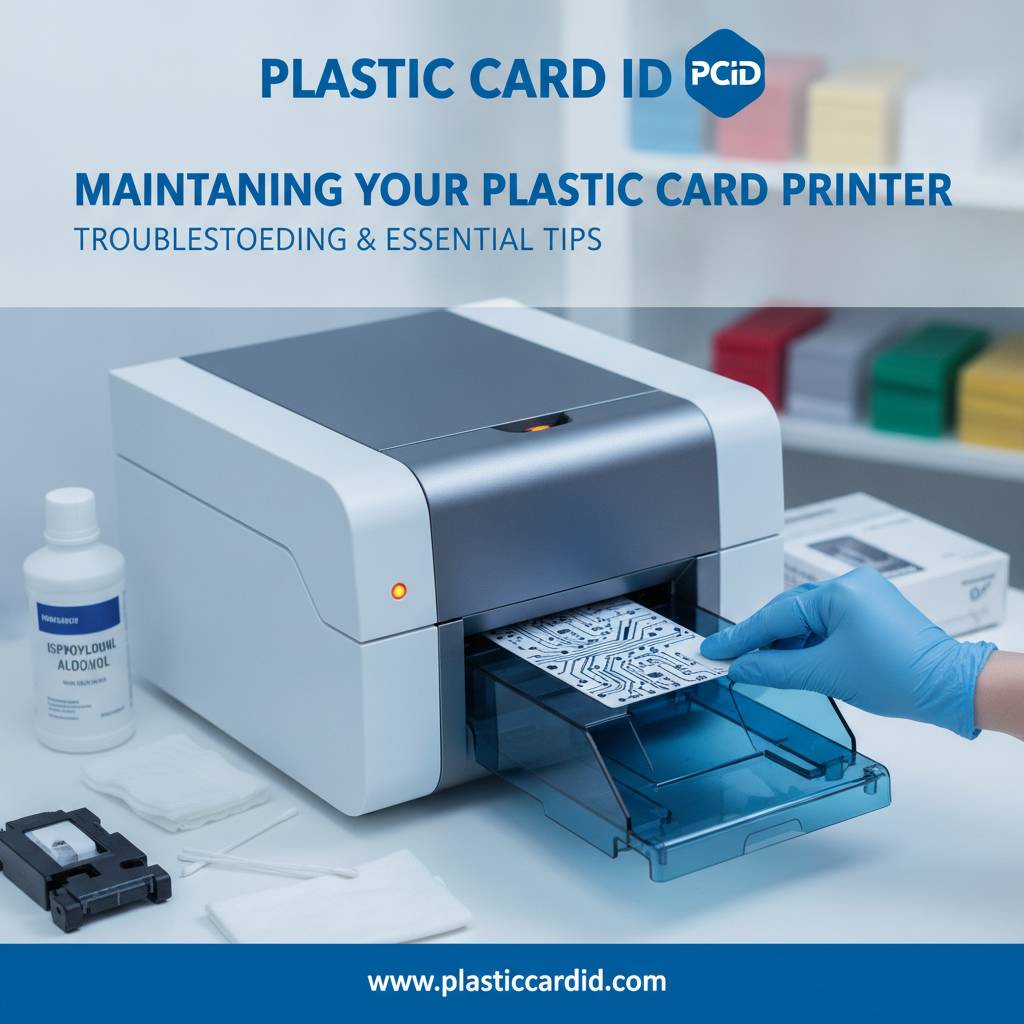 Even with regular maintenance, issues occasionally arise. Understanding what's causing the problem - rather than assuming the printer is broken - saves time, money, and frustration. Most print quality problems that look like hardware failures are actually maintenance issues in disguise. Before escalating to a service call, work through the common causes systematically.
The symptoms that most frequently signal a maintenance need include horizontal lines or streaks across printed cards, inconsistent color saturation, ribbon breaks during printing, card jams or misfeeds, and magnetic stripe or chip encoding errors. Each of these points to a specific component - and most can be resolved with cleaning alone.
Streaks and Lines on Printed Cards
Horizontal white lines across a printed card almost always indicate a dirty or damaged print head. If cleaning doesn't resolve the issue, the print head may have a failed heating element - at which point replacement is necessary. Vertical streaks, however, often point to debris on the card surface or contaminated transport rollers rather than the print head itself.
Run a full cleaning cycle before drawing any conclusions about hardware failure. In the majority of cases, a single cleaning cycle with a manufacturer-approved cleaning card eliminates streaking entirely. If the problem persists after two cleaning cycles, contact Plastic Card ID for guidance on next steps specific to your printer model.
Ribbon Breaks and Jams
Ribbon breaks during printing are almost always caused by one of three things: a contaminated or worn print head generating excess heat at specific points, damaged ribbon caused by improper storage, or using a ribbon that's not rated for your printer model. Check the ribbon for visible damage or creasing first - if the ribbon is compromised, replace it before investigating further.
If the ribbon appears intact but keeps breaking in the same spot, the print head likely has a defective heating element that's burning through the ribbon. This is a repair situation, not a maintenance one. But if ribbon breaks are infrequent and seemingly random, a thorough cleaning cycle often resolves the issue by clearing debris that was causing localized friction in the ribbon path.
Magnetic Stripe and Chip Encoding Errors
- Confirm you're using cards rated for the correct coercivity - high-coercivity (HiCo) and low-coercivity (LoCo) cards require different encoding settings.
- Run a cleaning card through the printer to clear any debris near the encoding station that might be affecting card positioning.
- Check that card thickness settings are correctly configured in the printer driver - incorrect thickness settings cause cards to pass the encoder at the wrong speed or angle.
- Test with a fresh card from a sealed package - surface contamination from handling can interfere with magnetic stripe reads.
- If encoding errors persist across multiple card types and cleaning cycles, the encoding module itself may need calibration or replacement - contact Plastic Card ID for support.
Building a Long-Term Maintenance Schedule
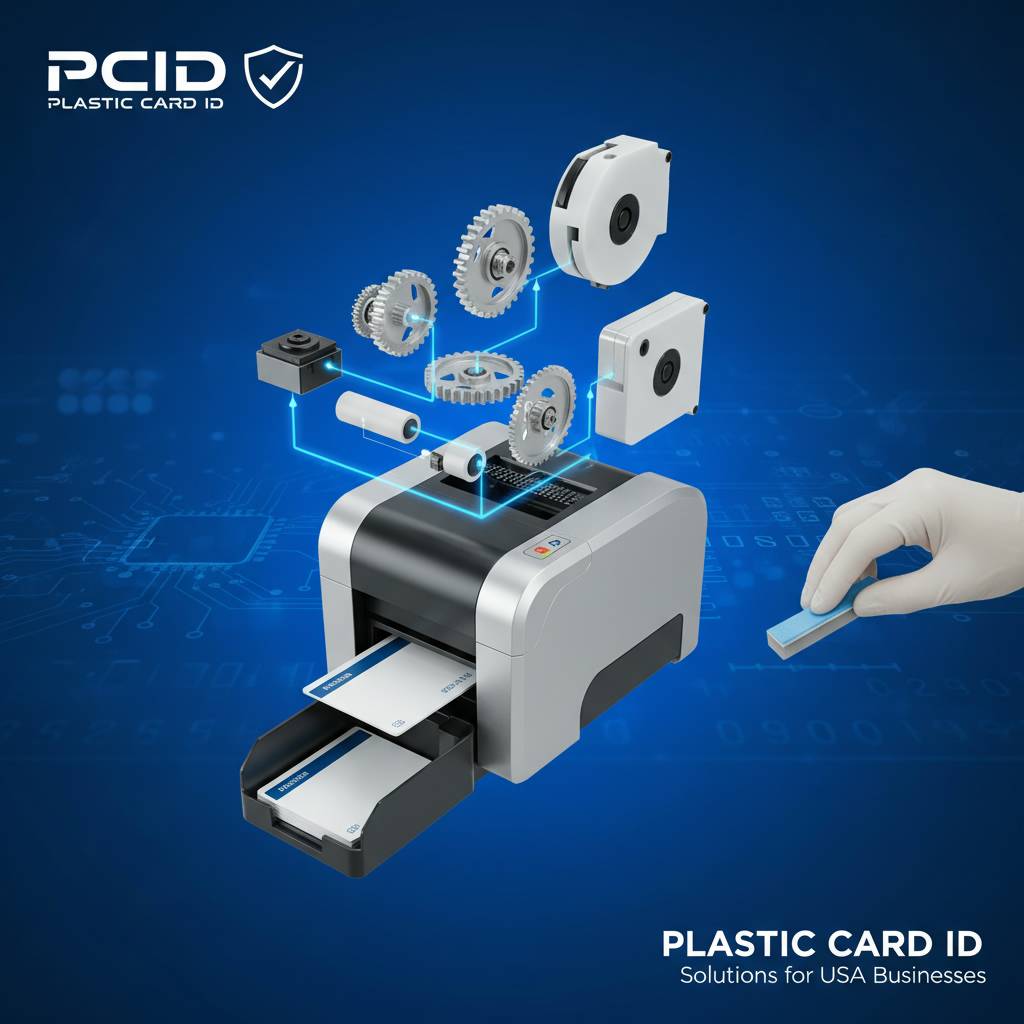 Ad hoc maintenance - cleaning only when something breaks - is reactive and expensive. A structured maintenance schedule, tied to your actual print volume, is the most cost-effective approach to card printer care. It takes less than 30 minutes per month in most cases and dramatically extends the service life of your equipment.
The framework is simple: link cleaning events to ribbon changes rather than calendar dates. Every time you install a new ribbon, run a cleaning cycle. For higher-volume environments, add a dedicated monthly deep cleaning that includes print head cleaning with a swab or pen, roller cleaning, and a visual inspection of the card path. Document what you do and when - this history is valuable if you ever need warranty service or technical support.
Monthly and Quarterly Maintenance Checklist
Monthly maintenance for most mid-range printers should include running a cleaning card through the full card path, cleaning the print head with an approved swab or pen, inspecting the ribbon for damage or improper seating, and checking card stock for contamination or static buildup. These steps take five minutes and prevent the vast majority of common failures.
Quarterly maintenance adds a closer inspection of the card input hopper and output tray for debris buildup, checking all cable connections and driver software for updates, and testing the printer's encoding functionality if you use magnetic stripe or chip encoding. Quarterly reviews are also a good time to assess your ribbon and cleaning supply inventory so you're never caught without what you need.
When to Call for Professional Service
There are situations where maintenance alone isn't enough. If your printer is producing quality issues that survive multiple cleaning cycles, if mechanical components are visibly worn or damaged, or if error codes are appearing that your user manual doesn't resolve, professional service is the right move. Don't continue printing on a compromised machine - the resulting waste of ribbon and card stock, plus the risk of damaging other components, makes it worth pausing and getting proper support.
CPE can help you diagnose whether a problem requires professional repair or can be resolved with a specific cleaning product or replacement part. We carry a full inventory of consumables and accessories for every brand we represent, and our team has the experience to help you interpret error messages and symptoms accurately. Reach out before assuming the worst - the fix is often simpler than you think.
Stocking the Right Maintenance Supplies Ahead of Time
One of the most disruptive maintenance failures isn't mechanical - it's logistical. Running out of cleaning cards mid-production schedule or scrambling for a replacement ribbon when your stock runs dry creates delays that proper inventory management prevents entirely. Keep at least one spare ribbon per color type in stock, along with a full cleaning kit, so your operation never goes dark waiting for a supply shipment.
Plastic Card ID makes it straightforward to stock what you need. Order cleaning kits, ribbons, card carriers, lamination supplies, and encoding materials all in one place - matched to your specific printer model - and never deal with compatibility guesswork again. A well-stocked maintenance supply cabinet is one of the most reliable performance upgrades you can make to your card printing program.
Partner With Plastic Card ID for Every Aspect of Your Card Printing Program
Knowing how to maintain a plastic card printer is only as valuable as having the right supplies and expertise to back it up. Plastic Card ID has been doing exactly this for over 25 years, supporting businesses of every size - from small nonprofits printing under 500 membership cards a year to enterprise operations running thousands of employee IDs and access control cards every month. We know these machines inside and out, and we stock everything needed to keep them running at peak performance.
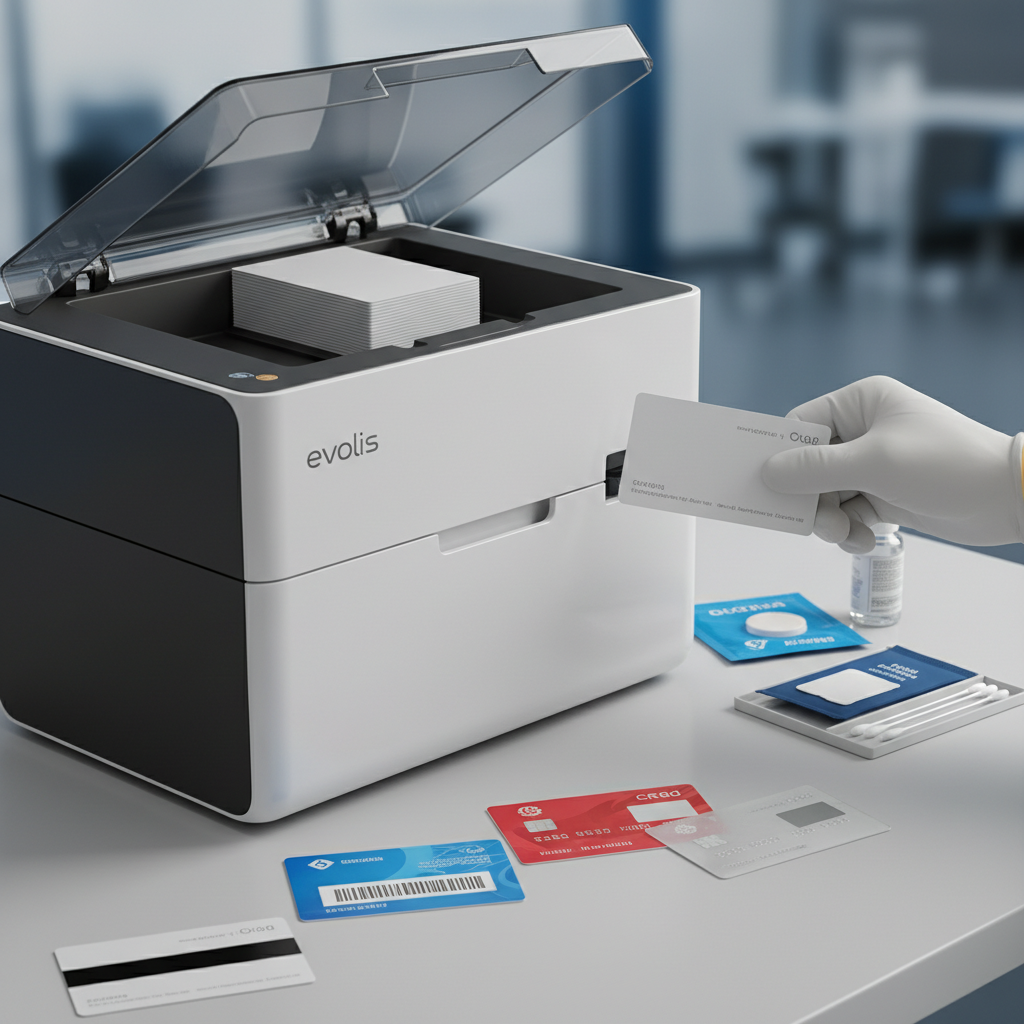
Our lineup covers the full spectrum: Evolis printers from the entry-level Badgy200 through the professional Primacy2 and the premium Agilia, Fargo and Zebra systems for security-focused ID programs, and the Matica Event Printer for high-speed on-site credential production. Alongside every printer, we supply the complete ecosystem of ribbons, cleaning kits, lamination modules, encoding upgrades, hoppers, card carriers, and sleeves that keep your program running without interruption.
Ready to get your maintenance program on track? Contact Plastic Card ID today at 800.835.7919 and speak with a specialist who knows your printer, your use case, and exactly what you need to keep every card looking perfect.
From your first printer purchase to your hundredth ribbon reorder, Plastic Card ID is the partner you call. Reach us at 800.835.7919 - we're ready to help.
Card Printer Cleaning Kit Guide: Tips & Best Practices
Previous Page