Card Printer Input Hopper Guide: Capacity Features
Table of Contents []
- The Complete Card Printer Input Hopper Guide from Plastic Card ID
- Matching Input Hopper Capacity to Your Card Program Volume
- Input Hopper Accessories and Upgrade Options
- Troubleshooting Common Input Hopper Problems
- Selecting the Right Printer Brand Based on Hopper Performance
- Frequently Asked Questions About Card Printer Input Hoppers
- Why Plastic Card ID Is Your Best Resource for Input Hopper Guidance
The Complete Card Printer Input Hopper Guide from Plastic Card ID
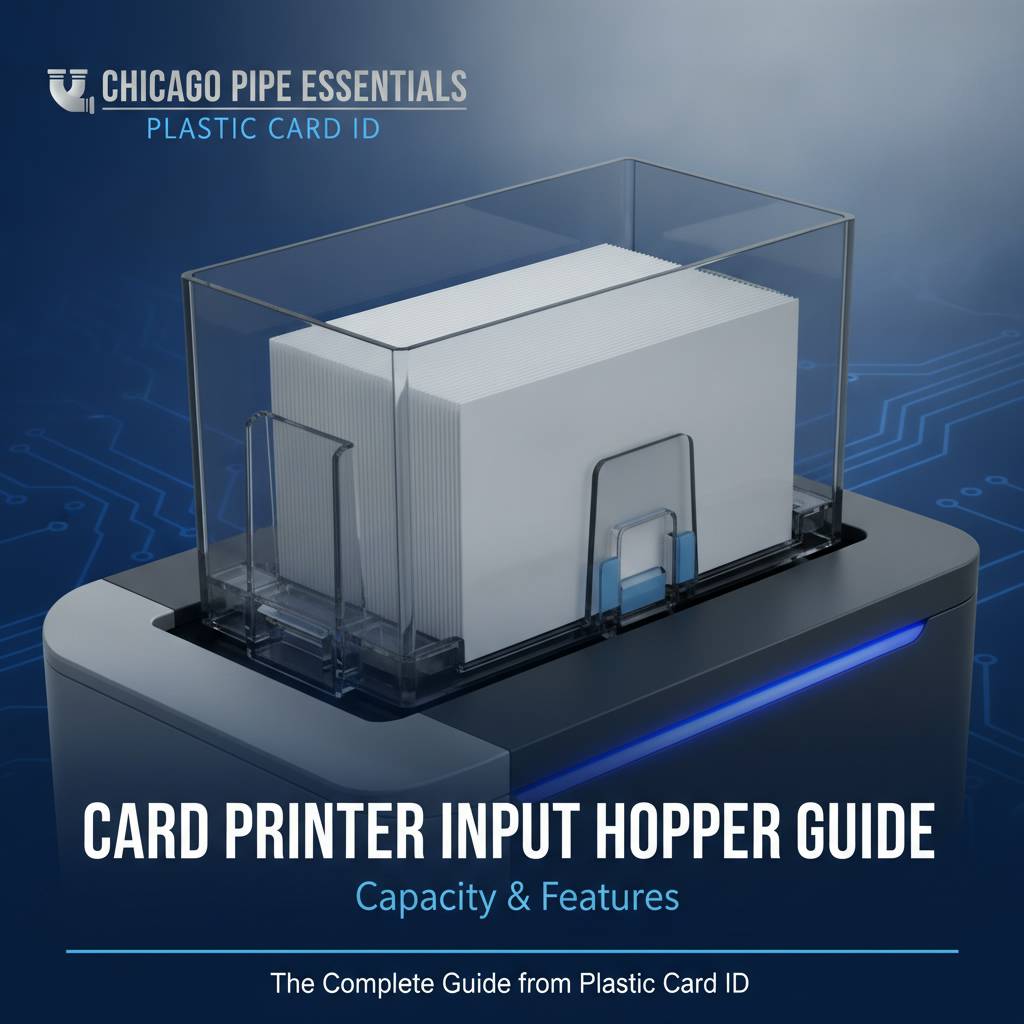 Most people shopping for a card printer spend their energy comparing print resolution, ribbon types, and encoding options - and overlook one component that quietly determines how smoothly everything actually runs. The input hopper. It sounds simple. It isn't. How your printer feeds cards affects throughput, jam rates, operator time, and whether your card program scales gracefully or becomes a daily frustration.
Whether you're running an HR department printing 50 employee badges a month or managing a university ID office producing thousands of student credentials each semester, understanding input hoppers will help you buy the right printer, configure it correctly, and keep it running without interruption. This guide covers everything - capacity, compatibility, upgrades, common mistakes, and how to match hopper specs to your actual production needs.
What Is a Card Printer Input Hopper?
The input hopper is the tray or cartridge-style compartment that holds blank PVC cards before they're fed into the printer's card path. Think of it as the starting gate. Cards sit stacked in the hopper, and the printer's feed mechanism pulls them one at a time, moving each through the print zone, encoding modules, and lamination rollers before depositing the finished card into the output hopper on the other side.
It might seem like a passive component - a box that holds cards - but the input hopper's design directly influences feed reliability. A well-designed hopper guides cards at precisely the right angle and tension so the feed rollers grab cleanly every single time. A poorly designed one, or one loaded incorrectly, leads to double-feeds, card jams, skew errors, and wasted ribbon panels.
Standard Capacity vs. Extended Hopper Options
Entry-level desktop printers typically ship with input hoppers rated for 25 to 50 cards. That's fine if you're printing a handful of badges at a time. Mid-range workhorses often feature hoppers holding 100 cards, and some models support optional extended hoppers that push capacity to 200 or even 300 cards for longer unattended runs.
Higher hopper capacity means fewer interruptions, which matters more than most buyers initially realize. An operator who has to reload cards every 30 prints across a busy ID issuance day loses significant productive time. Extended input hoppers are particularly valuable in environments like event credentialing, hotel key programming, or university enrollment where volume spikes are predictable and intense.
How Hopper Design Affects Card Feed Reliability
Card thickness, surface texture, and even static buildup all interact with hopper geometry. Most professional card printers are calibrated for standard CR80 cards at 30 mil thickness - the same dimensions as a standard credit card. Hoppers designed around this spec feed reliably when loaded correctly. Problems typically arise when operators mix card thicknesses, load bent or warped cards, or overfill the hopper beyond its rated capacity.
Some higher-end models from Evolis, Fargo, and Zebra include smart feed sensors and automatic thickness adjustment that compensate for minor card variation. These features reduce jam events and extend the working life of feed rollers - two things worth factoring in when comparing printer specs at similar price points.
| Printer Tier | Typical Hopper Capacity | Extended Hopper Available | Best For |
|---|---|---|---|
| Entry-Level (e.g., Badgy200) | 25-50 cards | No | Under 1,000 cards/year |
| Mid-Range (e.g., Evolis Zenius, Primacy2) | 100 cards | Yes (up to 200) | 1,000-6,000 cards/month |
| High-Volume (e.g., Evolis Agilia, Matica) | 200-300 cards | Yes (varies by model) | High-throughput, industrial use |
| Event/On-Site (e.g., Matica Event Printer) | 100-200 cards | Model-dependent | On-site badge issuance, conferences |
Matching Input Hopper Capacity to Your Card Program Volume
 Buying a printer with the wrong hopper configuration for your volume isn't just inconvenient - it's expensive in the long run. Underpowered hopper setups force constant operator intervention. Oversized setups tied to printers not built for sustained duty cycles can lead to premature mechanical wear. Matching capacity to actual production demand is a discipline, not an afterthought.
The calculation isn't complicated, but it requires honesty about your real workflow. How many cards do you print in a typical session? How often do you have a high-volume issuance event - like new employee onboarding, semester start at a university, or a large conference? Do you need the printer running unattended, or is an operator always nearby? These questions shape the right hopper spec more than any marketing description.
Low-Volume Programs: When Small Hoppers Are Fine
Organizations printing fewer than 1,000 cards per year - think small offices, boutique fitness studios, or nonprofits issuing volunteer IDs - genuinely don't need extended hopper capacity. A 25-50 card input hopper is entirely sufficient. The Evolis Badgy200, for example, is a compact desktop unit purpose-built for this segment, and its hopper matches the workflow perfectly: load a small batch, print, done.
Trying to "future-proof" a low-volume program with a high-capacity printer can mean paying significantly more - $400-$900 more in some cases - for features that will never be utilized. CPE can help you right-size your selection so you're not over-investing in infrastructure that sits idle 95% of the time.
Mid-Range Volume: The 1,000 to 6,000 Cards per Month Range
This is where input hopper capacity starts to matter a great deal. Printers like the Evolis Zenius and Primacy2 live in this tier, and their 100-card hoppers reflect a production philosophy: load a reasonably large batch, walk away, and return to a stack of finished cards. The ability to print unattended, even briefly, is a genuine productivity multiplier for HR teams, access control administrators, and campus ID offices.
For programs toward the upper end of this range, the optional 200-card extended hopper upgrade is worth serious consideration. The incremental cost - typically $75-$200 depending on the model - pays for itself quickly in operator time savings, especially during predictable surge periods like annual badge renewals or new semester enrollments.
High-Volume and Industrial Needs: Extended Hoppers Are Non-Negotiable
When you're printing thousands of cards in a single session - hotel properties issuing key cards during peak check-in, large corporations onboarding dozens of employees weekly, or healthcare facilities managing access credentials across multiple departments - a standard 50-card hopper becomes an active obstacle. Industrial-tier printers like the Evolis Agilia and Matica systems are built with this reality in mind, shipping standard with large-capacity hoppers and supporting modular input stacker configurations.
These systems are designed for sustained duty cycles, and their hopper assemblies reflect that. Robust feed mechanisms, larger card capacities, and in some cases multi-hopper configurations allow operators to queue up several hundred cards and let the machine run without babysitting. If your card program has genuine industrial requirements, the investment in this tier is justified and the input hopper capacity is a central reason why.
Input Hopper Accessories and Upgrade Options
The hopper you receive with a printer out of the box isn't always the final configuration. CPE supplies a range of accessories that complement or expand upon base input hopper setups, and understanding these options helps you build a card printing station that actually fits your operation rather than forcing your operation to fit the printer.
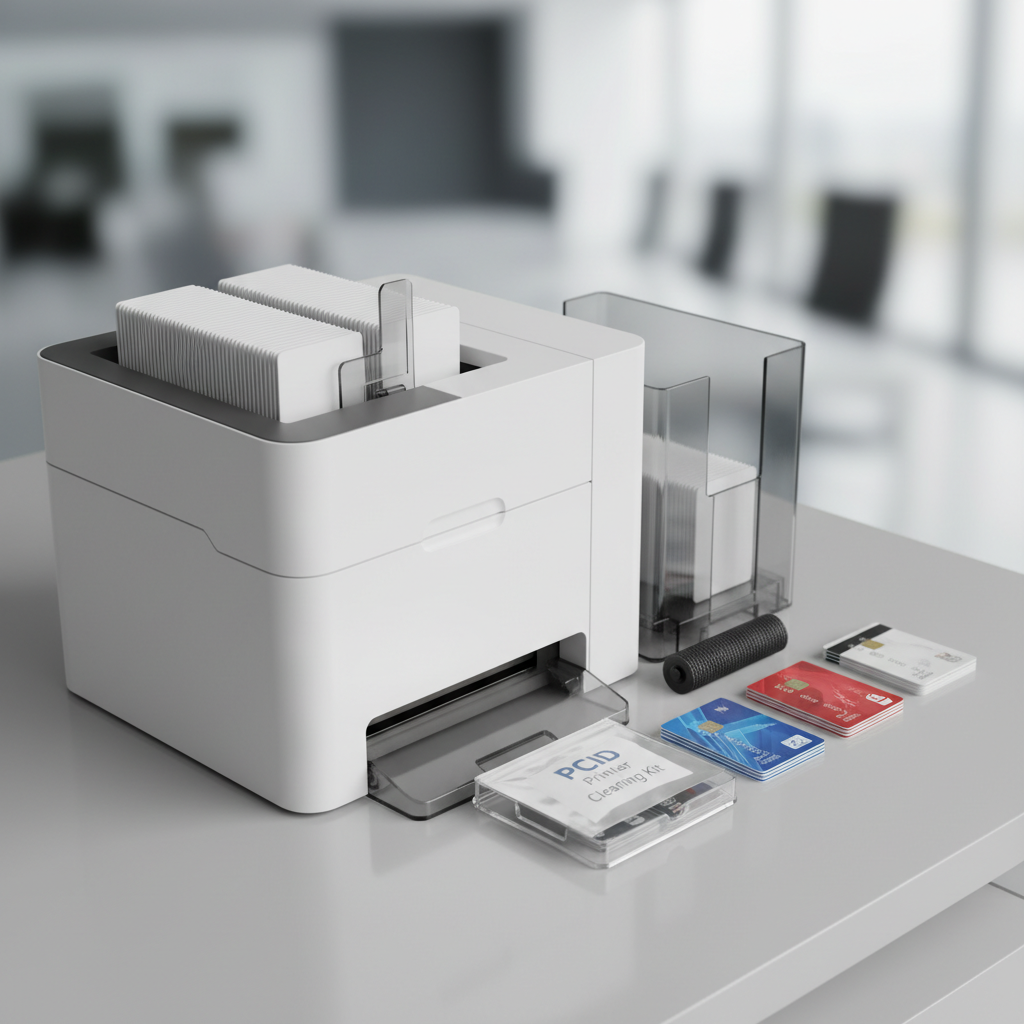
Card carriers and sleeves, for instance, aren't just protective packaging - they serve a functional role in certain card-feeding workflows, particularly when printing cards with pre-punched holes or unusual surface coatings. Input hoppers also wear over time, and replacement hopper assemblies are a stocked item, not a special-order headache.
Extended Input Hoppers: What to Know Before You Buy
Extended hoppers are model-specific. An extended hopper designed for the Evolis Primacy2 will not fit a Fargo HDP5000, full stop. Before purchasing an extended hopper upgrade, confirm the exact printer model and firmware version. CPE stocks genuine OEM hopper accessories for Evolis, Fargo, Zebra, and Matica printers, ensuring compatibility and maintaining manufacturer warranty compliance.
Extended hoppers typically connect directly to the standard hopper port and require minimal setup - usually just a driver acknowledgment or a quick firmware setting. Most users report the upgrade takes under five minutes to complete. That simplicity makes it an easy win for any program where throughput is becoming a bottleneck.
Card Carriers and How They Interact with Input Hoppers
Card carriers are thin, rigid carriers that hold a card during printing to protect delicate surfaces or enable printing on non-standard card formats. When using carriers, the hopper load process changes slightly - carriers are loaded into the hopper just as regular cards would be, but the printer's feed settings may need adjustment to accommodate the slightly different combined thickness.
Always verify that your printer model supports carrier-fed printing before purchasing carriers. Most mid-range and high-volume units do, but entry-level models may not. Contact CPE directly at 800.835.7919 if you have questions about carrier compatibility with a specific printer model - it's a quick conversation that prevents a frustrating return.
Cleaning Kits and Hopper Maintenance Accessories
Input hoppers accumulate card dust, PVC debris, and occasionally ribbon residue that finds its way into the card path from the print zone. A neglected hopper is one of the most common causes of intermittent feed errors that baffle operators who have already replaced their ribbon and recalibrated their printer settings. Regular cleaning is the answer, and it's straightforward.
Cleaning kits typically include pre-saturated cleaning cards that run through the card path on a set schedule - often every 1,000 prints or per ribbon change - and cotton-tipped swabs for manual cleaning of the hopper's internal guides and feed rollers. CPE stocks cleaning kits for all major printer brands and recommends establishing a documented cleaning schedule as part of any professional card program's standard operating procedure.
Troubleshooting Common Input Hopper Problems
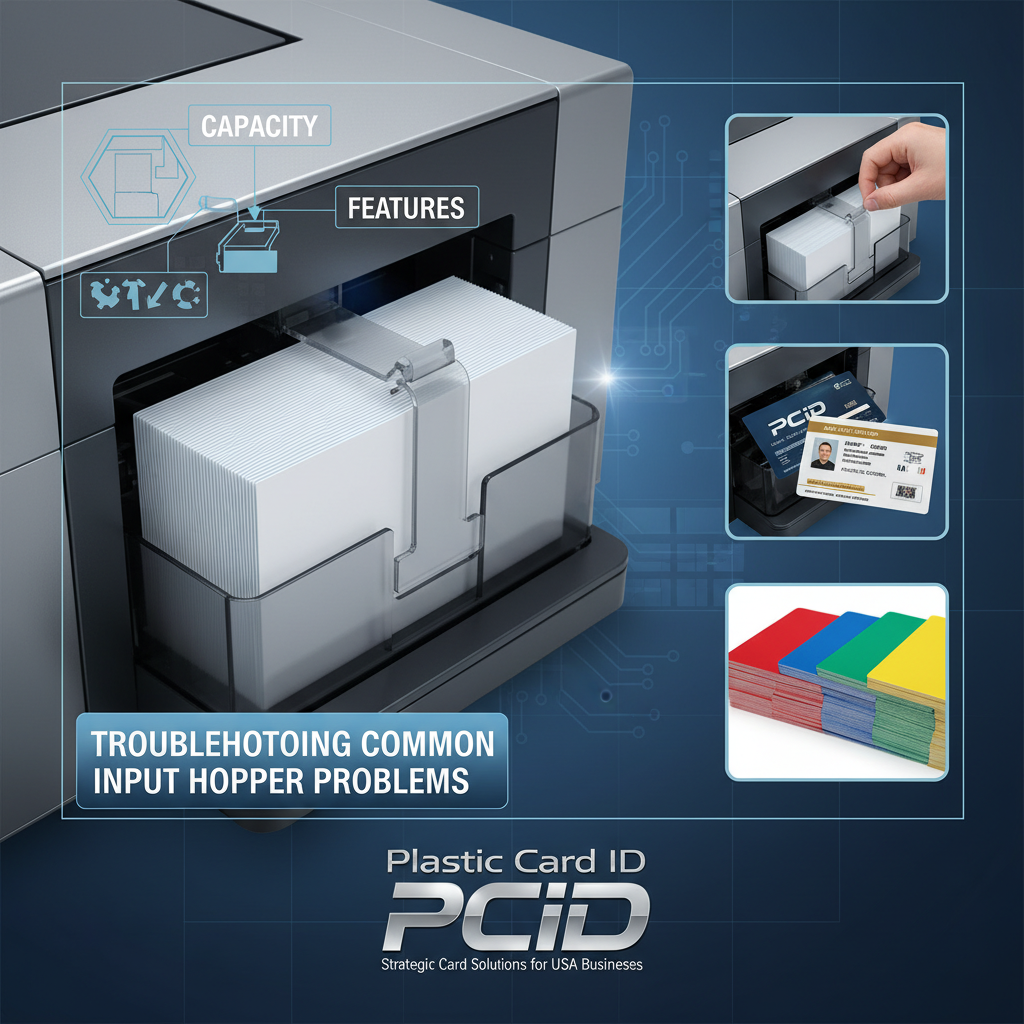 Even well-maintained hoppers encounter occasional issues. Knowing the most common problems and their root causes turns a frustrating service call into a two-minute self-fix. The vast majority of input hopper complaints fall into a small number of repeatable categories, and most of them have nothing to do with a defective printer.
Card jams are the most reported issue. Feed errors, double-feeds, and skewed cards follow closely. In almost every case, the root cause is either improper card loading, incorrect card stock, hopper overfill, or accumulated debris in the card path. Understanding why these happen is more valuable than knowing how to clear them after the fact.
Card Jams: Causes and Prevention
The single most common cause of card jams originating in the input hopper is loading cards that have been exposed to humidity, causing them to stick together slightly. When the feed roller grabs two cards bonded by static or surface adhesion, they enter the card path together and jam at the first narrow point. The fix is simple: fan your card stock before loading to separate any cards that have stuck together.
Warped or bent cards are another culprit. Cards stored flat in their original packaging feed reliably. Cards that have been sitting in a non-flat stack, left in a warm car, or stored in conditions with extreme humidity variation may develop a slight curl that prevents clean feeding. Always store blank card stock flat, in original sealed packaging, away from heat sources and direct sunlight.
Double-Feeds and Skewed Cards
Double-feeds - where two cards enter the print zone simultaneously - typically result from hopper overfill. Loading beyond the hopper's rated capacity increases the pressure on the bottom card in the stack, making it more likely the feed roller grabs two at once. The fix is always the same: reduce the load to the rated capacity and never exceed the marked fill line.
Skewed cards present differently - the card enters the print zone at a slight angle, producing a printed image that isn't square to the card edges. This usually indicates debris in the hopper's side guides, preventing the card from sitting squarely in the feed position. A quick cleaning with a lint-free cloth typically resolves the issue immediately. If skewing persists after cleaning, the hopper side guides may be worn and the hopper assembly may need replacement.
When to Contact Support vs. DIY Fixes
- Try a DIY fix first if the problem appeared suddenly after a card reload - almost always a loading or card quality issue.
- Run a cleaning cycle if errors are intermittent and increasing in frequency - accumulated debris is the likely cause.
- Check card stock - confirm you're using genuine CR80 30 mil PVC cards, not cards from an unknown source with inconsistent thickness.
- Contact support if errors persist after cleaning, if the hopper shows visible physical damage, or if the feed roller mechanism makes unusual sounds during operation.
- Request a replacement hopper assembly if your unit has processed over 50,000 cards without a hopper service - feed rollers and hopper guides have a finite service life.
Call CPE at 800.835.7919 for fast troubleshooting support - most common input hopper issues can be diagnosed and resolved over the phone in minutes.
Selecting the Right Printer Brand Based on Hopper Performance
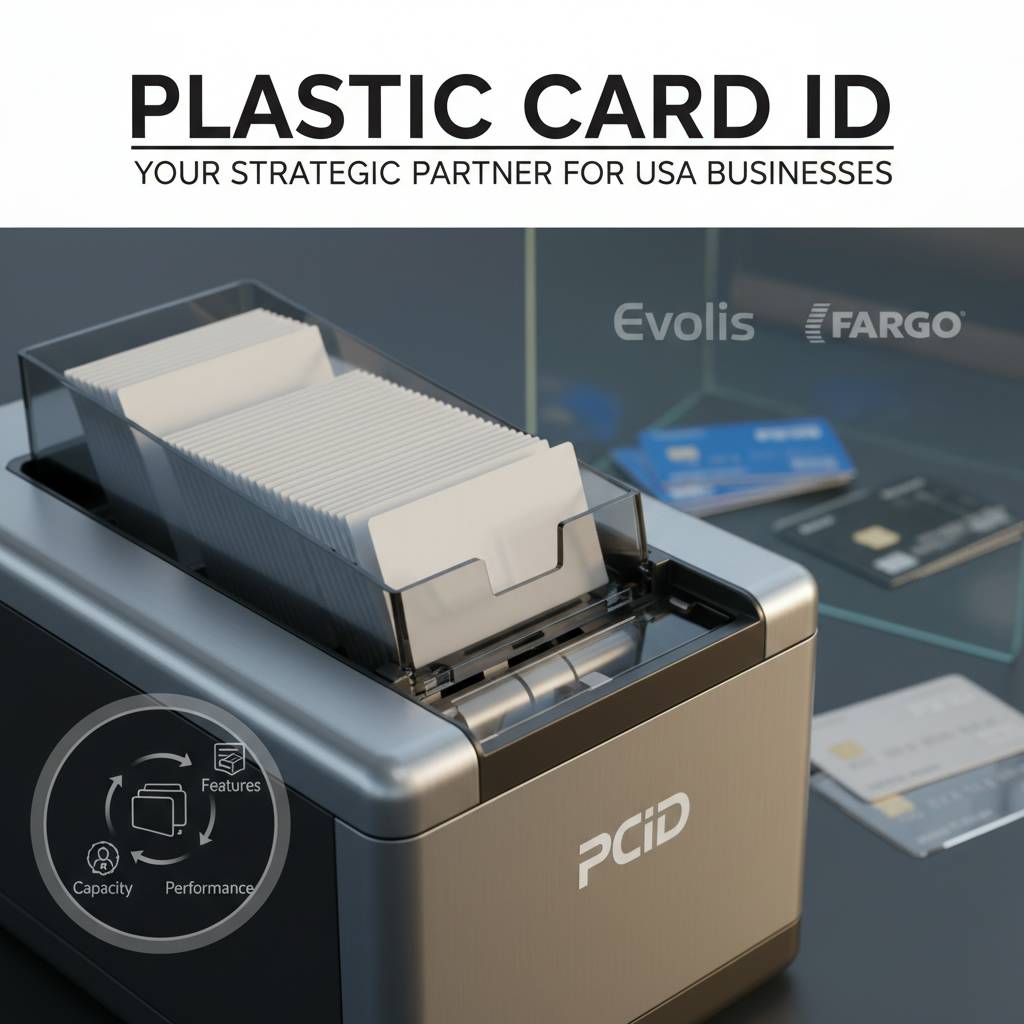 Not all card printer brands approach hopper design with the same philosophy. Evolis, Fargo, Zebra, and Matica each have distinct engineering priorities that show up in how their hoppers perform across different production environments. Knowing these differences helps you align brand selection with the specific demands of your card program.
This isn't about which brand is "best" in an abstract sense - it's about which brand's hopper design and capacity options map most cleanly onto what you're actually trying to do. Printer selection is an engineering decision, not a brand loyalty exercise.
Evolis Printers and Hopper Configurations
Evolis has built its desktop and mid-range lineup around clean, operator-friendly hopper designs that prioritize ease of loading and reliable single-card feeding. The Badgy200's compact hopper suits low-volume environments perfectly. The Zenius and Primacy2 step up with 100-card capacity, and the Agilia - Evolis's flagship high-quality output model - offers extended hopper support that makes it viable for demanding, sustained production environments.
Evolis printers also benefit from a mature driver ecosystem that provides clear hopper status feedback through the print management software. Operators can see remaining card count estimates and receive low-card alerts before the hopper runs empty - a small feature that prevents the mid-job interruption that breaks workflow in busy ID offices.
Fargo and Zebra: Security-Focused Hopper Designs
Fargo and Zebra printers are heavily adopted in security-sensitive environments - government ID programs, law enforcement credentials, corporate access control - where the card feeding process must be reliable enough to trust for high-stakes issuance. Their hopper designs reflect this: precision-engineered feed mechanisms with tighter tolerances and more robust jam-clearing protocols built directly into the printer firmware.
Zebra's card printer lineup, including models widely deployed in large enterprise environments, features input hoppers designed for operator-level serviceability. Feed rollers can be replaced in the field without specialized tools, reducing downtime when maintenance is due. Fargo systems similarly prioritize service accessibility, with modular hopper assemblies that swap cleanly without disassembling the entire unit.
Matica Systems for Event and High-Speed Badge Printing
The Matica Event Printer occupies a specific and valuable niche: on-site, high-speed badge issuance at events, conferences, trade shows, and large-scale enrollment scenarios. Its hopper design is optimized for rapid loading and continuous feeding under burst-mode printing conditions, where speed of issuance - not just quality - is the primary metric of success.
Matica's hopper capacity and feed rate specs are built around the reality that event badge printing often means printing 200-500 credentials in a compressed timeframe, with minimal operator attention available. If your organization runs large-scale events where attendees expect credentials immediately upon check-in, the Matica's hopper performance specifications are worth examining very closely before committing to any other platform.
Frequently Asked Questions About Card Printer Input Hoppers
After serving over 100,000 customers across every industry that uses plastic card programs, CPE has fielded a predictable set of questions about input hopper selection, use, and maintenance. The questions below represent the real concerns that come up most frequently - answered directly and without unnecessary hedging.

Can I Use Third-Party Card Stock in My Printer's Input Hopper?
Technically, yes - most printers will accept standard CR80 30 mil PVC cards from any source. Practically, card quality varies significantly between suppliers, and inconsistent card thickness or surface coating can cause feed errors that look like printer problems but are actually card stock problems. Genuine, consistent-quality PVC card stock feeds reliably. Bargain card stock is a false economy when it causes ribbon waste and jam-related downtime.
If you're experiencing intermittent feed errors and recently switched card stock suppliers, that's the first variable to test. Load a batch of known-good cards from a reliable source and run a test print job. If errors disappear, the card stock was the issue, not the printer or hopper.
How Often Should I Clean My Input Hopper?
A practical cleaning schedule is every 1,000 cards printed or every ribbon change, whichever comes first. For high-volume environments running thousands of cards per month, this means cleaning more frequently - possibly weekly. The cleaning process itself takes under five minutes when using the correct cleaning card kit for your printer model.
Don't wait for errors to appear before cleaning. Proactive hopper maintenance prevents the progressive degradation of feed reliability that creeps up on card programs that skip routine cleaning. By the time errors become frequent, the feed rollers may already have accelerated wear that a cleaning alone can't reverse.
What Happens If I Overfill My Input Hopper?
- The feed roller is forced to overcome higher stack pressure, increasing double-feed probability significantly.
- Cards near the bottom of an overfilled stack may experience micro-deformation from the weight above, affecting feeding geometry.
- The hopper's side guides cannot properly align a card stack that exceeds rated capacity, increasing skew errors.
- In extreme cases, overfilling can cause physical stress on the hopper's feed mechanism, leading to premature mechanical wear.
The rated capacity printed on your hopper isn't a conservative suggestion - it's an engineering specification. Respect it and your printer will feed reliably for its full designed service life. Exceed it regularly and you're spending down your printer's mechanical lifespan faster than necessary.
Why Plastic Card ID Is Your Best Resource for Input Hopper Guidance
 Buying a card printer isn't a commodity transaction. The hopper configuration, ribbon type, encoding options, and accessory lineup all interact in ways that have real operational consequences for your card program. CPE brings over 25 years of specialized expertise to every consultation - not general office equipment experience, but deep, specific knowledge of card printing workflows across every industry segment that relies on plastic card credentials.
No other supplier combines this depth of product knowledge with a stocked inventory of genuine OEM accessories - hoppers, ribbons, cleaning kits, encoding upgrades, card carriers - all available without the lead times and compatibility uncertainty of sourcing through general resellers. When you call CPE, you're talking to people who have configured card printing systems for hospitals, universities, hotels, corporations, and event venues. They've seen the problems, solved them, and built that knowledge into every recommendation they make.
Complimentary Pre-Purchase Consultation
Before committing to a printer model or hopper configuration, take advantage of CPE's no-pressure consultation process. Describe your card program - volume, application type, encoding needs, environment - and receive a specific recommendation tailored to what you actually need, not what generates the largest sale. This is genuinely useful guidance from specialists who live and breathe card printing infrastructure every day.
The consultation takes 10-15 minutes and can prevent costly mismatches between equipment and workflow. It's the single most efficient thing you can do before spending $200-$5,000 on a card printing system.
In-Stock Accessories and Fast Fulfillment
Every accessory discussed in this guide - extended input hoppers, cleaning kits, card carriers, sleeves, ribbons in YMCKO, monochrome, and specialty formulations, lamination modules, and encoding upgrades - is stocked and available for fast fulfillment. There's no waiting weeks for a critical hopper component to arrive from an overseas warehouse. Your card program doesn't stop because a hopper accessory is back-ordered.
For organizations running card programs that have zero tolerance for downtime - healthcare credentialing, hotel operations, corporate security - the reliability of PCID's stocked inventory is a genuine operational asset. Call 800.835.7919 to confirm availability of any specific accessory before placing your order.
Long-Term Support for Your Card Program
A card printer purchase isn't a one-time transaction - it's the beginning of an ongoing supply and support relationship. Ribbons need replenishment. Cleaning kits run out. Hoppers eventually wear and need replacement. Encoding upgrades become necessary as card programs evolve. CPE is built to serve as a long-term partner across the full lifecycle of your card printing infrastructure, not just the initial sale.
Over 100,000 customers across the United States have trusted CPE with their card programs - not because the prices are occasionally competitive, but because the combination of expertise, genuine OEM inventory, and responsive support delivers real value year after year. When you're running a professional card program, that kind of reliable supply chain relationship is worth a great deal.
Ready to find the right input hopper configuration for your card printing program? Contact Plastic Card ID today at 800.835.7919 - the specialists are standing by to help you build a card printing setup that performs exactly the way your operation demands.
Smart Chip Card Printer Encoding Options & Features
Previous Page