Card Printer DPI Resolution Explained: Quality Clarity
Table of Contents []
- Card Printer DPI Resolution Explained - Plastic Card ID
- What Does DPI Actually Mean on a Card Printer?
- 300 DPI vs. 600 DPI: Which Resolution Do You Actually Need?
- DPI and Card Security: Why Resolution Matters for Credentials
- Buyer's Guide: Choosing the Right DPI for Your Card Program
- Accessories and Supplies That Maximize Your Printer's DPI Performance
- Why Plastic Card ID Is the Right Partner for Your Card Printing Program
- Start Printing Professional Cards with Plastic Card ID
Card Printer DPI Resolution Explained - Plastic Card ID
 Most buyers shopping for a card printer fixate on brand names and price tags. Then they overlook the single specification that determines whether their finished cards look razor-sharp or disappointingly blurry: DPI resolution. Understanding what DPI actually means - and how it translates to real-world card quality - is the difference between a smart investment and a costly mistake.
At Plastic Card ID, we've equipped over 100,000 businesses across the United States with professional card printing solutions. That experience gives us a unique vantage point on what buyers actually need versus what marketing copy tends to oversell. This guide cuts through the noise and explains card printer DPI in plain, practical terms - so you can choose the right printer with confidence.
| DPI Level | Print Quality | Best Use Case | Typical Printer Tier |
|---|---|---|---|
| 300 DPI | Standard Professional | Employee IDs, Loyalty Cards | Entry to Mid-Range |
| 600 DPI | High Detail | Security IDs, Fine Text, Logos | Mid to Premium Range |
| 1200 DPI | Ultra High Resolution | Secure Credentials, Micro-Text | Premium Industrial |
What Does DPI Actually Mean on a Card Printer?
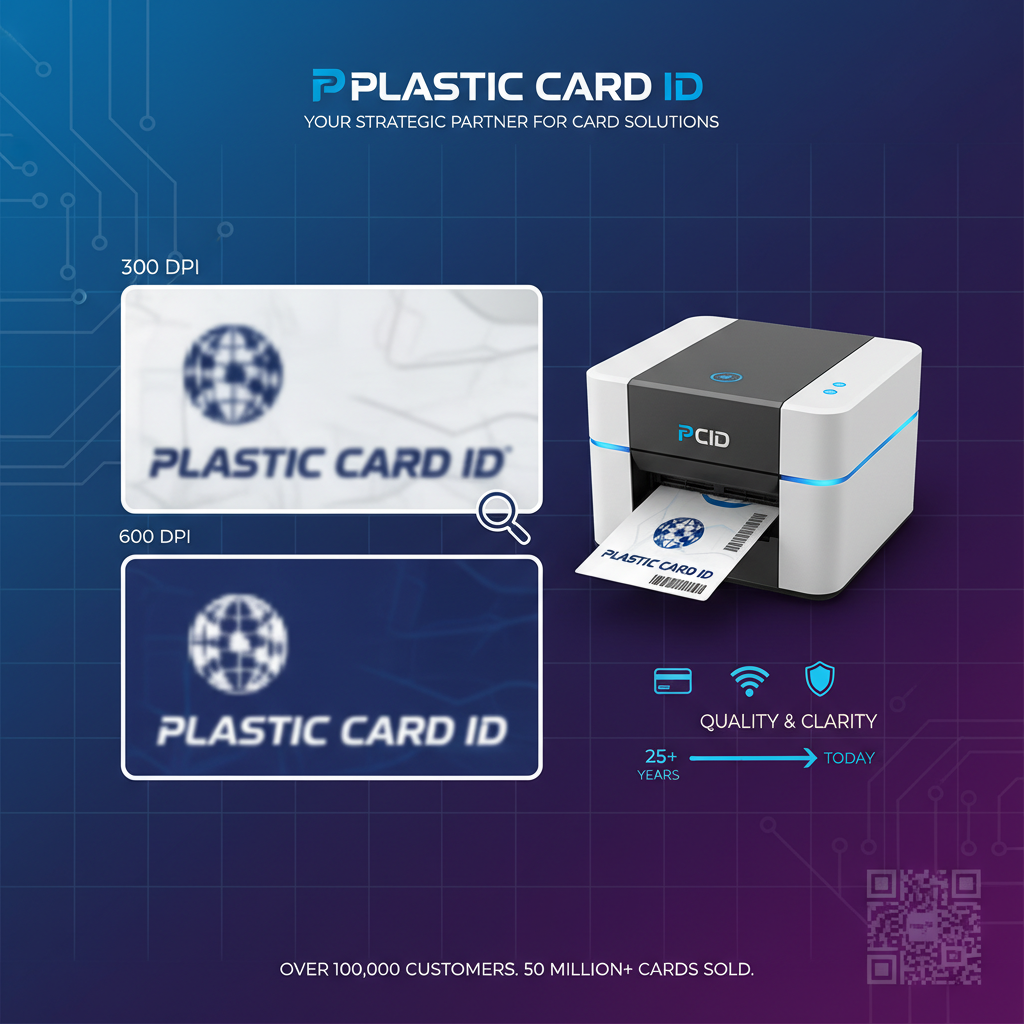 DPI stands for dots per inch - it describes how many individual ink or dye dots a printer can place within a single linear inch of a card's surface. A higher DPI number means more dots packed into that space, which translates to finer detail, crisper text, and smoother color gradients. Think of it like the pixel density on a screen: more dots equals sharper images.
On a plastic card printer, the print head deposits color in a grid pattern. At 300 DPI, the print head places 300 dots per inch in each direction, creating 90,000 dots per square inch. At 600 DPI, that figure jumps to 360,000 dots per square inch. The practical effect is enormous when you're printing small fonts, fine barcodes, or detailed portrait photographs on a card roughly the size of a credit card.
How DPI Differs from Standard Document Printing
Desktop document printers commonly boast extremely high DPI figures - sometimes 1200 or 2400 - because they're designed to reproduce text at tiny point sizes across large paper sheets. Card printers operate differently. The canvas is tiny (CR-80 standard cards measure 3.375 x 2.125 inches), which means that 300 DPI on a card printer already delivers impressive results compared to what you'd expect from a document printer at the same rating.
The dye-sublimation process used in most professional card printers also differs fundamentally from inkjet or laser document printing. Rather than spraying or fusing toner, dye-sub printers vaporize ribbon dye and infuse it directly into the card surface. This produces smooth, continuous-tone color transitions that make even a 300 DPI card look genuinely polished - far better than a raw DPI comparison to document printers would suggest.
The Role of Ribbon Technology in Perceived Resolution
Here's something that surprises many first-time buyers: two printers with identical DPI ratings can produce noticeably different quality output depending on the ribbon used. YMCKO ribbons (yellow, magenta, cyan, black resin, and overlay panels) are the workhorses of full-color card printing. The quality and formulation of the ribbon material directly impacts how cleanly dots are deposited, which affects perceived sharpness even at the same nominal DPI.
Using genuine OEM ribbons - the kind supplied through Plastic Card ID for Evolis, Fargo, Zebra, and Matica printers - ensures the print head and ribbon chemistry are matched precisely. Third-party ribbons might technically work, but inconsistent dye transfer can create banding, color shifting, and edge blurring that no amount of DPI can overcome. Ribbon quality and DPI must work together to achieve the results shown in printer specifications.
Understanding Print Head Architecture
The print head itself is a precision-engineered component containing hundreds of individually controlled heating elements. At 300 DPI, a print head spanning a standard CR-80 card width contains approximately 1,011 heating elements. At 600 DPI, that doubles to around 2,022 elements across the same span. More heating elements means finer control over exactly where and how much dye is transferred - which is why higher DPI heads are substantially more expensive to manufacture and replace.
Print head lifespan is typically measured in the number of cards printed, not years of operation. Entry-level printers often have print heads rated for 10,000-30,000 cards, while industrial-grade printers may be rated for 100,000 cards or more. When evaluating DPI, it's worth factoring in print head durability because a high-DPI head that wears prematurely can become costly to maintain at volume.
300 DPI vs. 600 DPI: Which Resolution Do You Actually Need?
The most common question CPE hears from buyers is whether they truly need 600 DPI or whether 300 DPI is sufficient. The honest answer depends on what you're printing - and there's no universal right answer. Printing employee ID cards with a photograph, name, and department label? 300 DPI delivers fully professional, workplace-ready results that look sharp and clean in everyday use.
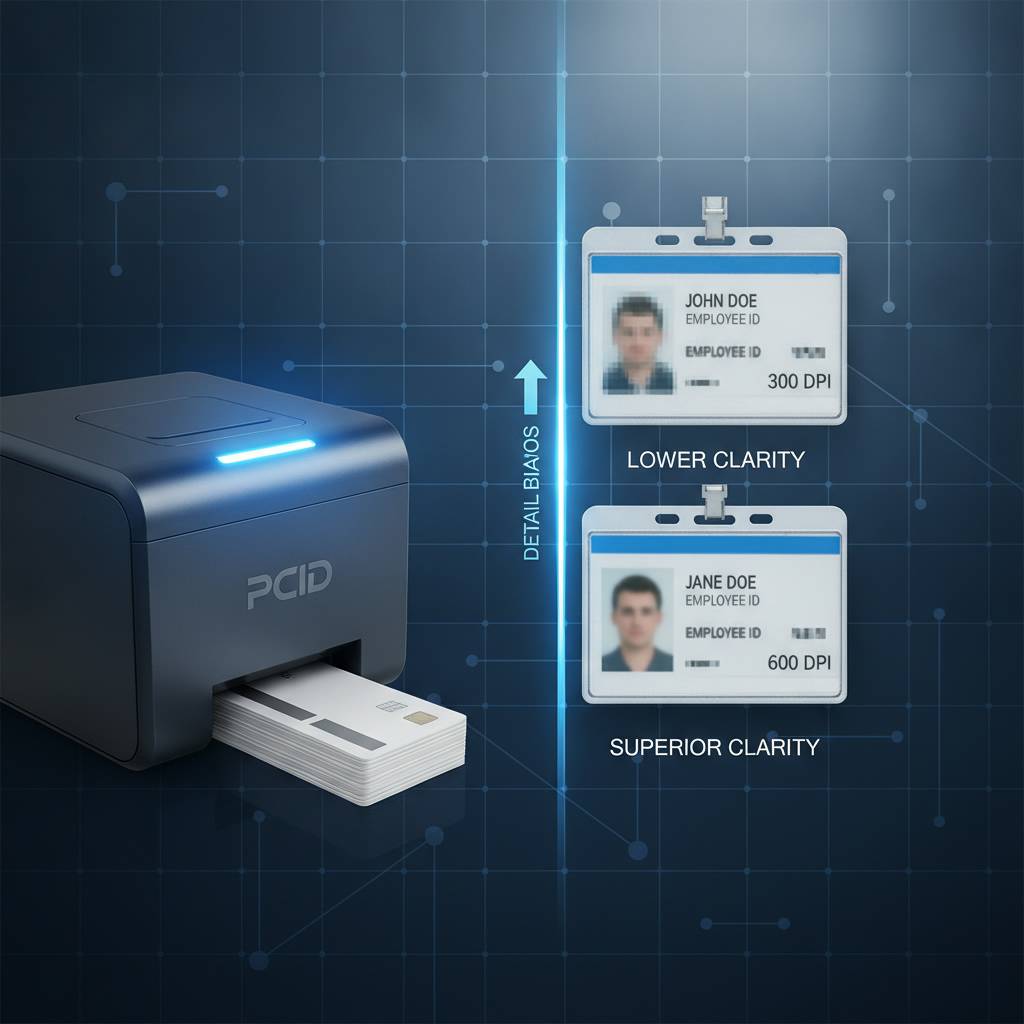
Where 600 DPI earns its premium price is in applications involving micro-text, dense barcodes or QR codes, guild-quality security features, or photographic portraiture where fine facial details matter. Security-focused organizations - government agencies, universities, healthcare networks, financial institutions - frequently specify 600 DPI minimum because the cards serve as official credentials subject to visual inspection and duplication prevention.
Visual Differences Under Real Conditions
Side-by-side comparison of 300 DPI and 600 DPI card prints in normal ambient lighting often reveals less difference than buyers anticipate. Both produce smooth, professional color output. The difference becomes apparent when you hold a card under a loupe or magnifying glass, print very small point size text (below 6pt), or encode detailed vector artwork with thin hairline strokes. For the majority of business card programs, 300 DPI is genuinely sufficient.
However, if your cards will be scrutinized closely during check-in processes, used as primary identification documents, or reflect directly on your brand's quality perception, investing in 600 DPI output is worthwhile. Premium programs benefit from the extra investment because the cards simply look and feel more authoritative - a subtle psychological advantage that isn't trivial in professional settings.
Printers at Each DPI Level from Plastic Card ID's Lineup
Among the Evolis lineup, the Badgy200 and Zenius operate at 300 DPI - perfectly suited for employee IDs, membership cards, loyalty programs, and student credentials where volume is moderate and design complexity is typical. The Evolis Primacy2 and Agilia step up the performance envelope considerably, with the Agilia in particular delivering exceptional edge-to-edge output with the kind of vibrancy and precision that demanding organizations specify. Fargo and Zebra offerings at CPE cover both 300 DPI and 600 DPI tiers as well.
Matica's event printer is engineered for a different use case entirely - speed and on-site flexibility rather than maximum resolution - making it ideal for conferences, trade shows, and large-scale badge printing events where throughput beats fine detail. Matching the right printer's DPI to your actual use case is where Plastic Card ID's 25-plus years of experience genuinely pays off for customers. Call 800.835.7919 to talk through your specific requirements with a knowledgeable product specialist.
When 300 DPI Is the Smart, Cost-Effective Choice
Not every organization needs premium resolution, and chasing the highest DPI specification can mean overspending on hardware and consumables without any meaningful quality gain. An organization printing 500 staff ID badges per year doesn't need an industrial 600 DPI printer any more than a home cook needs a commercial restaurant range. Right-sizing your printer to your volume and use case is the hallmark of a smart purchasing decision.
Entry-level printers like the Evolis Badgy200 are explicitly designed for organizations printing fewer than 1,000 cards per year. At 300 DPI with a full YMCKO ribbon, these printers produce clean, professional output that satisfies the vast majority of business ID programs. Pair that with proper card stock and genuine ribbons, and the finished product looks polished and durable without requiring a four-figure hardware investment.
| Annual Card Volume | Recommended DPI | Recommended Printer Series |
|---|---|---|
| Under 1,000 cards | 300 DPI | Evolis Badgy200 |
| 1,000-72,000 cards | 300-600 DPI | Evolis Zenius, Primacy2 |
| 72,000 cards | 600 DPI | Evolis Agilia, Fargo, Zebra |
DPI and Card Security: Why Resolution Matters for Credentials
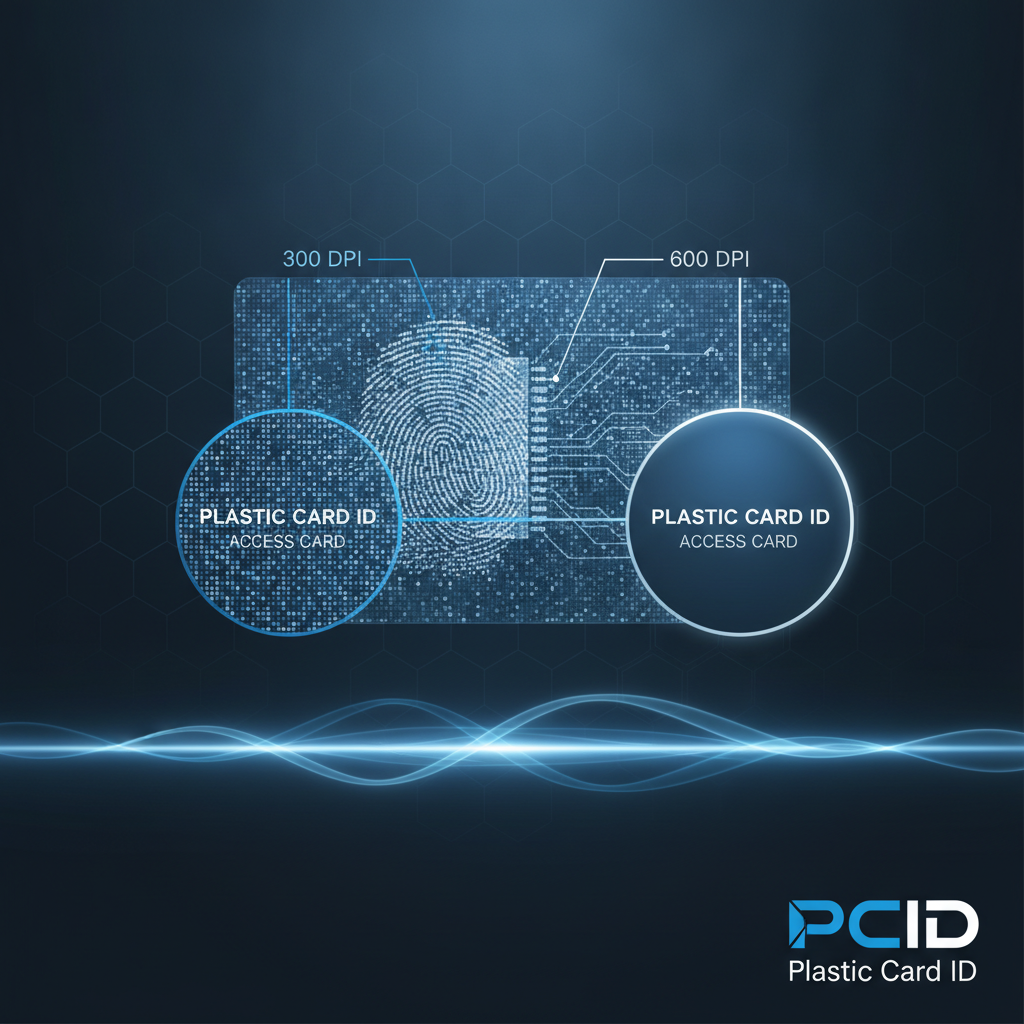 Security-grade ID programs operate under requirements that go well beyond aesthetics. When a card functions as an access control credential, a government-issued ID, or a healthcare facility badge, the visual integrity of every printed element - photo, text, barcode, holographic overlay - carries real stakes. Higher DPI resolution directly strengthens the security posture of printed credentials by enabling finer security features that are harder to reproduce with consumer-grade equipment.
Fine-line guilloche patterns, micro-printed legal text, detailed portrait photography, and precise barcode symbologies all depend on the print head's ability to place dots with microscopic accuracy. At 600 DPI, these elements render with the kind of crispness that makes unauthorized reproduction significantly more difficult. Organizations running access control systems where visual inspection is part of the verification process benefit substantially from the investment in higher-resolution printers.
Magnetic Stripe and Smart Chip Encoding in Context
DPI addresses the visual side of card security, but many credential programs also encode data electromagnetically. Magnetic stripe encoding writes data to a ferromagnetic strip on the card's back panel, enabling swipe-based access control, time and attendance tracking, and parking systems. Smart chip encoding - available as an upgrade module on several Evolis and Fargo models - embeds data in a contactless or contact chip for more sophisticated security protocols.
These encoding capabilities are independent of DPI but complement it in a complete security card program. A 600 DPI printed card with encoded magnetic stripe or smart chip delivers both visual integrity and machine-readable security - a combination that defines professional-grade access credentials. Plastic Card ID supplies encoding upgrade modules as add-ons for compatible printers, letting organizations scale security features alongside print quality.
Lamination and Its Effect on Perceived Print Quality
One factor that meaningfully enhances how DPI resolution presents on the finished card is lamination. Lamination modules - available as standalone accessories or integrated features on premium printers - apply a thin protective film over the printed surface. Beyond extending card durability, lamination enhances color depth and sharpness by providing a smooth, optically clear substrate that makes printed dots appear more cohesive and vibrant.
High-security lamination can also incorporate holographic elements that further distinguish legitimate credentials from counterfeits. When combined with 600 DPI printing, laminated cards represent the pinnacle of what in-house card printing can achieve without commissioning an external bureau. For organizations managing secure badge programs, the combination of high DPI and lamination is worth serious consideration.
Buyer's Guide: Choosing the Right DPI for Your Card Program
 Before committing to a printer specification, it helps to ask a few pointed questions about your actual card program. What types of cards will you be printing? How many cards per month or year? Will the cards include photographs, small text, barcodes, or encoding? What's your budget for both the hardware and ongoing consumables? These four questions define 90% of what you need to know to make the right DPI decision.
The answers frequently surprise buyers who assume they need higher resolution than their use case actually demands. A retail loyalty card program printing 500 cards monthly benefits more from a reliable mid-range 300 DPI printer with a large input hopper than from a premium 600 DPI unit that exceeds the budget for consumables. Volume, design complexity, and budget are the real decision drivers - DPI is just the technical expression of the quality requirement.
Key Questions to Ask Before Buying
- What is your monthly or annual card volume? Low-volume programs under 1,000 cards per year need entry-level capacity; higher volumes require mid-range or industrial-grade hardware.
- Does your card design include photographs? Portrait photos benefit from higher DPI to render facial details accurately, particularly for security credentials.
- Will cards include barcodes or QR codes? Dense barcode symbologies require sufficient DPI to remain scannable at small sizes.
- Is single-sided or dual-sided printing required? Dual-sided printing doubles the effective complexity of the print job and may influence printer model selection.
- Do cards need encoding? Magnetic stripe or smart chip encoding requires compatible hardware regardless of DPI tier.
- What is your total cost of ownership budget? Higher DPI printers typically require more expensive ribbons and print heads - factor this into multi-year cost modeling.
Understanding Consumable Costs at Different DPI Levels
One aspect of the DPI decision that buyers routinely underestimate is consumable cost over time. YMCKO ribbons for standard 300 DPI printers are widely available and competitively priced, often yielding 200-300 cards per ribbon cartridge at costs that work out to well under $1.00 per card for color printing. Premium 600 DPI printers may use higher-grade ribbon formulations that cost more per cartridge, though the per-card cost remains manageable at volume.
Cleaning kits are another ongoing consumable consideration. Card printers require periodic cleaning to maintain print head performance and prevent dust or debris from degrading print quality. Regular cleaning extends print head lifespan and helps preserve the DPI performance the hardware is rated for. Plastic Card ID supplies complete cleaning kits compatible with all major printer brands, along with ribbons in YMCKO, monochrome, and specialty configurations.
Frequently Asked Questions About Card Printer DPI
Can I upgrade my printer's DPI after purchase? In most cases, no. DPI is a hardware characteristic determined by the print head architecture, which is fixed at manufacture. Choosing the right DPI tier upfront is essential because the print head cannot typically be swapped for a higher-resolution variant as an aftermarket upgrade.
Does DPI affect print speed? Generally yes - higher DPI printing requires finer, more precise dot placement which can slow print throughput modestly. Industrial printers are engineered to maintain acceptable speed at higher DPI through more powerful hardware, but there is typically a tradeoff between resolution and cards-per-hour at the upper end of the specification range. Reviewing the printer's published cards-per-hour rating at full-color DPI is advisable before purchasing.
Accessories and Supplies That Maximize Your Printer's DPI Performance
Buying the right printer is the first step - keeping it performing at its rated DPI specification is the ongoing commitment. Several accessories and supply choices directly affect whether the printer delivers on its rated resolution over the long term. Using the right supplies isn't just maintenance - it's protecting your hardware investment.

Card carriers and sleeves protect finished cards from surface scratching and contamination. Input hoppers expand card loading capacity for higher-volume runs, reducing the manual feeding that introduces handling debris into the print path. Encoding upgrades extend the card program's capabilities without requiring a complete printer replacement. Each of these accessories serves a specific role in maintaining consistent output quality.
Ribbons: The Consumable That Most Directly Affects DPI Output
As discussed earlier, ribbon quality is the consumable factor most directly tied to realized DPI performance. Genuine OEM ribbons from Evolis, Fargo, Zebra, and Matica are formulated specifically to work with those brands' print heads and dye-transfer temperatures. The calibration between ribbon chemistry and print head heating elements is what makes rated DPI specs achievable in practice, not just on paper.
Specialty ribbons - including monochrome single-color ribbons, silver and gold metallic ribbons, and UV fluorescent ribbons - are available through Plastic Card ID for programs with specific design or security requirements. These ribbons serve niche applications but follow the same principle: match the ribbon to the printer and use case to get consistent, quality output at the printer's rated resolution. Call 800.835.7919 to discuss ribbon options for your specific printer model.
Cleaning Kits and Print Head Longevity
A print head that has accumulated card dust, adhesive residue, or ribbon film fragments cannot place dots accurately regardless of its rated DPI. Regular cleaning using manufacturer-approved cleaning cards and roller cleaning swabs keeps the print path clear and ensures the full precision of the print head is applied to every card. Neglecting printer cleaning is the single most common cause of premature print head degradation - a costly mistake that proper maintenance easily prevents.
Most printer manufacturers recommend cleaning cycles every 500-1,000 cards or whenever print quality visibly degrades. Some printers prompt the operator automatically when a cleaning cycle is due. Following these intervals diligently protects both the print head and the overall print quality that the printer's DPI specification promises. Plastic Card ID stocks cleaning kits for all major supported printer brands and can advise on proper cleaning intervals for your print volume.
Card Stock Quality and Its Impact on Printed Resolution
The card substrate itself plays a supporting role in how DPI resolution presents on the finished product. Professional-grade PVC cards with smooth, consistent surface finish allow dye-sublimation ink to transfer uniformly, creating cleaner dot edges and more cohesive color fields. Lower-quality card stock with surface texture variations or inconsistent thickness can cause ribbon contact irregularities that visually degrade print sharpness even from a high-DPI printer.
Standard CR-80 PVC cards in 30mil thickness are the baseline for most card printer programs, but card thickness can vary from 10mil (clamshell key tags) to 40mil (premium high-security credentials). Each thickness affects how the card feeds through the print path and contacts the ribbon. Matching card stock specifications to the printer's supported range ensures the print head can deliver its full rated DPI across the entire card surface without skewing or slipping during the print cycle.
Why Plastic Card ID Is the Right Partner for Your Card Printing Program
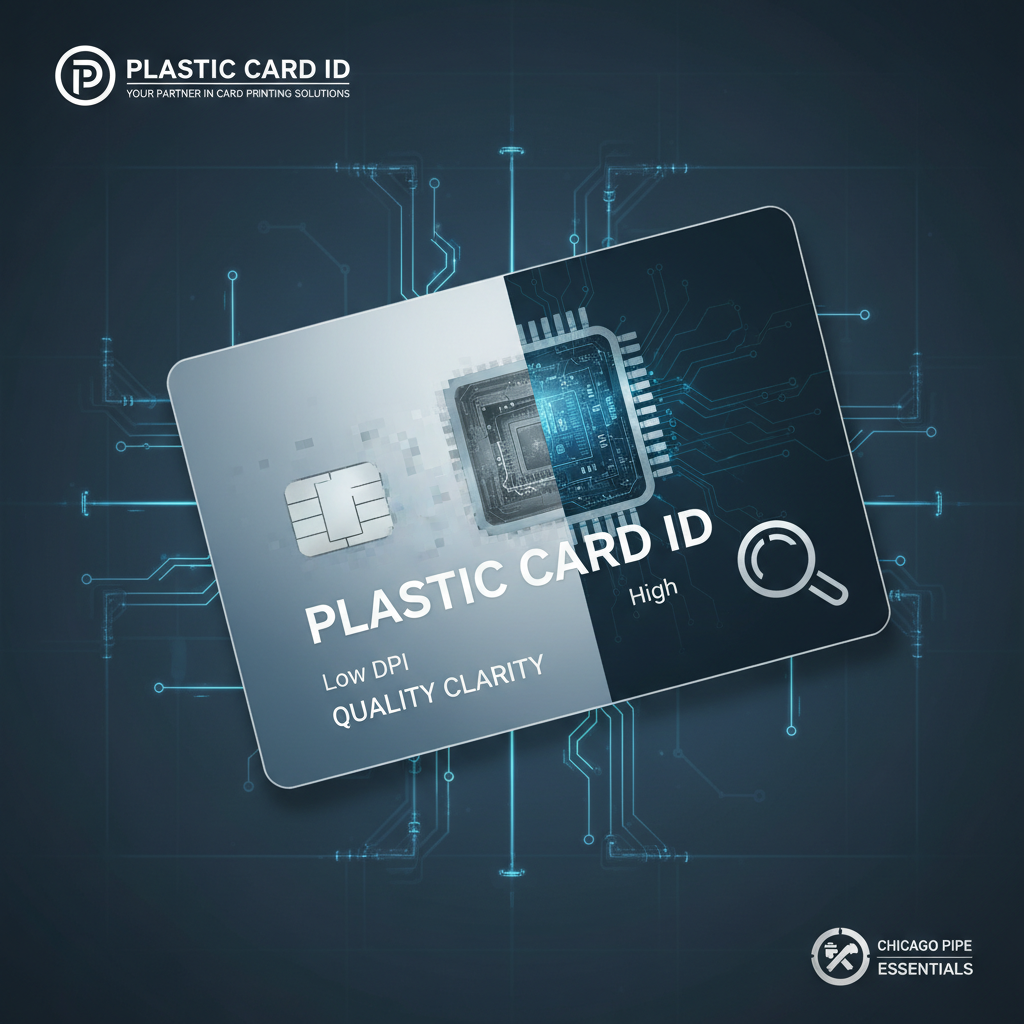 Selecting the right card printer is a decision that touches daily operations for years. The wrong DPI for your use case, the wrong printer for your volume, or a supplier who disappears after the sale - any of these can turn a productive card program into a persistent operational headache. Plastic Card ID brings over 25 years of focused expertise in plastic card printing hardware to help businesses make the right choice the first time.
With more than 100,000 customers served across the United States, the team at CPE has encountered virtually every card printing scenario - from a small gym printing 200 membership cards per year to enterprise organizations running thousands of employee credentials monthly. That breadth of experience translates to genuinely useful guidance, not generic product comparisons that leave buyers making uninformed guesses.
A Curated Lineup of Industry-Leading Brands
Rather than stocking every printer on the market, Plastic Card ID maintains a deliberately curated selection of proven professional brands: Evolis, Fargo, Zebra, and Matica. Each brand occupies a specific position in the lineup based on capabilities, reliability, and the use cases they serve best. This curated approach means every printer in the catalog has been vetted for real-world performance rather than included simply to fill catalog pages.
Evolis printers cover the full range from entry-level to premium, with the Badgy200 at the accessible end and the Agilia delivering edge-to-edge excellence at the top. Fargo and Zebra bring robust options particularly suited to security-focused ID programs. Matica addresses the high-throughput event badge market. Together, these brands cover every legitimate card printing need without gaps or redundancy.
Complete Program Support Beyond the Printer
Buying a printer from Plastic Card ID means entering a supported supply ecosystem. Ribbons, cleaning kits, lamination modules, encoding upgrades, input hoppers, card carriers, and card sleeves are all available through the same source. Never being caught without critical consumables is a genuine operational advantage for organizations where card printing supports security or access control infrastructure that can't afford unexpected downtime.
Plastic Card ID supports businesses printing employee ID cards, membership cards, loyalty cards, access control cards, student IDs, hotel key cards, and event credentials. Whatever the application, the supply chain behind that program is as important as the printer hardware itself. Having a single trusted supplier for hardware and consumables simplifies purchasing, ensures compatibility, and provides a clear line of accountability when questions or issues arise.
Getting the Right Advice Before You Buy
The guidance available from CPE before a purchase is made is one of the most underappreciated values of working with a specialized supplier. Generic electronics retailers and big-box office supply stores cannot offer meaningful DPI guidance tailored to a specific card program - their staff simply aren't trained for it. A conversation with a knowledgeable card printing specialist before purchase can save thousands of dollars in mismatched hardware.
Whether you're launching a brand-new card program or upgrading an existing setup, the conversation starts with your specific requirements: card type, volume, design complexity, encoding needs, and budget. From there, the right printer and DPI tier become clear quickly. Don't navigate that decision alone when expert guidance is available at no extra charge.
Ready to find the perfect card printer for your resolution and volume requirements? Contact Plastic Card ID today at 800.835.7919 and let our specialists match you with the right solution.
Start Printing Professional Cards with Plastic Card ID
 Understanding DPI is no longer a mystery - it's a practical tool for making a smarter hardware investment. Whether 300 DPI meets your needs with room to spare, or 600 DPI is required for the security and detail your program demands, the right printer is in the Plastic Card ID lineup, backed by the consumables and expertise to keep it performing at its best for years to come.
Don't leave your card program's quality to chance. Reach out to Plastic Card ID at 800.835.7919 today - and print with the confidence that comes from working with America's most experienced card printer supplier.
Replace Card Printer Ribbon: Step-by-Step Guide
Previous Page