Card Printer Cleaning Kit Guide: Keep Your Printer Running
Table of Contents []
- Your Complete Card Printer Cleaning Kit Guide from Plastic Card ID
- Understanding Every Component in Your Cleaning Kit
- How Often Should You Clean Your Card Printer
- Buyer's Guide: Choosing the Right Cleaning Kit
- Common Cleaning Mistakes and How to Avoid Them
- Frequently Asked Questions About Card Printer Cleaning Kits
- Keep Your Card Program Running at Full Strength with Plastic Card ID
Your Complete Card Printer Cleaning Kit Guide from Plastic Card ID
 Most card printing programs fail not because of bad printers or cheap cards - they fail because of neglected maintenance. Dust, card debris, roller contamination, and ribbon residue quietly accumulate inside your printer until suddenly you're staring at streaky output, jammed cards, or a printhead that costs more to replace than the printer itself. A proper cleaning routine is the single highest-return investment in your card program.
This guide covers everything you need to know about card printer cleaning kits: what's inside them, how often to use them, which products match which printers, and the real cost of skipping maintenance. Whether you're running an entry-level desktop unit or a high-throughput production system, the principles here apply directly to your setup.
Why Cleaning Matters More Than Most People Realize
Inside a card printer, a thermal printhead makes contact with a ribbon at temperatures exceeding 300 degrees Fahrenheit, thousands of times per card. Any particle - card dust, skin oil from handling, airborne debris - sitting on that printhead or on the card surface becomes a barrier between heat and ribbon, producing voids, lines, or smears in the finished print.
Roller assemblies present a separate problem. The feed rollers that move cards through the print path pick up microscopic debris from every single card they touch. Over time, that debris transfers back onto card surfaces, causing dirty prints and feed errors that feel like mechanical failures but are really just dirty rollers. Most "printer malfunctions" are actually maintenance problems in disguise.
Printhead replacement costs range from $150-$400 depending on the model. A cleaning kit costs $15-$40. The math is not complicated.
What Is Actually Inside a Card Printer Cleaning Kit
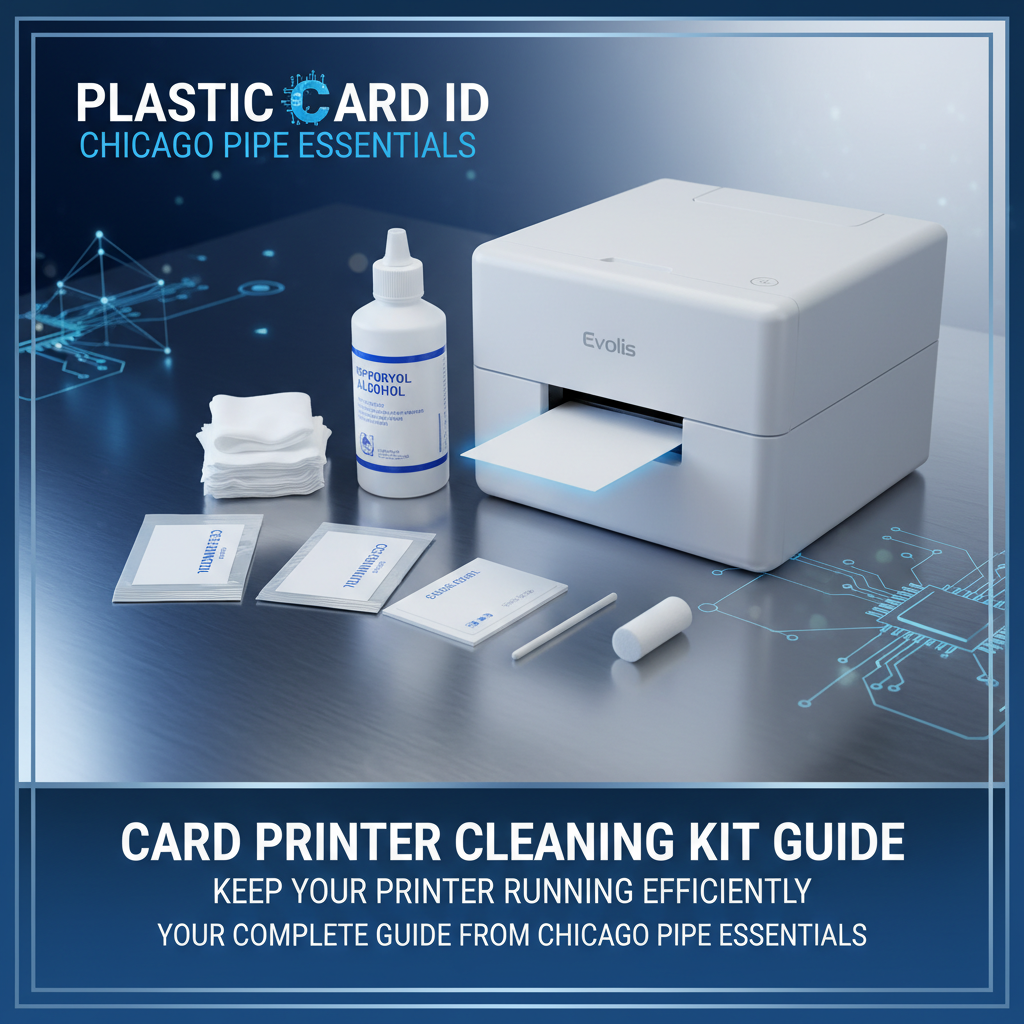
Cleaning kits are not generic. The components are engineered specifically for the precision tolerances of card printer internals, using isopropyl alcohol concentrations and applicator materials that clean effectively without damaging sensitive components. A standard kit for most desktop printers includes cleaning cards, cleaning swabs or foam-tipped applicators, and sometimes a cleaning pen for the printhead itself.
Cleaning cards look similar to a standard PVC card but are made from a different substrate - typically a lint-free, slightly abrasive material pre-saturated with isopropyl alcohol solution. When fed through the printer's normal card path, they scrub rollers, clean the card track, and remove contamination that would otherwise transfer to printed cards. Swabs target the printhead and tighter areas the cleaning cards can't reach.
Matching Cleaning Products to Your Printer Brand
Evolis, Fargo, Zebra, and Matica each publish recommended cleaning intervals and compatible cleaning products for their specific hardware. Using the wrong cleaning product - even something that seems similar - can void your warranty or damage internal components. Always use manufacturer-approved or manufacturer-specified cleaning supplies for your exact printer model.
At Plastic Card ID, cleaning kits are stocked specifically for the printer lines carried - Evolis cleaning kits for the Badgy200, Zenius, Primacy2, and Agilia; Fargo and Zebra cleaning supplies for their respective platforms; and appropriate maintenance materials for the Matica Event Printer. This ensures what you're buying is compatible with what you're running.
| Printer Tier | Example Models | Cards Per Month | Recommended Clean Interval | Kit Type |
|---|---|---|---|---|
| Entry-Level Desktop | Evolis Badgy200 | Under 100 | Every ribbon change | Standard cleaning card kit |
| Mid-Range Desktop | Evolis Zenius, Primacy2 | 1,000-6,000 | Every 500 cards or ribbon change | Kit with cards and swabs |
| Premium Output | Evolis Agilia | High volume | Every 500-1,000 cards | Full maintenance kit |
| Security / ID Programs | Fargo, Zebra models | Varies | Per manufacturer spec | Brand-specific kits |
| High-Speed Event | Matica Event Printer | Burst printing | Pre and post-event | Full maintenance kit |
Understanding Every Component in Your Cleaning Kit
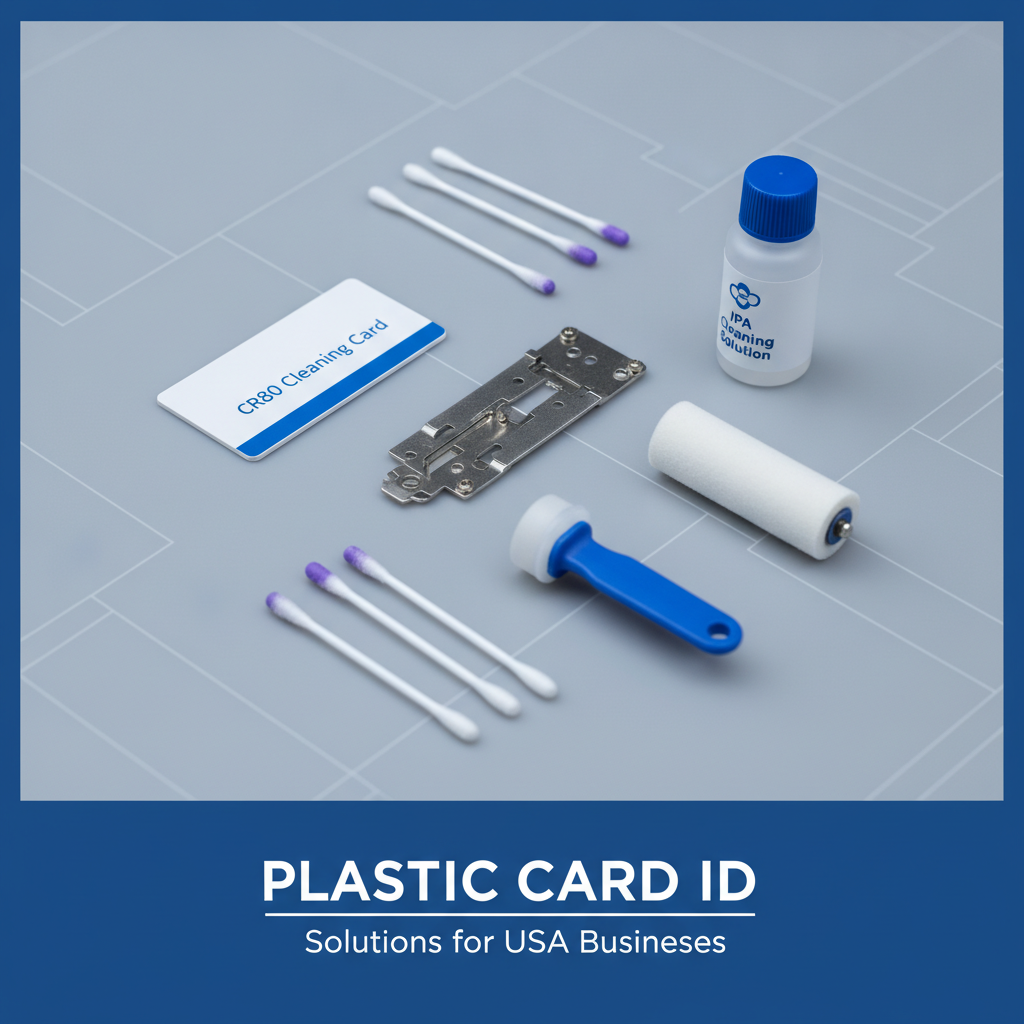 People often open a cleaning kit for the first time and find themselves staring at items they don't recognize - foam swabs, T-shaped applicators, pre-moistened cards, and small bottles of cleaning fluid. Each item has a specific function, and using them correctly, in the right sequence, is what separates a productive cleaning session from a wasted fifteen minutes.
The sequence matters. Cleaning in the wrong order - printhead before rollers, for example - can drag contamination from one component onto another you've already cleaned. Understanding the cleaning process from start to finish ensures every minute you spend on maintenance actually counts.
Cleaning Cards: The Workhorse of the Kit
Pre-saturated cleaning cards are designed to travel through the printer's card feed path just like a regular PVC card. As they move through the rollers and card track, the slightly abrasive, alcohol-saturated surface scrubs away debris, adhesive residue from lamination modules, and the fine dust that accumulates from thousands of card passes. They are by far the most frequently used item in any cleaning kit.
Most mid-range and high-volume printers have an automated cleaning mode accessible through the printer driver or onboard menu. This mode runs the cleaning card through a specific path at a controlled speed, maximizing contact with contaminated surfaces. Always use this mode when available rather than manually feeding cleaning cards. Automated cleaning cycles are more thorough than manual feeding and reduce the risk of improper card positioning.
Swabs and Foam Applicators: Precision Cleaning Tools
The printhead, cleaning rollers, and card output chute are areas that cleaning cards can't always reach effectively. This is where swabs and foam applicators come in. Foam-tipped swabs, pre-moistened or used with a drop of isopropyl cleaning solution, let you apply gentle, controlled pressure to the printhead surface, removing ribbon residue and thermal debris without scratching the delicate printhead element.
When cleaning a printhead, always wipe in one direction - never back and forth. Bidirectional wiping can drag debris across the printhead surface and cause micro-scratches that degrade print quality over time. Use a fresh swab for each pass. Never use paper towels, cotton swabs, or household cleaning products near a printhead - the fiber shedding and chemical composition of common household products will cause permanent damage.
Cleaning Pens and Specialty Applicators
Some kits include a cleaning pen - a felt-tipped marker-style applicator pre-filled with isopropyl cleaning solution. These are particularly effective for magnetic stripe encoding heads and smart card contact stations, areas that accumulate oxide particles from encoded cards. For organizations running access control cards, employee IDs with magnetic stripes, or smart chip cards, cleaning the encoding components is just as important as cleaning the print path.
Matica, Fargo, and Zebra printers used in security-focused ID programs often include encoding modules as standard or optional equipment. These modules require their own cleaning schedule. CPE carries the appropriate cleaning products for encoding-equipped printers, ensuring your entire hardware investment is properly maintained.
Lamination Module Cleaning
If your printer includes a lamination module - available on Evolis Primacy2 and other mid-to-high-tier models - the laminate rollers require dedicated cleaning. Laminate adhesive residue builds up on the heat rollers over time, causing laminate application defects like bubbles, peeling edges, and uneven finish. Most lamination cleaning kits include a specialized cleaning film or card that bonds to residue and pulls it away during the heating cycle.
Skipping lamination module maintenance is one of the fastest ways to ruin expensive laminate film and produce cards that fail security inspection or look unprofessional. Add lamination cleaning to your maintenance schedule whenever you replace a laminate roll.
How Often Should You Clean Your Card Printer
Cleaning intervals aren't arbitrary - they're based on the number of cards processed, the type of cards used, and the operating environment. A printer in a clean, climate-controlled office running 50 cards a month needs far less frequent cleaning than the same model running 2,000 cards per month in a warehouse environment with airborne particulates. Matching your cleaning schedule to your actual usage pattern is key.
The simplest rule of thumb used across the industry: clean your printer at every ribbon change. Since ribbon life is measured in cards, this automatically ties your cleaning schedule to your output volume. For high-volume printers, additional cleaning at the 500-card mark within a ribbon cycle is also recommended.
Cleaning Triggers Beyond Card Count
Card count isn't the only indicator that cleaning is needed. Print quality issues are often the first visible sign of a contamination problem. If you notice thin white horizontal lines across printed cards, your printhead may have debris blocking specific heating elements. Vertical streaks usually indicate roller contamination. Faded or inconsistent color areas can point to ribbon contamination or printhead residue.
Feed errors - cards jamming, double-feeding, or being rejected - often indicate dirty pickup rollers that have lost their grip. Rather than immediately assuming a mechanical failure, run a cleaning cycle first. In many cases, a single cleaning session resolves feed problems entirely. Always attempt a full cleaning cycle before escalating to a service call.
Call 800.835.7919 if you're unsure which cleaning kit is right for your printer or if you'd like guidance on diagnosing a print quality issue before committing to a service appointment.
Seasonal and Environmental Factors
Environments with high humidity cause card stock to absorb moisture, which affects how cards feed and how well ribbon adheres during printing. Drier environments increase static charge, which attracts dust to both cards and internal printer components at an accelerated rate. Offices with high foot traffic, manufacturing floors, or outdoor event environments all demand more frequent cleaning than standard office deployments.
Printers that sit unused for extended periods - event printers stored between seasons, for example - should be cleaned before returning to service, not just before storage. Dust settles inside idle printers, and cleaning before use ensures you start every print run with full print quality from the first card.
Tracking Your Maintenance Schedule
For organizations managing multiple printers across departments or locations, a simple maintenance log is invaluable. Record the date of each cleaning, the card count at cleaning time, which components were cleaned, and any print quality observations. This data helps identify patterns - if one printer consistently requires cleaning more often than others, it may indicate a card quality issue, an environmental factor, or a component wearing faster than expected.
Many modern Evolis, Fargo, and Zebra printers include onboard counter displays or software-based tracking through their print management utilities. Using these tools turns cleaning from a guesswork activity into a managed, predictable part of your operations workflow. CPE can walk you through setting up maintenance tracking for any printer in the lineup.
Buyer's Guide: Choosing the Right Cleaning Kit
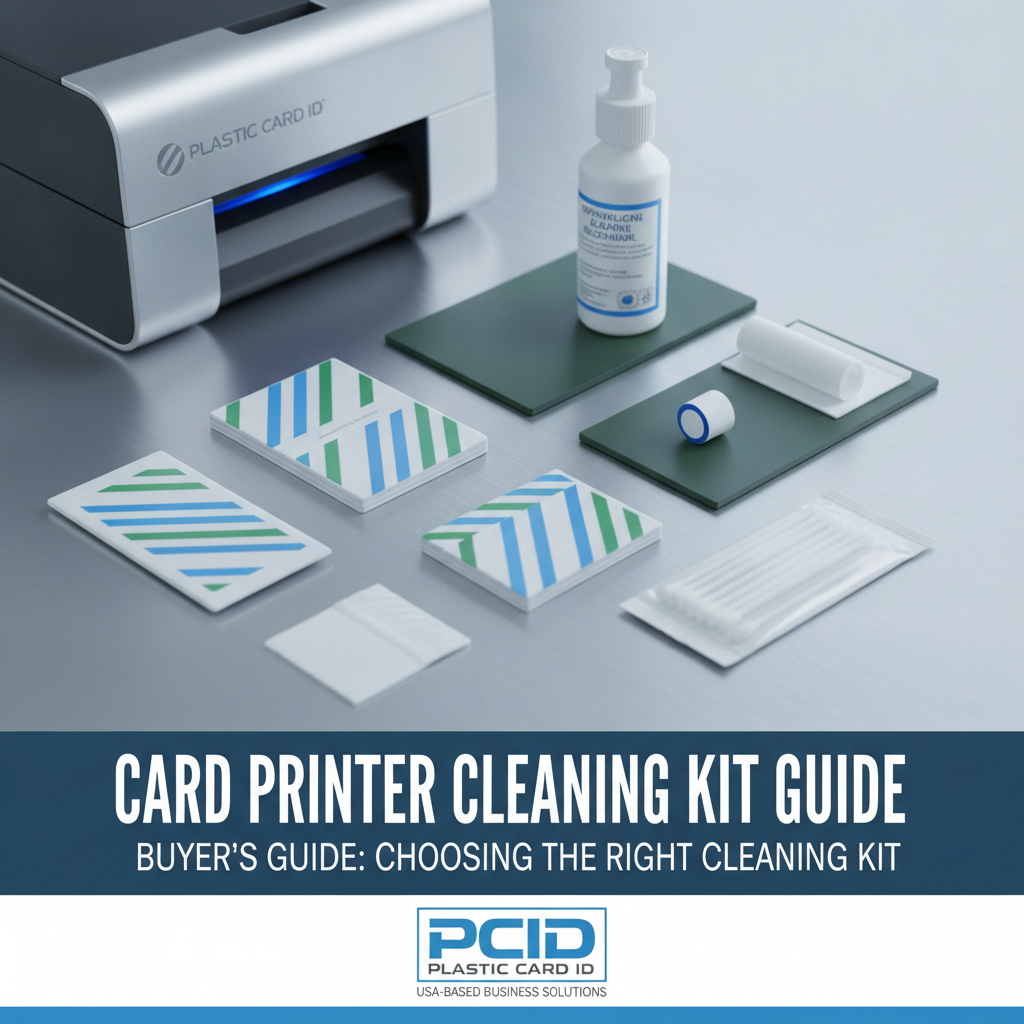 Not all cleaning kits are interchangeable. Purchasing the wrong kit for your printer model wastes money and may not effectively clean the components your specific printer uses. The selection criteria are simpler than they might appear once you understand the variables involved.
Key Factors to Evaluate Before Purchasing
- Printer brand and model compatibility - Always verify the kit is specified for your exact printer. An Evolis Zenius cleaning kit is not interchangeable with a Fargo HDP5000 kit.
- Included components - Does the kit include only cleaning cards, or does it also include swabs, applicators, and cleaning solution? Higher-volume printers typically require the full component set.
- Kit quantity - Single-use kits suit low-volume users who clean infrequently. Multi-use or bulk kits offer better value for organizations cleaning at 500-card intervals.
- Encoding module compatibility - If your printer includes a magnetic stripe or smart chip encoder, confirm the kit includes appropriate cleaning tools for those components.
- Lamination module support - If your printer has a laminator, ensure the kit either includes lamination cleaning materials or that you purchase these separately.
Buying cleaning supplies in reasonable quantities - not so few that you're constantly reordering, and not so many that supplies sit for years - keeps your maintenance program running efficiently. For most mid-range desktop printers, purchasing cleaning kits in quantities that align with your ribbon order cycle makes strong logistical sense.
Comparing Kit Tiers by Printer Category
Entry-level printers like the Evolis Badgy200 are designed for organizations printing fewer than 1,000 cards per year. These printers have a simpler internal card path and typically require only a standard cleaning card kit, priced in the $15-$25 range. The cleaning process is quick, the components are minimal, and the maintenance commitment is low.
Mid-range workhorses like the Evolis Zenius and Primacy2 - designed for 1,000 to 6,000 cards per month - have more complex internal paths, optional dual-sided printing mechanisms, and often include lamination or encoding modules. Their cleaning kits reflect this complexity, typically including cards, swabs, and applicators in the $25-$45 range. Mid-range printers represent the most common maintenance scenario for CPE customers, and keeping these units clean is directly tied to output consistency and equipment longevity.
When to Replace Components vs. Clean Them
Cleaning extends the life of printer components, but it doesn't restore components that are genuinely worn. Pickup rollers have a lifespan measured in card cycles - typically 50,000 to 100,000 cards depending on the printer. After this threshold, rollers lose their grip and cleaning won't restore their performance. Printheads similarly have rated lifespans, and while cleaning prevents premature failure, it cannot reverse actual wear.
The distinction matters for budgeting. Regular cleaning defers component replacement costs as long as possible, but organizations running high volumes should budget for roller replacement and printhead replacement at the appropriate intervals regardless of cleaning adherence. Plastic Card ID carries replacement components alongside cleaning supplies for the full printer lineup.
Common Cleaning Mistakes and How to Avoid Them
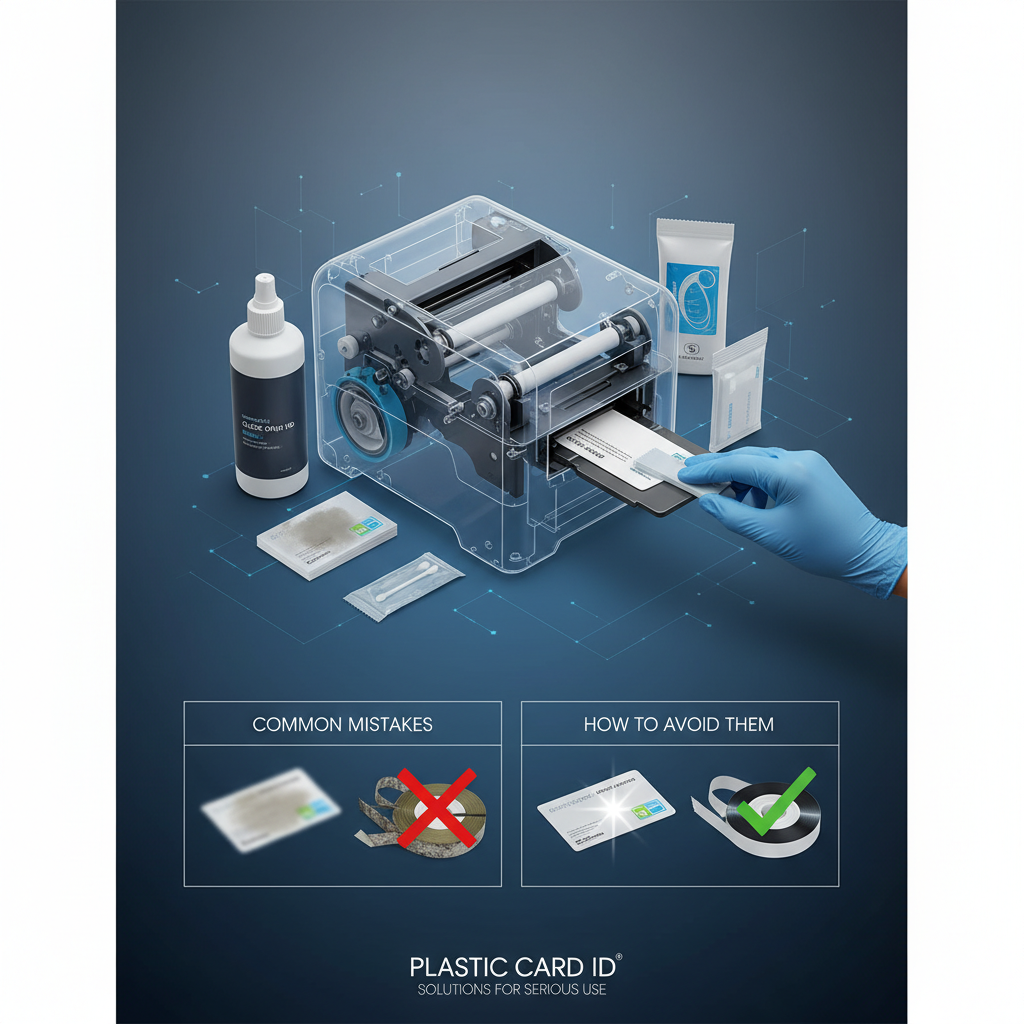 Maintenance errors are often worse than no maintenance at all. Well-intentioned but improper cleaning can introduce new contaminants, damage sensitive components, or leave residue behind that compounds the original problem. The mistakes listed here are the most frequently observed across card printing programs of all sizes.
Using the Wrong Cleaning Materials
This is the most common and most damaging mistake. Substituting household isopropyl alcohol in concentrations above 70%, using paper-based wipes that shed fibers, or attempting to clean a printhead with a dry cloth can all cause irreversible damage. The cleaning materials included in manufacturer-specified kits are formulated to the exact specifications of your printer's components - there are no safe substitutes for printhead cleaning in particular.
Some organizations attempt to extend the life of cleaning cards by re-saturating them with isopropyl alcohol after the first use. This is not recommended. The cleaning card substrate is designed for a specific number of passes at a specific saturation level. Re-saturating introduces unpredictable fluid volumes that can reach internal components not designed for liquid contact.
Contact 800.835.7919 to order the correct cleaning kit for your printer model and avoid compatibility errors that could affect your warranty.
Skipping Cleaning After Card Stock Changes
Organizations that switch card stock suppliers, card thicknesses, or card surface finishes often don't think of this as a maintenance trigger - but it should be. Different card stocks have different surface treatments, release agents, and dust characteristics. Switching from one card type to another without cleaning first can deposit residue from the new card stock onto components already carrying residue from the previous stock, compounding contamination faster than either type would alone.
This scenario is particularly common in organizations that run mixed card programs - employee IDs on one card type, visitor badges on another, loyalty cards on a third. Any time you change the card stock running through your printer, treat it as a cleaning event.
Cleaning Too Aggressively
More cleaning is not always better. Over-cleaning, particularly of the printhead, can introduce unnecessary wear through repeated contact. Some organizations, after discovering the importance of cleaning, swing to the opposite extreme and run cleaning cards after every 50 cards or clean the printhead daily on a low-volume printer. This is excessive and counterproductive.
Follow the manufacturer's recommended intervals. For most entry-level printers, once per ribbon change is sufficient. For mid-range printers, every 500 cards or per ribbon change. For high-volume systems, follow the specific intervals published in your printer's maintenance guide. Consistent adherence to the right schedule produces better results than aggressive over-maintenance.
Frequently Asked Questions About Card Printer Cleaning Kits
These are the questions CPE hears most often from customers managing their own card printing programs. The answers here reflect real-world experience across a wide range of deployment types and printer models.
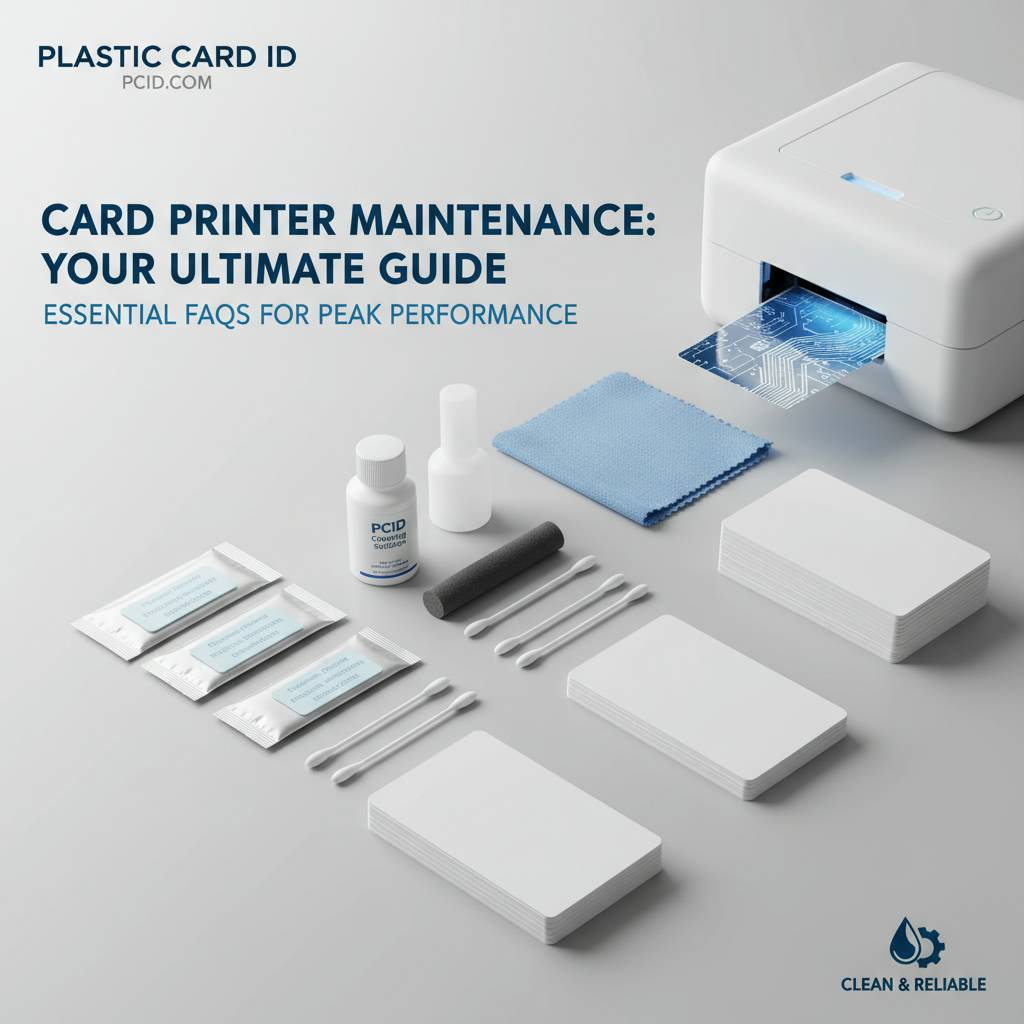
Can I Use Any Isopropyl Alcohol for Cleaning
No. Standard consumer isopropyl alcohol from a drugstore contains concentrations that may be too high, and the application method matters as much as the chemical. Dripping alcohol directly onto a printhead can cause liquid to reach the printhead's electronic connections, causing corrosion and failure. Manufacturer-specified swabs deliver a controlled amount of cleaning solution to exactly the right surface. The cost difference between a proper cleaning kit and a bottle of drugstore alcohol is negligible; the difference in risk is significant.
For any cleaning beyond routine maintenance - for example, if a card jams and leaves debris inside the card path - contact the manufacturer's support line or reach out to Plastic Card ID before attempting an unguided cleaning procedure.
How Do I Know When a Cleaning Card Is Used Up
Most cleaning cards are single-use by design. After passing through the printer once in the automated cleaning mode, the card's cleaning surface has deposited its cleaning solution and collected the debris it was designed to capture. Using the same cleaning card for a second pass can redistribute the collected debris back onto printer components rather than removing it. When in doubt, use a fresh card.
Some high-volume kits include cleaning cards rated for multiple passes in specific cleaning modes - check the product documentation to confirm. For standard cleaning cards, the rule is one pass, one card.
What Happens If I Never Clean My Printer
The degradation follows a predictable path. Print quality declines gradually - first subtle color inconsistencies, then visible lines or voids, then significant defects on every card. Feed reliability drops, with occasional jams becoming frequent ones. Eventually, either the printhead fails prematurely from accumulated thermal residue, or the rollers lose enough grip to require replacement. Total repair and replacement costs for a neglected printer consistently exceed what years of proper cleaning would have cost.
Beyond hardware costs, there are operational costs: cards that need reprinting, staff time troubleshooting, and in some cases, damage to the organization's professional image from substandard card output. The $20-$40 cost of a cleaning kit, used regularly, is one of the most straightforward value propositions in any card program budget.
Keep Your Card Program Running at Full Strength with Plastic Card ID
 A well-maintained card printer is a reliable card printer. The organizations that get the most out of their hardware investment - the ones printing sharp, professional cards year after year without unexpected downtime or costly repairs - are the ones that take cleaning seriously. It's not complicated. It doesn't take long. And the supplies needed to do it right are affordable and always in stock.
Plastic Card ID has spent over 25 years supplying card printing hardware and consumables to more than 100,000 customers across the United States. That experience means CPE carries the right cleaning kits for every printer in the lineup - Evolis, Fargo, Zebra, and Matica - along with ribbons, lamination supplies, encoding upgrades, and every other consumable a card program needs to run smoothly.
Your Next Steps
Whether you're setting up a new card program and want to build the right maintenance routine from day one, or you're troubleshooting print quality issues on an existing printer, CPE has the products and the experience to help. The right cleaning kit, used correctly on the right schedule, is the foundation of a professional, reliable card printing operation.
Don't wait for a printhead failure or a frustrating string of jammed cards to take maintenance seriously. Stock your cleaning supplies now, establish a cleaning schedule that matches your output volume, and give your equipment the care it needs to perform at its best every time you print.
Contact Plastic Card ID today at 800.835.7919 to order the right cleaning kit for your card printer, ask about compatible consumables, or get expert guidance on building a maintenance program that protects your hardware investment for years to come.
YMCKO Card Printer Ribbon Types Explained
Previous Page