What Is a Plastic Card Printer? A Simple Guide
Table of Contents []
- What Is a Plastic Card Printer - And Why Plastic Card ID Is Your Best Source
- The Printer Lineup - From Entry Level to Industrial Grade
- Ribbons, Supplies, and the True Cost of Card Printing
- Why Print In-House? The Case for Owning Your Card Program
- Applications Across Industries - Who Needs a Card Printer
- Buyer's Guide - Choosing the Right Plastic Card Printer
- Get Started with Plastic Card ID Today
What Is a Plastic Card Printer - And Why Plastic Card ID Is Your Best Source
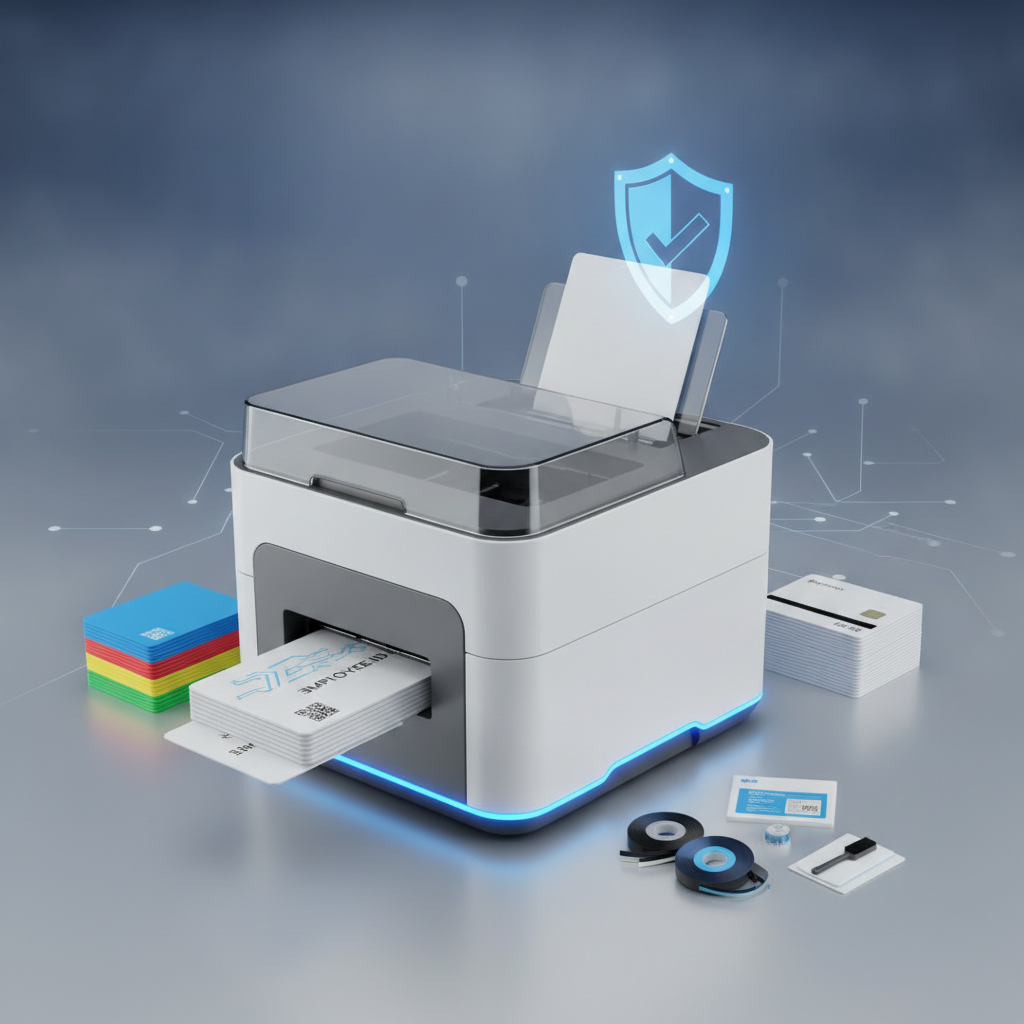 Walk into almost any organization today - a hospital, a university, a hotel, a gym - and someone is wearing or carrying a plastic card. That card did not arrive by magic. It came from a plastic card printer, a specialized piece of hardware engineered to produce professional, durable, personalized credentials on demand. If you have ever wondered exactly what these machines do, how they work, and whether your operation actually needs one, this page answers all of that and more.
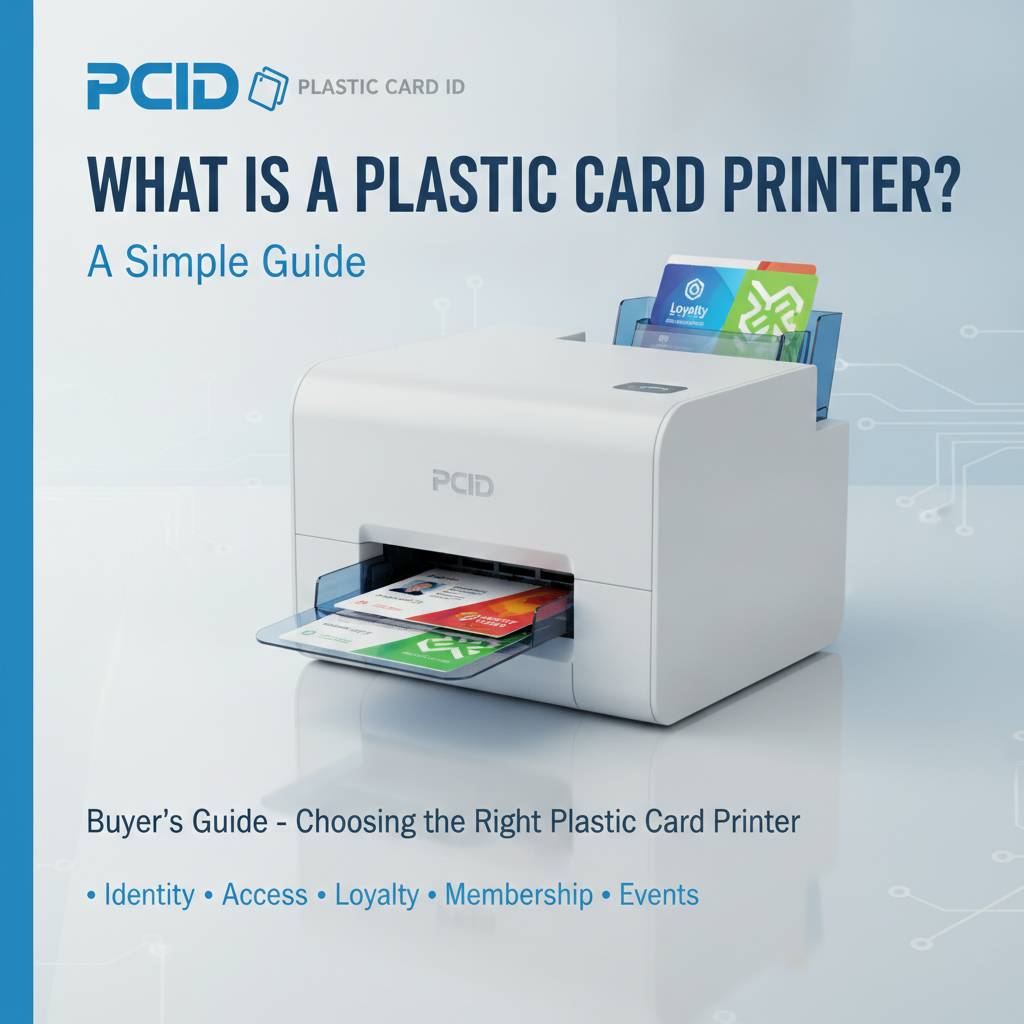
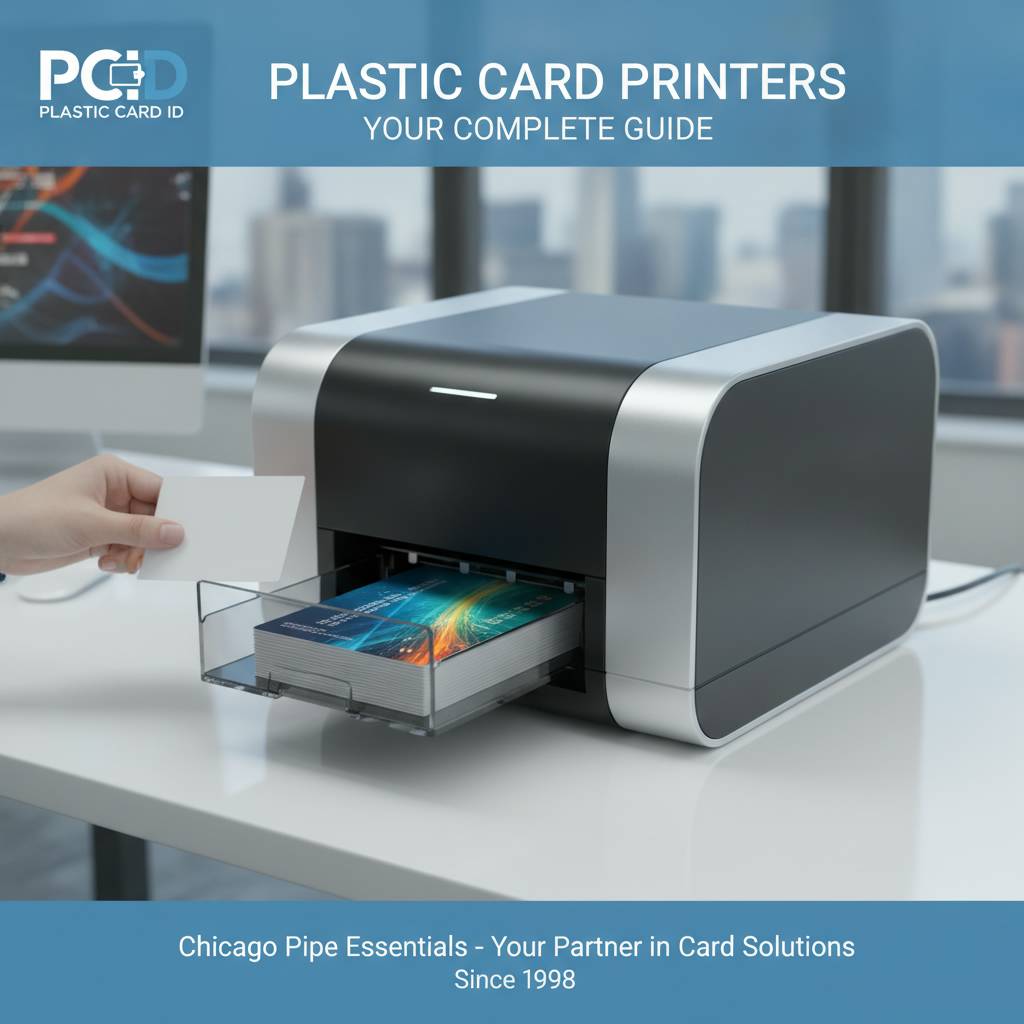
The short answer: a plastic card printer is a desktop or industrial device that prints full-color or monochrome images, text, barcodes, and graphics directly onto PVC plastic cards - typically CR80 size, the same dimensions as a standard credit card. Many models go further, encoding magnetic stripes, embedding smart chip data, or applying a protective laminate layer. These are not inkjet printers. They are purpose-built systems designed for one job, and they do it exceptionally well.
The Core Technology Behind Card Printing
Most plastic card printers use a process called dye-sublimation, sometimes combined with resin thermal transfer. A ribbon - containing panels of color dye and resin - passes over a thermal print head. Heat from that print head causes dye to transfer and diffuse directly into the card surface at a molecular level, producing sharp, photo-quality output that does not smear, fade quickly, or scratch off easily.
This is fundamentally different from how a laser or inkjet printer works. With dye-sublimation, the image becomes part of the card rather than sitting on top of it. The result is professional-grade durability and visual clarity that paper-based printing simply cannot match. Retransfer printers - like the Evolis Agilia - take this further by printing onto a clear film first, then fusing that film to the card for true edge-to-edge coverage and even sharper output.
Single-Sided vs. Dual-Sided Printing
Entry-level card printers print on one side only, which suits many basic ID and membership card applications. Dual-sided printers - sometimes called duplex models - flip the card automatically and print both sides in a single pass. If your card needs to carry a photo on the front and a barcode, terms of service, or access zone information on the back, a dual-sided model is essential.
Mid-range options like the Evolis Primacy2 offer dual-sided printing with optional magnetic stripe encoding, making them versatile workhorses for organizations that need more than just a pretty face on a card. Choosing between single and dual-sided printing is one of the first decisions any buyer should make, and it significantly affects both hardware cost and per-card print cost.
What Kinds of Cards Can These Printers Produce?
The range is genuinely broad. Employee ID badges, student identification cards, hotel key cards, loyalty and membership cards, event credentials, access control cards - all of these are standard outputs for a quality card printer. Each application may call for different features: a hotel key card needs magnetic stripe encoding, while a corporate access badge might need a smart chip. An event credential might need nothing more than a high-resolution photo and a barcode.
What unites all of these use cases is the need for on-demand, personalized, durable output. That is exactly what a plastic card printer delivers, and it is why organizations across virtually every industry sector have adopted in-house card printing programs rather than outsourcing to third-party card vendors.
| Category | Typical Volume | Example Models | Best For |
|---|---|---|---|
| Entry-Level | Under 1,000 cards/year | Evolis Badgy200 | Small businesses, clubs, nonprofits |
| Mid-Range | 1,000-6,000 cards/month | Evolis Zenius, Primacy2 | Corporate ID, universities, healthcare |
| Premium/Retransfer | High volume, top quality | Evolis Agilia | Government, large enterprise, security |
| Security-Focused | Variable | Fargo, Zebra | Law enforcement, banking ID, access control |
| Event/On-Site | Burst printing, high speed | Matica Event Printer | Conferences, trade shows, live events |
The Printer Lineup - From Entry Level to Industrial Grade
 Not every organization has the same printing needs, and that is a good thing. A small fitness studio issuing 200 membership cards a year has no business buying an industrial-grade printer designed for government-level output. Conversely, a large hospital network printing 4,000 employee badges per month cannot afford bottlenecks from an underpowered desktop unit. Understanding the landscape of available printers helps buyers make smart, scalable decisions.
CPE carries a curated lineup - not a bloated catalog - from four industry-leading brands: Evolis, Fargo, Zebra, and Matica. Every model on the shelf earns its place by delivering proven performance, reliable consumable availability, and strong manufacturer support. Here is how the tiers break down.
Entry-Level Card Printers: Starting Smart
The Evolis Badgy200 is the classic starting point for organizations new to in-house card printing. It is compact enough to sit on any desk, straightforward to set up, and designed for print volumes under 1,000 cards per year. Price points for entry-level printers typically fall in the $300-$600 range, making the barrier to starting an in-house card program remarkably low.
Do not underestimate this tier. For a small nonprofit issuing volunteer IDs, a boutique hotel printing key card sleeves, or a local gym managing member credentials, an entry-level printer is not a compromise - it is the right tool. Overspending on capacity you will never use is a real mistake, and a good entry-level unit handles single-sided full-color output beautifully.
Mid-Range Powerhouses for Growing Organizations
The Evolis Zenius and Primacy2 occupy the sweet spot for the majority of business buyers. These printers handle 1,000 to 6,000 cards per month comfortably, offer optional dual-sided printing, and can be configured with magnetic stripe encoding modules - critical for hotel key cards, loyalty programs, and access control applications. Pricing for mid-range units runs roughly $500-$1,200 depending on configuration.
The Primacy2 in particular is a well-regarded model among corporate HR departments and university card offices. It connects easily to Windows and Mac environments, integrates with most popular ID software, and produces consistently sharp, vibrant output card after card. When volume grows, these printers grow with it - often requiring nothing more than ribbon and cleaning kit restocks to keep humming along.
Premium and High-Volume Options
The Evolis Agilia represents the premium tier of card printing, utilizing retransfer technology for true edge-to-edge printing and the highest visual fidelity available in a desktop form factor. For organizations where card appearance directly reflects brand or institutional prestige - think universities, large healthcare systems, or corporate headquarters - the Agilia delivers output that genuinely impresses.
Fargo and Zebra printers bring their own strengths, particularly around security features. Fargo's HDP series and Zebra's ZC and ZXP lines offer lamination options, holographic overlays, and encoding configurations that serve security-sensitive ID programs. The Matica Event Printer stands apart as a specialized solution for on-site badge printing at conferences and trade shows, where speed and reliability under pressure matter more than any other spec.
Ribbons, Supplies, and the True Cost of Card Printing
A printer without consumables is just a paperweight. Understanding the ongoing supply side of card printing is essential to budgeting accurately and keeping a card program running without interruption. Many buyers focus on the upfront hardware cost and underestimate how supplies factor into the total cost of ownership - a mistake that causes frustration down the line.
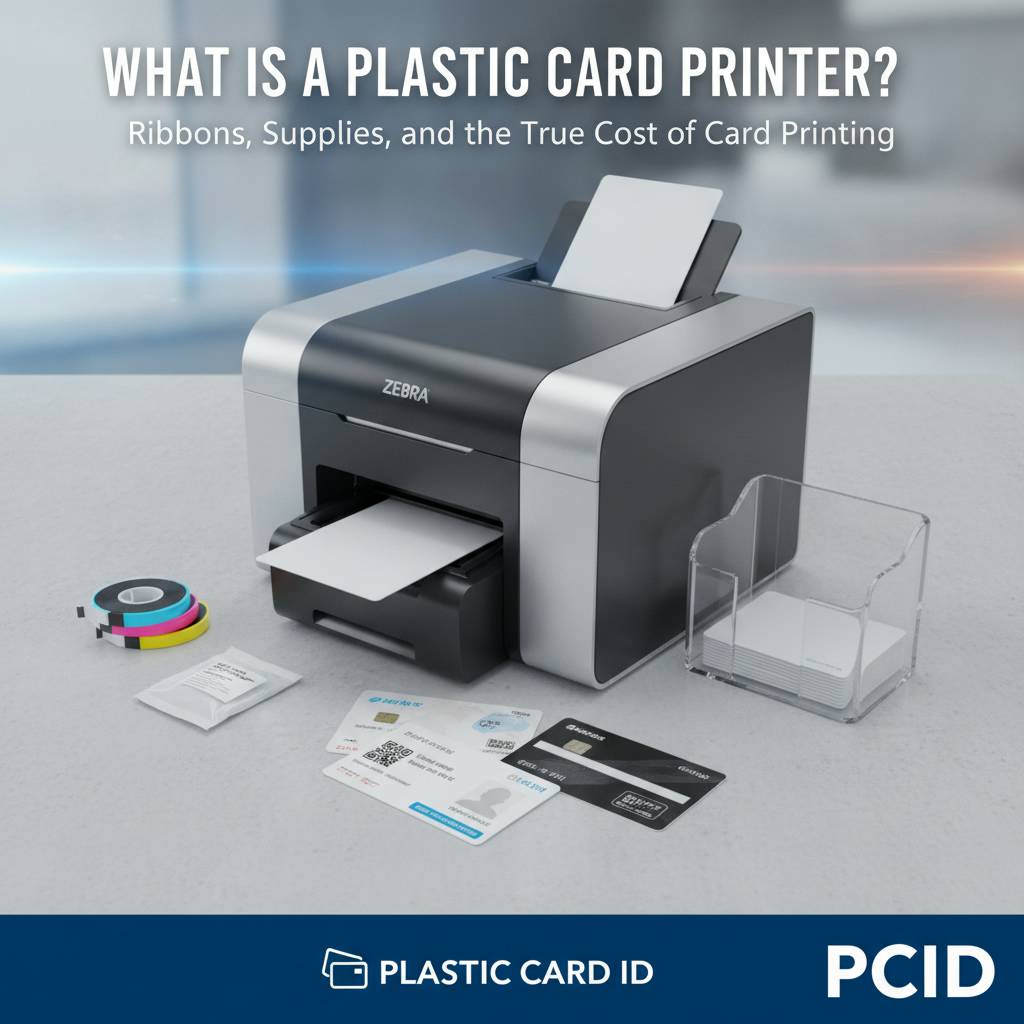
The most common ribbon type for full-color card printing is YMCKO - Yellow, Magenta, Cyan, Black, and Overlay panels. Each ribbon roll prints a set number of cards (often 100-500 depending on the model), and per-card costs typically range from $0.20-$1.00 for full-color output. Monochrome ribbons for single-color printing cost significantly less per card and are ideal when photo quality is not required.
Ribbon Types and When to Use Each
YMCKO ribbons are the workhorse of full-color card printing - they handle photo IDs, colorful membership cards, and branded employee badges with equal competence. Specialty ribbons include YMCKOK (adding a second black panel for sharper text on the card back), monochrome ribbons in black, white, red, blue, or gold for single-color applications, and security ribbons with UV-reactive panels for hidden verification marks.
Choosing the right ribbon is not just about color. It is about matching the ribbon to the specific printer model and the specific card substrate being used. Using the wrong ribbon wastes money and degrades output quality. CPE stocks ribbons for every printer in the lineup, making it easy to order the right supplies alongside hardware.
Cleaning Kits and Printer Maintenance
Card printers are precision instruments. Dust, card debris, and residue from the card surface accumulate on the print head and transport rollers over time, degrading print quality and ultimately shortening the printer's service life. Cleaning kits - typically including cleaning cards, swabs, and cleaning rollers - address this systematically and should be used on a regular schedule based on cards printed.
Most manufacturers recommend running a cleaning cycle every 500-1,000 cards, or whenever print quality begins to decline. Skipping cleaning maintenance is the single most common cause of premature print head failure, and print heads are expensive to replace. A $15 cleaning kit used consistently can protect a $1,000 investment for years.
Lamination, Encoding, and Upgrade Modules
Many mid-range and premium card printers support optional modules that extend their capabilities. Lamination modules apply a thin clear or holographic overlay film to the finished card, dramatically increasing durability and adding a layer of security against counterfeiting. Magnetic stripe encoding modules write data to the stripe on the back of a card during the print pass - essential for hotel keys, access control, and loyalty programs.
- Magnetic stripe encoding - supports HiCo and LoCo stripe formats for access and loyalty applications
- Smart card (chip) encoding - reads and writes contact or contactless chip data during printing
- Lamination modules - extend card life and add holographic security overlays
- Input hoppers - increase card loading capacity for high-volume unattended printing
- Card carriers and sleeves - protect finished cards during distribution and daily use
Configuring a printer with the right modules from the start prevents the need to upgrade hardware prematurely. A good conversation with CPE before purchasing can save significant expense by identifying exactly which features your program actually needs versus which ones sound appealing but add unnecessary cost.
Why Print In-House? The Case for Owning Your Card Program
 Organizations that outsource card production to third-party vendors face a set of recurring frustrations: minimum order quantities, multi-week lead times, per-card costs that add up quickly at scale, and zero ability to print a single replacement card without placing a new order. In-house printing solves every one of these problems simultaneously.
When a new employee starts on Monday and their badge needs to be ready by 8 a.m., that is not a request a vendor can fulfill. With an in-house card printer, that badge is printed in minutes. Control, speed, and personalization are the three decisive advantages of owning a card printing program, and they apply equally whether you are printing 50 cards a year or 50,000.
On-Demand Printing and Personalization
Every card printed in-house can be fully personalized - name, photo, title, department, employee number, barcode, magnetic stripe data, chip encoding - all in a single pass. There are no batch minimums, no generic templates forced on you by a vendor, and no waiting. This level of personalization and responsiveness is simply not achievable through outsourced card production.
For organizations managing access control, this matters enormously. A new access badge can be encoded and issued the moment an employee is cleared, and a terminated employee's card can be rendered obsolete just as quickly. Real-time issuance and real-time revocation are operational capabilities that in-house printing enables and outside vendors cannot match.
Cost Savings at Scale
The math on in-house printing tends to favor the buyer quickly. A full-color card printed in-house typically costs $0.50-$1.50 per card in ribbon and supply costs, depending on card complexity and ribbon type. Outsourced card production for a comparable full-color card can cost $3.00-$8.00 per card at low volumes, sometimes more. At 2,000 cards per year, the savings from in-house printing can easily recoup the cost of a mid-range printer within the first year of operation.
There are also indirect cost savings in administrative efficiency - no purchase orders for every small batch, no chasing vendors for order status, no reprinting fees when a card is lost or damaged. These friction costs are real, and eliminating them has genuine business value that rarely appears on a formal ROI analysis but is felt every day by the people running a card program.
Security and Data Control
When card data - employee photos, access levels, encoded stripe or chip data - stays in-house, the organization retains complete control over who sees it and how it is handled. Sending card data to an outside vendor introduces a chain of custody that some organizations simply cannot accept, particularly in healthcare, law enforcement, and finance sectors where data sensitivity is not negotiable.
In-house card printing means your employee photo database, your magnetic stripe encoding parameters, and your chip programming specifications never leave your building unless you decide they should. For compliance-sensitive environments, this is not a preference - it is a requirement. Keeping sensitive credential data under your own roof is a security posture, not just a convenience.
Applications Across Industries - Who Needs a Card Printer
 The answer to "who needs a plastic card printer" is almost easier to address by exclusion than by inclusion. The list of organizations that benefit from in-house card printing spans nearly every industry. What unites all of them is a recurring need to issue professional, durable, personalized credentials to individuals on a predictable or unpredictable schedule.
From small membership clubs to large corporate campuses, the use cases are varied but the core value proposition is the same: professional credentials, produced quickly, exactly when and how you need them. Here is a look at some of the most common application categories.
Corporate and Government ID Programs
Employee ID badges are the most common use case for business card printers. A mid-size company with 500 employees might print 600-800 new or replacement badges per year - well within the range of a single mid-range printer. Large enterprises with high turnover or multiple facilities may operate several printers, each serving a specific location or department, to keep issuance fast and localized.
Government agencies and municipal organizations have their own requirements, often including encoded access credentials, holographic overlays, and strict data handling procedures. Fargo and Zebra models in particular serve these environments well, offering the security feature sets and software integration capabilities that government programs demand.
Education, Healthcare, and Hospitality
Universities issue student ID cards, faculty badges, library cards, and meal plan cards - often all on the same card platform. A campus card office printing 3,000-5,000 cards per semester is a classic mid-range printer use case, and the ability to encode smart chips or magnetic stripes on the same card that carries the student's photo makes a single well-configured printer enormously useful.
Healthcare organizations use card printers for employee IDs, patient access cards, and visitor credentials. Hospitals in particular benefit from the ability to print and encode badges on demand, supporting fast onboarding of contract staff and temporary personnel without waiting on outside vendors. In hospitality, hotel key card production is one of the oldest and most established use cases in the card printing industry - a use case that CPE has supported for businesses of every size.
Events, Loyalty Programs, and Membership Organizations
Trade shows, conferences, and live events create intense, short-duration printing demands - hundreds or thousands of credentials needed in hours, not days. The Matica Event Printer addresses this directly, built for the speed and reliability that on-site event credentialing requires. When attendee registration closes at 6 p.m. and badges need to be ready by 8 a.m. the next day, printer speed is not a spec on a data sheet - it is a deadline.
Loyalty programs, membership clubs, gyms, and retail organizations issue cards that carry real monetary value to the holder - points balances, member discounts, access privileges. These cards need to look professional, last through daily handling, and be replaceable quickly when lost. In-house printing gives loyalty and membership programs the agility to issue, replace, and update cards on their own schedule, not a vendor's.
Buyer's Guide - Choosing the Right Plastic Card Printer
Buying a card printer is not complicated, but making the right choice the first time requires honest answers to a handful of key questions. Volume, features, budget, and anticipated growth all factor into the decision. Spend five minutes thinking through these variables before reaching out, and the conversation will be far more productive.
The most expensive printer is rarely the right printer. Neither is the cheapest. The right printer is the one that matches your actual volume, encodes the right data, fits your budget, and leaves room to grow without forcing a hardware upgrade in year two. Here is a structured way to think through the decision.
Key Questions to Ask Before You Buy
- How many cards will you print per month or per year? (Determines the volume tier)
- Do you need single-sided or dual-sided printing?
- Do your cards need magnetic stripe encoding, smart chip encoding, or both?
- Is edge-to-edge printing required, or will a standard white border suffice?
- Do you need lamination for added durability or security overlays?
- What ID software are you planning to use, and is it compatible with the printer?
- Will this printer need to operate unattended with a large input hopper?
Answering these questions accurately - not aspirationally - is the key to a smart purchase. A school administrator who genuinely prints 400 student IDs per year does not need a printer rated for 6,000 cards per month. The per-card cost structure of a higher-capacity unit may actually make printing more expensive at low volumes, not less.
Understanding Total Cost of Ownership
The printer purchase price is only the first number in the total cost of ownership equation. Ribbons, cleaning kits, replacement cards, encoding modules, and software licenses all contribute to ongoing operating costs. A printer priced at $400 with expensive proprietary ribbons may cost more per card over three years than a $700 unit with competitively priced consumables.
Ask about ribbon yields - how many cards does one ribbon roll print? What is the cost per roll? Is the cleaning kit included with the printer or sold separately? Are replacement print heads available and at what price? These are not small questions. Savvy buyers evaluate total cost of ownership, not just sticker price, and the difference over a three-to-five-year horizon can be substantial.
Reach Out to Plastic Card ID Before You Decide
With over 25 years in the industry and more than 100,000 customers served across the United States, Plastic Card ID has seen virtually every card printing scenario imaginable. Whether your program is brand new or you are replacing aging hardware, the team at CPE can match your requirements to the right printer, the right supplies, and the right configuration without overselling you on features you do not need.
Calling before you buy costs nothing and can save a great deal. Reach the team directly at 800.835.7919 and describe your application - volume, card type, encoding needs, and budget - and expect a straightforward, knowledgeable conversation in return. No scripts, no pressure, just useful guidance from people who know card printing inside and out.
Get Started with Plastic Card ID Today
 Whether you are printing your first employee ID or scaling up a credential program that issues thousands of cards per month, the right printer and the right supplier make all the difference. CPE carries the hardware, the supplies, and the expertise to support card programs of every size, in every industry, across the United States.
Professional card printing is not complicated when you have the right partner. The printers are reliable. The supplies are always in stock. The support is real. And the result - a durable, personalized, professional plastic card produced in minutes on your own equipment - is something your organization can be proud of every time someone swipes, scans, or presents a card you printed yourself.
Contact Plastic Card ID now at 800.835.7919 to speak with a card printing specialist and find the perfect printer for your program. Plastic Card ID - your trusted source for plastic card printers and supplies, built on 25 years of experience and over 100,000 satisfied customers.
Magnetic Stripe Card Printer for ID & Access Cards
Previous Page