PVC Card Printer: High-Quality PVC Card Printing Solutions
Table of Contents []
- Why Plastic Card ID Is the Go-To Source for Your PVC Card Printer
- Choosing the Right PVC Card Printer for Your Volume and Application
- Fargo and Zebra Printers: Security-Focused ID Solutions
- Ribbons, Consumables, and Accessories: Keeping Your Program Running
- Buyer's Guide: What to Know Before You Purchase a PVC Card Printer
- Frequently Asked Questions About PVC Card Printers
- Ready to Build a Better Card Program? Contact Plastic Card ID Today
Why Plastic Card ID Is the Go-To Source for Your PVC Card Printer
 There's a moment every organization eventually faces: the realization that outsourcing card production is costing more time, money, and control than it's worth. Whether you're reprinting a lost employee badge at 7 AM or personalizing hundreds of membership cards before a weekend event, the case for owning a professional PVC card printer becomes impossible to ignore. That's where Plastic Card ID steps in - with more than 25 years of hands-on experience and over 100,000 customers served across the United States.
What separates Plastic Card ID from a generic reseller is depth. Not just a shelf of boxed printers, but a carefully curated lineup from the industry's most trusted brands - Evolis, Fargo, Zebra, and Matica - paired with every consumable and accessory your card program will ever need. The goal isn't just to sell you a printer. It's to make sure your card program runs flawlessly from day one through year ten.
A Quarter Century of Card Printing Expertise
Longevity in any industry means something. It means you've seen the technology evolve, watched customer needs shift, and developed the institutional knowledge to match the right hardware to the right application. CPE has been doing exactly that since before many of today's card printing technologies even existed.
Over 100,000 businesses, institutions, and organizations have trusted Plastic Card ID to equip their card programs. From small nonprofits printing 200 membership cards a year to large enterprises churning out thousands of access control credentials every month, the experience base here is genuinely broad.
What "In-House Card Printing" Actually Means for Your Operation
Printing cards in-house isn't just a convenience play - it's a strategic shift in operational control. You decide when cards get printed. You personalize each one with live data. You encode magnetic stripes or smart chips on the spot. No vendor queues, no minimum order quantities, no waiting a week to replace a single lost badge.
The downstream benefits compound quickly. Faster onboarding for new employees. Immediate card replacement for members or students. Real-time updates when credentials change. For organizations where card issuance touches daily operations, bringing that process in-house is often transformative.
Serving Every Industry That Issues Cards
Plastic Card ID supports a remarkably wide range of use cases. If your organization issues cards of any kind, there's almost certainly a printer and configuration in the lineup that fits your workflow precisely.
- Employee ID cards and access control credentials
- Membership cards for clubs, gyms, and associations
- Loyalty and rewards cards for retail businesses
- Student ID cards for schools and universities
- Hotel key cards and hospitality credentials
- Event badges and conference credentials
- Healthcare facility ID and visitor management cards
Each of these applications has slightly different requirements - some need full-color photo printing, some need encoded magnetic stripes, others need lamination for durability. Plastic Card ID stocks the hardware and consumables to address every one of them.
| Production Volume | Recommended Printer | Key Features | Ideal Use Case |
|---|---|---|---|
| Under 1,000 cards/year | Evolis Badgy200 | Compact, full-color, easy setup | Small offices, clubs, small nonprofits |
| 1,000 - 3,000 cards/month | Evolis Zenius | Single-sided, high-quality output | Mid-size organizations, schools |
| 1,000 - 6,000 cards/month | Evolis Primacy2 | Dual-sided, magnetic stripe encoding | Enterprises, universities, hospitals |
| Premium quality output | Evolis Agilia | Edge-to-edge printing, top-tier resolution | High-profile ID programs, security cards |
| High-speed event printing | Matica Event Printer | Rapid throughput, on-site deployment | Conferences, events, badge issuance |
Choosing the Right PVC Card Printer for Your Volume and Application
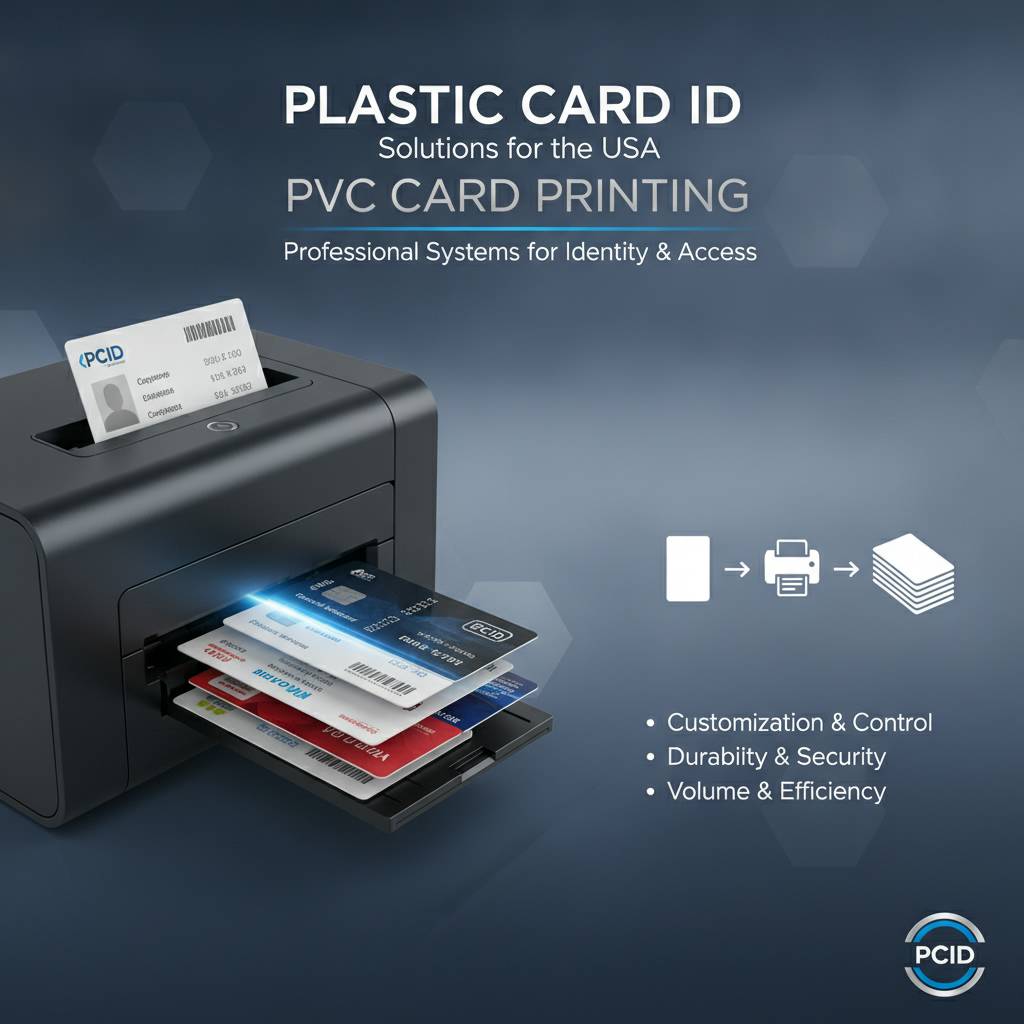 Walk into a buying decision without understanding your volume, and you'll either overspend on capacity you don't need or underbuy and create a bottleneck that frustrates your team. Volume matching is the single most important factor in selecting a PVC card printer - and it's where CPE's expertise pays dividends immediately.
The lineup at Plastic Card ID is structured deliberately to cover every production tier. Entry-level doesn't mean low quality here. It means right-sized for organizations with modest output demands. And industrial-grade doesn't mean overkill - it means purpose-built for the workflows that depend on consistent, high-volume throughput day after day.
Entry-Level Printers: The Evolis Badgy200
For organizations printing fewer than 1,000 cards per year, the Evolis Badgy200 is a genuinely excellent starting point. It delivers full-color PVC card printing in a compact, desktop-friendly form factor that doesn't require a dedicated operator or a complex setup process. Unbox it, load the ribbon, and you're printing professional cards within minutes.
Small businesses, local clubs, youth sports organizations, small nonprofits - these are the environments where the Badgy200 thrives. The cost per card is predictable, the hardware footprint is minimal, and the output quality is well above what you'd expect at this price tier. It's an entry point that doesn't feel like a compromise.
Mid-Range Workhorses: Evolis Zenius and Primacy2
Step up to 1,000 to 6,000 cards per month and the conversation shifts to the Evolis Zenius and Primacy2. The Zenius handles single-sided printing with crisp, consistent results that scale well for schools, healthcare facilities, and mid-size enterprises. Reliable, fast, and designed for sustained use rather than occasional bursts.
The Primacy2 adds dual-sided printing capability - essential when your card design uses both faces - along with support for magnetic stripe encoding. For organizations issuing access control cards, loyalty cards with encoded data, or student IDs with photo on front and barcode on back, the Primacy2 is the natural upgrade path from single-sided models. It's a workhorse in the best sense of the word.
Premium and High-Speed Options: Evolis Agilia and Matica Event Printer
At the top of the Evolis lineup sits the Agilia - a printer engineered for organizations where edge-to-edge print quality and premium output are non-negotiable. Government-adjacent programs, high-profile corporate ID systems, security-sensitive credentials - these are the applications where the Agilia's capabilities justify every dollar of its price point.
The Matica Event Printer occupies a different niche: high-speed badge issuance at events, conferences, and on-site deployments. When you need to credential hundreds of attendees quickly, without compromising on card quality, the Matica's throughput capability is its defining feature. It's not a desk printer - it's a deployment tool built for volume under pressure.
Fargo and Zebra Printers: Security-Focused ID Solutions
Evolis printers cover a wide range of applications brilliantly, but two other brands in the Plastic Card ID lineup deserve serious attention: Fargo and Zebra. Both carry strong reputations specifically in security-focused ID programs, where card integrity, encoding reliability, and access control integration matter enormously.
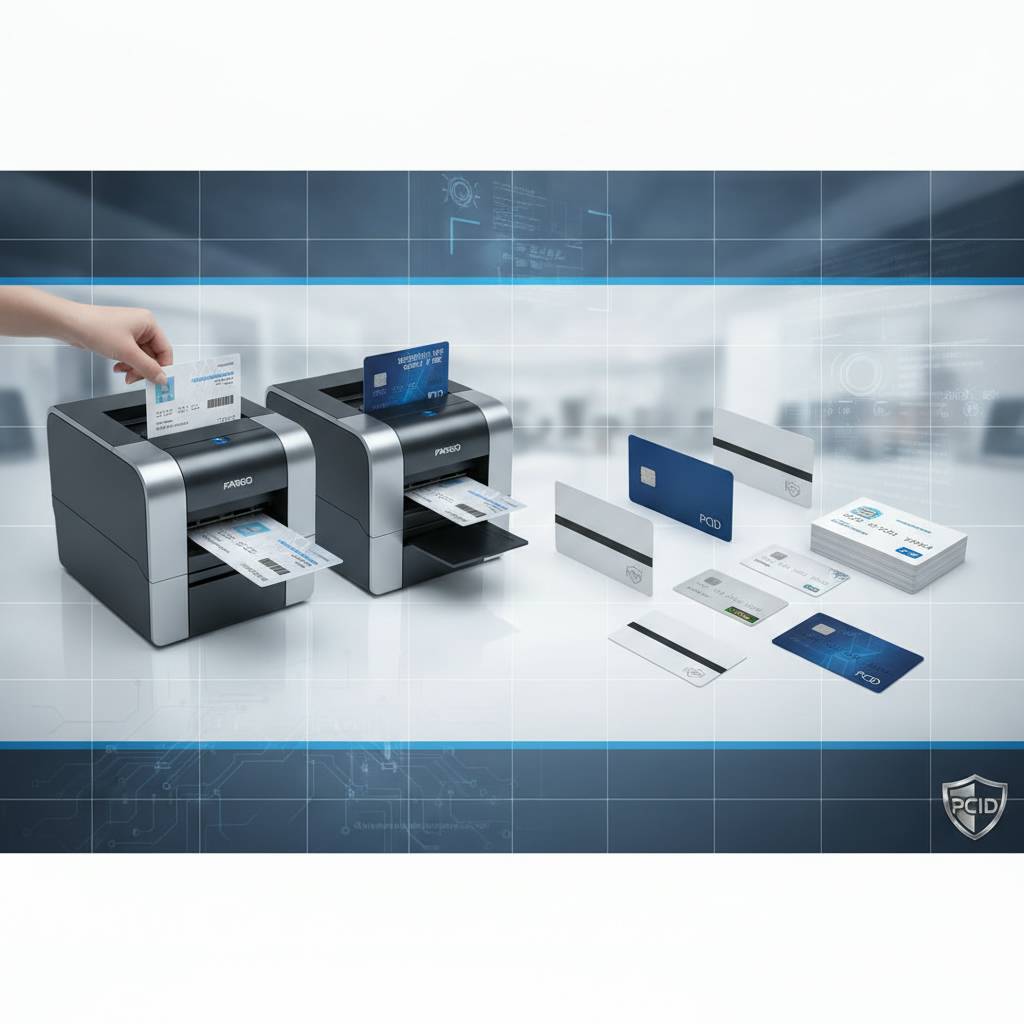
Organizations running formal ID programs - government contractors, healthcare systems, large educational institutions, corporate campuses - often gravitate toward Fargo and Zebra hardware for its robustness and its proven track record in high-stakes environments. CPE stocks both and can help you determine which platform aligns better with your specific security architecture.
Fargo Printers: Built for Security and Reliability
Fargo's lineup has long been associated with credential security. These printers are engineered with features that matter in environments where card fraud or unauthorized duplication would be a serious problem. Consistent print quality, reliable encoding, and solid build quality define the Fargo experience.
If your organization issues access control cards that interface with physical security systems, or photo ID cards where accuracy and consistency are critical, Fargo hardware is worth serious consideration. The investment reflects the use case - this is professional-grade equipment designed to perform reliably in demanding environments.
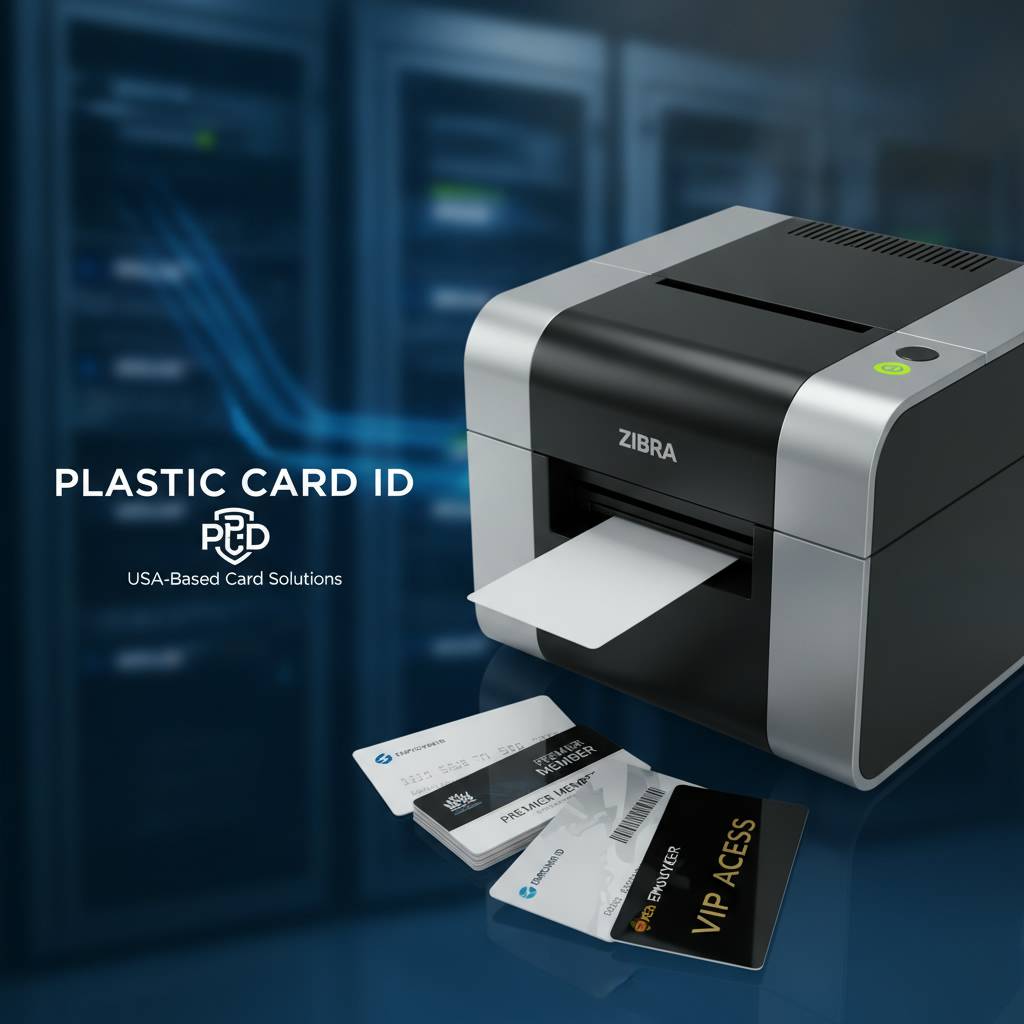
Zebra Printers: Versatility at Scale
Zebra brings a different dimension to the lineup: versatile performance across a wide range of card types and encoding requirements. Zebra printers handle everything from basic ID card printing to complex smart card encoding with equal competence, making them popular with organizations whose card programs span multiple functions or departments.
For operations that need flexibility - printing both standard ID cards and encoded access credentials on the same hardware, for example - Zebra's architecture accommodates that complexity without requiring multiple printer investments. Contact Plastic Card ID at 800.835.7919 to discuss which Zebra model fits your specific workflow.
Comparing Brands: Which Platform Fits Your Program?
The honest answer is that Evolis, Fargo, and Zebra each have genuine strengths, and the best choice depends on your volume, your encoding needs, your budget, and how your card program integrates with other systems. Plastic Card ID has no incentive to push you toward any particular brand - the goal is to match you with the hardware that makes your program succeed.
What helps the most in that conversation is specificity. Know your monthly volume, know whether you need dual-sided printing, know whether magnetic stripe or smart chip encoding is required, and know how the card connects to your access control or membership management system. With those details, finding the right platform becomes straightforward.
| Brand | Strengths | Best For |
|---|---|---|
| Evolis | Wide range, ease of use, premium output options | General ID, membership, loyalty programs |
| Fargo | Security features, credential integrity | Access control, high-security ID programs |
| Zebra | Versatility, multi-function encoding | Complex programs with multiple card types |
| Matica | High-speed throughput, event deployment | Conferences, events, rapid badge issuance |
Ribbons, Consumables, and Accessories: Keeping Your Program Running
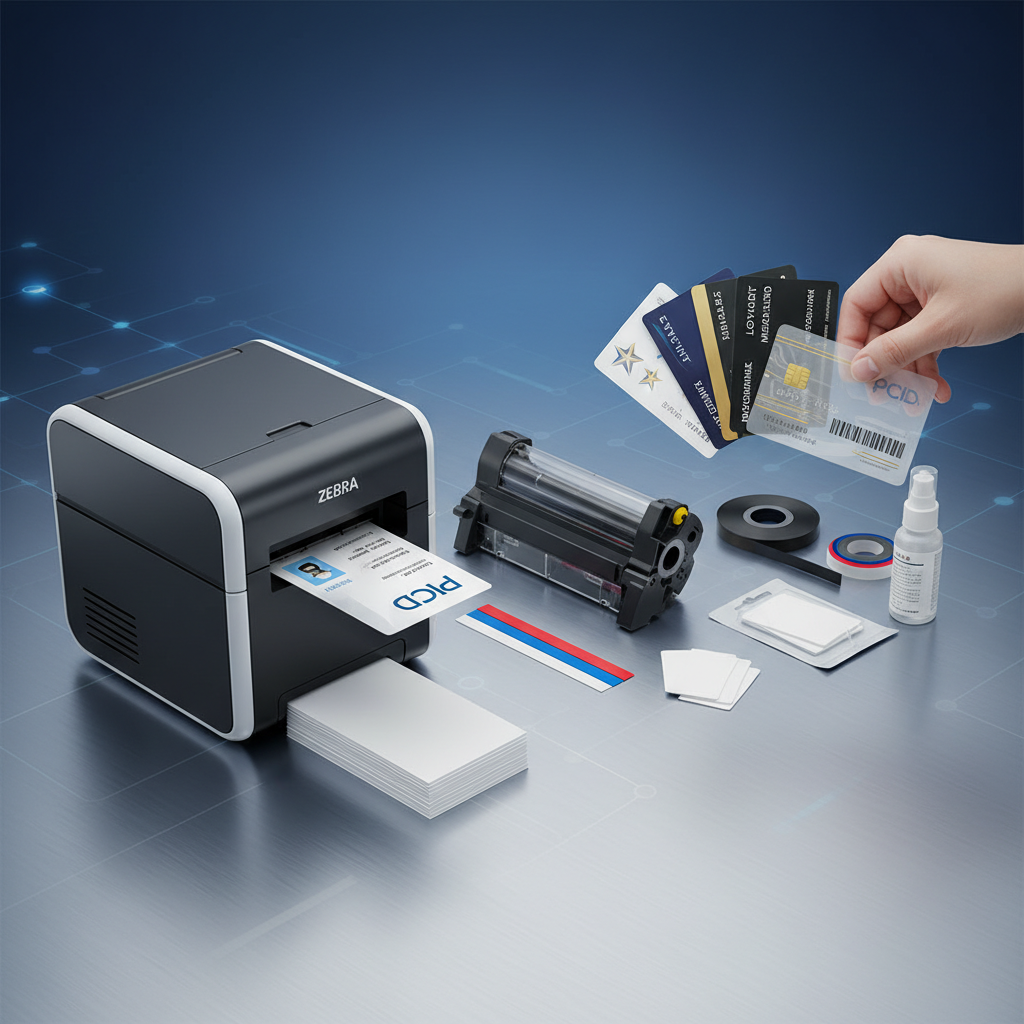 A PVC card printer is only as effective as the consumables supporting it. Ribbons run out. Cleaning rollers need replacing. Lamination modules wear over time. The organizations that run card programs most efficiently are the ones that treat consumable management as seriously as they treat the hardware itself - and Plastic Card ID makes that easy.
The complete consumables lineup at CPE covers everything your program will need, regardless of which printer you're running. This isn't a situation where you buy the printer from one source and scramble to find compatible ribbons from another. Everything ships from the same place, with the same expertise behind every order.
Printer Ribbons: YMCKO, Monochrome, and Specialty
The ribbon is the heart of the PVC card printing process. YMCKO ribbons - Yellow, Magenta, Cyan, Black, and Overlay - are the standard for full-color card printing with a protective clear overlay layer. They're what most ID card programs run for photo badges, membership cards, and loyalty credentials.
Monochrome ribbons offer a cost-effective alternative when color isn't needed. Black monochrome ribbons print clean, crisp text and barcodes at a significantly lower cost per card than YMCKO. Specialty ribbons - including options for specific color combinations and encoding-compatible formats - round out the selection for programs with unique requirements.
Cleaning Kits and Lamination Modules
Print quality degrades over time when cleaning is neglected. Dust and debris accumulate on the print head and transport rollers, causing streaks, color inconsistencies, and card jams that interrupt production and potentially damage expensive hardware. Regular cleaning is the single easiest way to extend your printer's useful life.
Lamination modules add a significant durability upgrade to cards that take heavy daily handling - employee IDs worn on lanyards, student cards swiped dozens of times daily, access control credentials used at every entry point. The laminate layer protects print quality and card integrity through conditions that would otherwise cause rapid wear.
Encoding Upgrades: Magnetic Stripe and Smart Chip
Many card programs begin with basic visual ID printing and evolve over time to include encoded functionality - magnetic stripes for access control or loyalty tracking, smart chips for multi-factor authentication or stored value applications. Plastic Card ID supplies encoding upgrade modules that can be integrated into compatible printers.
Magnetic stripe encoding allows cards to interact with card readers for access control, point-of-sale systems, time and attendance tracking, and more. Smart chip encoding takes that further, supporting contactless interaction and more complex data storage. The ability to print and encode in a single pass - rather than two separate steps - is a significant workflow efficiency gain for high-volume programs.
Buyer's Guide: What to Know Before You Purchase a PVC Card Printer
 Purchasing a card printer is not complicated, but making a smart purchase requires thinking through a few key variables before clicking buy. Get these right, and you'll have hardware that serves your program well for years. Get them wrong, and you'll either cap your own growth or pay for capacity you never use.
The questions below represent the framework CPE recommends working through before any printer purchase. They're not exhaustive, but they address the factors that most commonly determine whether a printer is the right fit for an organization's specific needs.
Volume, Encoding, and Feature Checklist
- Annual or monthly card volume: How many cards do you print per month? Per year? This is the primary driver of which printer tier is appropriate.
- Single-sided or dual-sided: Do your cards need content on both sides? Dual-sided printing requires a printer with a flipper module.
- Color or monochrome: Do cards require full-color photo printing, or is black-and-white text and barcode output sufficient?
- Encoding requirements: Do your cards need magnetic stripe encoding, smart chip encoding, or both?
- Lamination needs: Will these cards face heavy daily use requiring extra surface protection?
- Input hopper capacity: High-volume programs benefit from large-capacity hoppers that reduce manual loading frequency.
- Budget range: Entry-level desktop printers typically run $300-$800, mid-range units $800-$2,500, and professional-grade systems $2,500 and above.
Common Buying Mistakes and How to Avoid Them
One of the most frequent mistakes new buyers make is underestimating future volume growth. A printer that handles your current output comfortably may become a bottleneck within 18 months if your program expands. Buying one tier up from your current volume is often the smarter long-term investment.
The second common mistake is ignoring total cost of ownership. A cheaper printer with expensive proprietary ribbons may cost significantly more to operate over two years than a pricier unit with more affordable consumables. Factor in ribbon cost per card, expected print volume, and maintenance costs when comparing options.
Getting Expert Guidance From the Team at Plastic Card ID
You don't have to figure this out alone. The team at Plastic Card ID has spent over 25 years helping organizations navigate exactly these decisions. Whether you're setting up a card program from scratch or replacing aging hardware, the expertise is available and the conversation is always worth having.
Reach the team directly at 800.835.7919 to discuss your specific volume, application, and encoding requirements. The goal is always to match you with the right hardware for your actual needs - not the most expensive option in the catalog.
Frequently Asked Questions About PVC Card Printers
After decades of working with card-printing organizations of every size and type, certain questions come up consistently. The answers below address the most common points of confusion or uncertainty that buyers encounter when evaluating PVC card printer options.

What card formats do these printers support?
All printers in the Plastic Card ID lineup support the standard CR80 card format - the same size as a credit card, measuring 3.375 inches by 2.125 inches. This is the industry-standard size for ID cards, membership cards, loyalty cards, access control cards, and the vast majority of credential applications.
Some printers also support CR79 cards, which are slightly smaller and typically used with self-adhesive backing for overlay applications. If your program requires non-standard card sizes, the team at CPE can help you identify which hardware configurations accommodate those needs.
How long do PVC card printers typically last?
With proper maintenance - regular cleaning, correct ribbon handling, and appropriate environmental conditions - a professional-grade PVC card printer can deliver reliable performance for five to ten years or more. Entry-level models have shorter expected service lives under heavy use, which is one reason volume-matching matters so much in the selection process.
Cleaning kits, available through Plastic Card ID, are the single most important maintenance investment you can make. A printer that's cleaned on schedule will consistently outlast and outperform one that's neglected, even if the hardware is identical. Treat maintenance as part of your operational routine, not an afterthought.
Can I upgrade my printer's capabilities after purchase?
Many printers in the lineup support post-purchase upgrade modules - adding magnetic stripe encoding, smart chip encoding, or lamination capability to a base unit that initially shipped without those features. This modular approach allows organizations to start with a simpler configuration and add functionality as their program evolves.
Not every model supports every upgrade, and compatibility varies by manufacturer and product generation. Plastic Card ID can confirm which upgrades are available for any specific printer model before purchase, helping you plan your program's growth path from the start.
Ready to Build a Better Card Program? Contact Plastic Card ID Today
 The decision to bring card printing in-house is one that pays dividends across multiple dimensions: speed, control, personalization, cost efficiency, and the simple operational satisfaction of not depending on an outside vendor for something this central to your daily workflows. It's a straightforward upgrade with measurable returns, and Plastic Card ID has the hardware, the consumables, and the expertise to make it work.
With over 100,000 customers served and a product lineup that spans every major brand and production volume tier, CPE is positioned to equip your card program with exactly the right tools - and to keep it running reliably for years to come. Whether you're printing 200 membership cards a year or 6,000 access control credentials a month, there's a configuration here that fits.
Explore the Full Lineup of PVC Card Printers
Browse Evolis, Fargo, Zebra, and Matica printers across every production tier, alongside the complete selection of ribbons, cleaning kits, lamination modules, encoding upgrades, and card accessories. Everything your program needs, from one source, backed by more than two decades of hands-on expertise.
The right PVC card printer for your organization is in this lineup. The right consumables to keep it running are here too. And when questions come up - about compatibility, about volume planning, about encoding options - the expertise to answer them is a phone call away.
Speak With a Card Printing Expert
No automated menus, no generic support scripts. When you call Plastic Card ID, you reach people who know card printing hardware deeply and genuinely want to match you with the right solution. That's been the operating principle here for over 25 years, and it's not changing.
Call Plastic Card ID today at 800.835.7919 - and let's build a card program that works the way your organization deserves.
Plastic Card Printers for ID Cards & Badges
Previous Page