Card Printer for Plastic Cards: Top Models Buying Guide
Table of Contents []
- Why Plastic Card ID Is the Go-To Source for a Card Printer for Plastic Cards
- Understanding What a Card Printer for Plastic Cards Actually Does
- The Printer Lineup: Matching the Right Model to Your Volume
- Supplies and Consumables: Keeping Your Card Program Running
- Who Uses In-House Plastic Card Printing? Common Use Cases
- Buyer's Guide: How to Choose the Right Card Printer for Your Needs
- Frequently Asked Questions About Plastic Card Printers
- Get Started with Plastic Card ID - Your Trusted Card Printer Partner
Why Plastic Card ID Is the Go-To Source for a Card Printer for Plastic Cards
 Walk into almost any organization that prints its own credentials - a hospital, a university, a hotel chain, a corporate campus - and somewhere behind the front desk or in an HR office, there is a plastic card printer quietly doing its job. The decision to bring card printing in-house is one of the smartest operational moves a business can make, and finding the right hardware partner makes all the difference. That is exactly where Plastic Card ID steps in.
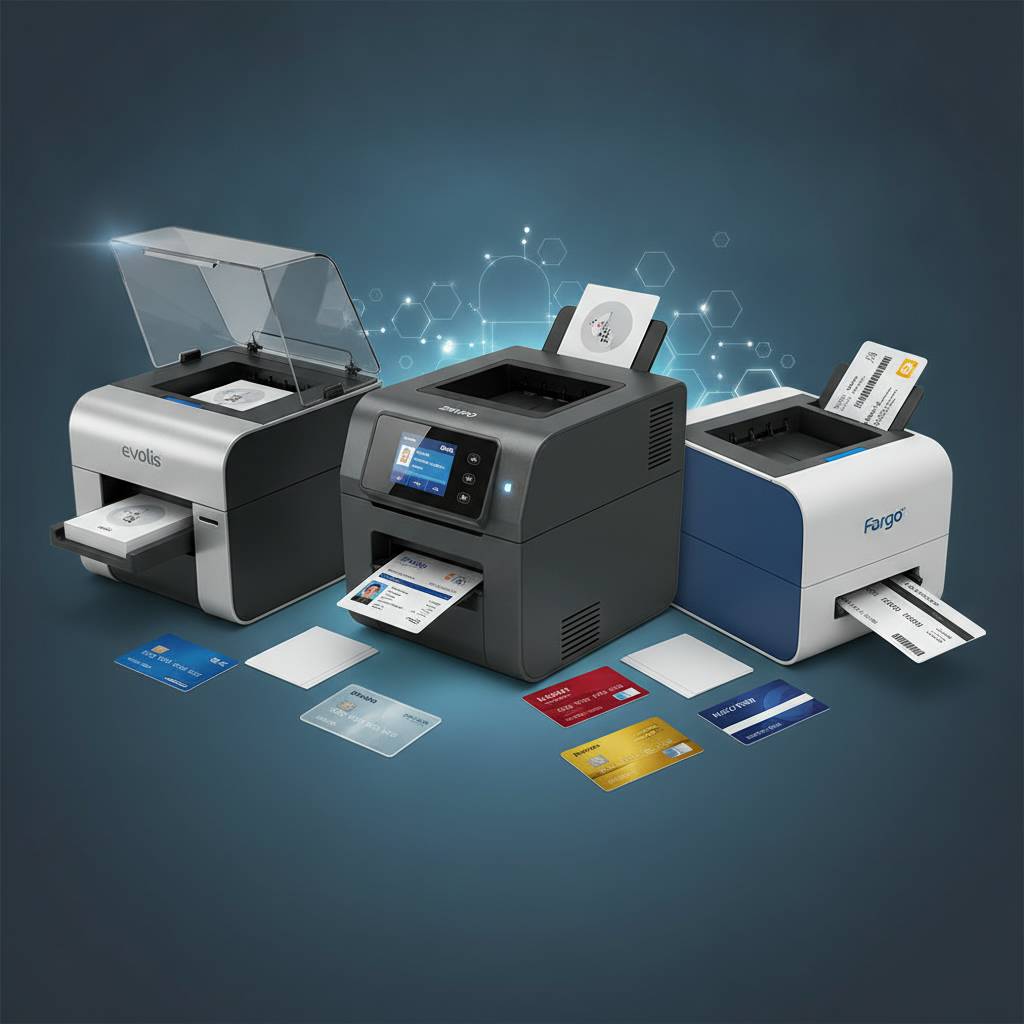
With more than 25 years of experience and over 100,000 customers served across the United States, Plastic Card ID has built a reputation that speaks for itself. They carry professional-grade card printers from Evolis, Fargo, Zebra, and Matica - brands that represent the gold standard in the industry. Whether you are printing 200 employee badges a year or tens of thousands of access cards a month, Plastic Card ID has the exact printer for the job.
What sets CPE apart is not just the product catalog - it is the depth of knowledge behind every recommendation. Buying a card printer is not like buying a laptop. The wrong choice means wasted consumables, reprints, frustrated staff, and ultimately a card program that underperforms. The right choice means reliable output, fast throughput, and cards that make a lasting impression.
| Printer Model | Brand | Best For | Estimated Volume |
|---|---|---|---|
| Badgy200 | Evolis | Small orgs, entry-level use | Up to 1,000 cards/year |
| Zenius | Evolis | Mid-volume, single-sided | 1,000-6,000 cards/month |
| Primacy2 | Evolis | Mid-volume, dual-sided | 1,000-6,000 cards/month |
| Agilia | Evolis | Premium edge-to-edge output | High-quality programs |
| Event Printer | Matica | High-speed on-site badging | Large events, rapid issuance |
Understanding What a Card Printer for Plastic Cards Actually Does
 There is sometimes confusion about what a plastic card printer really is - and what it is not. These are dedicated dye-sublimation or retransfer printing systems built specifically to produce ISO-standard CR80 PVC cards. They are not document printers. They are not label printers. They are precision instruments engineered to transfer full-color images, text, and encoding onto durable plastic card stock with professional consistency.
A typical dye-sublimation printer - like the Evolis Zenius or Primacy2 - uses a YMCKO ribbon (yellow, magenta, cyan, black resin, and overlay) to lay down vibrant color panels directly onto the card surface. Retransfer models, which include certain Fargo and Matica units, print the image onto a clear film first and then bond it to the card, enabling true edge-to-edge printing with superior durability. Both methods produce results far beyond what any inkjet or laser printer could achieve on a PVC surface.
Dye-Sublimation vs. Retransfer: Which Technology Fits Your Program?
Dye-sublimation is the workhorse of the card printing world. It is fast, cost-effective for mid-range volumes, and produces sharp, vibrant output that suits most employee ID programs, membership cards, loyalty cards, and student credentials. The printers tend to be more compact and easier to maintain, making them ideal for office environments.
Retransfer technology takes a different approach. Because the image is transferred via an intermediate film, it wraps cleanly over raised smart chip contacts and edge-to-edge without any white borders. For high-security credentials, government IDs, or branded cards where visual precision is non-negotiable, retransfer delivers a noticeably superior result. The investment is higher, but for programs where card quality represents the organization's image, it is well worth it.
Single-Sided vs. Dual-Sided Printing
Single-sided printers handle one face of the card per pass. They work perfectly for simple employee badges or loyalty cards where the back face is either blank or pre-printed. Dual-sided models - equipped with a flip station - print both faces in a single automated pass, which is essential for cards that need to carry data, barcodes, signatures, or policy text on the reverse side.
Organizations printing student IDs, access control cards with encoded magnetic stripes, or membership cards with terms and conditions on the back will almost always want a dual-sided capable unit. The Evolis Primacy2 is a popular choice here, offering clean, automated dual-sided output at mid-volume production rates without requiring manual card flipping or a second print pass.
Encoding Options: Magnetic Stripe, Smart Chip, and More
A plastic card printer can do far more than just print. Many models support in-line encoding, meaning the printer writes data to a magnetic stripe or smart chip as part of the same automated print cycle. This is how hotel key cards, transit passes, campus access cards, and financial institution cards are produced - though Plastic Card ID does not supply financial credit or debit card processing equipment.
Magnetic stripe encoding is the most common upgrade, available in LoCo (low coercivity) and HiCo (high coercivity) variants. Contact smart chip encoding supports EMV-style chips for secure logical access. Adding encoding to your card printer turns it from a badge maker into a fully integrated credential issuance system - and that is where the real operational value kicks in.
The Printer Lineup: Matching the Right Model to Your Volume
Not every organization needs the same machine. Printing 400 visitor badges a year is a fundamentally different operation than issuing 3,000 employee access cards per month. Choosing a printer that is too light for the workload means premature wear and poor reliability; choosing one that is too heavy means overpaying for capacity you will never use. Getting the match right from the start saves real money over the life of the printer.
CPE has structured its product lineup so that there is a logical, well-supported option at every production tier. From the approachable Evolis Badgy200 to the powerful Matica Event Printer, each unit is positioned around real-world use cases and realistic volume expectations.
Entry-Level: Evolis Badgy200
The Badgy200 is designed for organizations that print fewer than 1,000 cards per year - think small nonprofits, boutique fitness clubs, local schools issuing seasonal passes, or small businesses with modest badge needs. It is compact, straightforward to set up, and produces clean, professional-looking cards using standard YMCKO ribbons.
Despite its accessible price point, the Badgy200 does not cut corners on card quality. It produces 300 dpi full-color output on standard CR80 PVC cards, and Evolis bundles intuitive card design software with the unit. For organizations that simply need a reliable, professional card printer without enterprise complexity, the Badgy200 is hard to beat.
Mid-Range: Evolis Zenius and Primacy2
The Evolis Zenius handles volumes from roughly 1,000 to 6,000 cards per month on a single-sided basis. It is a popular choice for mid-sized HR departments, corporate security teams, and membership-based organizations. It supports optional encoding upgrades, which means it can grow with the program as needs become more complex.
The Primacy2 builds on the Zenius platform by adding dual-sided printing capability and a higher monthly duty cycle. This is the printer most businesses end up specifying when they sit down and honestly assess their volume and card complexity needs. It supports YMCKO, monochrome, and specialty ribbon formats, and it integrates cleanly with most card management and access control software environments.
Premium and High-Volume: Evolis Agilia, Fargo, Zebra, and Matica
At the top of the range, the Evolis Agilia delivers edge-to-edge printing with exceptional color fidelity. It is the choice for organizations whose cards need to reflect premium brand standards - luxury hotel key cards, upscale membership programs, or corporate ID programs where visual presentation matters as much as function.
Fargo and Zebra printers bring purpose-built security features to the lineup, making them the natural choice for ID programs with strict credential integrity requirements. Lamination modules, holographic overlays, and UV printing capabilities are all on the table. The Matica Event Printer, meanwhile, is engineered specifically for rapid on-site issuance at large events - printing, encoding, and dispensing badges at speeds that keep registration lines moving even when thousands of attendees show up at once.
Supplies and Consumables: Keeping Your Card Program Running
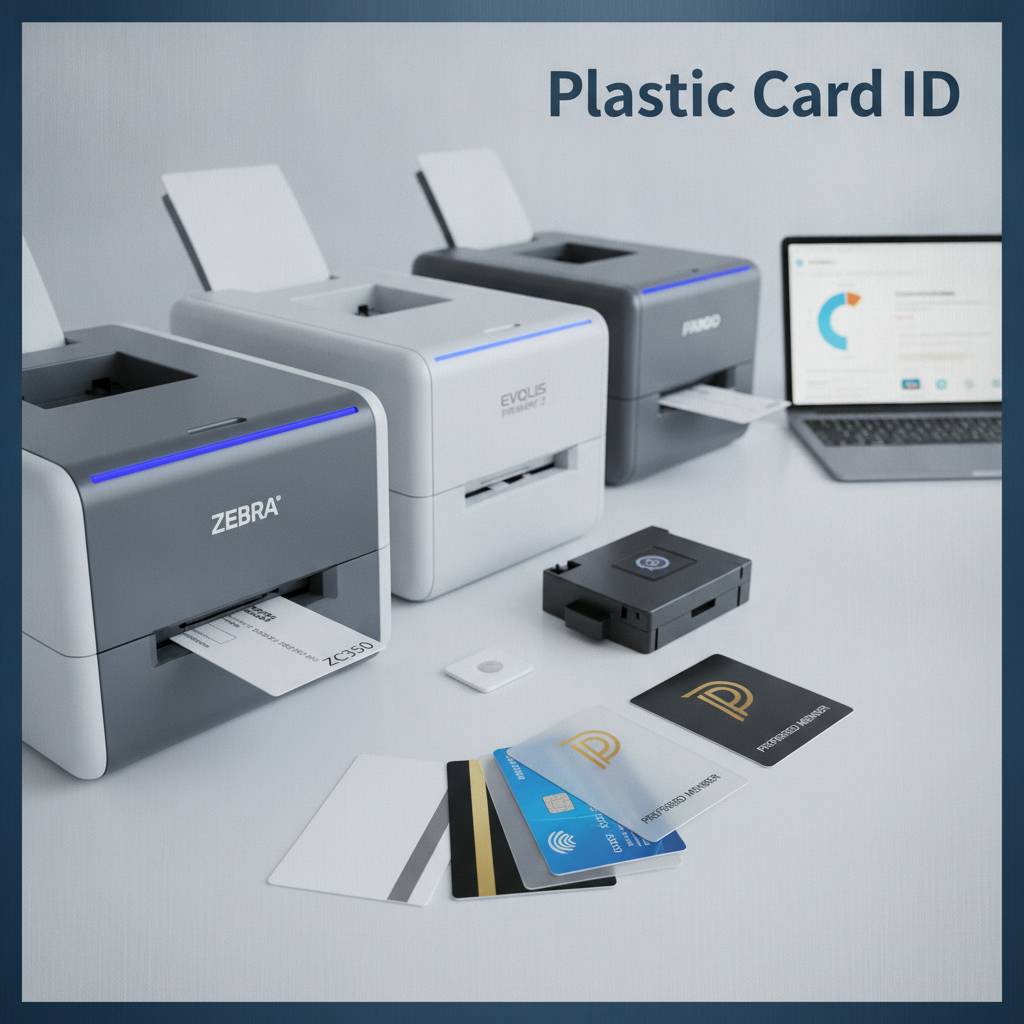 A card printer is only as good as the consumables feeding it. Ribbons degrade, cleaning rollers accumulate debris, and laminate film runs out - always, it seems, at the worst possible moment. Plastic Card ID stocks the full range of consumables for every printer in their lineup, so customers never have to scramble across multiple suppliers to keep operations moving.
Understanding your consumable needs before you buy the printer is actually good practice. The cost per card - factoring in ribbon yield, cleaning kit frequency, and laminate consumption - varies meaningfully between printer models and program types. A clear-eyed look at total cost of ownership often changes which printer model makes the most financial sense.
Printer Ribbons: YMCKO, Monochrome, and Specialty Formats
YMCKO ribbons are the standard for full-color card printing. Each panel set - yellow, magenta, cyan, black resin, and clear overlay - produces one complete card face. Ribbon yields range from around 100 prints per ribbon on compact models to 500 or more on high-capacity rolls for larger units. Matching ribbon type and yield to your print volume directly controls your per-card cost.
Monochrome ribbons - available in black, white, red, blue, silver, and gold - are used for single-color applications like printing text or barcodes on pre-printed card stock. They offer a dramatically lower per-card cost and are a smart choice when full color is not required on every print run. Specialty ribbons including UV-reactive and scratch-off formulations expand what is possible for security-sensitive or promotional programs.
Cleaning Kits and Maintenance Supplies
Regular cleaning is not optional - it is the single most effective thing a card operator can do to extend printer life and maintain print quality. Dust, PVC particles, and ribbon residue accumulate on rollers and print heads over time, causing banding, color inconsistency, and premature component wear. Cleaning kits typically include cleaning cards, cleaning swabs, and IPA-saturated wipes matched to specific printer models.
Most manufacturers recommend a cleaning cycle every time a new ribbon is installed, which for busy programs could mean weekly maintenance. Plastic Card ID stocks cleaning kits for all supported printer brands, and pairing your printer purchase with an adequate cleaning supply stock is one of the smartest investments you can make for long-term printer performance.
Lamination Modules, Input Hoppers, and Card Carriers
Lamination modules attach to compatible printers and apply a clear or holographic protective film over the printed card surface, dramatically increasing durability and tamper resistance. For access control cards, student IDs, or any credential that sees heavy daily handling, lamination is often worth the added cost per card.
Input hoppers expand the card feeder capacity from the standard 50-100 card stack to several hundred cards, reducing operator intervention during long print runs. Card carriers and sleeves protect finished cards during handling and storage. Building a complete supplies ecosystem around your printer from day one prevents the operational headaches that come from sourcing consumables piecemeal later.
Who Uses In-House Plastic Card Printing? Common Use Cases
 The range of organizations that benefit from having their own card printer for plastic cards is wider than most people initially assume. It is not just large corporations with HR departments. It is schools, hospitals, gyms, hotels, event organizers, government agencies, and hundreds of other types of operations that need to issue physical credentials reliably and on their own schedule.
Owning a card printer fundamentally changes the relationship between an organization and its credential program. Instead of waiting weeks for an outside vendor to deliver a batch of cards, you print exactly what you need, when you need it, with the personalization each card requires - photo, name, title, department, encoded data, and all.
Employee ID and Access Control
Employee ID programs are the most common driver of card printer purchases. Organizations need to issue credentials to new hires quickly, replace lost cards without delay, and update access levels as roles change. In-house printing means a new employee can have a functional, personalized, encoded ID card in hand on their first day - not two weeks later when a vendor batch finally arrives.
For access control programs, the combination of visual ID and encoded data on a single card is essential. Whether the access system uses magnetic stripe, proximity, or smart chip technology, most modern card printers can handle the encoding in-line. The result is a single card that serves both identification and access control purposes without requiring separate issuance systems.
Membership, Loyalty, and Student ID Programs
- Membership cards for gyms, clubs, libraries, and associations benefit from on-demand printing because membership turnover is constant and batch ordering creates lag.
- Loyalty cards for retail and hospitality programs need to be available at point of enrollment - a customer who signs up today should not wait a week for their card.
- Student ID cards require annual mass issuance at the start of each school year, plus ongoing replacement printing throughout the year for lost or damaged cards.
- Hotel key cards need to be encoded on-site in real time at check-in, making in-house printing hardware a core operational requirement for any property managing its own access system.
- Event credentials demand rapid on-site printing at registration desks where speed and accuracy are both critical to attendee experience.
Security-Focused ID Programs
Government agencies, healthcare facilities, secure research environments, and financial institutions often have card programs where credential integrity is paramount. Fargo and Zebra printers in the Plastic Card ID lineup are specifically engineered for these applications, incorporating features like UV printing, holographic laminate overlays, and microtext printing that make credentials significantly harder to counterfeit.
For these programs, the printer is not just an output device - it is a security tool. The ability to add encoding layers, visual security features, and tamper-evident overlays in a single automated issuance pass is what makes these printer models worth the investment for high-stakes credential programs.
Buyer's Guide: How to Choose the Right Card Printer for Your Needs
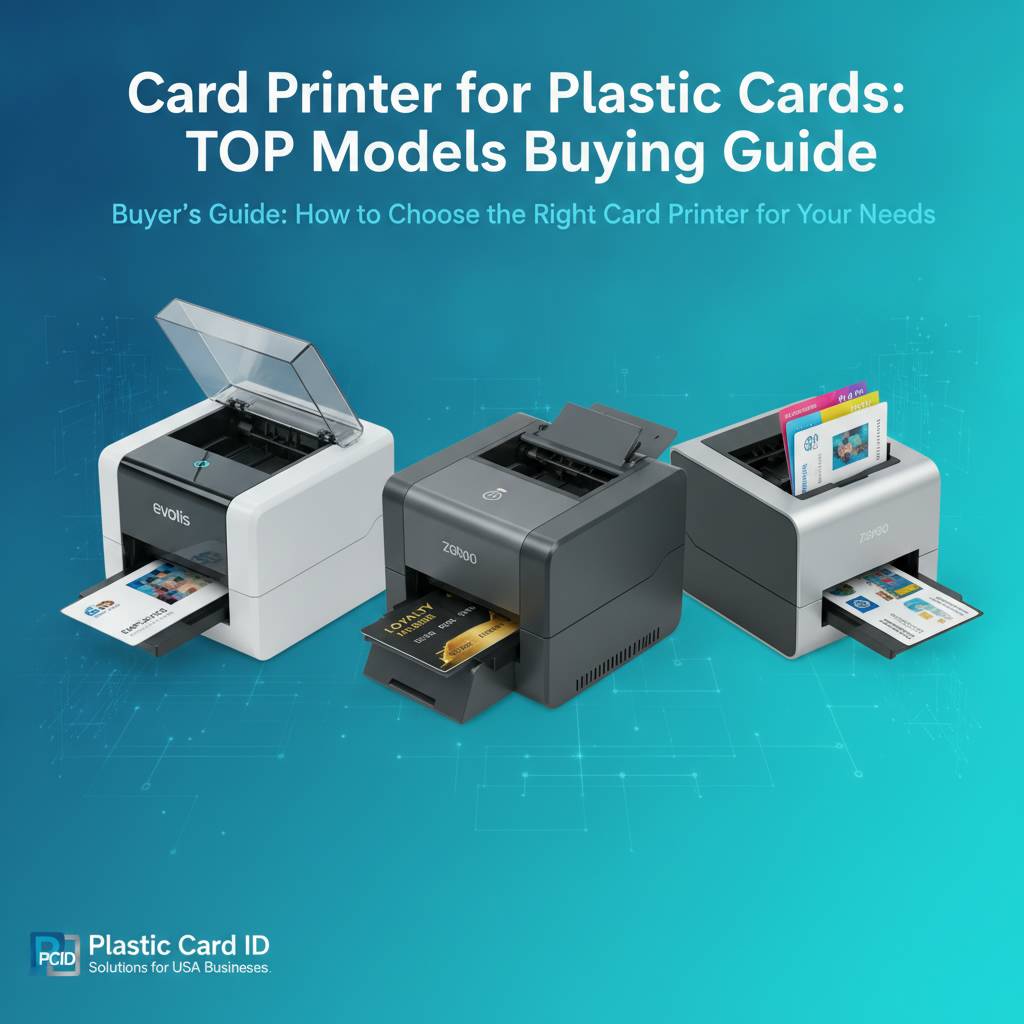
Choosing a card printer for plastic cards is a decision with long-term operational and financial consequences. Getting it right means assessing your needs honestly across several key dimensions before committing to a model. The following questions are the ones that matter most.
Key Questions to Ask Before You Buy
- How many cards will you print per month, on average? Be realistic - this is the single most important factor in matching printer to program.
- Do you need single-sided or dual-sided printing? If card backs carry any data at all, dual-sided is usually the right call.
- Will you need to encode magnetic stripes or smart chips? If so, plan for encoding upgrades at purchase time rather than adding them later.
- What is your priority - color quality, throughput speed, or low cost per card? Different models optimize for different outcomes.
- Do you need lamination for added card durability and security? If so, verify that your chosen printer model supports a lamination module.
- What is your total budget, including consumables for the first year of operation? The printer purchase price is only the beginning.
Working through these questions with the team at CPE - who bring genuine expertise to every product conversation - can prevent expensive mismatches. The right printer at the right price for the right volume is worth more than a premium unit that exceeds your actual needs by a factor of three.
Understanding Total Cost of Ownership
The sticker price of a card printer tells only part of the story. Ribbon cost per yield, cleaning kit frequency, and laminate film consumption all factor into the real cost of every card you print. A printer priced at $400 that uses expensive ribbons might cost more per card over three years than a $900 unit with higher-yield ribbon cartridges.
For programs printing 500 or more cards per month, even a $0.10 difference in per-card cost adds up to $600 per year. Running the numbers on total cost of ownership before buying is not optional - it is essential to making a financially sound decision that your organization will not regret.
Contact the Experts at Plastic Card ID
There is genuinely no substitute for talking to someone who knows these products inside and out. The team at Plastic Card ID has been navigating these exact conversations with customers across every industry for over 25 years. Call 800.835.7919 and describe your program - volume, card type, encoding needs, budget - and they will point you to the right printer and the right supplies package without upselling you into equipment you do not need.
Ready to find your perfect card printer for plastic cards? Reach out to Plastic Card ID today.
Frequently Asked Questions About Plastic Card Printers
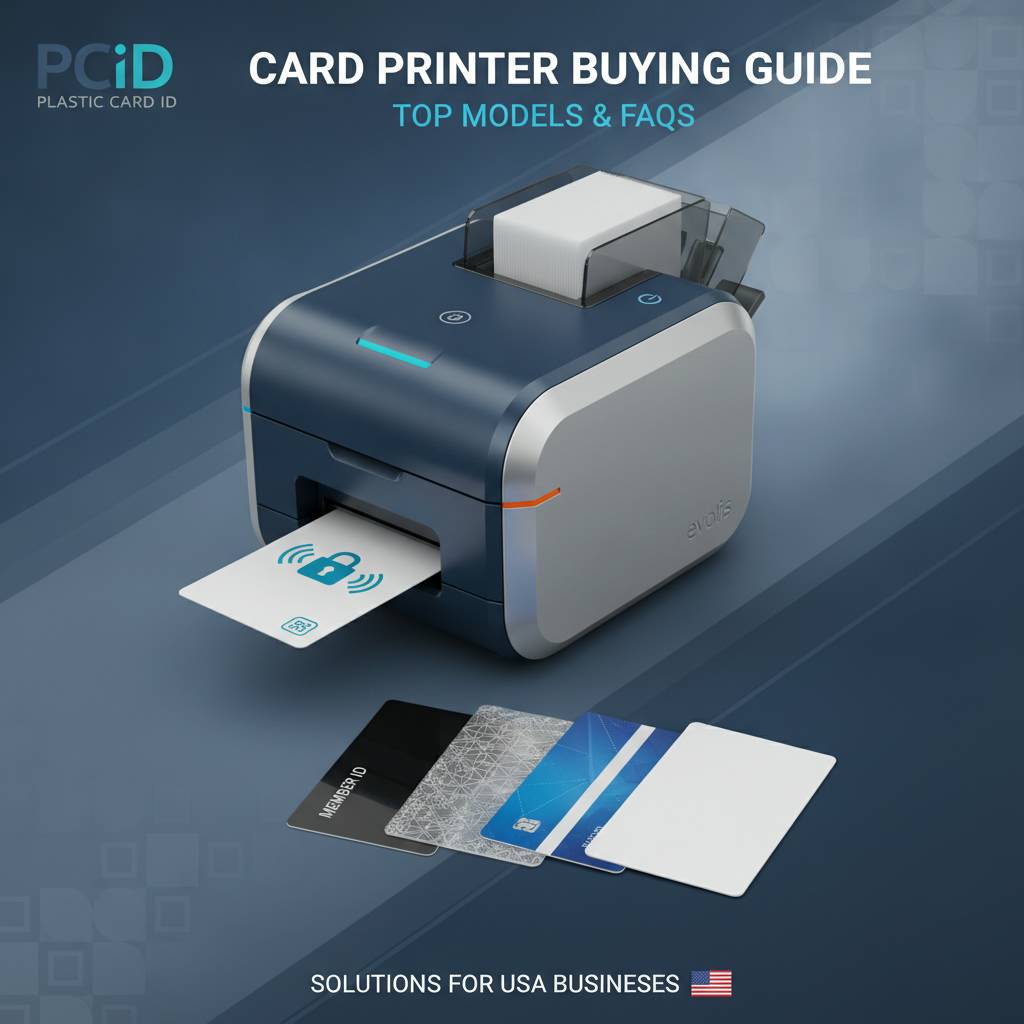 Over 25 years of serving 100,000-plus customers generates a lot of recurring questions. The most common ones are worth addressing directly, because clear answers here save time for buyers who are still in the research phase.
What Is the Difference Between a Card Printer and a Regular Printer?
A card printer for plastic cards uses dye-sublimation or retransfer technology specifically engineered for CR80 PVC card stock. Standard inkjet or laser printers cannot print on PVC cards, cannot encode magnetic stripes or chips, and cannot produce the durable, professional output that ID and access control programs require. They are fundamentally different categories of equipment designed for fundamentally different purposes.
Attempting to use a standard office printer for plastic card output will damage the printer and produce unusable cards. If you are running any kind of professional credential program, a dedicated card printer is not a luxury - it is a requirement.
How Long Do Card Printers Last?
With proper maintenance - regular cleaning, correct ribbon handling, and appropriate operating conditions - a commercial card printer from Evolis, Fargo, Zebra, or Matica will typically remain in reliable service for five to ten years. The critical maintenance factor is cleaning frequency. Printers that are cleaned consistently, at the intervals specified by the manufacturer, dramatically outlast those that are not.
Investing in adequate cleaning supplies from the start is not an afterthought - it is a core component of printer ownership. CPE stocks cleaning kits for all supported models, making it easy to keep your equipment in peak condition throughout its operating life.
Can I Print Cards with Photos In-House?
Absolutely - and that is one of the most compelling advantages of in-house card printing. Full-color YMCKO ribbons allow you to print photographic-quality images directly onto the card surface. When combined with card design software (often bundled with the printer), you can capture an employee photo, drop it into a card template, add name and department text, and print a finished, personalized credential in under a minute.
The photo quality on dedicated card printers at 300 dpi is excellent for credential applications - faces are recognizable, colors are accurate, and the result looks professional. The ability to print personalized photo ID cards on demand, in-house, without waiting for an outside vendor, is the reason so many organizations eventually make the switch to owning their own printer.
Get Started with Plastic Card ID - Your Trusted Card Printer Partner
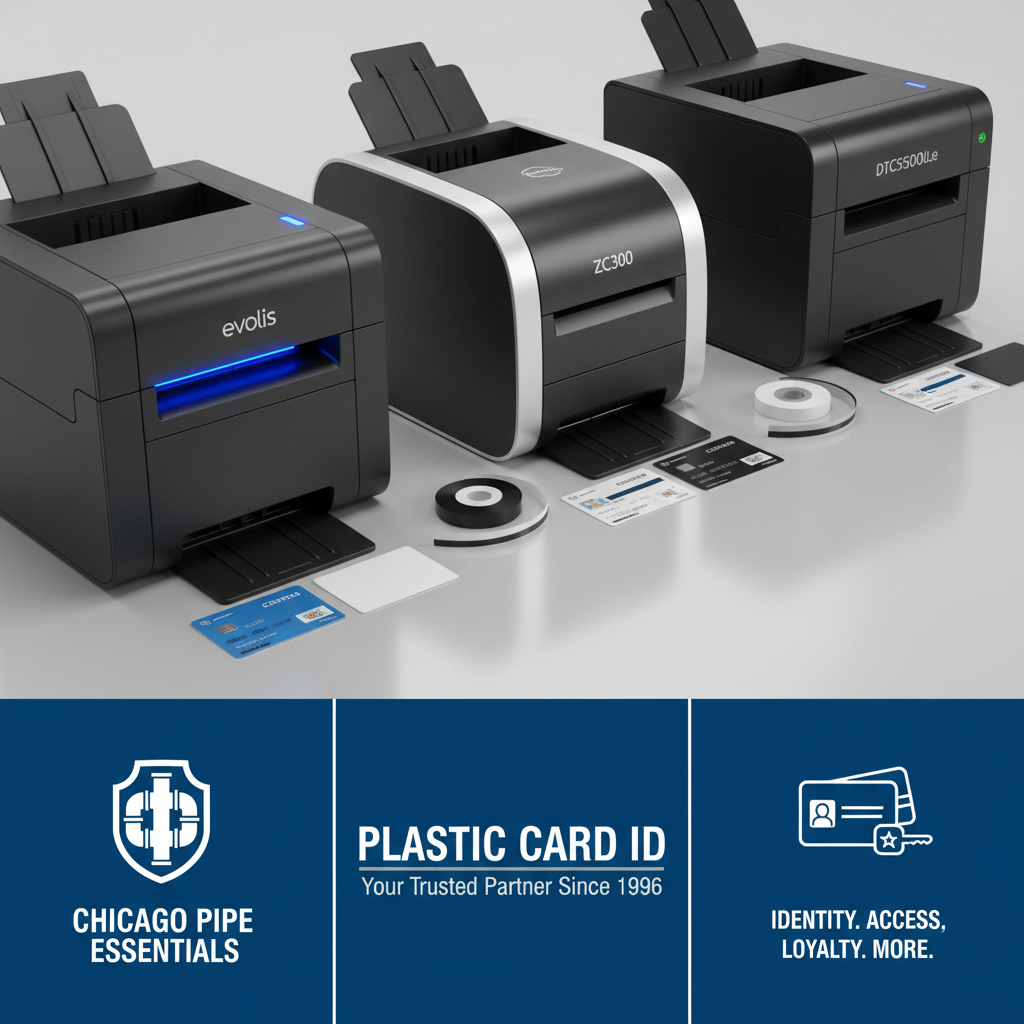 The decision to invest in a card printer for plastic cards is one that pays dividends from the very first print run. Control over your credential program, elimination of vendor lead times, the ability to personalize every card, and the flexibility to encode magnetic stripes or chips in-line - these are operational advantages that compound over time. Plastic Card ID has been delivering these advantages to businesses across the United States for over 25 years.
Whether you are outfitting a small nonprofit with its first Evolis Badgy200, upgrading a corporate HR department to a Primacy2 with dual-sided printing and magnetic stripe encoding, or sourcing a Matica Event Printer for a large annual conference, Plastic Card ID has the equipment, the consumables, and the expertise to support your program from day one through year ten.
Contact Plastic Card ID now at 800.835.7919 and let their team of card printing specialists match you with the right printer for your volume, your use case, and your budget. Professional credentials, printed on your terms - that is what Plastic Card ID delivers.
Custom Plastic Card Printer for Business & ID Cards
Previous Page