Card Printer Volume Guide: Cards Per Month Explained
Table of Contents []
- Find Your Perfect Match: The Plastic Card ID Card Printer Volume Guide
- Why Cards Per Month Is the Number That Drives Every Decision
- Entry-Level Card Printers: The Right Tool for Low-Volume Programs
- Mid-Range Card Printers: The Workhorse Tier for Most Businesses
- High-Volume and Industrial Card Printing: When Speed Is Non-Negotiable
- Building a Complete In-House Card Program: Beyond the Printer
- Buyer's Guide: Frequently Asked Questions About Card Printer Volume
- Take the Next Step with Plastic Card ID
Find Your Perfect Match: The Plastic Card ID Card Printer Volume Guide
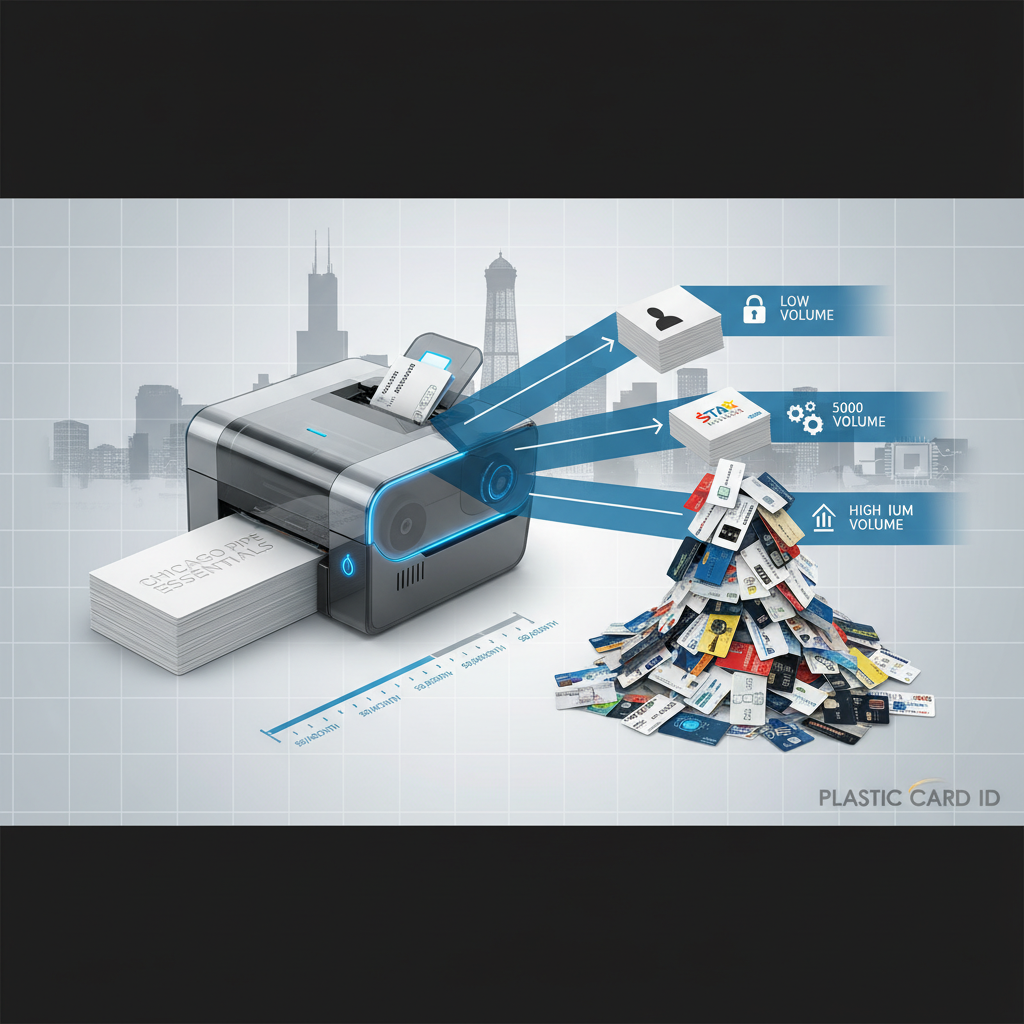 Choosing a card printer isn't just about picking the one with the best specs sheet or the lowest price tag. It's about matching a machine to the actual rhythm of your operation - how many cards you print, how often you need them, and what features your program genuinely requires. Get that match right, and your printer runs smoothly for years. Get it wrong, and you're either underutilizing expensive hardware or grinding a light-duty machine into an early grave.
That's exactly why a card printer volume guide built around cards per month matters so much. CPE has worked with more than 100,000 customers across the United States, and the single most common source of buyer regret comes down to mismatched volume expectations. This guide exists to fix that problem before you spend a dollar.
| Volume Category | Cards Per Month | Recommended Printers | Typical Use Case |
|---|---|---|---|
| Entry-Level | Under 85/month | Evolis Badgy200 | Small offices, clubs, schools |
| Light Mid-Range | 85-250/month | Evolis Zenius | HR departments, membership orgs |
| Mid-Range | 250-500/month | Evolis Primacy2, Fargo HDP5000 | Corporate ID, access control |
| High Volume | 500-2,000/month | Evolis Agilia, Zebra ZC300 | Universities, large enterprises |
| Industrial/Event | 2,000/month | Matica Event Printer, Evolis Agilia | Event credentials, high-speed ID issuance |
Why Cards Per Month Is the Number That Drives Every Decision
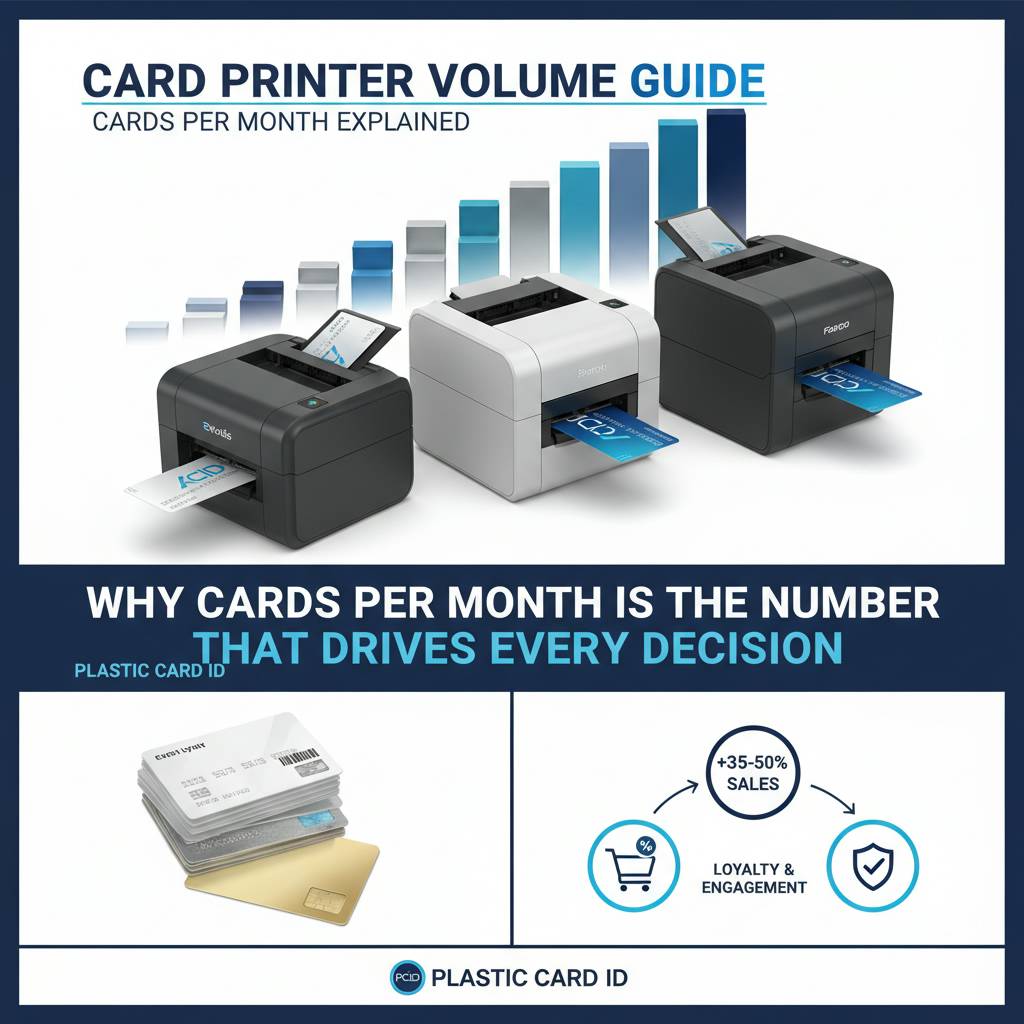 Ask most buyers what they're looking for in a card printer, and they'll mention print quality, connectivity options, or maybe brand name. Rarely does someone lead with their monthly card volume - and yet that single number predicts which machine will thrive in their environment better than any other specification. A printer rated for 500 cards per month running 2,000 cards monthly isn't just working hard; it's aging fast, burning through mechanical components, and setting you up for a service call sooner than you'd like.
Volume determines duty cycle, ribbon yield, maintenance intervals, and total cost of ownership. It affects how often you'll need to clean the print head, replace the cleaning roller, and reorder supplies. When your monthly output aligns with the machine's design parameters, everything flows: consistent print quality, predictable consumable costs, and a printer that lasts. Understanding your real volume before shopping is, frankly, one of the smartest moves any buyer can make.
Calculating Your True Monthly Card Output
Don't estimate loosely here. Pull data from your last ID issuance cycle, onboarding records, or badge request logs. If your organization hires 40 people a month and replaces about 20 lost IDs, you're printing around 60 cards monthly. Add seasonal spikes, contractor badges, and visitor passes, and the real number might be 90.
Think also about card types. If you're printing dual-sided cards with lamination, your printer's throughput is effectively cut in half compared to single-sided production. Factor that in before you land on a volume tier. Accurate volume math prevents expensive equipment mismatches and keeps your card program running without friction.
Peak Demand Versus Average Monthly Output
Universities onboard hundreds of students at the start of each semester. Seasonal employers badge entire temporary workforces in a two-week window. These peaks matter enormously. A printer sized for your average of 150 cards per month may be completely overwhelmed by a 600-card September rush.
The smart strategy is to size your printer for your peak demand period, not your monthly average. If your busiest stretch hits 400 cards in a week, you need a machine comfortable with that load - not one that technically handles 150 per month under ideal conditions. CPE recommends building in at least a 25-30% volume buffer above your expected peak when selecting a printer tier.
Single-Sided Versus Dual-Sided Output: Counting Cards Correctly
When manufacturers rate a printer for a certain number of cards per hour, they almost always mean single-sided printing. A printer advertised at 120 cards per hour drops to approximately 60 when flipping and printing both sides. That's not a defect; it's physics and mechanics.
If your organization prints dual-sided employee ID cards with a photo, name, department, and a barcode on the back, plan accordingly. The effective throughput of your chosen printer needs to accommodate double the surface area for every card. Dual-sided programs with high volume require machines rated at least two tiers above what single-sided math alone might suggest.
Entry-Level Card Printers: The Right Tool for Low-Volume Programs
Not every organization needs industrial throughput. A neighborhood gym, a small nonprofit, a church group running a membership card program - these operations might print 200 cards in a year. Dropping $3,000 on a high-performance printer for that use case is the definition of overkill. The Evolis Badgy200 was built precisely for programs printing fewer than 1,000 cards annually, giving small organizations professional output without the price tag of enterprise equipment.
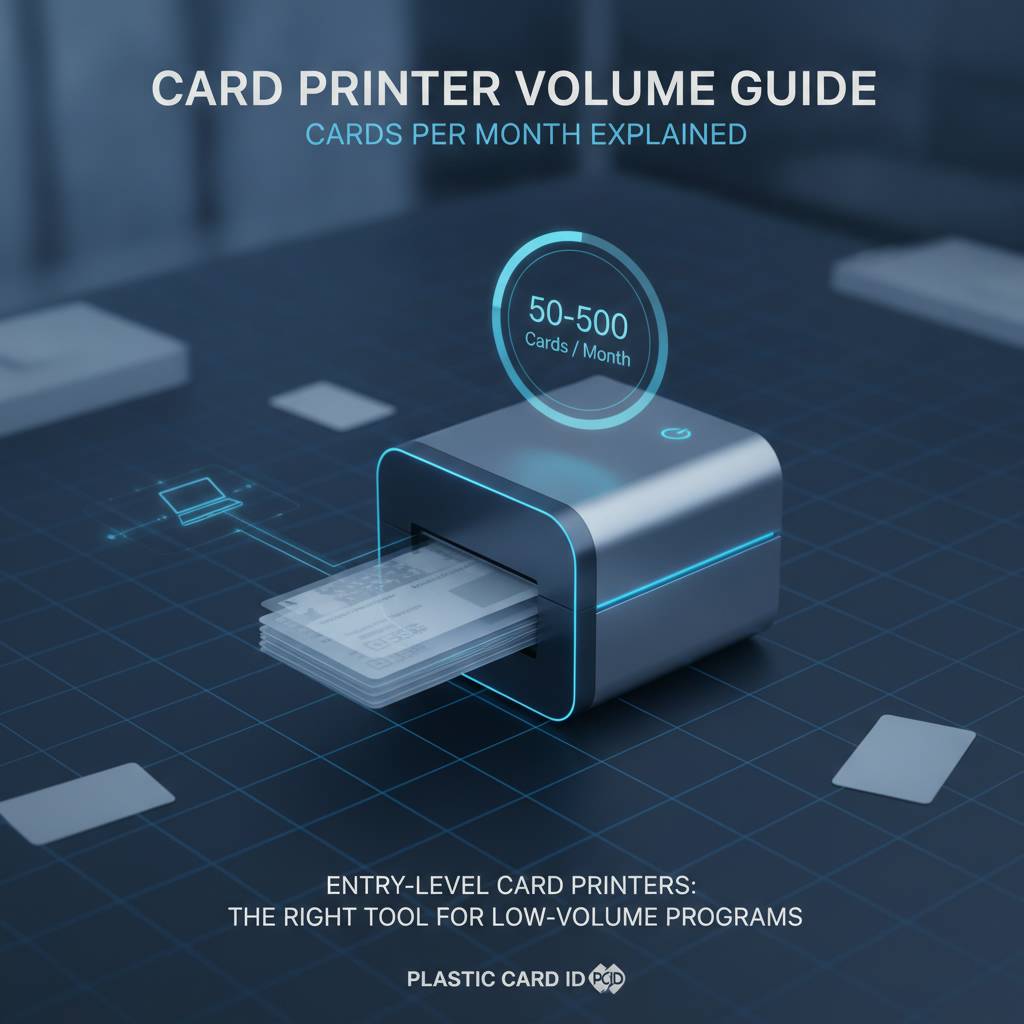
Entry-level doesn't mean low quality. The Badgy200 produces crisp, full-color cards with clean edges and accurate color reproduction. The difference is duty cycle and throughput speed, not print resolution. For organizations where card issuance is an occasional administrative task rather than a daily workflow, this tier delivers excellent value per card printed.
Who Should Consider an Entry-Level Printer
Small membership organizations, local recreational clubs, boutique fitness studios, and community associations are natural fits. So are small businesses issuing employee IDs for a stable, rarely-changing workforce where turnover is minimal and card replacements are infrequent.
If your card program is essentially an annual event - printing badges for a recurring conference or issuing credentials at the start of each program year - entry-level hardware makes complete sense. The key qualifier: if you're printing fewer than 85 cards per month on average, an entry-level printer is your sweet spot.
Total Cost of Ownership at the Entry Level
Entry-level printers carry attractive purchase prices, often in the $300-$600 range, but ongoing consumable costs are where buyers need to pay attention. Ribbon cartridges for full-color YMCKO printing typically yield 100 cards per ribbon at this tier. If you're printing 80 cards per month, you're replacing a ribbon monthly.
Cleaning kits, replacement cards, and periodic head cleaning are modest costs at this volume. The total cost of ownership for a low-volume program is genuinely manageable - and the ability to print on demand, encode cards, and personalize each one in-house eliminates vendor lead times entirely. That independence has real operational value that's easy to underestimate until you've lived without it.
Contact Plastic Card ID for Entry-Level Guidance
Selecting the right entry-level model isn't guesswork. The team at CPE can walk through your specific program requirements, card types, and volume estimates to confirm you're choosing the right hardware. Reach out directly at 800.835.7919 for personalized recommendations.
Entry-level decisions are often simpler than buyers expect, but it's always worth a conversation before committing. The right printer at the right price, sized for your actual needs, is a far better outcome than over-buying or under-buying based on spec sheets alone.
Mid-Range Card Printers: The Workhorse Tier for Most Businesses
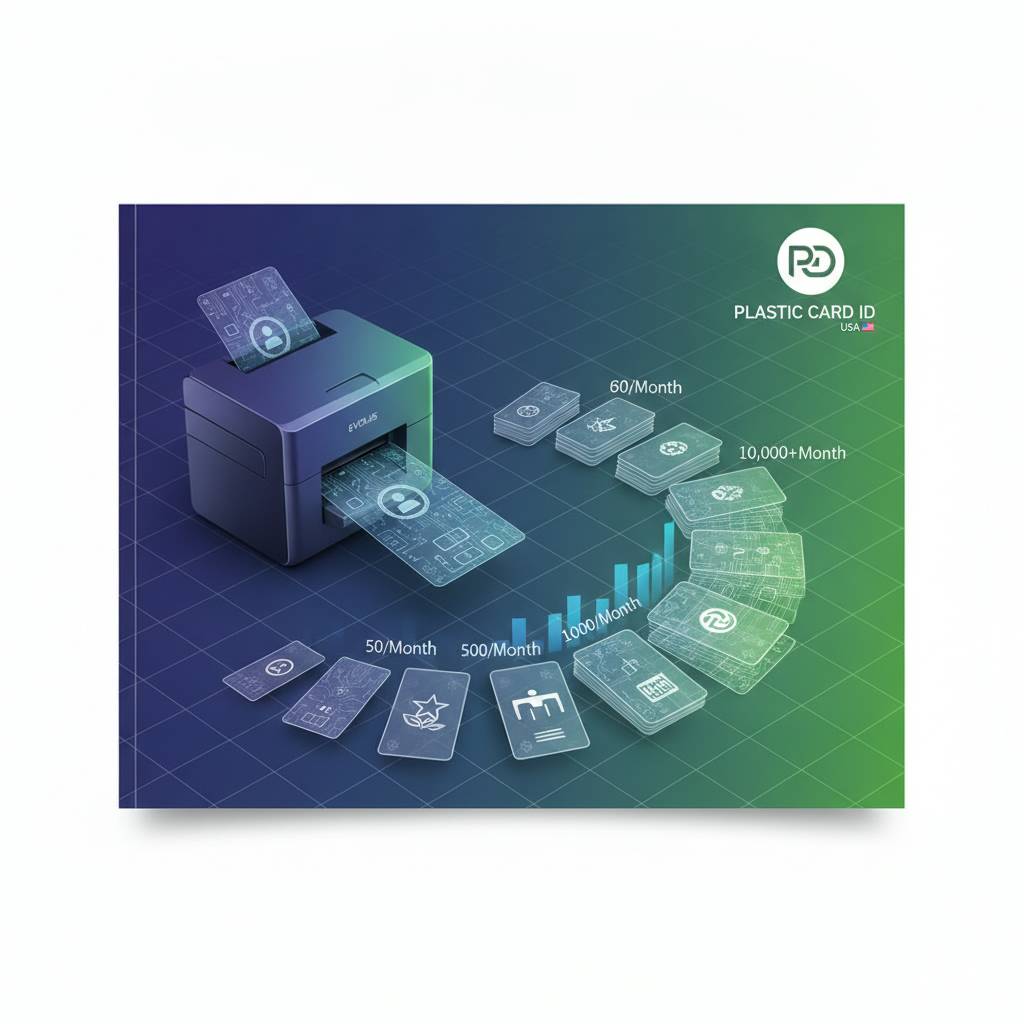 The mid-range is where the majority of professional card programs live. HR departments, corporate ID programs, access control administrators, healthcare organizations managing staff credentials, school districts producing student IDs - these programs all share a common profile: consistent monthly volume, a need for encoding options, and a requirement for reliable, uninterrupted production. The Evolis Zenius and Evolis Primacy2 anchor this tier, handling anywhere from 1,000 to 6,000 cards per month with room to breathe.
The Primacy2, in particular, stands out as one of the most capable mid-range card printers available. It supports dual-sided printing, magnetic stripe encoding, smart chip encoding, and optional lamination modules - essentially a full-featured card issuance platform in a compact desktop form. For organizations that need versatility without stepping into industrial pricing, it's a compelling choice.
Encoding Options That Transform a Printer Into a Full Card Issuance System
A mid-range printer without encoding capability is still a very capable machine. But add magnetic stripe encoding, and suddenly you're producing hotel key cards, loyalty program cards, and access control credentials in one pass. Add smart chip encoding, and your printer can write data directly to contactless or contact chip cards for secure access systems.
Encoding upgrades turn a printer into a complete card issuance workstation - one that can personalize, print, and program a card in a single automated process. This is enormously valuable for organizations managing large staff populations with varying access levels, where each card must carry unique data.
Lamination Modules: Why Some Programs Need Them
Lamination isn't decorative. It's a durability and security upgrade that applies a protective film overlay to the card surface, dramatically extending the life of the printed image and the card itself. For IDs carried daily in wallets, lanyards, and pockets, lamination can double or triple card lifespan.
Security programs benefit further: lamination overlays can carry holographic patterns or custom security features that make cards far more difficult to counterfeit. For government-adjacent programs, law enforcement contractors, or any organization where credential fraud is a genuine concern, a lamination module isn't optional - it's essential.
Fargo and Zebra Options in the Mid-Range Tier
Fargo's HDP (High Definition Printing) technology produces cards with a reverse-transfer process that delivers edge-to-edge printing and exceptional durability. For security-focused programs where card quality and longevity are non-negotiable, Fargo's mid-to-upper-range printers offer compelling advantages over standard direct-to-card printing.
Zebra's ZC-series printers bring enterprise-grade reliability in a compact form, with robust connectivity and security features well-suited to corporate ID programs. Both brands complement the Evolis lineup by offering alternative technologies and form factors for buyers whose requirements align better with their design philosophies.
High-Volume and Industrial Card Printing: When Speed Is Non-Negotiable
 Some organizations don't have the luxury of a relaxed card issuance pace. A university issuing student IDs during orientation week, a large employer onboarding hundreds of contract workers, an event company printing credentials for a 5,000-person conference - these scenarios demand hardware engineered for speed and sustained throughput without quality degradation. This is where the Evolis Agilia and the Matica Event Printer enter the picture, and they are genuinely different animals from their desktop cousins.
The Agilia, Evolis's premium flagship, delivers edge-to-edge printing with exceptional color accuracy at speeds the mid-range tier simply cannot match. It handles high-volume production without the mechanical strain that would quickly compromise a lighter printer. The Matica Event Printer specializes in exactly what its name implies: rapid on-site badge production for events where every second of delay translates directly to queue length and attendee frustration.
What Makes the Evolis Agilia Stand Apart
Beyond raw speed, the Agilia offers something mid-range printers can't replicate: premium edge-to-edge print quality at sustained high volumes. The visual output is noticeably superior - colors are richer, gradients smoother, and detail sharper. For organizations where card appearance reflects brand quality or professional status, this matters.
The Agilia also supports the full range of encoding options and advanced lamination, making it genuinely capable of handling even the most demanding ID program specifications. If your organization prints 1,000 or more cards per month and needs the absolute best output, the Agilia is the machine the conversation leads to.
Event Badge Printing: A Different Kind of Volume Challenge
Event printing isn't about sustained monthly volume - it's about compressed burst printing. Printing 2,000 badges in four hours at a convention registration desk is a fundamentally different challenge than printing 2,000 cards over a month. Equipment, workflow, and supply logistics all need to align specifically for that scenario.
The Matica Event Printer addresses this directly, with high-speed throughput and a robust mechanical design suited for the demands of event environments. Combined with pre-loaded supplies and a streamlined workflow, it allows registration teams to produce professional credentials on-site without the chaos that comes from under-powered hardware being pushed past its limits.
Supplies and Consumables at High Volume
- YMCKO ribbons yield more cards per ribbon at higher-tier printers, reducing per-card ribbon cost compared to entry-level options.
- Monochrome ribbons for text-only or single-color printing deliver significantly higher yields and lower per-card costs for programs that don't require full color.
- Specialty ribbons for security applications include UV-reactive inks, holographic overlays, and custom lamination film options.
- Input hoppers and extended card capacity feeders reduce manual intervention during high-volume runs, keeping production moving uninterrupted.
- Cleaning kits become even more important at high volumes - regular maintenance is the single most reliable way to extend printer lifespan and maintain consistent print quality.
Staying stocked on supplies before production runs - not during them - is a discipline that separates smooth card programs from chaotic ones. CPE supplies all major consumables for every printer in the lineup, and keeping a working inventory on-hand is a straightforward operational habit that pays dividends every single print run.
Building a Complete In-House Card Program: Beyond the Printer
The printer is the centerpiece, but a complete card program involves more moving parts than most buyers anticipate before their first purchase. Ribbons, cleaning supplies, blank card stock, encoding hardware, software, lanyards, card sleeves - each component plays a role. Getting all the pieces right from the start prevents the mid-program scramble that disrupts card issuance and delays credential delivery when your organization needs it most.
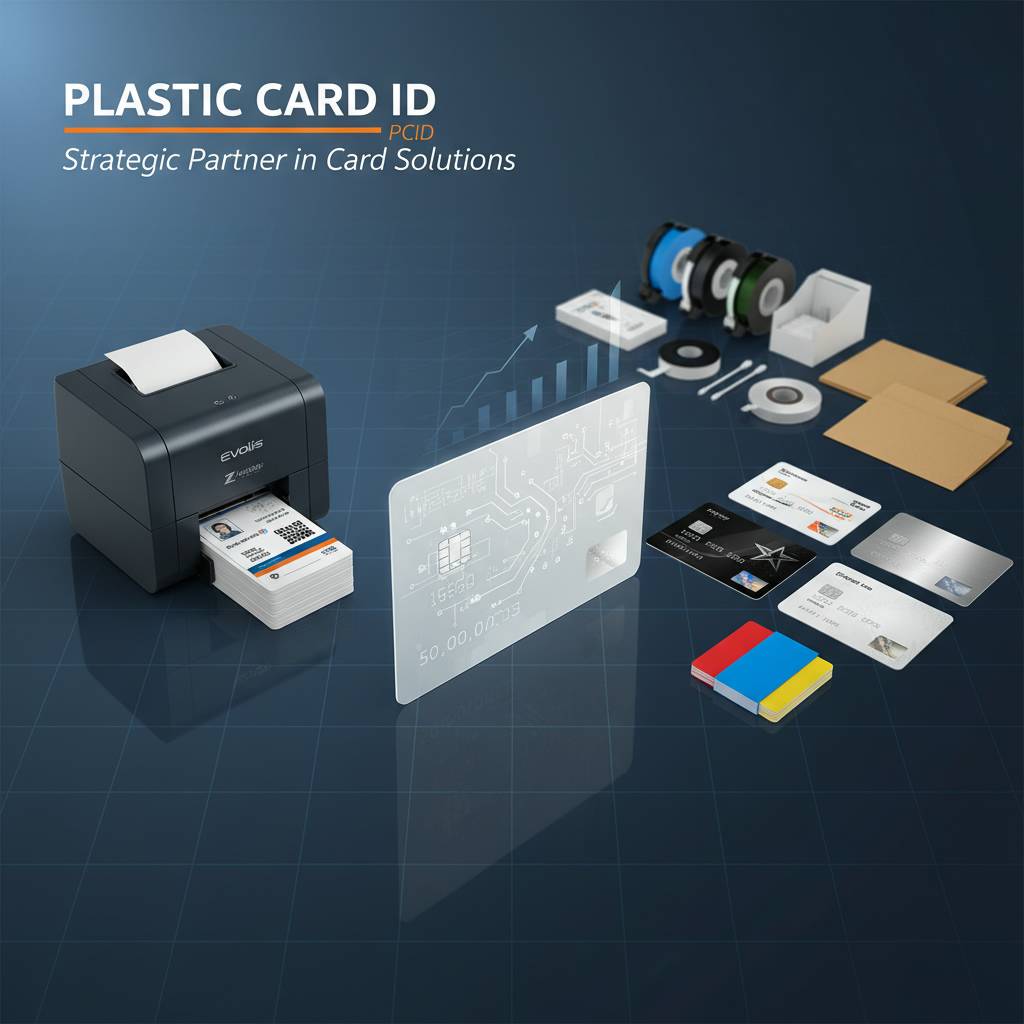
The advantage of sourcing everything from a single supplier cannot be overstated. Compatibility is guaranteed, reorder cycles are simpler, and support is cohesive. CPE supplies printers, ribbons, cleaning kits, lamination modules, encoding upgrades, input hoppers, card carriers, and sleeves - everything needed to run a professional card program from day one.
Card Types and What Your Program Actually Requires
Employee ID cards, membership cards, loyalty cards, access control credentials, student IDs, hotel key cards, and event badges each carry slightly different physical and functional requirements. A loyalty card for a retail program needs a magnetic stripe for point tracking. A student ID might need a smart chip for library access and cafeteria payments. A hotel key card needs encoding that interfaces with specific lock hardware.
Understanding the card's functional role - not just its visual design - determines which printer features are mandatory versus optional. Starting with the card's end use and working backward to hardware requirements is the professional way to build a card program.
Maintenance Practices That Protect Your Investment
A card printer's print head is its most expensive replaceable component. Dust, card debris, and ribbon residue accumulate with every print cycle and degrade output quality before causing mechanical failure. Regular cleaning with manufacturer-approved cleaning kits is the single most effective way to protect print head longevity and maintain consistent output quality.
Cleaning intervals depend directly on volume - a printer running 500 cards per day needs more frequent maintenance than one printing 50. Establishing a scheduled cleaning routine, documented and assigned to a specific team member, transforms a printer from a reactive maintenance problem into a reliable piece of infrastructure.
Scaling Your Card Program as Your Organization Grows
Organizations change. A 50-person company becomes 200 employees. A local gym franchise opens three new locations. A school district adds two new buildings. The card program needs to scale with the organization, and that means periodically reassessing whether the existing hardware still fits the current volume tier.
The good news is that upgrading printers doesn't require starting from scratch. Many encoding accessories, software licenses, and supply types carry forward between models within the same brand family. Planning for growth during the initial purchase decision - choosing a printer with a slight volume buffer - is a strategy CPE consistently recommends to buyers whose organizations are on a clear growth trajectory.
Buyer's Guide: Frequently Asked Questions About Card Printer Volume
 After helping more than 100,000 customers select card printers, CPE has heard virtually every question in the book. A few come up so consistently that they deserve direct answers here, before they become reasons for hesitation or post-purchase regret.
The goal of this section is simple: give you the straightforward information that makes a confident purchase possible. No jargon, no spec-sheet overload - just practical answers to real buyer questions.
What Happens If I Occasionally Exceed My Printer's Rated Volume?
Occasional volume spikes above a printer's rated duty cycle won't destroy it immediately. But consistent operation above rated capacity accelerates wear on mechanical components, degrades print head performance over time, and shortens the overall lifespan of the machine. Think of it like redlining a car engine: survivable in bursts, damaging as a habit.
If your program regularly exceeds its rated volume, the practical solution is stepping up to the next tier rather than managing degrading hardware. The cost of a printer upgrade is almost always less than the cost of premature failure, plus lost productivity during downtime.
How Do Ribbon Yields Affect My Cost Per Card?
Ribbon yield varies by type. A full-color YMCKO ribbon might yield 100-250 cards depending on the printer model. A monochrome black ribbon for the same printer might yield 1,000 or more cards. If your card design uses a black-only back panel with color only on the front, using separate color and monochrome ribbons for each side can meaningfully reduce per-card ribbon costs.
Calculating cost per card before purchasing is straightforward: divide the ribbon cost by its rated card yield. For a program printing 500 cards per month, the difference between a $30 ribbon yielding 200 cards and a $45 ribbon yielding 400 cards represents thousands of dollars in savings over a three-year equipment lifespan. Ribbon economics matter more than most buyers realize.
Can I Reach the Team Directly for a Volume Assessment?
Absolutely. The team at CPE is available to walk through your specific program parameters, calculate realistic monthly volume projections, and match you to the right printer tier and supply configuration. Call 800.835.7919 for a direct conversation with someone who genuinely knows this equipment.
Whether you're starting from zero or reassessing an existing program that's outgrown its current hardware, the goal is to make sure you end up with the right tools for your actual operation. That's a conversation worth having before you spend a dollar on hardware.
Take the Next Step with Plastic Card ID
 Matching your card printing volume to the right hardware isn't complicated once you have the framework. Know your real monthly output. Account for peak periods. Understand which features your card program actually requires. Build in a reasonable volume buffer. And work with a supplier who's been doing this long enough to have seen every combination of requirements, constraints, and use cases imaginable.
Plastic Card ID has spent more than 25 years and served more than 100,000 customers doing exactly this - helping organizations of every size and type build card programs that run reliably, produce professional results, and scale as needs evolve. From the Evolis Badgy200 for a small membership club to the Evolis Agilia or Matica Event Printer for high-volume enterprise programs, the right solution exists in the lineup.
Ready to find the perfect card printer for your volume? Call 800.835.7919 and speak with the team at Plastic Card ID today. The right printer is one conversation away.
How to Choose the Best Plastic Card Printer for You
Previous Page