Plastic Card Printer for Employee ID Cards: Top Picks
Table of Contents []
- Why Plastic Card ID Is the Go-To Source for Plastic Card Printers for Employee ID Cards
- Understanding the Printer Lineup: From Entry-Level to Industrial
- Supplies and Consumables That Keep Your Program Running
- Encoding Options: Magnetic Stripe, Smart Chip, and Access Control
- Buyer's Guide: Choosing the Right Plastic Card Printer for Employee ID Cards
- Common Use Cases: Who Is Printing Employee ID Cards In-House?
- Frequently Asked Questions About Plastic Card Printers for Employee ID Cards
- Get Your Employee ID Card Program Running With Plastic Card ID
Why Plastic Card ID Is the Go-To Source for Plastic Card Printers for Employee ID Cards
 There's a moment every growing organization eventually faces: the stack of outsourced ID cards arrives late, half of them have the wrong information, and someone's standing at the front desk without credentials. That moment is entirely preventable. Bringing your employee ID card printing in-house is not just a convenience upgrade - it's a fundamental shift in how your organization controls its own security and identity infrastructure.
Plastic Card ID has spent more than 25 years supplying plastic card printers and the hardware, supplies, and expertise that keep card programs running smoothly. With over 100,000 customers served across the United States, CPE carries a carefully curated lineup of professional-grade printers from Evolis, Fargo, Zebra, and Matica - brands that define the industry standard for quality, reliability, and output you can actually trust.
Whether you're printing 200 cards a year or running a high-throughput operation that demands thousands per month, the right equipment makes all the difference. This guide walks you through what a plastic card printer for employee ID cards actually involves - the hardware, the consumables, the encoding options, and how to match the right system to your real-world needs.
The Case for In-House Employee ID Card Printing
Outsourcing your employee ID cards means surrendering control - over timing, over accuracy, over the look and feel of every badge. When you own the printer, you own the process. New hire starting Monday? Print the card Friday afternoon. Employee loses a badge? Reprint in minutes. Need to update a photo or department name? Done before the end of the workday.
The financial argument is equally compelling. Per-card costs from outside vendors add up fast, especially when rush fees and shipping enter the equation. In-house printing typically delivers a dramatically lower cost per card over time, often paying for the hardware investment within the first year or two of operation.
Who Needs a Plastic Card Printer for Employee ID Cards?
The answer is broader than most people assume. Hospitals, manufacturing plants, corporate offices, schools, hotels, retail chains, government agencies - any organization that issues physical identification to its workforce benefits from having this capability on-site. Security programs live and die by the quality and consistency of their credentials.
Organizations with access control requirements, time-and-attendance systems, or regulatory compliance mandates around employee identification find in-house printing particularly valuable. You control the data, the design, and the encoding - no third party ever touches your employee information.
Calling Plastic Card ID Directly for Expert Guidance
Choosing the right printer isn't always obvious, especially if you're new to card printing or scaling up from a previous system. The team at CPE has helped businesses of every size - from single-location startups to multi-site enterprises - find the configuration that fits their volume, budget, and feature requirements.
Reach out at 800.835.7919 to speak with someone who genuinely knows this equipment. Not a call center script - actual product knowledge from people who work with these printers every day.
Understanding the Printer Lineup: From Entry-Level to Industrial
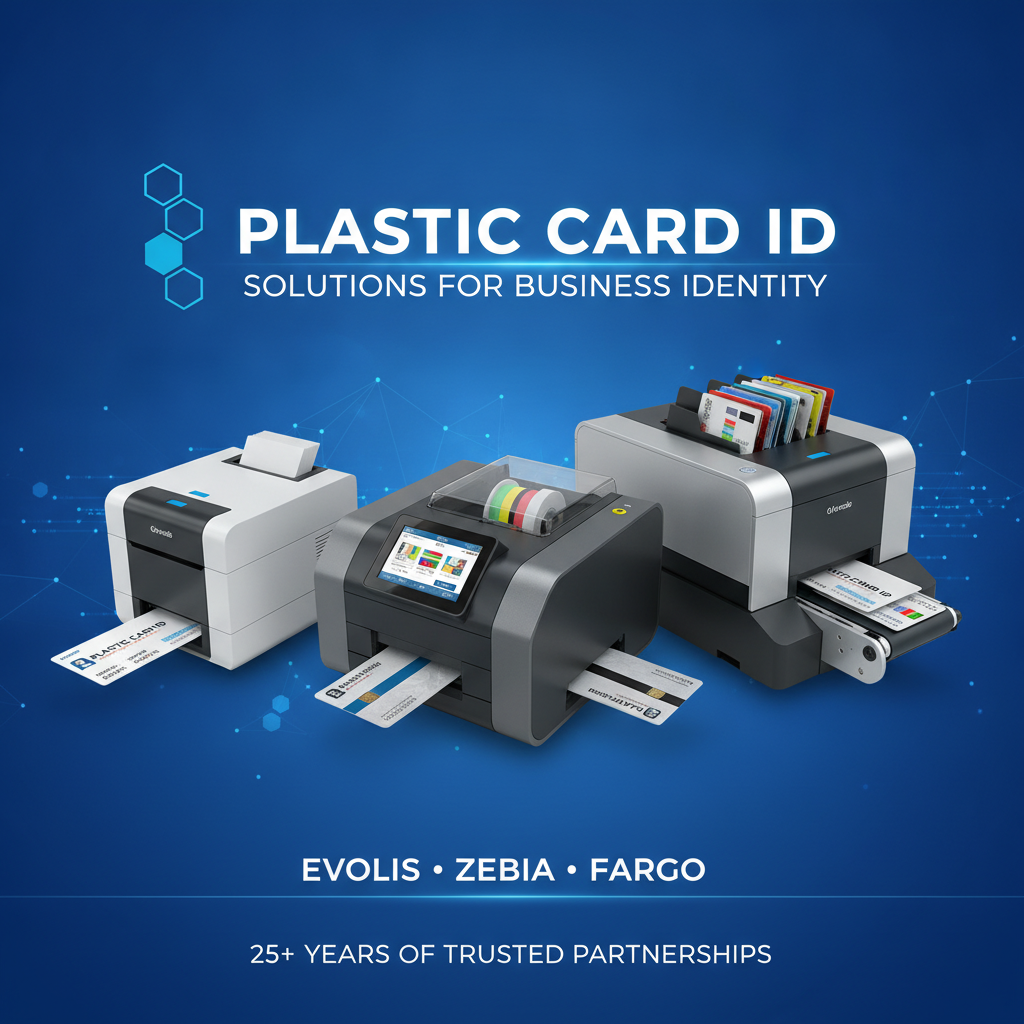
| Printer Model | Brand | Ideal Volume | Key Features |
|---|---|---|---|
| Badgy200 | Evolis | Under 1,000 cards/year | Compact, easy setup, single-sided |
| Zenius | Evolis | 1,000-3,000 cards/month | Single-sided, mag stripe option |
| Primacy2 | Evolis | Up to 6,000 cards/month | Dual-sided, encoding upgrades |
| Agilia | Evolis | High-quality premium output | Edge-to-edge printing, superior resolution |
| HDP Series | Fargo | Security ID programs | High-definition retransfer printing |
| ZC Series | Zebra | Mid-to-high volume ID programs | Robust build, encoding support |
| Event Printer | Matica | High-speed on-site events | Fast throughput, badge-ready output |
Entry-Level Printers: The Right Start for Smaller Operations
The Evolis Badgy200 is the kind of printer that removes every excuse for not printing employee ID cards in-house. Compact, approachable, and genuinely capable, it fits on any desk and handles organizations printing fewer than 1,000 cards annually without breaking a sweat. Setup is straightforward, and the learning curve is almost nonexistent.
For small businesses, nonprofits, schools with limited enrollment, or branch offices that need a handful of employee credentials each month, the Badgy200 hits a price point and performance level that makes the investment easy to justify. It's a serious printer in a non-intimidating package.
Mid-Range Workhorses Built for Consistent Daily Use
The Evolis Zenius and Primacy2 represent the sweet spot for most organizations. These are printers designed to run - consistently, reliably, every single workday. The Zenius handles single-sided printing with optional magnetic stripe encoding, while the Primacy2 steps up to dual-sided output and a fuller range of encoding upgrades, including smart chip options.
At volumes between 1,000 and 6,000 cards per month, these printers earn their keep fast. HR departments, corporate security teams, and operations managers who print employee IDs on a rolling basis will find the Primacy2 especially capable. It handles the workload without drama.
Premium and High-Volume Solutions for Demanding Programs
The Evolis Agilia is for organizations that refuse to compromise on visual quality. Edge-to-edge printing with premium color fidelity means your employee ID cards look as polished as your brand deserves. This isn't a beginner's printer - it's a precision instrument for programs where appearance carries real weight.
Fargo and Zebra printers serve security-conscious organizations that need verifiable, tamper-resistant credentials. Fargo's retransfer technology produces cards with an image actually printed beneath a protective overlay, delivering exceptional durability. Zebra's ZC series brings enterprise-grade robustness to environments where downtime simply isn't acceptable.
Supplies and Consumables That Keep Your Program Running
 A plastic card printer is only as good as the supplies feeding it. The right ribbon, the right cleaning schedule, the right lamination - these aren't afterthoughts. They're the difference between cards that look professional for years and cards that fade, scratch, or jam mid-batch. Plastic Card ID supplies every consumable your card program needs, from ribbons to cleaning kits to card carriers.
Understanding your consumable options before you buy is smart planning. It helps you budget accurately, anticipate reorder cycles, and avoid the frustrating situation of having a printer ready but no ribbon in the drawer.
Printer Ribbons: YMCKO, Monochrome, and Specialty Options
YMCKO ribbons - yellow, magenta, cyan, black, and overlay - are the standard for full-color employee ID card printing. They produce vibrant, professional results and include a protective overlay panel that shields the printed image from everyday wear. Most corporate employee ID programs run on YMCKO ribbons, and for good reason.
Monochrome ribbons (black, white, gold, silver, and others) serve a different purpose - fast, high-volume single-color printing where speed and cost efficiency matter more than full-color output. Specialty ribbons cover holographic overlaminates and other security-focused applications. CPE carries the full range across all supported printer models.
Cleaning Kits and Maintenance Supplies
Card printers accumulate dust, debris, and residue from cards and ribbons over time. A regular cleaning routine is not optional - it's how you protect your hardware investment and maintain consistent print quality. Skipping cleanings leads to banding, color inconsistency, and eventually mechanical problems that require service calls.
Cleaning kits typically include cleaning cards and swabs designed to reach the rollers and print head without causing damage. Plastic Card ID stocks cleaning supplies for every printer model in the lineup, and most manufacturers recommend a cleaning cycle every 500-1,000 cards printed, or whenever you swap a ribbon.
Lamination Modules and Card Carriers
Lamination modules attach to compatible printers and apply a thin film overlay to each card, dramatically extending card lifespan and adding a layer of tamper resistance. For employee ID programs in physical or security-sensitive environments - manufacturing floors, healthcare settings, warehouses - lamination is often worth the added hardware cost.
Card carriers and sleeves protect printed cards during handling and extend their usable life in everyday environments. These are simple additions to any card program that add a professional finishing touch while reducing wear on frequently swiped or handled credentials.
Encoding Options: Magnetic Stripe, Smart Chip, and Access Control
An employee ID card that simply displays a name and photo is useful. An employee ID card that also opens doors, logs time and attendance, and interfaces with your access control system is genuinely transformative for operations management. Encoding upgrades make the second scenario possible - and Plastic Card ID supplies the hardware to make it happen.
Encoding is added at the printer level, either as a factory-installed option or an aftermarket upgrade, depending on the model. The key is knowing what your current infrastructure requires before you purchase.
Magnetic Stripe Encoding for Employee ID Cards
Magnetic stripe encoding - the same technology on a bank card's back - is the most widely deployed data storage format for employee credentials. It's compatible with time clocks, door readers, POS systems, and dozens of access control platforms. Most mid-range and above printers in the CPE lineup support magnetic stripe encoding as either a standard or optional feature.
HiCo (high coercivity) and LoCo (low coercivity) stripe options exist depending on your reader infrastructure. The majority of secure employee ID programs use HiCo encoding for its resistance to accidental erasure from everyday magnetic interference.
Smart Card and Chip Encoding
Smart card encoding embeds contactless or contact-based chip technology directly into the card, enabling higher data capacity and more sophisticated security protocols. Organizations running modern physical access control systems increasingly specify smart card credentials because they're harder to clone and support multi-factor authentication workflows.
The Evolis Primacy2 and several Fargo and Zebra models support smart card encoding upgrades. If your access control system is chip-based or you're planning to migrate to one, specifying a chip-encoding capable printer from the outset is the right call.
Speak with Plastic Card ID Before You Configure
Encoding configurations interact with your existing infrastructure in ways that aren't always obvious from a spec sheet. The wrong magnetic stripe format, or a chip type incompatible with your readers, creates headaches that are entirely avoidable. Call 800.835.7919 before finalizing your order and get the encoding configuration right the first time.
CPE has helped organizations across every industry navigate these decisions. A five-minute conversation saves hours of troubleshooting later. That's a trade-off that always makes sense.
Buyer's Guide: Choosing the Right Plastic Card Printer for Employee ID Cards
 The market offers enough options that choosing poorly is genuinely easy. Volume, features, budget, and future scalability all factor into a smart purchasing decision. Here's a practical framework for getting it right the first time - without buying more printer than you need or under-specifying and regretting it six months later.
Key Questions to Ask Before You Buy
- How many cards do you print per month? This single number narrows your options dramatically. Under 100 cards monthly? Entry-level is fine. Over 1,000? Mid-range minimum.
- Do you need single-sided or dual-sided printing? Dual-sided adds cost but opens up card designs that use both faces for information.
- Is encoding required? Magnetic stripe, smart chip, or both? Know your access control system's requirements before you spec a printer.
- What's your color requirement? Full-color YMCKO for photo IDs, or monochrome for text-only credentials? Both affect ribbon costs and printer selection.
- Do you need lamination? High-wear environments justify the lamination module upgrade. Office-only credentials may not need it.
- What's your budget - hardware plus consumables over 12 months? Total cost of ownership beats sticker price as a decision metric every time.
Matching Volume to the Right Model
It's worth being precise here. The Evolis Badgy200 suits organizations printing fewer than 1,000 cards per year - that's roughly 80 cards per month or fewer. Push past that volume consistently and you'll notice slower throughput and potentially shorter hardware life. Buy for your realistic peak volume, not your average.
The Zenius handles up to 3,000 cards per month, the Primacy2 scales to 6,000. For programs exceeding that range or demanding the highest possible image quality, the Agilia and the Fargo and Zebra options deliver the throughput and output quality those programs demand.
Understanding Total Cost of Ownership
Hardware prices for professional card printers typically range from $300-$600 for entry-level units up to $1,500-$3,000 or more for full-featured industrial models. But the ribbon is where the ongoing costs live. YMCKO ribbons vary by yield and model - a ribbon that prints 250 cards costs meaningfully less per card than one printing 100, so buying for volume efficiency pays off.
Cleaning kits, replacement cards for testing, and occasional maintenance supplies add modest but predictable ongoing costs. Running a simple 12-month projection before purchasing gives you a clear picture of actual operational expense - not just the number on the printer tag.
Common Use Cases: Who Is Printing Employee ID Cards In-House?
 The range of organizations that have moved to in-house employee ID card printing is genuinely diverse. It's not just large enterprises with sophisticated security programs. Small and mid-size businesses across virtually every industry have made the shift and discovered that the control, speed, and cost advantages apply regardless of headcount.
Corporate Offices and Multi-Site Employers
Large corporate employers with multiple locations often centralize card printing at an HR or facilities management hub, then distribute cards to regional offices. Others push printing capability to each site, especially where local hiring happens frequently. Either model works - CPE helps organizations configure both.
For companies with active onboarding programs - where new employee credentials need to be ready on day one - in-house printing eliminates the lag that comes with vendor lead times. Cards are printed the morning of orientation. Done.
Healthcare, Education, and Government Facilities
These sectors carry particularly stringent identification requirements. Healthcare staff must be visually identifiable at all times, and many facilities have compliance-driven mandates around credential standards. Schools issue student and staff IDs that double as library cards, cafeteria access credentials, and in some cases building access cards. Government facilities carry their own obvious security imperatives.
All three sectors benefit from encoding capability - smart cards for access control, magnetic stripes for time and attendance, or both. The Fargo and Zebra printer lines, with their security-focused feature sets, are particularly relevant for these environments.
Hotels, Events, and Hospitality Operations
Hotel operations present a unique card printing challenge: staff ID cards for employee identification, plus key cards for guests, plus potentially event credentials for conferences and banquets happening on property. The Matica Event Printer addresses the high-speed, high-volume badge credential need that event-heavy operations face.
For hospitality HR teams printing employee IDs, mid-range printers with photo capability deliver the professional look that guest-facing staff credentials require. First impressions extend to the ID badge clipped to a hotel employee's uniform.
Frequently Asked Questions About Plastic Card Printers for Employee ID Cards
These are the questions CPE hears most often from organizations evaluating their first printer purchase or upgrading an existing system. The answers here reflect real-world experience across more than 100,000 customers and 25 years of supplying this equipment.
How long do plastic card printers last?
A well-maintained card printer - regularly cleaned, operated within its rated volume range, and supplied with quality consumables - will typically last many years of daily operation. Maintenance is the single biggest factor in printer longevity. Machines that skip cleaning cycles and run past their volume ratings fail earlier. Machines that get proper care run reliably well past their expected service life.
Hardware warranties vary by manufacturer and model. Plastic Card ID can walk you through warranty specifics for any model in the lineup before you purchase.
Can I print both sides of an employee ID card?
Yes - dual-sided printing is available on mid-range and above models like the Evolis Primacy2. Dual-sided cards allow more information per credential: the front carries the photo, name, title, and logo, while the back handles barcodes, magnetic stripes, emergency contact information, or policy acknowledgments. For organizations that want to pack more utility into a single card, dual-sided printing is worth specifying.
Single-sided printers cost less upfront and cover the needs of most basic employee ID programs. If you're uncertain, consider where your program might evolve in two to three years before deciding.
What software do I need to design and print employee ID cards?
Most professional card printers ship with a compatible card design software package, or integrate cleanly with third-party ID software solutions. The software side of card printing is nearly as important as the hardware. A good card design application lets you build templates, import employee data from HR systems or spreadsheets, manage photo capture, and handle batch printing efficiently.
Plastic Card ID can discuss software compatibility for any printer model at 800.835.7919. Getting the hardware and software aligned before purchase avoids integration headaches down the line. It's a conversation worth having early.
Get Your Employee ID Card Program Running With Plastic Card ID
 The path from "we outsource our ID cards" to "we print them ourselves, on demand, exactly how we want them" is shorter and less complicated than most people expect. The right printer, the right supplies, and a clear understanding of your volume and encoding needs - that's the whole equation. Plastic Card ID has spent over 25 years making sure organizations get that equation right.
From the Evolis Badgy200 for a small office to a fully configured Fargo or Zebra system for a high-security enterprise program, CPE carries the equipment, the consumables, and the expertise to match you with the right solution. No guesswork. No overselling. Just honest product guidance from people who know this hardware inside and out.
Plastic Card ID is ready to help you find the ideal plastic card printer for employee ID cards - call 800.835.7919 today and talk to an expert who can match your volume, features, and budget to the perfect system.
Card Printer Troubleshooting: Fix Common Issues Fast
Previous Page