Plastic Card Printer Buying Guide: Find Your Perfect Match
Table of Contents []
- Your Complete Plastic Card Printer Buying Guide from Plastic Card ID
- Understanding Why In-House Printing Changes Everything
- How to Match Print Volume to the Right Printer Tier
- Fargo and Zebra Printers: Security-Focused ID Programs
- Ribbons, Supplies, and the True Cost of Card Printing
- Applications: What Are You Actually Printing?
- Buyer Tips: Frequently Asked Questions Before You Purchase
- Ready to Choose? Let Plastic Card ID Guide Your Decision
Your Complete Plastic Card Printer Buying Guide from Plastic Card ID
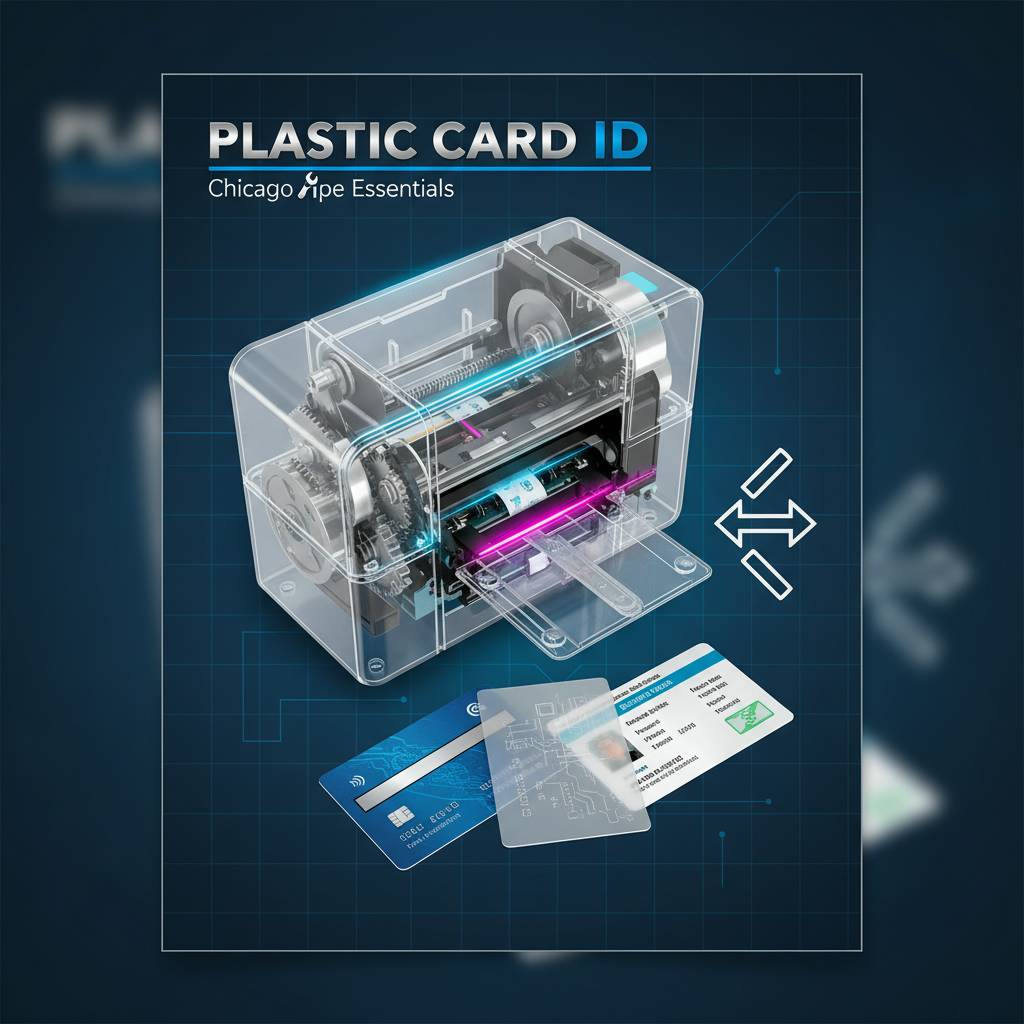 Buying a plastic card printer isn't quite like buying a printer for documents. The variables are genuinely different - card thickness, encoding requirements, print volume, ribbon type, lamination - and the wrong choice can cost an organization thousands in wasted supplies or bottlenecked production. That's exactly why a focused, honest plastic card printer buying guide matters, and why Plastic Card ID has spent more than two decades helping over 100,000 U.S. businesses make confident, well-matched purchasing decisions.
Whether you're outfitting a university ID office, a hotel front desk, a corporate security department, or a growing gym membership program, the printer you choose should fit your actual workflow - not the workflow of some hypothetical organization. This guide walks you through every meaningful decision point, from print volume and card type to ribbon selection and encoding upgrades, so you walk away with clarity rather than confusion.
| Tier | Example Models | Ideal Volume | Key Features |
|---|---|---|---|
| Entry-Level | Evolis Badgy200 | Under 1,000 cards/year | Compact, simple setup, USB |
| Mid-Range | Evolis Zenius, Primacy2 | 1,000-6,000 cards/month | Dual-sided, mag stripe, encoding |
| Premium | Evolis Agilia | High-volume, premium output | Edge-to-edge, highest fidelity |
| Security/ID | Fargo, Zebra | Varies | Security features, robust build |
| Event/On-Site | Matica Event Printer | High-speed bursts | Fast throughput, portable-friendly |
Understanding Why In-House Printing Changes Everything
 There's a particular frustration that organizations discover only after they've been outsourcing card printing for a while: the waiting. A new employee starts Monday, the badge order was placed Thursday, and it still isn't here. In-house plastic card printing eliminates that dependency entirely, putting your production schedule firmly under your own control. Print on demand. Personalize every card. Adjust designs without a vendor approval cycle.
The financial case tends to sharpen quickly, too. Outsourced cards typically run anywhere from $2-$8 per card when you factor in design fees, minimum order quantities, and shipping. A quality ribbon set for an in-house printer might cost $0.30-$0.90 per card at volume. Over thousands of cards annually, that arithmetic becomes very compelling very fast.
Total Control Over Card Personalization
When you print in-house, personalization isn't a premium add-on - it's the default. Every card becomes a unique, individualized document carrying the cardholder's photo, name, title, department, and encoded data, all produced in a single pass through your own hardware. No batch minimums, no per-name fees, no back-and-forth with an external print house.
This matters enormously for programs where cards change frequently. Employee turnover, seasonal staff, rotating membership tiers - these scenarios punish organizations that depend on outside vendors, and reward those with an in-house setup that can respond within minutes rather than days.
Encoding Magnetic Stripes and Smart Chips On-Site
Encoding isn't just a printing function - it's what transforms a plastic card into an access credential, a loyalty program asset, or a hotel room key. Magnetic stripe encoding and smart chip encoding can both be performed during the print cycle on properly equipped printers, meaning the card exits the machine ready to work. No separate encoding step, no secondary hardware.
The Evolis Primacy2 and comparable mid-range units support magnetic stripe encoding as an upgrade module. Smart chip contact and contactless options exist at higher tiers. This guide will help you determine which encoding capabilities your program actually requires - and which ones you can safely skip to manage costs.
Eliminating Lead Times and Vendor Dependency
Supply chain disruptions, vendor staffing issues, minimum reorder thresholds - all of these become someone else's problem when you own the hardware. Your card program runs on your schedule, not a vendor's fulfillment calendar. For security-sensitive applications, that independence also means sensitive cardholder data stays in-house rather than being transmitted to an external print vendor.
Organizations managing access control programs in particular find this control invaluable. A compromised card can be reprinted and reissued within the hour. A lost badge doesn't mean a week-long gap in facility access management - it means a five-minute reprint.
How to Match Print Volume to the Right Printer Tier
Volume is the single most important filter in any plastic card printer buying guide. Get this wrong, and you'll either be running a consumer-grade unit into the ground with business workloads, or paying for industrial capacity you'll never use. Matching your realistic annual card volume to the appropriate printer class is the foundation of a smart purchasing decision.
Volume calculations should account not just for today's needs but for 18-24 month growth projections. A gym that currently issues 400 membership cards per year but plans to open two new locations may be a better fit for a mid-range unit than an entry-level machine that will be maxed out within a year.
Entry-Level Printers: The Evolis Badgy200 and Its Place
The Evolis Badgy200 is a genuinely capable entry-level unit designed for organizations printing fewer than 1,000 cards per year. It's the right tool for small nonprofits, boutique businesses, and offices that need occasional badge printing without the complexity or footprint of a full-featured commercial system. Setup is straightforward, the software is accessible, and the output quality is professional.
What makes the Badgy200 appropriate for its tier is also what limits it at higher volumes. It's not designed for continuous high-throughput use, and pushing it beyond its rated workload shortens the hardware's service life considerably. Know your volume, and the Badgy200 will serve faithfully for years.
Mid-Range Workhorses: Zenius and Primacy2
The Evolis Zenius and Primacy2 occupy the sweet spot for most professional card programs - organizations printing between 1,000 and 6,000 cards per month. These units handle dual-sided printing, magnetic stripe encoding, and higher-throughput workflows without requiring the capital investment of a full industrial system. They're built for sustained daily use in real business environments.
The Primacy2 in particular is a favorite among HR departments, university ID offices, and corporate security teams. It supports a range of ribbon configurations, accepts encoding module upgrades, and produces crisp, consistent output across long print runs. If you're not sure which mid-range model fits best, CPE can walk through your specific requirements in detail.
Premium Output: The Evolis Agilia
For organizations where card quality is a brand statement - think high-end membership clubs, executive credential programs, or premium loyalty cards - the Evolis Agilia delivers edge-to-edge printing with the highest fidelity output in the lineup. No white borders, no compromise on color accuracy, no softness at the card edges. The Agilia is built for programs where the card itself communicates quality to the recipient.
Premium output at this level comes with a corresponding investment, and it's the right investment for the right programs. For organizations issuing thousands of cards monthly at a quality standard that competitors can't match with outsourced production, the Agilia justifies its place in the lineup without difficulty.
Fargo and Zebra Printers: Security-Focused ID Programs
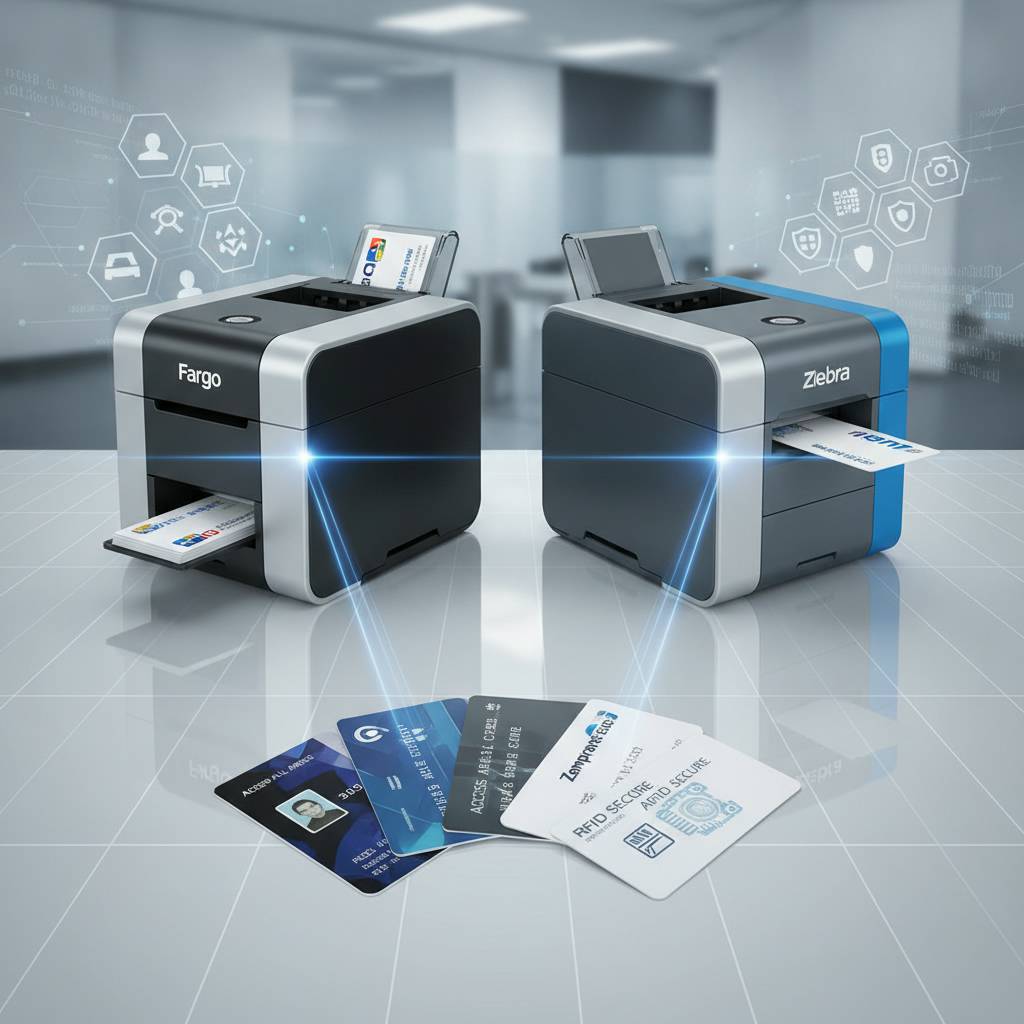 Fargo and Zebra have earned their reputations specifically within security-driven card programs - government contractors, healthcare institutions, financial organizations, and enterprise access control environments where card integrity isn't just a preference but a compliance requirement. These brands bring robust hardware construction and security-feature support that make them the go-to choices when the stakes around card authenticity are genuinely high.
Fargo printers in particular are well known in government and law enforcement adjacent environments. Zebra's card printing lineup extends their broader reputation for industrial-grade hardware dependability into the ID card space. Both brands integrate well into existing identity management software ecosystems, which matters significantly in enterprise deployments.
What Makes a Printer "Security-Focused"
Security-focused card printers aren't simply about printing faster or producing a sharper image. They incorporate features like holographic laminate application, UV fluorescent ribbon options, and microtext printing support that make cards significantly harder to counterfeit or tamper with. For programs where card fraud carries real consequences, these features aren't optional extras - they're baseline requirements.
Lamination modules, available as add-ons for several printer models, apply a protective overlay that both extends card life and enables security overlaminates with holographic patterns. Organizations issuing long-term credentials benefit substantially from lamination, both for durability and for the anti-tamper protection it provides.
Zebra's Role in Enterprise-Scale Programs
Zebra card printers bring the same industrial reliability philosophy that made the brand dominant in barcode label printing to the plastic card space. Enterprise deployments with thousands of active cardholders, complex encoding requirements, and multi-site issuance workflows find Zebra units well-matched to the operational demands of that scale.
Integration with enterprise identity management platforms is a key Zebra strength. If your organization runs Active Directory, an HRIS system, or a dedicated access control platform, Zebra printers typically offer the driver support and network connectivity options that IT departments require. Call 800.835.7919 to discuss Zebra model options in detail with a knowledgeable team member.
Choosing Between Fargo and Zebra
The honest answer is that both brands produce excellent, dependable hardware, and the right choice typically comes down to ecosystem fit rather than raw hardware quality. Fargo tends to be preferred in environments already using HID-compatible access control infrastructure, while Zebra often wins in environments where the broader Zebra ecosystem - labels, mobile computers, scanners - is already present.
Either way, CPE carries both lines and can help you work through the compatibility and feature questions that differentiate models within each brand. The goal is always the same: match the hardware to the real operational environment, not to marketing specifications.
Ribbons, Supplies, and the True Cost of Card Printing
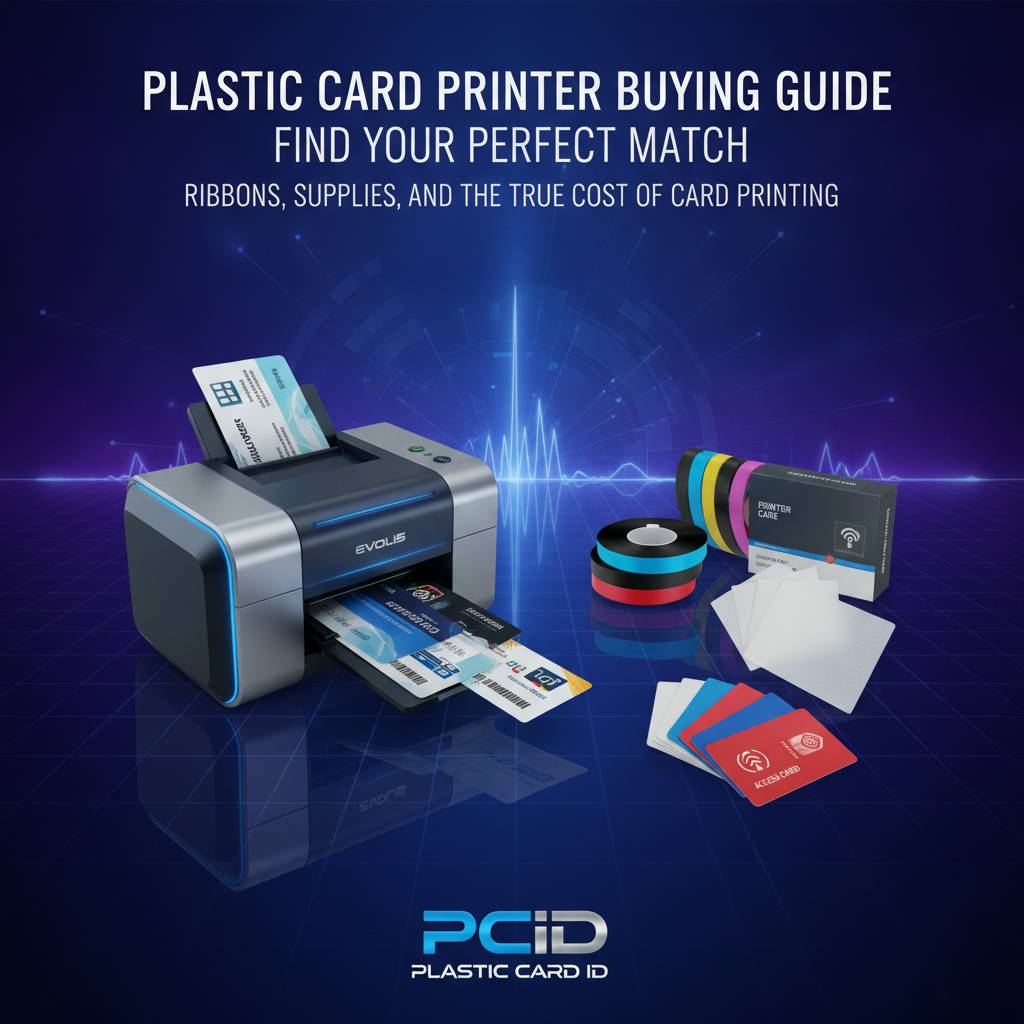 A printer is only as capable as the supplies running through it, and ribbon selection has a larger impact on per-card cost and output quality than most buyers initially realize. Understanding the ribbon landscape before you commit to a printer model helps you build an accurate total cost of ownership picture - which is, frankly, more useful than knowing the printer's sticker price alone.
The consumables ecosystem at Plastic Card ID covers the full spectrum: YMCKO color ribbons, monochrome ribbons in black and other single-color options, specialty ribbons for security printing, cleaning kits, and lamination rolls. Getting the supply side right from the beginning prevents costly mismatches between ribbon type and card application.
YMCKO vs. Monochrome Ribbons: When to Use Each
YMCKO ribbons - yellow, magenta, cyan, key (black), and overlay - are the standard choice for full-color ID cards with photos. They produce the vibrant, photographic-quality output that most professional card programs require, and the overlay panel adds a protective coating that extends card surface durability. Most employee ID and membership card programs run YMCKO.
Monochrome ribbons, by contrast, print a single color - most commonly black - at significantly higher card yields per ribbon. For cards that don't require photos or color graphics, monochrome ribbons dramatically reduce the per-card cost. Access control cards with simple text, basic visitor badges, and single-color loyalty punch cards are all strong candidates for monochrome production.
Cleaning Kits and Printer Maintenance
Neglecting printer maintenance is the fastest way to degrade print quality and shorten hardware life. Plastic card printers are precision instruments - the print head, transport rollers, and card path all accumulate dust, card debris, and ribbon residue over time. Regular cleaning with manufacturer-approved kits keeps output quality consistent and prevents premature component wear.
Most manufacturers recommend a cleaning cycle every time a new ribbon is installed, at minimum. High-volume environments benefit from more frequent cleaning intervals. Plastic Card ID stocks cleaning kits for all supported printer brands, and CPE is always available to help customers establish an appropriate maintenance schedule for their specific print volume.
Input Hoppers, Card Carriers, and Supporting Hardware
Beyond ribbons and cleaning supplies, several supporting accessories significantly improve workflow efficiency. Input hoppers increase the card capacity a printer can process in a single unattended run, which matters enormously in high-volume environments where an operator can't stand over the machine feeding cards one at a time.
Card carriers protect cards during handling and issuance, while card sleeves extend the life of issued cards in the field. These aren't glamorous product categories, but they're the difference between a card program that runs smoothly and one that generates constant handling complaints and premature card replacements.
| Ribbon Type | Best For | Approx. Cost Per Card |
|---|---|---|
| YMCKO (Full Color) | Photo ID cards, membership cards | $0.50-$0.90 |
| Monochrome Black | Access cards, visitor badges | $0.10-$0.25 |
| Specialty/Security | Government ID, high-security credentials | $0.75-$1.50 |
| Lamination | Long-life cards, anti-tamper | $0.20-$0.50 (add-on) |
Applications: What Are You Actually Printing?
Card printer selection isn't purely a volume and budget exercise - the application itself shapes the hardware requirements in meaningful ways. A hotel key card program has different technical demands than a university student ID program, even if the two organizations print roughly the same number of cards per month. Understanding your application first clarifies every subsequent decision.

Plastic Card ID supports businesses across a wide range of card applications, and the team's depth of experience across these categories is one of the genuine advantages of working with a specialized supplier rather than a general technology retailer.
Employee ID and Access Control Cards
Employee ID programs typically require photo printing, name and title personalization, and some form of encoding - whether magnetic stripe for basic access or smart chip for more sophisticated security systems. Dual-sided printing is often valuable here, allowing the card's reverse face to carry additional information like emergency contacts, policy text, or secondary barcodes.
Access control cards in particular benefit from lamination modules that protect the card surface from the repeated physical contact of badge readers and door swipes. A card that looks worn and damaged within six months of issuance reflects poorly on any organization's professional image, regardless of whether it still functions technically.
Membership, Loyalty, and Student ID Cards
Membership and loyalty card programs often prioritize visual quality and card durability above encoding sophistication. The card is a brand touchpoint as much as a functional credential, and the impression it makes on the member at the moment of issuance matters. Full-color YMCKO printing with a protective overlay produces the polished, professional result that reinforces membership value.
Student ID programs bridge both worlds - they typically require photo ID functionality, often include magnetic stripe or smart chip encoding for library access, meal plans, and facility entry, and they're issued at a predictable high volume at the start of each academic term. Mid-range printers with encoding modules are the natural fit for most educational institutions.
Hotel Key Cards and Event Credentials
Hotel key card programs have a unique operational profile: high volume, fast turnaround at check-in, and encoding requirements tied to the property management system. The Matica Event Printer is purpose-built for exactly this kind of high-speed, on-site issuance scenario, delivering the throughput that a busy hotel front desk or conference registration desk demands.
Event credentials - badges for conferences, trade shows, and professional gatherings - similarly demand speed at peak registration moments. Having hardware that can process a surge of badge requests in the first two hours of a conference without overheating or jamming is a genuine operational requirement, not a marketing specification. Call 800.835.7919 to discuss which printer configuration best fits your event credential workflow.
Buyer Tips: Frequently Asked Questions Before You Purchase
 Over 25 years and more than 100,000 customers, certain questions come up consistently before a purchasing decision. These aren't trick questions - they're the practical, grounded concerns of buyers who want to get this right, and they deserve direct, honest answers rather than sales deflection.
The following FAQ-style breakdown addresses the questions CPE hears most frequently from buyers working through their first - or fifth - card printer decision. Each answer is grounded in real product knowledge rather than general speculation.
Common Pre-Purchase Questions Answered
- How long does a printer ribbon last? Ribbon yield is rated in cards per ribbon panel set, typically 200-500 cards for YMCKO ribbons. Higher-capacity ribbons are available for some models at mid-range and above.
- Can I upgrade my printer later? Many mid-range models support modular upgrades for magnetic stripe encoding, smart chip encoding, and lamination - but not all. Confirm upgrade availability before purchasing if future expansion is likely.
- Do I need special cards? Yes. Plastic card printers use CR80 PVC cards - the same size as a standard credit card. Standard 30 mil thickness works for most applications; 20 mil is available for key tags and specialized uses.
- What software do I need? Most card printers include badge design software or are compatible with leading ID software platforms. The complexity of your design and data integration needs determines which software tier you require.
- How often does the printer need servicing? With regular cleaning at recommended intervals, most professional card printers require minimal formal servicing. Cleaning kits are inexpensive and the process takes minutes.
- What's the realistic per-card cost including supplies? For full-color YMCKO printing, expect $0.50-$1.20 per card depending on ribbon, card stock, and whether lamination is applied. Monochrome applications run significantly lower.
Mistakes to Avoid When Buying a Card Printer
Underestimating volume is the most common and most costly mistake buyers make. A printer rated for under 1,000 cards per year will not last long in a program producing 3,000 - even if the initial price looked attractive. Buy for your realistic 18-month volume, not your current baseline.
Ignoring the total cost of ownership is the second major misstep. A printer with a lower upfront price but higher ribbon costs, less efficient card yields, or expensive proprietary cleaning supplies can end up costing significantly more over a three-year service period than a printer that costs $300-$400 more to purchase. Always calculate the supply cost alongside the hardware cost before making a final decision.
How to Evaluate a Supplier, Not Just a Printer
The printer you buy is only as good as the supply chain and support that backs it. A supplier that can't reliably deliver ribbons within a few days, or that doesn't carry cleaning kits for your specific model, creates operational problems that no amount of printer quality can compensate for. Supplier reliability matters as much as hardware quality.
Plastic Card ID maintains an extensive inventory of supplies across all supported brands, and the team's 25-plus years of focused experience in this specific product category means the guidance you receive is grounded in actual product knowledge - not general technology retail expertise applied loosely to a different category.
Ready to Choose? Let Plastic Card ID Guide Your Decision
 A buying decision this specific - one that will shape your card program's output quality, per-card cost, and operational flexibility for the next several years - deserves more than a product grid and a shopping cart. It deserves a conversation with people who know these products deeply, who have placed them in environments very similar to yours, and who have a long track record of matching the right hardware to the right application.
Plastic Card ID has been that resource for over 100,000 businesses across the United States. The team carries Evolis, Fargo, Zebra, and Matica printers alongside the full ecosystem of ribbons, cleaning supplies, encoding modules, hoppers, and card accessories that keep card programs running at their best. From a first-time buyer printing 500 employee badges per year to an enterprise operation issuing thousands of encoded access credentials per month, the experience to guide that decision correctly is right here.
Call 800.835.7919 today and speak directly with a card printer specialist at Plastic Card ID - the team that has equipped over 100,000 American businesses with the hardware and supplies to run professional, in-house card programs with confidence.
Card Printer Monthly Volume Guide: Cards Per Month
Previous Page