Magnetic Stripe Encoding on Card Printers: Complete Guide
Table of Contents []
- Magnetic Stripe Encoding on Card Printers: What Plastic Card ID Wants You to Know
- Understanding Magnetic Stripe Technology on Plastic Cards
- Which Card Printers Support Magnetic Stripe Encoding?
- Supplies and Accessories That Support Mag Stripe Encoding Programs
- Frequently Asked Questions About Magnetic Stripe Encoding
- Buyer's Guide: Selecting the Right Encoding-Capable Card Printer
- Trust Plastic Card ID to Power Your Magnetic Stripe Card Program
Magnetic Stripe Encoding on Card Printers: What Plastic Card ID Wants You to Know
 Most people don't think twice about swiping a card - a hotel key, a gym membership badge, an employee access credential. But behind that seamless swipe is a precisely encoded magnetic stripe, and getting that encoding right starts with choosing the correct printer and configuration. It's a deceptively technical subject, and one worth understanding before you invest in card printing hardware.
Plastic Card ID has been supplying plastic card printers across the United States for over 25 years, serving more than 100,000 customers. That depth of experience means the team has fielded virtually every question imaginable about magnetic stripe encoding - from "what's a track?" to "can I encode and print simultaneously?" This page breaks it all down, clearly and honestly.
| Printer Model | Volume Range | Mag Stripe Option | Best Use Case |
|---|---|---|---|
| Evolis Badgy200 | Under 1,000/year | Available | Small clubs, entry-level ID programs |
| Evolis Zenius | 1,000-6,000/month | Available | Mid-size employee ID, loyalty programs |
| Evolis Primacy2 | 1,000-6,000/month | Available | Dual-sided ID with encoding |
| Evolis Agilia | High volume | Available | Premium edge-to-edge output |
| Fargo / Zebra | Mid to high volume | Available | Security-focused ID programs |
| Matica Event Printer | High-speed on-site | Available | Event credentials, on-demand badges |
Understanding Magnetic Stripe Technology on Plastic Cards
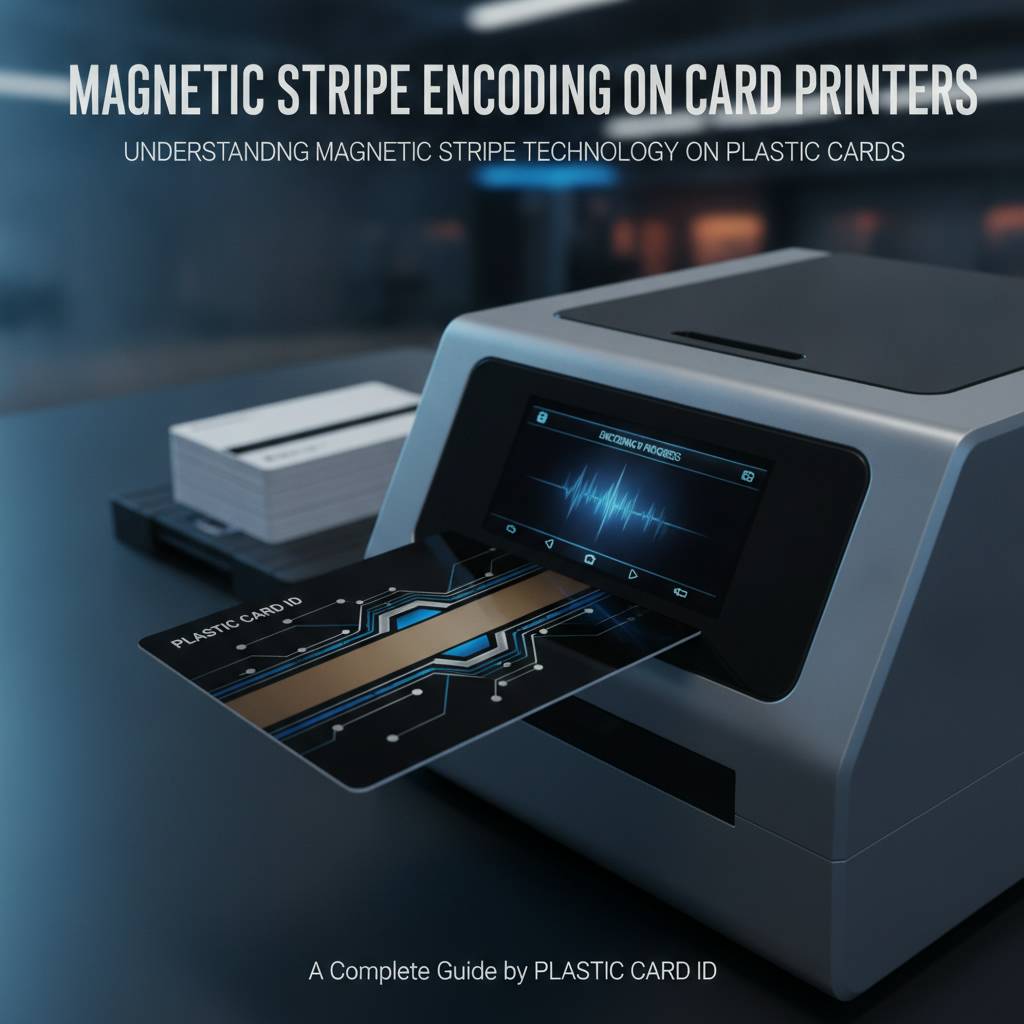 The magnetic stripe - that dark band running across the back of millions of cards worldwide - is a surprisingly capable data storage medium. It's been the backbone of access control systems, loyalty programs, hotel key management, and employee badging for decades. And while it's sometimes overshadowed by newer technologies like smart chips and RFID, mag stripe encoding remains one of the most widely deployed card technologies in active use today.
Magnetic stripes work by storing data in tiny magnetized particles embedded in the stripe itself. During encoding, a write head in the printer magnetizes these particles in a specific pattern that represents alphanumeric data. A reader then scans that pattern when the card is swiped. Simple, reliable, and compatible with an enormous installed base of readers across virtually every industry sector.
The Three Tracks Explained
Magnetic stripes on standard CR80 cards are divided into three data tracks, each with distinct technical specifications. Track 1 can hold up to 79 alphanumeric characters, making it suitable for encoding names or more descriptive data. Track 2 accommodates up to 40 numeric characters and is the most commonly used in access control and loyalty applications. Track 3 holds up to 107 numeric characters and sees use in financial and some proprietary systems.
Most business card programs use Tracks 1 and 2, sometimes in combination, depending on the reader system they need to integrate with. When you order a printer with a magnetic stripe encoding module, you can typically specify which tracks to encode - and most professional-grade printers allow encoding across all three simultaneously during the print cycle, saving significant time in high-volume production runs.
HiCo vs. LoCo: Choosing the Right Coercivity
Coercivity refers to the magnetic strength of the stripe - specifically, how much magnetic force is required to encode data onto it. High-coercivity (HiCo) stripes, rated at 2750 Oe, are far more durable and resistant to accidental erasure from everyday magnetic interference. LoCo stripes, rated at 300 Oe, are easier to encode but degrade more quickly and are better suited for short-term applications like hotel key cards or event passes.
Understanding which coercivity your application demands is critical before purchasing hardware. If you're running an employee ID or membership program where cards are expected to last years, HiCo is almost always the right choice. Hotel key cards, which are replaced frequently anyway, are typically fine with LoCo. Most encoding-capable printers support both coercivity levels - often switchable via software or a physical setting - but confirming this before purchase prevents headaches down the road.
How Encoding Integrates with the Print Process
One of the most practical advantages of in-house card printing with encoding capability is that both processes happen in a single pass through the printer. The card is printed on one side (or both, with a dual-sided model), and the magnetic stripe is encoded in the same automated sequence. There's no need for a separate encoding station, no second handling step, and no opportunity for data-to-card mismatches that can occur when those processes are separated.
This integration matters enormously for accuracy and throughput. In a high-volume ID program - say, a university issuing thousands of student credentials at semester start - encoding on-the-fly while printing eliminates a significant bottleneck. The data is typically fed from a connected database or card management software, with each card receiving its own unique encoded values automatically. CPE makes this process easy to configure with the right hardware and software recommendations.
Which Card Printers Support Magnetic Stripe Encoding?
Not every card printer ships with encoding capability out of the box. For most models, magnetic stripe encoding is an optional module added at the time of purchase or, in some cases, retrofitted later. This is worth understanding early in your buying process - it's far more cost-effective to order the encoding option upfront than to discover later that you need it and find yourself paying significantly more for an upgrade or a replacement unit.
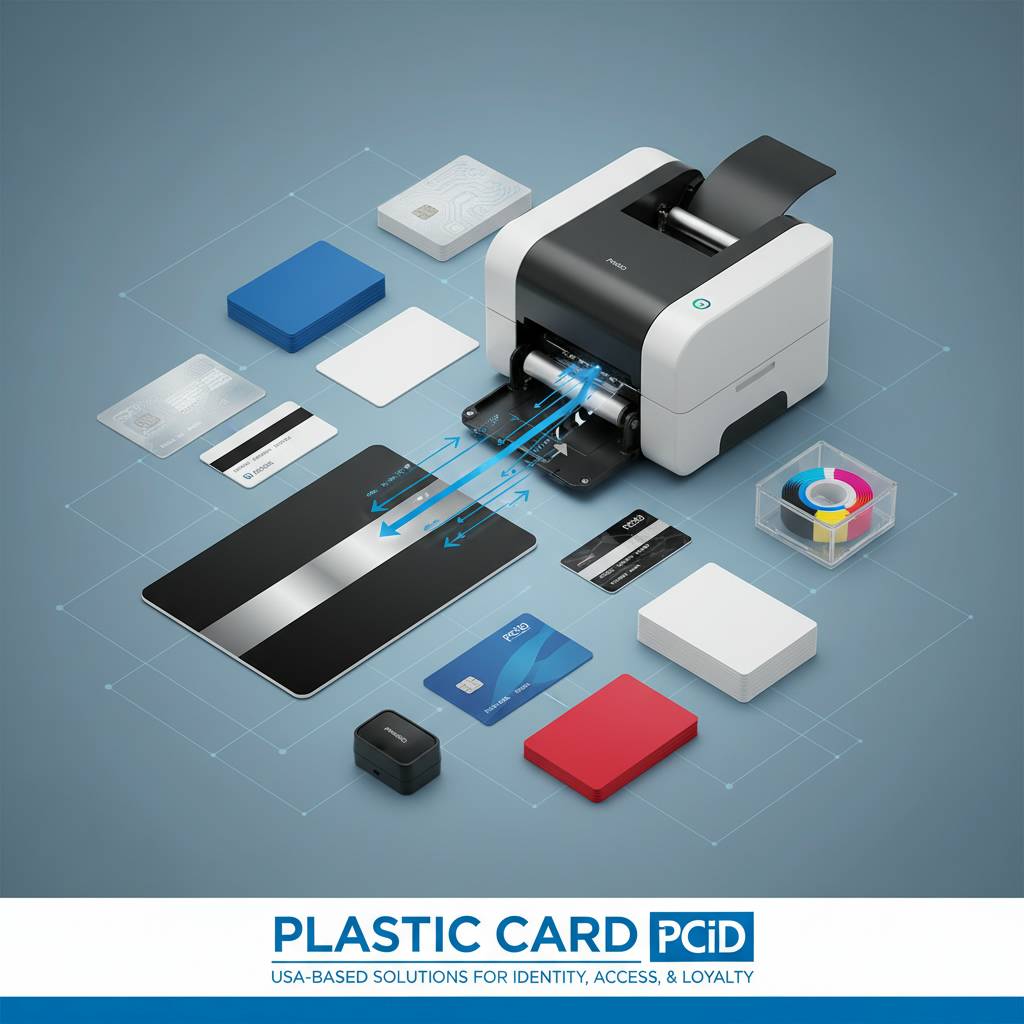
Plastic Card ID carries encoding-capable configurations across its entire printer lineup. Whether you're looking at an entry-level desktop model or a high-throughput industrial unit, there's an encoding-capable configuration available. The key is matching your volume, your encoding track requirements, and your coercivity needs to the right model tier.
Entry-Level Options: The Evolis Badgy200
For smaller organizations printing fewer than 1,000 cards per year, the Evolis Badgy200 with its magnetic stripe encoding option represents a genuinely capable and affordable entry point. Think small professional associations, boutique fitness studios, local libraries, or community organizations that need a legitimate card program without enterprise-level investment. The Badgy200 punches well above its price class in print quality and encoding reliability.
Setup is straightforward, and the Badgy software suite makes data management accessible even without a dedicated IT department. When you call 800.835.7919, the team can walk you through the Badgy200's encoding specifications and confirm it fits your reader infrastructure. Don't overlook this model just because it sits at the entry level - for the right use case, it's precisely correct.
Mid-Range Workhorses: Evolis Zenius and Primacy2
The Evolis Zenius and Primacy2 occupy a sweet spot in the market - capable of handling 1,000 to 6,000 cards per month with professional print quality and robust encoding support. The Zenius is a single-sided model, while the Primacy2 adds dual-sided printing, making it ideal for cards that carry a photo and data on the front along with a magnetic stripe and additional information on the reverse. Both models support simultaneous print-and-encode workflows, keeping production cycles efficient.
Loyalty programs, employee ID programs at mid-size companies, access control deployments at corporate campuses - these are the scenarios where the Zenius and Primacy2 genuinely shine. The encoding modules integrate cleanly with common card management platforms, and both models are built to handle the kind of daily, consistent use that would wear out a lesser printer within months. These are serious tools for serious card programs.
Premium and High-Volume: Agilia, Fargo, Zebra, and Matica
For organizations that demand the highest output quality or operate at scale, the upper tier of the CPE lineup delivers. The Evolis Agilia produces edge-to-edge, visually stunning output with encoding support, making it ideal for credential programs where card aesthetics matter as much as function - think premium membership cards, high-end hotel key programs, or corporate VIP access credentials. Edge-to-edge printing with simultaneous magnetic stripe encoding is a combination that few platforms execute as cleanly as the Agilia.
Fargo and Zebra printers bring their own strengths, particularly for security-conscious ID programs that require additional layers of authentication or tamper-evident features. The Matica Event Printer serves a different niche entirely - high-speed, on-site badge and credential production at conferences, festivals, and large-scale events where hundreds or thousands of cards must be issued rapidly. Each of these platforms supports mag stripe encoding as part of a broader, configurable hardware ecosystem.
Supplies and Accessories That Support Mag Stripe Encoding Programs
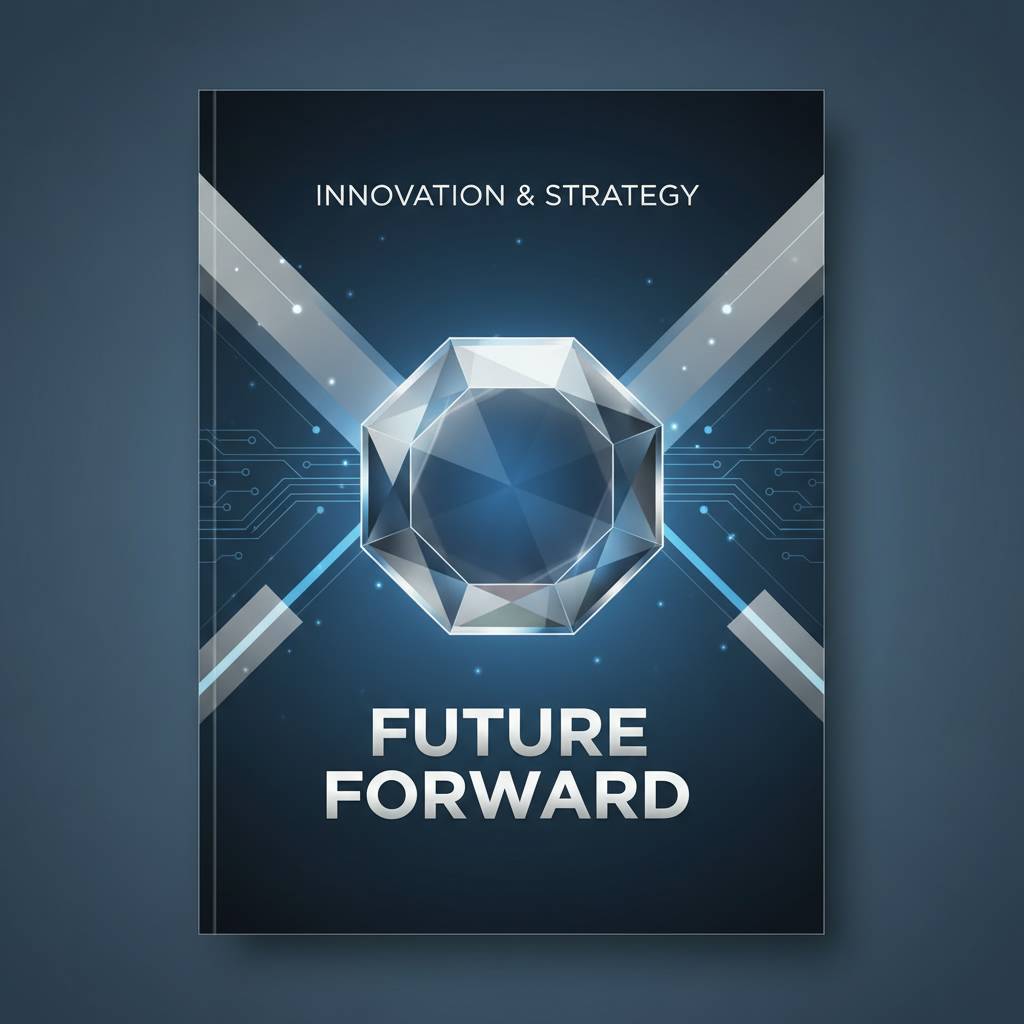 A card printer with encoding capability is only as effective as the supplies supporting it. Using the wrong ribbon type, incompatible blank card stock, or skipping routine cleaning can compromise encoding accuracy just as surely as a misconfigured software setting. Consistent, reliable encoding starts with quality consumables, and Plastic Card ID stocks everything needed to keep an encoding-capable card program running smoothly.
Many buyers focus exclusively on the printer hardware and treat supplies as an afterthought. That's understandable - the printer is the big-ticket item. But over the operational life of a card program, consumables represent a significant ongoing expenditure, and understanding what you need before you start prevents surprises later.
Ribbons for Encoding-Capable Programs
The YMCKO ribbon - yellow, magenta, cyan, black, and overlay - is the standard choice for full-color card printing and works seamlessly alongside magnetic stripe encoding. The overlay panel provides a protective coating that extends card life without interfering with the stripe's functionality. For applications where card aesthetics are secondary to function (access cards for back-of-house staff, for example), monochrome ribbons deliver faster print speeds and lower per-card costs while still supporting simultaneous encoding.
Specialty ribbons, including those designed for dual-sided printing configurations, are also available through CPE. Matching the ribbon to your specific model is important - using an incompatible ribbon can result in poor print quality or, worse, damage to the printhead. Always verify ribbon compatibility before ordering in bulk.
Blank Card Stock with Magnetic Stripes
Not all blank PVC cards include a magnetic stripe, so ordering the correct card stock is a prerequisite for any encoding program. Cards are available with HiCo or LoCo stripes pre-applied, in standard CR80 dimensions (the same size as a standard credit card), and in various finishes. Using pre-striped cards from a reputable source ensures consistent encoding quality - off-brand or poorly manufactured cards can have stripe irregularities that cause intermittent read failures even when the encoding process itself is executed correctly.
For organizations running mixed programs - some cards need mag stripes, others don't - keeping separate card stock inventories is best practice. Most encoding-capable printers can handle both striped and non-striped cards through the same input hopper, but keeping them organized upstream prevents encoding errors caused by loading the wrong card type.
Cleaning Kits and Maintenance for Encoding Accuracy
The encoding head inside a magnetic stripe module is a precision component. Dust, debris, and residue from card stock and ribbons accumulate over time and can degrade encoding accuracy - leading to cards that occasionally fail to read, or worse, cards that encode incorrectly and pass through quality checks undetected. Regular cleaning with manufacturer-specified cleaning kits is non-negotiable for encoding reliability.
Most printer manufacturers recommend cleaning cycles after every 1,000 cards printed, or whenever a cleaning reminder is triggered by the printer itself. Plastic Card ID carries the appropriate cleaning kits for every printer model in its lineup. This is a minor, inexpensive maintenance step that prevents costly card reprints, reader compatibility issues, and potential hardware damage from an encoding head that's never been properly maintained.
Frequently Asked Questions About Magnetic Stripe Encoding
 Over 25 years and more than 100,000 customers, certain questions come up again and again. Below are honest, direct answers to the most common ones CPE encounters about magnetic stripe encoding on card printers.
Can I Encode Existing Cards Without Reprinting Them?
Yes, in some cases - but it requires a printer or encoder that supports encoding-only passes without activating the print mechanism. Some models in the Evolis, Fargo, and Zebra lineups support this workflow. That said, simultaneous print-and-encode is the far more common and practical approach for most programs. Re-encoding existing cards is occasionally useful for updating access privileges on an already-issued credential, but it's not a standard workflow for most organizations.
If re-encoding existing cards is a core requirement for your program, mention this specifically when you speak with the team. There are hardware and software configurations that support it, but it narrows the field of suitable printer models and is worth discussing before you purchase.
What Data Can I Actually Store on a Magnetic Stripe?
The honest answer is: more than most people realize, but not as much as a smart chip. Track 1 supports up to 79 alphanumeric characters - enough for a name, an employee ID number, and a department code simultaneously. Track 2 provides 40 numeric characters, which is sufficient for most access control and loyalty applications. The total data capacity across all three tracks is typically more than adequate for standard business card programs.
- Employee ID numbers, names, and department codes (Track 1)
- Access control credentials and loyalty account numbers (Track 2)
- Proprietary data for internal systems (Track 3)
- Hotel room assignments and check-in/check-out dates (Track 2, LoCo)
- Event access tiers and attendee identifiers (Tracks 1 or 2)
What magnetic stripes cannot do is store large files, photographs, or variable-length data that exceeds track capacity. For those requirements, smart chip encoding - also available as an upgrade on several models in the lineup - is the appropriate technology. But for the vast majority of business applications, magnetic stripe encoding is entirely sufficient.
How Do I Know If My Existing Readers Are Compatible?
Reader compatibility is one of the most overlooked aspects of mag stripe card programs. The key variables are coercivity (HiCo vs. LoCo) and track configuration. Most modern magnetic stripe readers handle both coercivity levels, but older readers may be optimized for one or the other. If you're integrating encoded cards into an existing reader infrastructure, verifying coercivity compatibility before encoding your first batch can save significant rework.
Track compatibility is typically less of an issue - most readers support Tracks 1 and 2 at minimum - but if your system uses Track 3, confirm reader support explicitly. When you call 800.835.7919, the team can help you work through compatibility questions based on your specific reader hardware, ensuring your printer configuration aligns with your existing infrastructure from day one.
Buyer's Guide: Selecting the Right Encoding-Capable Card Printer
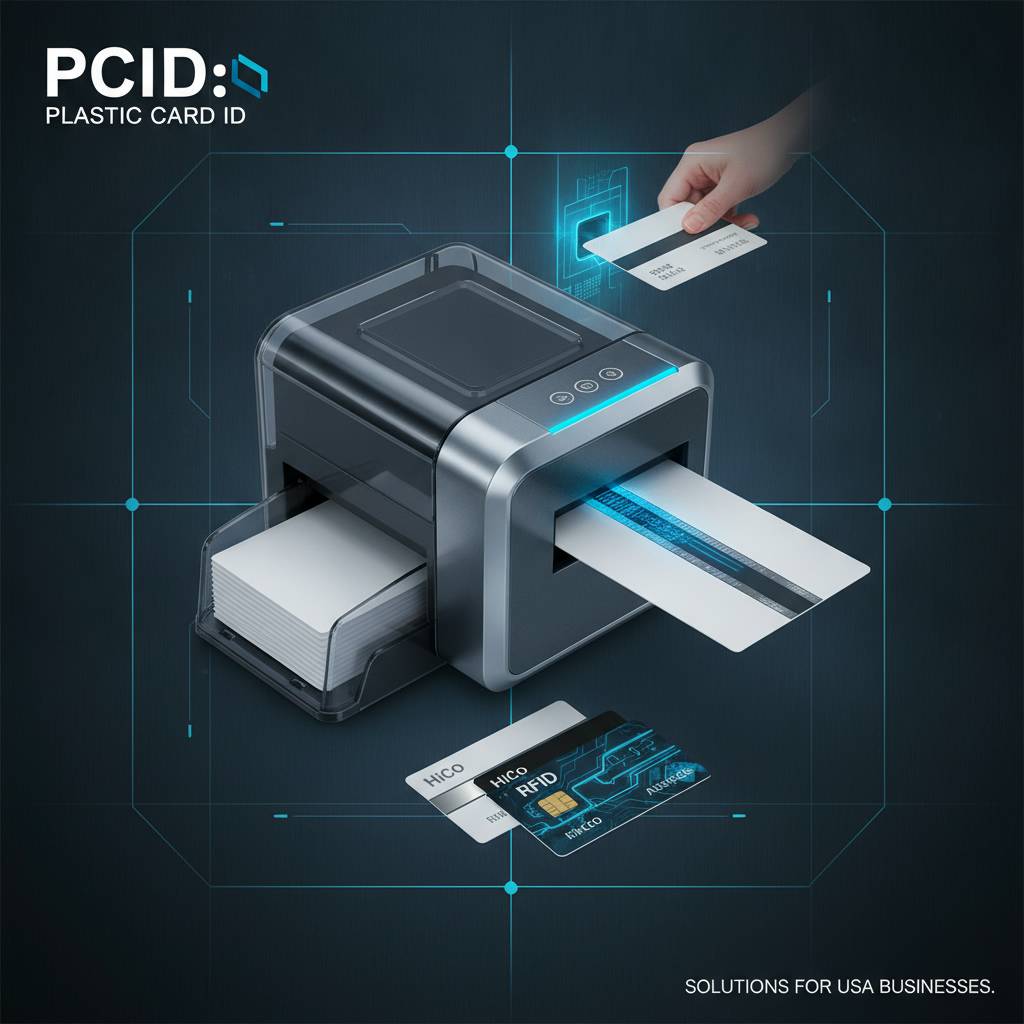
Choosing a printer is one decision. Choosing an encoding-capable printer that actually fits your program's requirements is a more nuanced process. The wrong choice here costs money twice - once when you buy the wrong unit, and again when you replace it. The following framework helps organizations cut through the noise and make a confident, informed decision.
Key Questions to Answer Before You Buy
- How many cards will you print per month or per year?
- Do you need single-sided or dual-sided printing?
- Which tracks do you need to encode (1, 2, 3, or a combination)?
- Is your application HiCo or LoCo?
- Does your card management software support the printer's encoding protocol?
- Do you anticipate needing smart chip encoding in the future?
- Will cards be printed on-demand individually or in batches?
Answering these questions honestly - not aspirationally - will do more to narrow your printer selection than any spec sheet comparison. Volume is the single most important variable. An organization printing 200 cards per year doesn't need the same hardware as one producing 2,000 per month, and buying up in capability "just in case" often means paying for features that will never be used while accepting unnecessary complexity in daily operation.
Factoring in Total Cost of Ownership
The printer's purchase price is only the beginning. Over a three-to-five-year operational life, consumables - ribbons, card stock, cleaning kits - often represent a total expenditure that rivals or exceeds the original hardware cost. Calculating cost per card across all consumables gives a far more accurate picture of program economics than focusing on the upfront hardware price alone.
For example, an entry-level model with a lower purchase price might use ribbons that yield fewer cards per roll, resulting in higher per-card costs that accumulate quickly in a moderate-volume program. A mid-range unit with a higher upfront cost but better ribbon yield can actually prove less expensive over time. CPE can run through these numbers with you based on your expected volume, ensuring the choice that looks right on paper actually works in practice.
When to Consider Encoding Upgrades and Add-Ons
Several printers in the lineup offer expandable encoding configurations - magnetic stripe as a base option, with smart chip encoding available as an additional module. If your organization has any likelihood of adding smart card capabilities in the future, selecting a printer that supports both encoding types from the outset is a smarter investment than committing to a mag-stripe-only unit today and replacing it later.
Input hoppers for higher-capacity unattended printing, lamination modules for enhanced card durability, and card carriers and sleeves for distribution and protection are all available through Plastic Card ID. Building the right accessory package at the time of printer purchase simplifies setup and ensures you're fully operational from day one rather than discovering gaps in your supply chain after the hardware arrives.
Trust Plastic Card ID to Power Your Magnetic Stripe Card Program
 Twenty-five years. More than 100,000 customers across the United States. A carefully curated lineup of professional-grade printers from Evolis, Fargo, Zebra, and Matica. These aren't marketing claims - they're the result of consistently doing right by businesses that depend on reliable, high-quality card printing and encoding capability to run their operations every day.
Whether you're building a new employee ID program from scratch, upgrading aging hardware that no longer meets your volume demands, or adding magnetic stripe encoding capability to an existing print setup, Plastic Card ID has the hardware, supplies, and expertise to make it work. There's no guesswork, no overselling, and no one-size-fits-all recommendations - just honest guidance matched to your actual requirements.
The Right Printer. The Right Supplies. The Right Support.
From the moment you start evaluating options to the first card that rolls out of your new printer, CPE is positioned to support every step of the process. Encoding-capable printers in stock, compatible ribbons and blank card stock with HiCo and LoCo options, cleaning kits, and every accessory your program might need - all from a supplier with the track record to back up every recommendation it makes.
The organizations that build the most effective card programs aren't necessarily the ones with the biggest budgets. They're the ones that ask the right questions, match their hardware to their real-world requirements, and invest in the supplies and maintenance practices that keep the system performing consistently over time. That's the philosophy Plastic Card ID brings to every customer conversation.
Ready to build or upgrade your magnetic stripe card program? Reach out now and let's get it right the first time.
Plastic Card ID is ready to help. Call 800.835.7919 today and speak with a card printing specialist who knows this hardware inside and out.
Card Printer Lamination Module: Complete Guide
Previous Page